
 2
2  2
2 Why "k" key doesn't function?
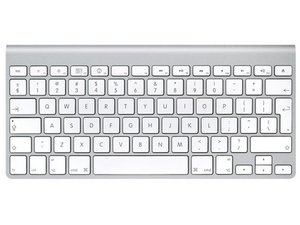
Hi, the "k" letter of my keyboard is dead, I tried connecting my keyboard to two different machines (Mac and Win) with the same results. I tried to take the key off and clean it, but nothing changed.
Any ideas??
Thanks
Bu iyi bir soru mu?
Puan
5

 2,6b
2,6b 
2 Yorum
I have 3 original Apple wired keyboards all with a malfunctioning K key - typing anything with a "k" included needs visual check to ensure it appears... otherwise its repeated tapping to get a response.
kimbo2 tarafından
Had the same problem with letter Y...if it' not a software issue like speech dictation or similar, or mechanical issue like spilled liquid try removing the cap of the letter than adjusting the rubber connector...than take a pointy object and try pushing the key and gently adjusting the rubber connector. It has worked for me
Lu tarafından