Ana içeriğe geç
Onarım Topluluğuna Katılın - Hesap Oluşturun

ATT Trek HD 9020A Screen Replacement

Neye ihtiyacın var

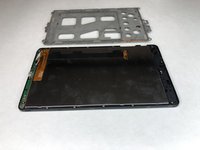
  1. ATT Trek HD 9020A Screen Replacement, Back Cover: adım 1, 1 resimden 1.
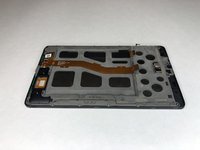
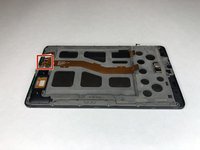
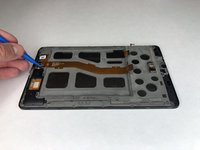
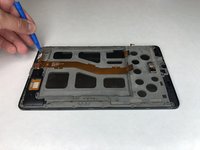
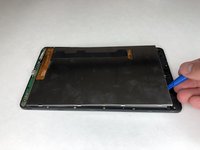
    • To separate the screen from the back panel, run the plastic opening tool along the outer edge of the device.

    FixBot'a Sor

    Yorum Ekle

  2. ATT Trek HD 9020A Screen Replacement: adım 2, 1 resimden 1.
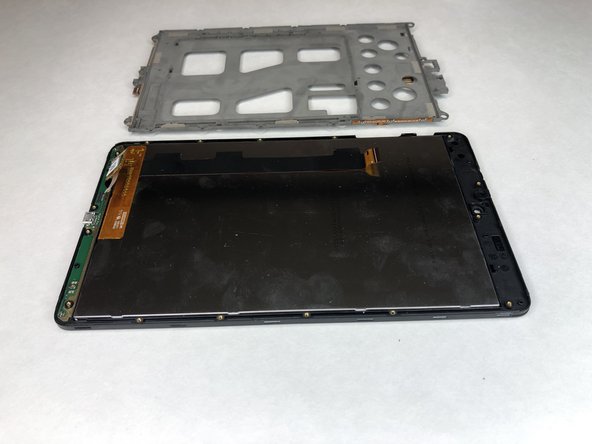
    • Pull the screen away from the back panel.

    FixBot'a Sor

    Yorum Ekle

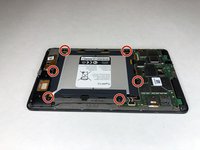
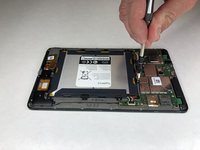
  3. ATT Trek HD 9020A Screen Replacement, Battery: adım 3, 2 resimden 1. ATT Trek HD 9020A Screen Replacement, Battery: adım 3, 2 resimden 2.
    • Use a Phillips #00 screwdriver to remove the six 2.5 mm screws located around the perimeter of the battery.

    FixBot'a Sor

    Yorum Ekle

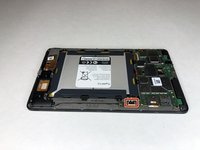
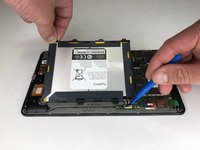
  4. ATT Trek HD 9020A Screen Replacement: adım 4, 2 resimden 1. ATT Trek HD 9020A Screen Replacement: adım 4, 2 resimden 2.
    • Use the plastic opening tool to disconnect the black battery connector.

    • Gently lift the battery out of the device.

    FixBot'a Sor

    Yorum Ekle

  5. ATT Trek HD 9020A Screen Replacement, Motherboard: adım 5, 2 resimden 1. ATT Trek HD 9020A Screen Replacement, Motherboard: adım 5, 2 resimden 2.
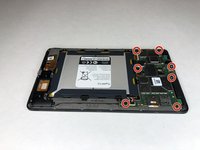
    • Using a Phillips #00 screwdriver, remove the seven 1 mm screws on the green perimeter of the motherboard.

    FixBot'a Sor

    Yorum Ekle

  6. ATT Trek HD 9020A Screen Replacement: adım 6, 2 resimden 1. ATT Trek HD 9020A Screen Replacement: adım 6, 2 resimden 2.
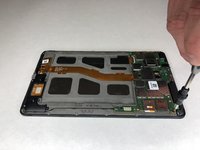
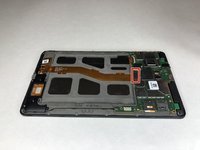
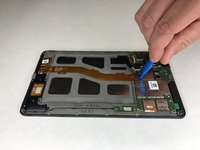
    • Use the plastic opening tool to disconnect the large gold strip underneath the metal plate from the motherboard.

    FixBot'a Sor

    Yorum Ekle

  7. ATT Trek HD 9020A Screen Replacement: adım 7, 1 resimden 1.
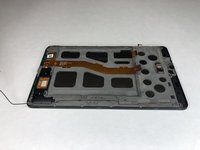
    • Use the plastic opening tool to disconnect the front and back cameras from motherboard.

    FixBot'a Sor

    Yorum Ekle

  8. ATT Trek HD 9020A Screen Replacement: adım 8, 2 resimden 1. ATT Trek HD 9020A Screen Replacement: adım 8, 2 resimden 2.
    Bu adımda kullanılan alet:
    Tweezers
    $3.99
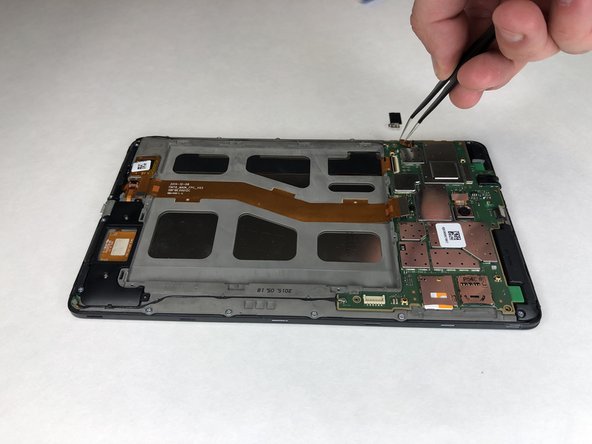
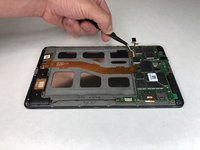
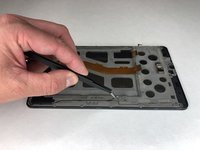
    • Use angled tweezers to pry up the black tab.

    • Use the angled tweezers to pull out the gold connector.

    FixBot'a Sor

    Yorum Ekle

  9. ATT Trek HD 9020A Screen Replacement: adım 9, 2 resimden 1. ATT Trek HD 9020A Screen Replacement: adım 9, 2 resimden 2.
    • Use the angled tweezers to disconnect the gold connector.

    FixBot'a Sor

    Yorum Ekle

  10. ATT Trek HD 9020A Screen Replacement: adım 10, 1 resimden 1.
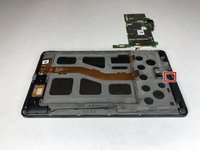
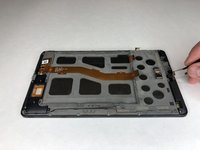
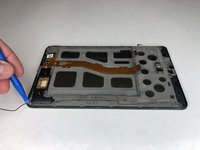
    • Use the plastic opening tool to disconnect the black connectors on each side of the motherboard.

    FixBot'a Sor

    Yorum Ekle

  11. ATT Trek HD 9020A Screen Replacement: adım 11, 2 resimden 1. ATT Trek HD 9020A Screen Replacement: adım 11, 2 resimden 2.
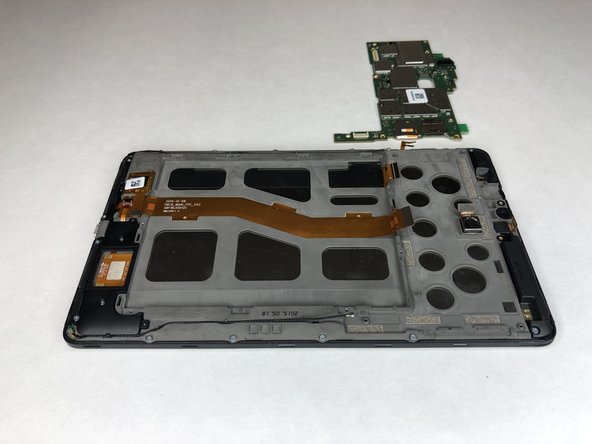
    • Use the plastic opening tool to lift the motherboard out of place.

    FixBot'a Sor

    Yorum Ekle

  12. ATT Trek HD 9020A Screen Replacement, Front Camera: adım 12, 2 resimden 1. ATT Trek HD 9020A Screen Replacement, Front Camera: adım 12, 2 resimden 2.
    Bu adımda kullanılan alet:
    Tweezers
    $3.99
    FixBot'a Sor

    Yorum Ekle

  13. ATT Trek HD 9020A Screen Replacement, Screen: adım 13, 3 resimden 1. ATT Trek HD 9020A Screen Replacement, Screen: adım 13, 3 resimden 2. ATT Trek HD 9020A Screen Replacement, Screen: adım 13, 3 resimden 3.
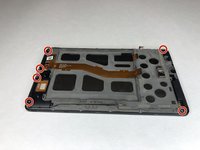
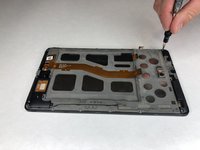
    • Use the Phillips #00 screwdriver to remove the six 3 mm screws holding the black plastic corner pieces in place.

    • Gently lift the black corner pieces out of the device.

    FixBot'a Sor

    Yorum Ekle

  14. ATT Trek HD 9020A Screen Replacement: adım 14, 2 resimden 1. ATT Trek HD 9020A Screen Replacement: adım 14, 2 resimden 2.
    Bu adımda kullanılan alet:
    Tweezers
    $3.99
    • Use the angled tweezers to remove the black cables on each side of the device from their groove.

    FixBot'a Sor

    Yorum Ekle

  15. ATT Trek HD 9020A Screen Replacement: adım 15, 2 resimden 1. ATT Trek HD 9020A Screen Replacement: adım 15, 2 resimden 2.
    • Use the plastic opening tool to disconnect the black cable connectors from each side of the device.

    FixBot'a Sor

    Yorum Ekle

  16. ATT Trek HD 9020A Screen Replacement: adım 16, 2 resimden 1. ATT Trek HD 9020A Screen Replacement: adım 16, 2 resimden 2.
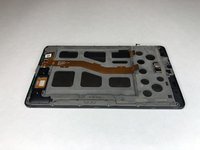
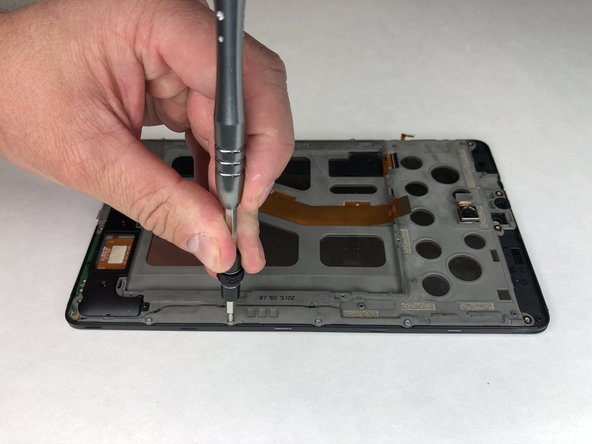
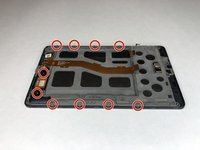
    • Remove the remaining ten 3 mm Phillips #00 screws.

    FixBot'a Sor

    Yorum Ekle

  17. ATT Trek HD 9020A Screen Replacement: adım 17, 2 resimden 1. ATT Trek HD 9020A Screen Replacement: adım 17, 2 resimden 2.
    • Use the plastic opening tool to disconnect the remaining three gold connectors at the bottom of the device.

    FixBot'a Sor

    Yorum Ekle

  18. ATT Trek HD 9020A Screen Replacement: adım 18, 2 resimden 1. ATT Trek HD 9020A Screen Replacement: adım 18, 2 resimden 2.
    • Use the plastic opening tool to pry up the grey plastic panel.

    FixBot'a Sor

    Yorum Ekle

  19. ATT Trek HD 9020A Screen Replacement: adım 19, 2 resimden 1. ATT Trek HD 9020A Screen Replacement: adım 19, 2 resimden 2.
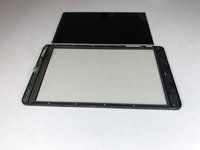
    • Use the plastic opening tool to pry the screen out of the device.

    FixBot'a Sor

    Yorum Ekle

Sonuç

To reassemble your device, follow these instructions in reverse order.

İptal et: Bu kılavuzu tamamlamadım.

Bir başkası bu kılavuzu tamamladı.

Jacob Cross

Üyelik tarihi: 01/16/19

484 İtibar

4 adet Kılavuz yazıldı

0Kılavuz Yorumları

Yorum Ekle

İstatistikleri Görüntüle:

Son 24 Saat: 2

Son 7 gün: 10

Son 30 gün: 28

Her zaman: 953