Ana içeriğe geç
Onarım Topluluğuna Katılın - Hesap Oluşturun
Acer Predator Helios 300 Battery Replacement

Neye ihtiyacın var

  1. Acer Predator Helios 300 Battery Replacement, Battery: adım 1, 3 resimden 1. Acer Predator Helios 300 Battery Replacement, Battery: adım 1, 3 resimden 2. Acer Predator Helios 300 Battery Replacement, Battery: adım 1, 3 resimden 3.
    • Before you start make sure the laptop is grounded.

    • Make sure the laptop is powered off.

    • If the laptop is not turned off, there is a risk of electric shock when replacing the battery.

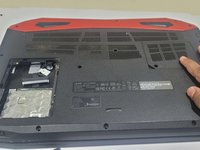
    • Close the cover of the laptop, then turn the laptop upside down so the back is facing up.

  2. Acer Predator Helios 300 Battery Replacement: adım 2, 3 resimden 1. Acer Predator Helios 300 Battery Replacement: adım 2, 3 resimden 2. Acer Predator Helios 300 Battery Replacement: adım 2, 3 resimden 3.
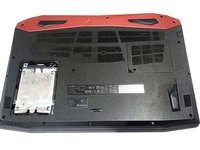
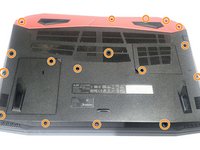
    • Remove all the screws from the back panel with a Phillips #0 screwdriver.

    • Remove the hard drive screw using a Phillips #0 screwdriver.

    • Use the panel tool to pop the storage hard disk open.

  3. Acer Predator Helios 300 Battery Replacement: adım 3, 3 resimden 1. Acer Predator Helios 300 Battery Replacement: adım 3, 3 resimden 2. Acer Predator Helios 300 Battery Replacement: adım 3, 3 resimden 3.
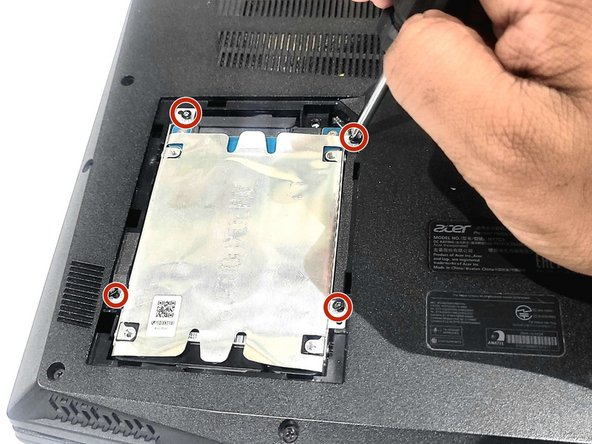
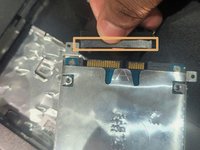
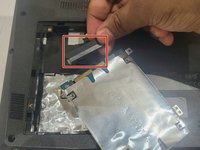
    • Remove the four screws mounted near the storage hard disk using a Phillips #0 screwdriver.

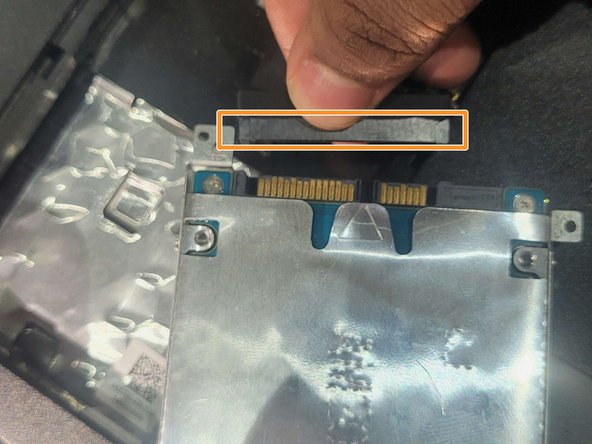
    • Disconnect the cable connected to the storage hard disk.

  4. Acer Predator Helios 300 Battery Replacement: adım 4, 3 resimden 1. Acer Predator Helios 300 Battery Replacement: adım 4, 3 resimden 2. Acer Predator Helios 300 Battery Replacement: adım 4, 3 resimden 3.
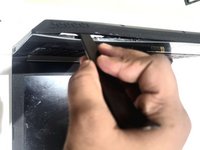
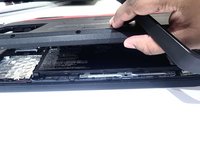
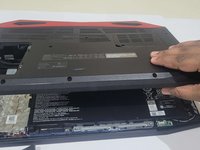
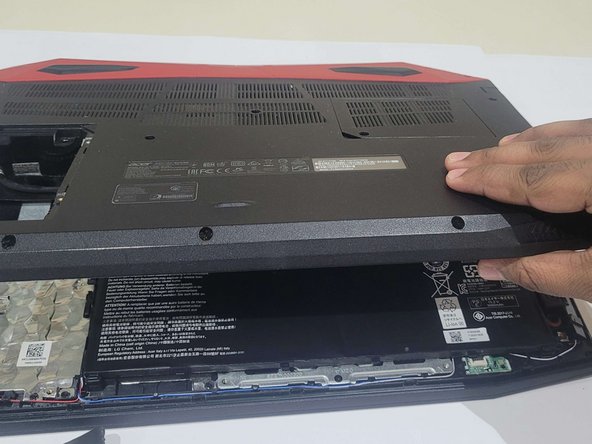
    • Use the panel tool to remove the back cover.

    • Slowly open the clips attached to the back cover, and store the cover safely.

  5. Acer Predator Helios 300 Battery Replacement: adım 5, 3 resimden 1. Acer Predator Helios 300 Battery Replacement: adım 5, 3 resimden 2. Acer Predator Helios 300 Battery Replacement: adım 5, 3 resimden 3.
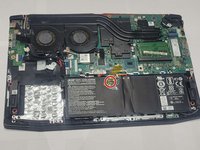
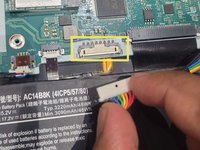
    • Remove the tape holding the battery wires in.

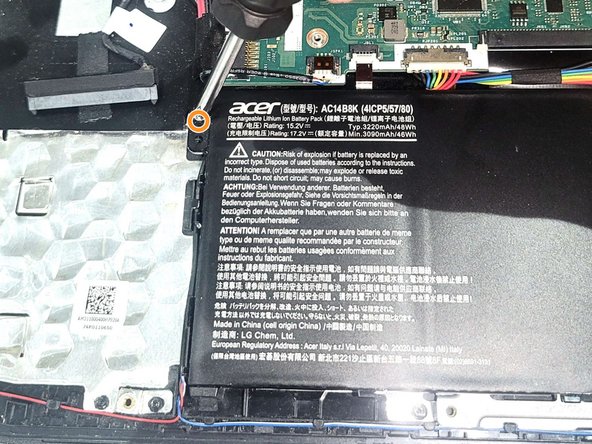
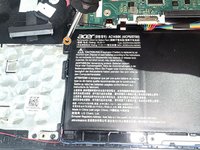
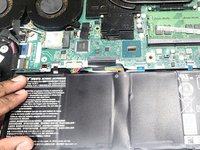
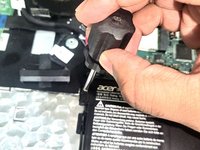
    • Remove the two screws mounted next to the battery using a Phillips #0 screwdriver.

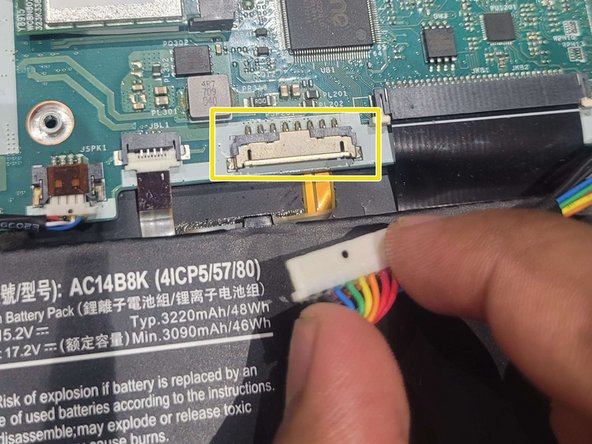
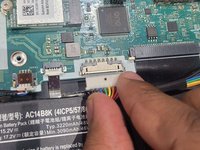
    • Disconnect the battery cable from the motherboard slowly.

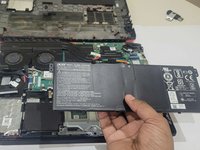
    • Remove the old battery.

  6. Acer Predator Helios 300 Battery Replacement: adım 6, 3 resimden 1. Acer Predator Helios 300 Battery Replacement: adım 6, 3 resimden 2. Acer Predator Helios 300 Battery Replacement: adım 6, 3 resimden 3.
    • The battery is a Household Hazardous Waste, so be sure to follow your city's laws and dispose of them properly.

    • Connect the new battery connector to the motherboard and screw it back with the screwdriver.

  7. Acer Predator Helios 300 Battery Replacement: adım 7, 2 resimden 1. Acer Predator Helios 300 Battery Replacement: adım 7, 2 resimden 2.
    • Align the back cover with the laptop properly and click it with all the clips.

  8. Acer Predator Helios 300 Battery Replacement: adım 8, 3 resimden 1. Acer Predator Helios 300 Battery Replacement: adım 8, 3 resimden 2. Acer Predator Helios 300 Battery Replacement: adım 8, 3 resimden 3.
    • Insert the storage disk back in.

    • Connect it with the cable first and then fit it inside the missing space.

    • Fasten the remaining screws using a screwdriver.

Bitiş Çizgisi

3 farklı kişi bu kılavuzu tamamladı.

0Kılavuz Yorumları

Yorum Ekle

İstatistikleri Görüntüle:

Son 24 Saat: 9

Son 7 gün: 49

Son 30 gün: 182

Her zaman: 4,933