Bu çeviri bir makine tarafından oluşturulmuştur ve henüz bir kişi tarafından incelenmemiştir. Bu dili konuşuyor musunuz? İnceleme için.
Giriş
Lens kapağı, lensi çiziklerden, kirden ve diğer döküntülerden koruyan plastik bir kaplamadır. Bu kılavuzu lens kapağını değiştirmek için kullanın.
Neye ihtiyacın var
-
-
-
Kameranın arka kısmındaki batarya bölmesini bulun. Bu, kolayca çıkarılması için plastik çıkıntılara sahip olan paneldir.
-
Batarya bölmesi kapağını kameranın gövdesinden aşağıya doğru kaydırarak çıkarın.
 FixBot'a Sor
-
-
-
Bataryayı parmağınızı kullanarak alt kısmından dikkatlice ayırın ve kasadan çıkarın.
-
-
-
-
-
Gri bağı siyah ip halkasının içinden çekerek boyun askısını çıkarın.
-
Siyah ip halkasını gümüş braketin içinden çekin.
-
-
-
-
Tırtıklı arka ön plakayı ve siyah düğmeyi ayırmak için bir plastik açma aleti kullanın.
-
-
-
Küçük makine vidasını ortaya çıkarmak için USB kapağını açın.
-
Kamera gövdesinin çevresine dağılmış altı adet 0,5 cm'lik makine kasa vidasını sökmek için 00 numara yıldız tornavida kullanın.
-
-
Bu adımda kullanılan alet:Tweezers$4.99
-
Ekranın boşta kalan ucunu kasadan dışarı doğru çekerek ekranı açın.
-
İki dış lastik noktayı çıkarmak ve altlarındaki iki adet 0,5 cm'lik makine vidasını ortaya çıkarmak için cımbız kullanın.
-
Her iki vidayı da çıkarmak için #00 numara Yıldız tornavida kullanın.
-
-
-
Gümüş plastik kayış tutucuyu çıkarmaya yetecek kadar boşluk yaratmak için cihazın gövdesini alt kısımdan ayırın.
-
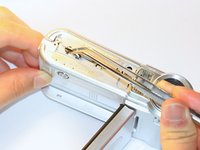
Gümüş plastik kayış tutucuyu çıkarmak için cımbız kullanın.
-
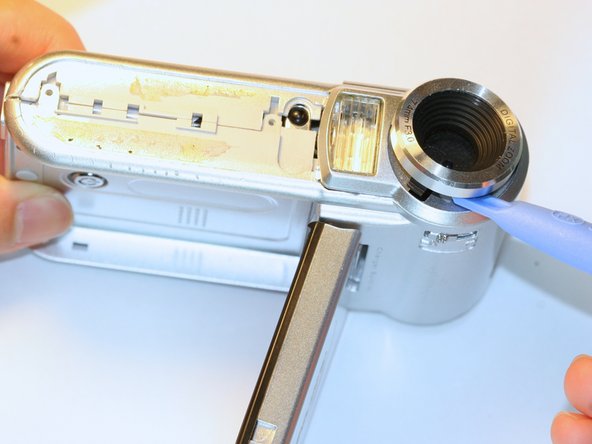
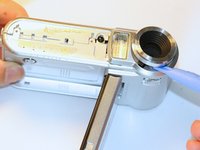
Lens koruyucuyu yerinden çıkarmak için bir açma aleti kullanın.
-
-


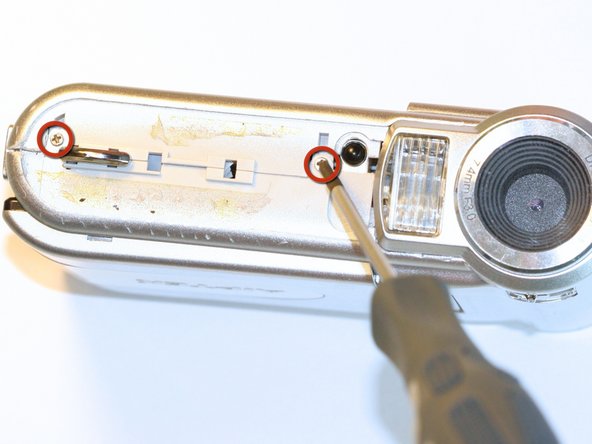
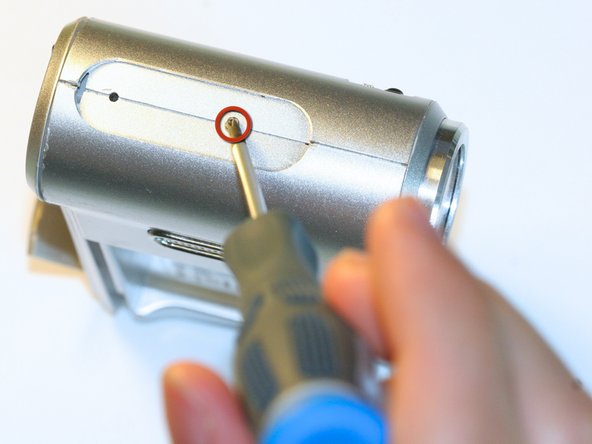
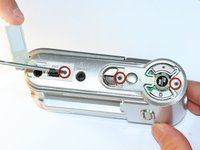
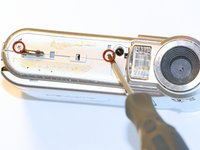
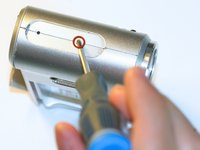


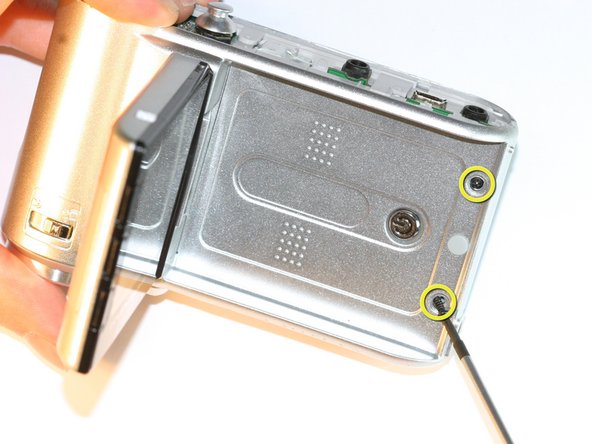

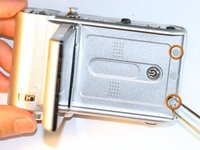
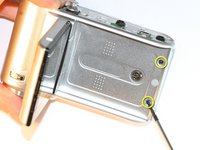

Cihazınızı tekrar toplamak için bu talimatları ters sırada uygulayın.
İptal et: Bu kılavuzu tamamlamadım.
Bir başkası bu kılavuzu tamamladı.

Ekip

Cal Poly, Team 5-5, Forte Spring 2012 Cal Poly, Team 5-5, Forte Spring 2012 üyesi
CPSU-FORTE-S12S5G5
5 Üyeler
60 adet Kılavuz yazıldı
