Giriş
The Motherboard is the most complicated part of the phone to remove because almost all of the phones components are connected to it. This guide will show you how to properly remove the Alcatel Pop 4 Plus Motherboard in a few simple steps. Be gentle with removing the connectors and make sure you line them up properly when snapping them back together.
Neye ihtiyacın var
-
-
-
Remove the back cover by sliding your fingernail in the grove around the edge of the phone and prying it off.
 FixBot'a Sor
-
-
-
Use the flat end of the spudger, or your fingernail, to pry off the mid-frame.
-
-
-
-
Use the flat end of the spudger disconnect the battery from the motherboard.
-
Use the flat end of the spudger tool to pry out the battery.
-
-
-
-
-
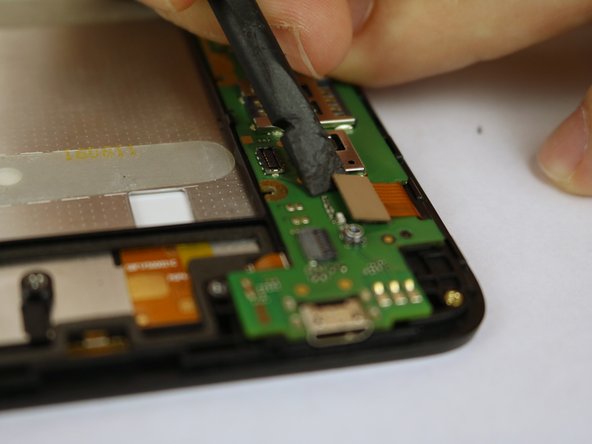
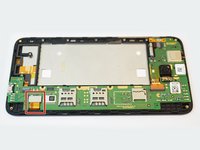
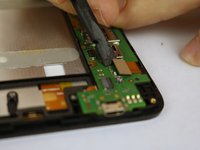
Use a spudger to flip up the retaining flap on the USB ribbon cable ZIF socket.
-
Slide the ribbon cable out of the socket.
-
-
-
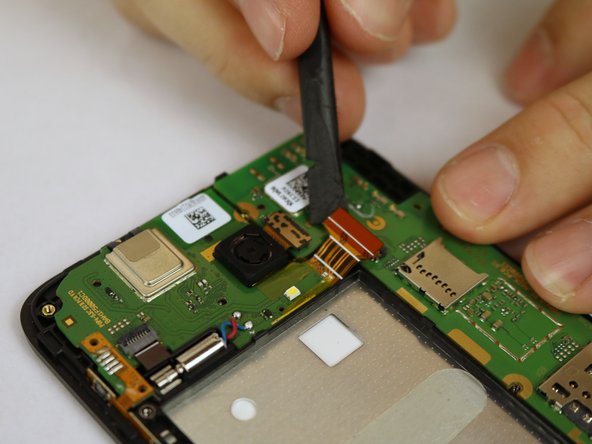
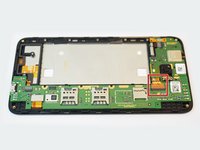
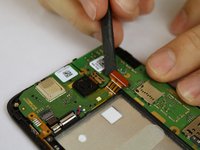
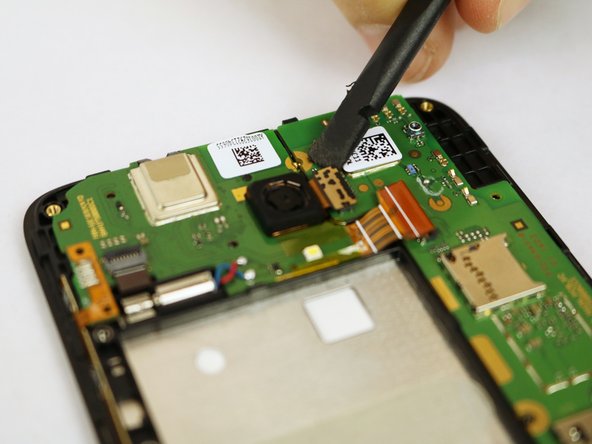
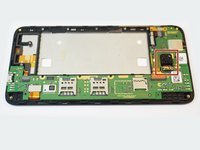
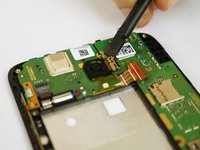
Using the flat end of the spudger, disconnect the camera from the motherboard.
-
-


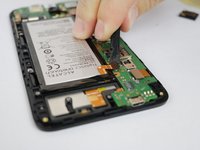
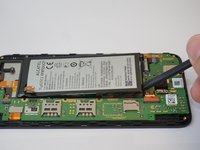


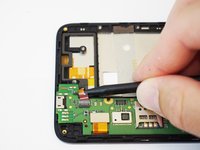
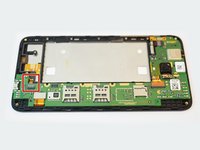




To reassemble your device, follow these instructions in reverse order.
İptal et: Bu kılavuzu tamamlamadım.
2 farklı kişi bu kılavuzu tamamladı.

Ekip

USF Tampa, Team S20-G6, Passmore Spring 2018 USF Tampa, Team S20-G6, Passmore Spring 2018 üyesi
USFT-PASSMORE-S18S20G6
4 Üyeler
54 adet Kılavuz yazıldı
1Rehber Yorum
Hi
I got my Alcatel Pop 4+ checked and it's Power IC was faulty. How can I replace it
I'm looking for the specific IC used in it if I can get any help regarding it.
