Giriş
Follow this guide to replace the Amazon Echo Show Display. The display is especially susceptible to damage because of its exposed nature.
Neye ihtiyacın var
-
-
Orient the Amazon Echo Show 5 so that the display is face down.
-
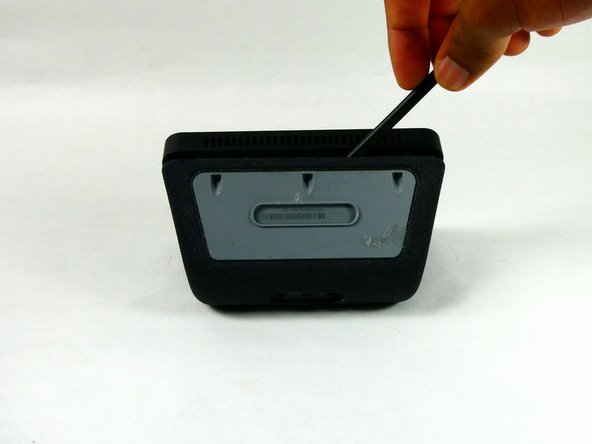
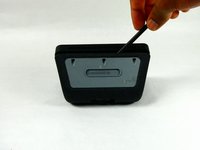
Use a spudger to remove the grey bottom cover.
 FixBot'a Sor
-
-
-
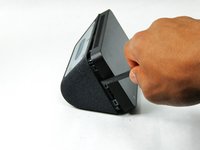
Use a spudger to release the six internal tabs lining the sides of the device.
-
-
-
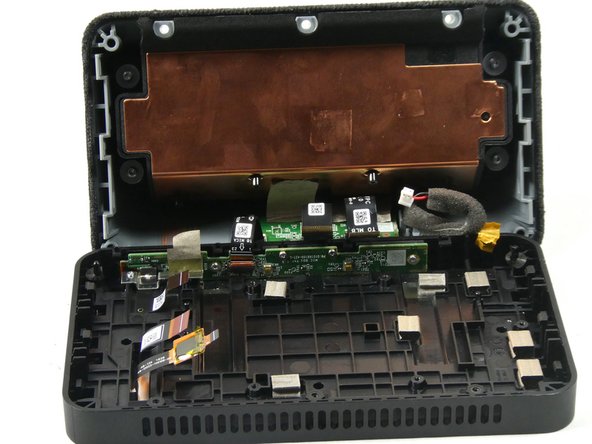
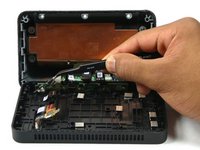
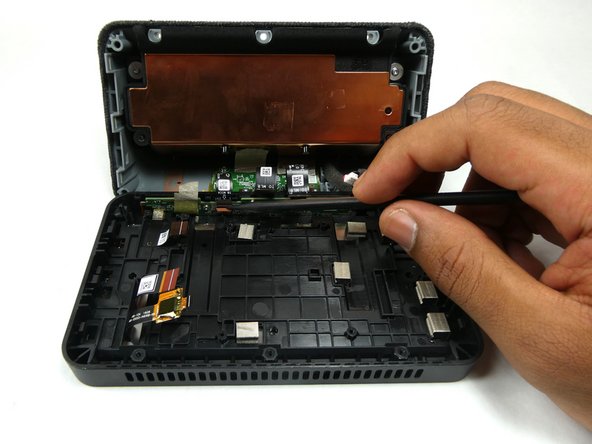
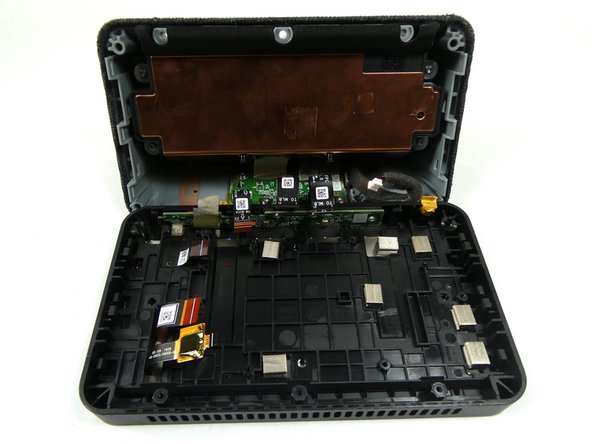
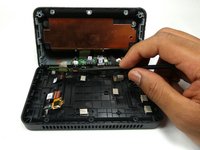
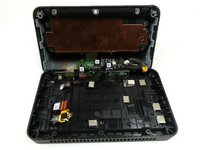
Carefully open the device by folding it open along the top edge where the camera is located.
-
-
-
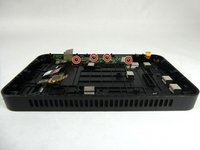
Remove the red and black power connector connecting to the motherboard with either a prying tool or your hands.
-
-
-
-
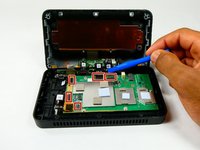
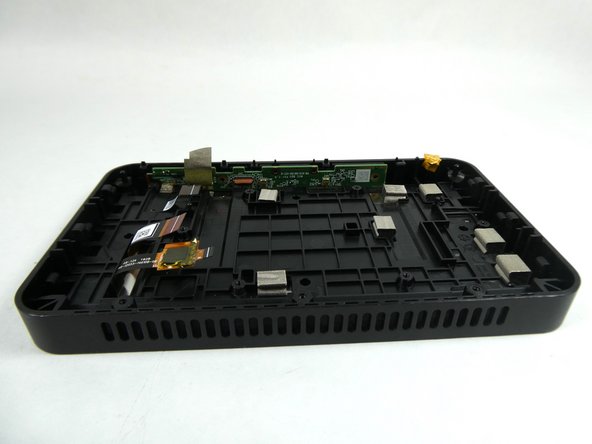
Remove the six 4 mm screws that are used to hold down the motherboard using a T6 Security Torx Screwdriver.
-
-
Bu adımda kullanılan alet:Tweezers$4.99
-
Use the Philips #000 Screwdriver to remove two 4mm screws that hold down the metal bracket.
-
Use tweezers to remove the metal bracket by lifting it up and towards yourself.
-
-
-
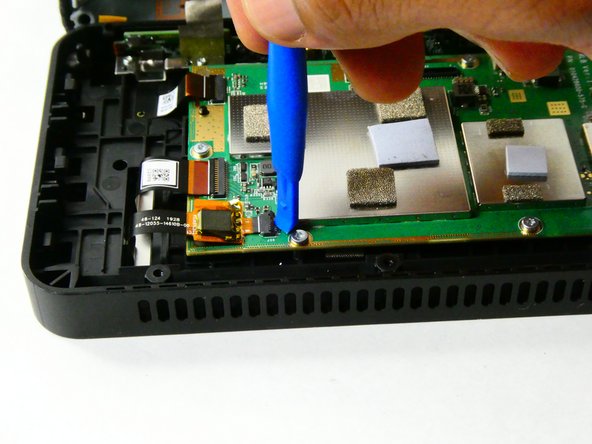
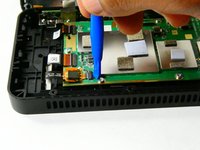
Use a spudger or your fingernail to remove the ribbon connector which connects the speaker housing board to the microphone board.
-
-
-
Use the Philips #000 Screwdriver to remove the four 4 mm screws that attach the microphone board to the case.
-
-
Bu adımda kullanılan alet:Tweezers$4.99
-
Use tweezers to remove the camera from the display assembly.
-
-
-
Orient the Amazon Echo Show 5 so that the display is facing up.
-
Apply heat to the edges of the display using a heat gun.
-







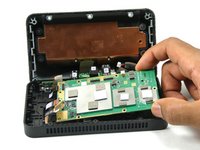
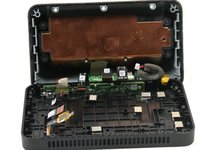


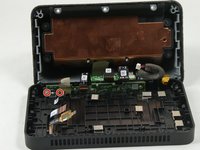
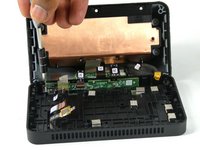



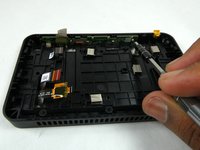
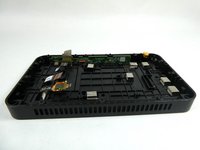

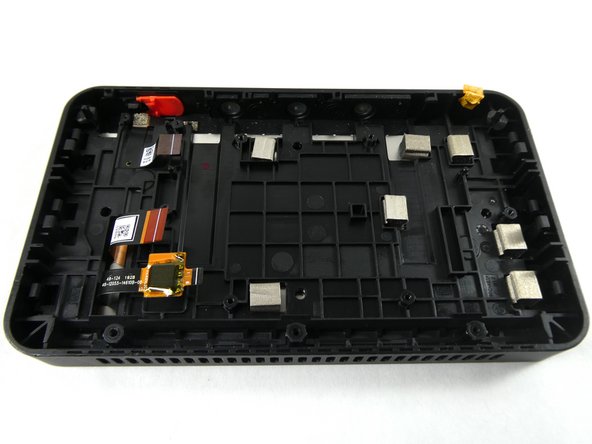
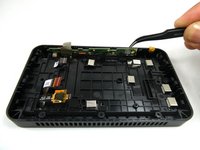

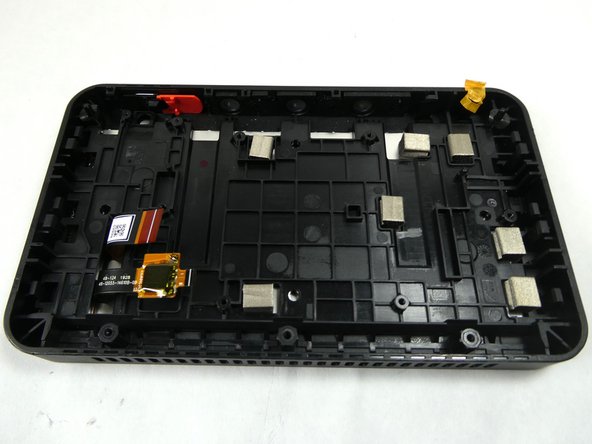

To reassemble your device, follow these instructions in reverse order.
İptal et: Bu kılavuzu tamamlamadım.
5 farklı kişi bu kılavuzu tamamladı.

Ekip

UMass Dartmouth, Team 2-4, Petersen Fall 2022 UMass Dartmouth, Team 2-4, Petersen Fall 2022 üyesi
UMASSD-PETERSEN-F22S2G4
3 Üyeler
14 adet Kılavuz yazıldı
3Kılavuz Yorumları
Hey Zachary,
Great guide, thanks for the help. Now I'm on to figuring out if it's possible to zombify the screen and touchscreen using a raspberry pi. Wish me luck...
Thanks,
Graham
Does replacing the screen fix the glitching/flickering issue?
