Bu çeviri bir makine tarafından oluşturulmuştur ve henüz bir kişi tarafından incelenmemiştir. Bu dili konuşuyor musunuz? İnceleme için.

Amazon Fire Phone ekran değişimi

Lissandra Ilcyn ve 3 diğer katkıda bulunanlar
En son 9 Ağu 2026 tarihinde güncellendi
Görüntüleme: 6,3 B
İstatistikleri görüntüle:
- Son 24 Saat:
- 6
- Son 7 Gün:
- 24
- Son 30 Gün:
- 112
- Her zaman:
- 6.296
Yorumlar: 8
7 comments on steps, 1 guide comment.
Go to guide commentsTamamlandı: 5 6
5 kişi bu kılavuzu "tamamlandı" olarak işaretledi. Sıradaki sen olacak mısın?
6 kişi bu kılavuzu "tamamlandı" olarak işaretledi. Siz de dahil - harika iş!
Sık Kullanılanlar: 4 5
4 kişi bu kılavuzu favorilerine ekledi (ve abone oldu). Sıradaki sen olacak mısın?
Siz de dahil olmak üzere 5 kişi bu kılavuzu favorilerine ekledi (ve abone oldu)!
Giriş
1. adıma git ↓Kırık bir ekranı onarmak için ekranı çıkarın.
Neye ihtiyacın var
Aletler


-
-
-
Telefonunuzu kapatın.
-
Telefonun sol tarafındaki küçük deliğe bastırıp 0.8 tornavida ucunu kullanarak SIM kartın dışarı çıkmasını sağlayın ve kartı çıkarın.
-
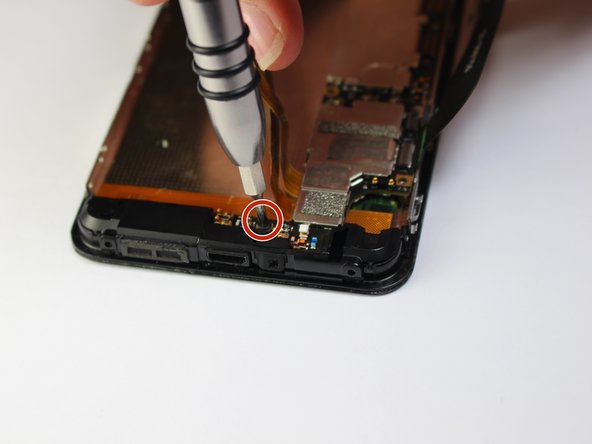
Telefonun altındaki iki adet 4 mm Torx vidayı, Torx T3 tornavida kullanarak sökün.
-
-
-
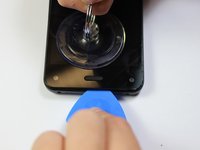
Küçük vantuzu ana sayfa düğmesinin hemen üzerine bastırın.
-
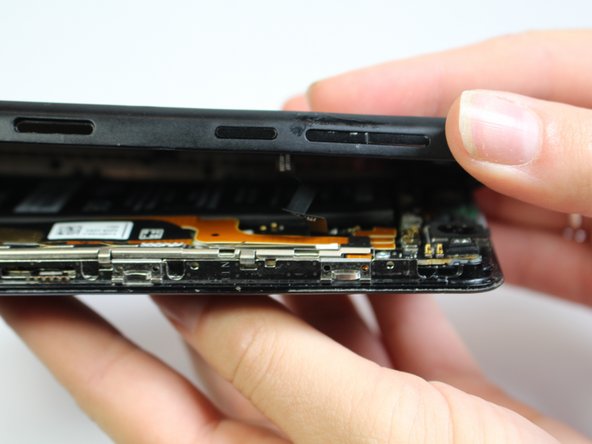
Vantuzu yukarı doğru çekerken, ekranı dikkatlice yerinden çıkarmak için açma penasini ekran ile arka kasa arasındaki boşluğa yerleştirin.
-
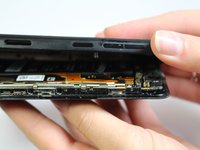
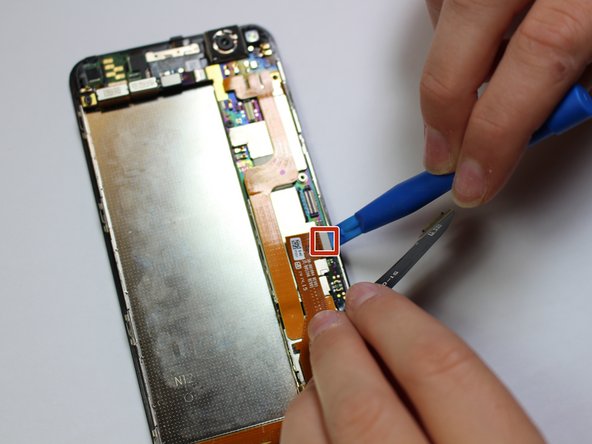
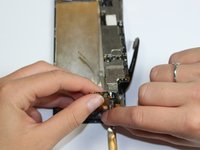
Açma aletini kullanarak, ses düğmesi ribbon kablosunu telefonun tabanından ayırın ve böylece telefonun iki yarısını birbirinden tamamen kurtarın.
-
-
-
J000 tornavida ucunu kullanarak, braketi yerinde tutan üç adet 3 mm vidayı çıkarın.
-
Az önce çıkardığınız üç vida tarafından sabitlenen gümüş rengi braketi çıkarın.
-
-
-
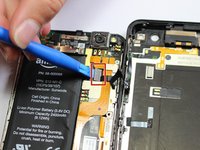
Plastik açma aletini kullanarak ve kabloya yukarı doğru hafif bir baskı uygulayarak batarya bağlantı kablosunu ayırın.
-
-
-
-
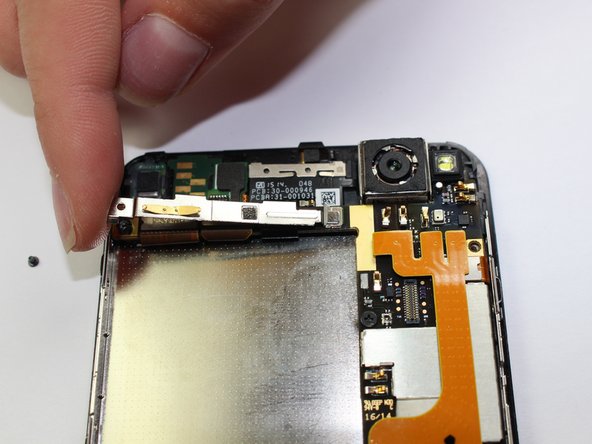
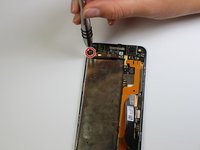
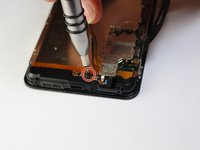
Telefonun sol üst tarafındaki 1 mm vidayı sökün
-
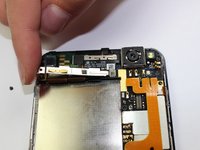
Braketi yavaşça hareket ettirerek çıkarın
-
-
-
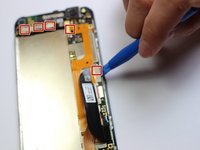
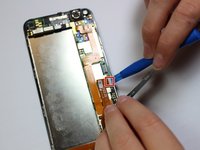
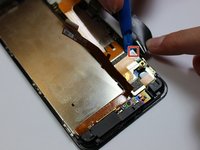
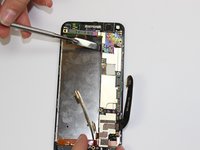
Anakartın üst ve sağ tarafındaki 9 kabloyu plastik açma aleti kullanarak ayırın
-
-
-
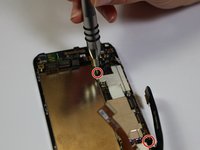
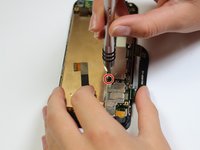
Telefonun sol üst kısmında bulunan 3 mm'lik vidayı düz uçlu bir tornavidayla sökün
-
-
-
Anakartın sağ tarafındaki dört adet 2 mm vidayı yıldız tornavida ile çıkarın
-
-
-
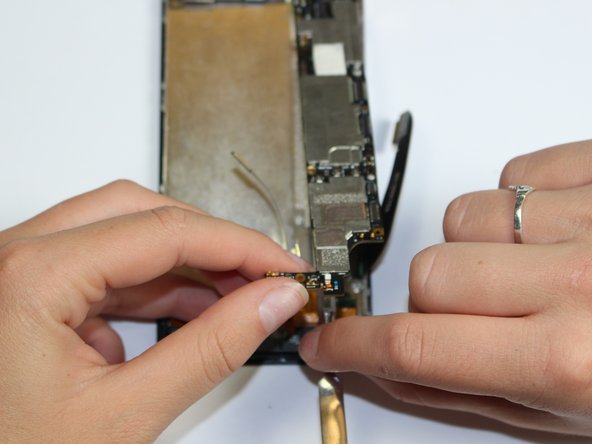
Anakartı dikkatlice kaldırın ve plastik kanırtma aparatını kullanarak kamerayı yuvasından ayırın
-
-
-
-
-
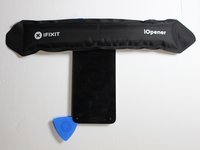
iOpener'ı mikrodalga fırının ortasına yerleştirin.
-
iOpener'ı otuz saniye boyunca ısıtın.
-
-
-
Ön paneli açmaya çalışmadan önce iOpener'ı telefonun 1. kenarına 90 saniye boyunca koyun.
-
-
-
-
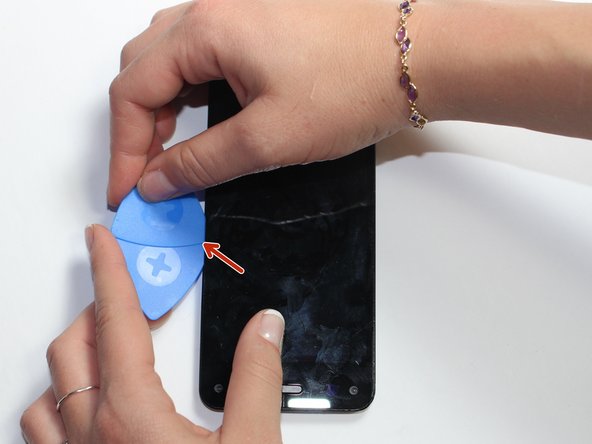
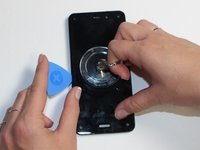
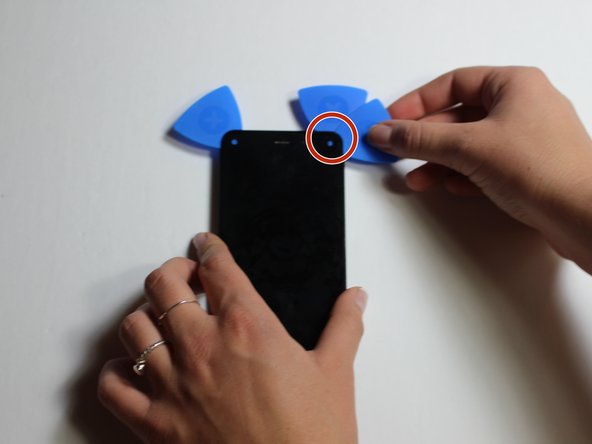
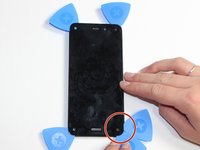
Vantuzu kullanarak ekranı hafifçe kaldırın ve bir açma penasini telefonun yan tarafına yerleştirin.
-
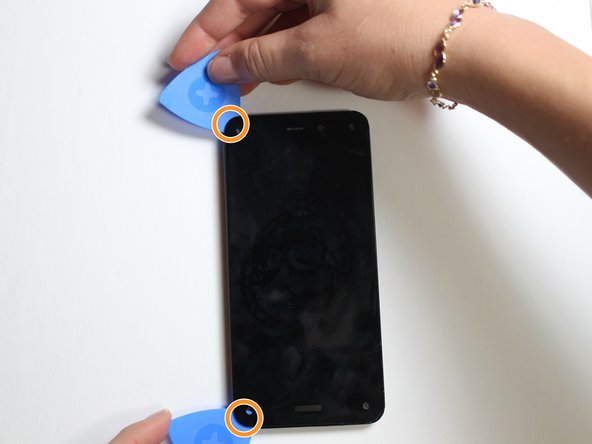
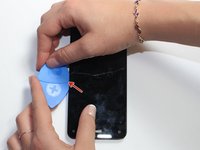
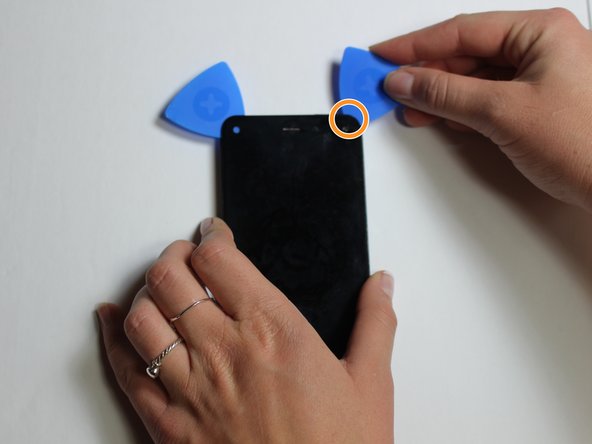
İlk açma penasinin yanına bir tane daha yerleştirin.
-
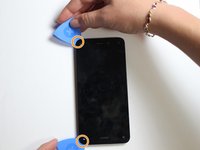
İki açma penasini yavaşça telefonun köşelerine doğru kaydırın.
-
-
-
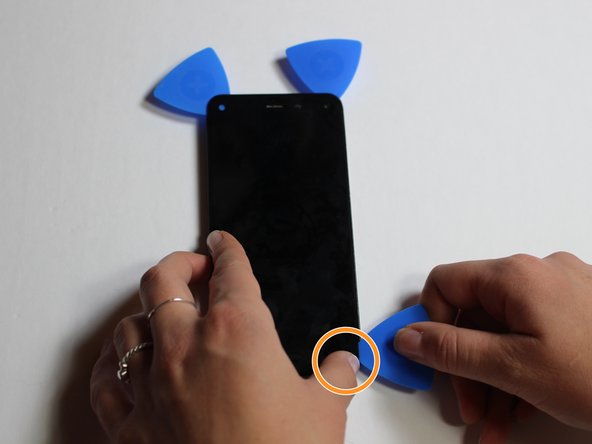
iOpener'ı telefonun 2. kenarına 90 saniye boyunca yerleştirin.
-
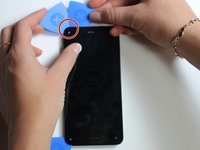
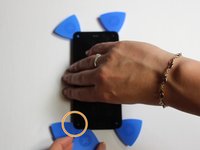
Telefonun 2. kenarına başka bir pena yerleştirin.
-
Penayı yavaşça bir sonraki köşeye doğru kaydırın.
-
-
-
iOpener'ı telefonun 3. kenarına 90 saniye boyunca yerleştirin.
-
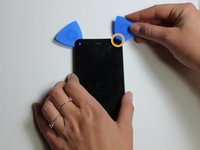
Telefonun köşesine bir açma penası yerleştirin.
-
Açma penasını telefonun diğer köşesine doğru yavaşça kaydırın.
-
-
-
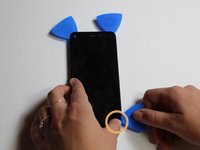
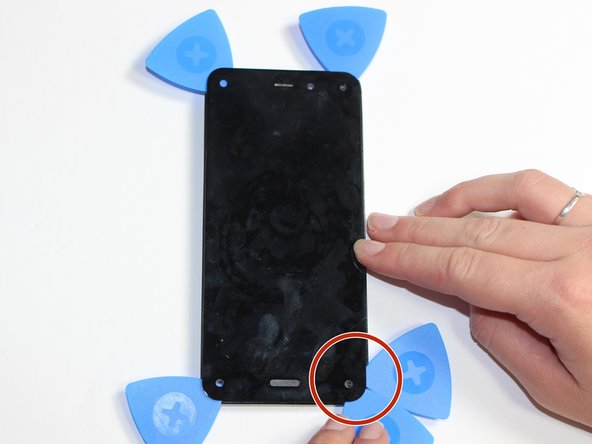
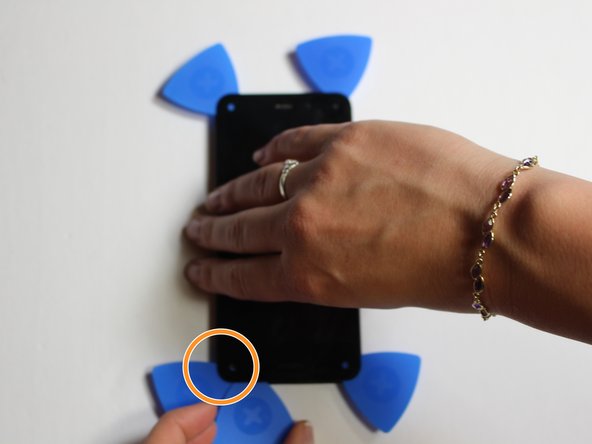
iOpener'ı telefonun son kenarına 90 saniye boyunca yerleştirin.
-
Açma penasını köşeye yerleştirin.
-
Açma penasını yavaşça karşı köşeye doğru kaydırın.
-
-
-
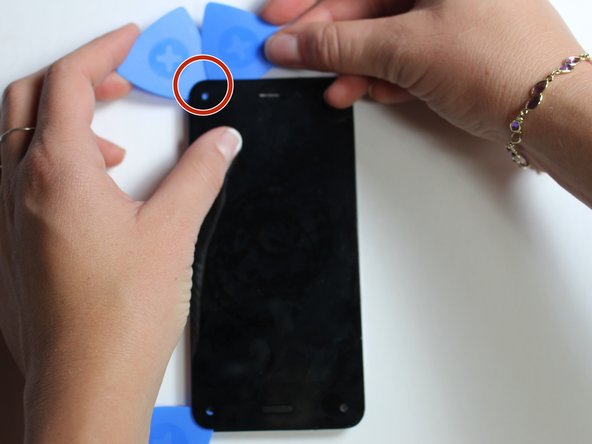
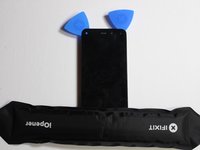
Açma penalarını merkeze doğru daha fazla itip ekranı çekerek, ekranı telefonun ön panelinden dikkatlice ayırın.
-
-

 FixBot'a Sor

















Cihazınızı tekrar monte etmek için bu talimatları tersten uygulayın.
İptal et: Bu kılavuzu tamamlamadım.
5 farklı kişi bu kılavuzu tamamladı.

Ekip

Cal Poly, Team 5-7, Maness Fall 2015 Cal Poly, Team 5-7, Maness Fall 2015 üyesi
CPSU-MANESS-F15S5G7
5 Üyeler
60 adet Kılavuz yazıldı
