Ana içeriğe geç
Onarım Topluluğuna Katılın - Hesap Oluşturun

Anker Soundcore Flare Mini Waterproof Outer Shell Replacement

Neye ihtiyacın var

  1. Anker Soundcore Flare Mini Waterproof Outer Shell Replacement, Bottom Cover: adım 1, 3 resimden 1. Anker Soundcore Flare Mini Waterproof Outer Shell Replacement, Bottom Cover: adım 1, 3 resimden 2. Anker Soundcore Flare Mini Waterproof Outer Shell Replacement, Bottom Cover: adım 1, 3 resimden 3.
    Bu adımda kullanılan alet:
    Tweezers
    $4.99
    • The rubber cover of the speaker is glued down.

    • Use precision tweezers to peel the rubber cover off of the bottom of the speaker.

    FixBot'a Sor
  2. Anker Soundcore Flare Mini Waterproof Outer Shell Replacement: adım 2, 3 resimden 1. Anker Soundcore Flare Mini Waterproof Outer Shell Replacement: adım 2, 3 resimden 2. Anker Soundcore Flare Mini Waterproof Outer Shell Replacement: adım 2, 3 resimden 3.
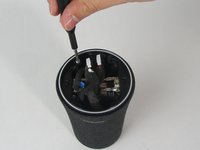
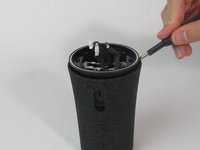
    • Remove six 10 mm screws holding the plastic cover in place using a Phillips #1 screwdriver.

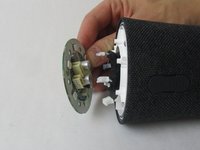
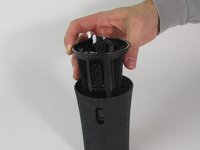
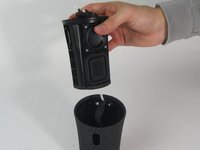
    • Use your hand to pull the plastic cover off the bottom of the speaker.

    FixBot'a Sor
  3. Anker Soundcore Flare Mini Waterproof Outer Shell Replacement, Motherboard: adım 3, 3 resimden 1. Anker Soundcore Flare Mini Waterproof Outer Shell Replacement, Motherboard: adım 3, 3 resimden 2. Anker Soundcore Flare Mini Waterproof Outer Shell Replacement, Motherboard: adım 3, 3 resimden 3.
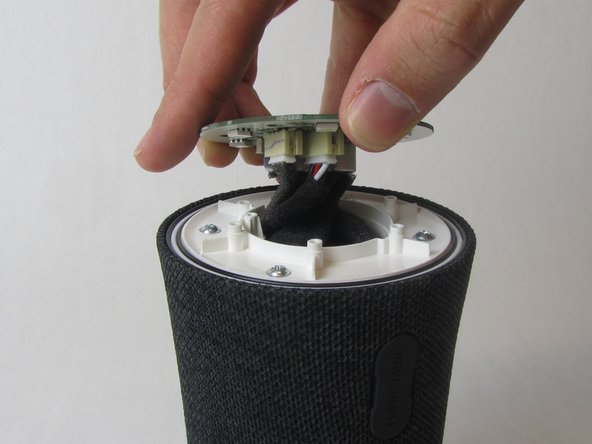
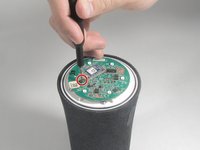
    • Remove the single 10 mm screw holding the motherboard in place using a Phillips #1 screwdriver.

    • Lift the motherboard up.

    • The motherboard is still attached to several wires underneath.

    FixBot'a Sor
  4. Anker Soundcore Flare Mini Waterproof Outer Shell Replacement: adım 4, 3 resimden 1. Anker Soundcore Flare Mini Waterproof Outer Shell Replacement: adım 4, 3 resimden 2. Anker Soundcore Flare Mini Waterproof Outer Shell Replacement: adım 4, 3 resimden 3.
    Bu adımda kullanılan alet:
    Tweezers
    $4.99
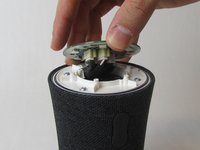
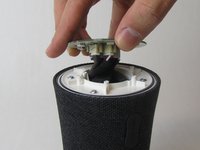
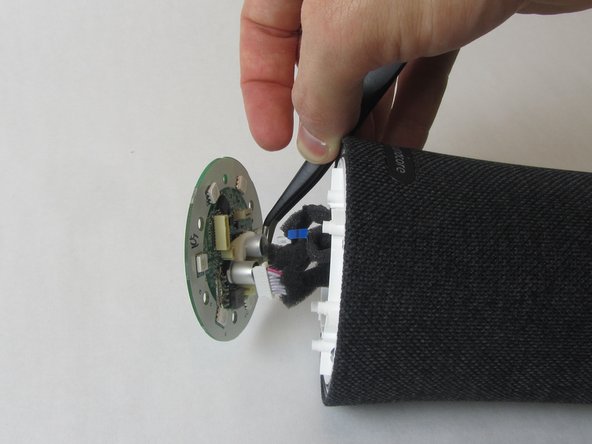
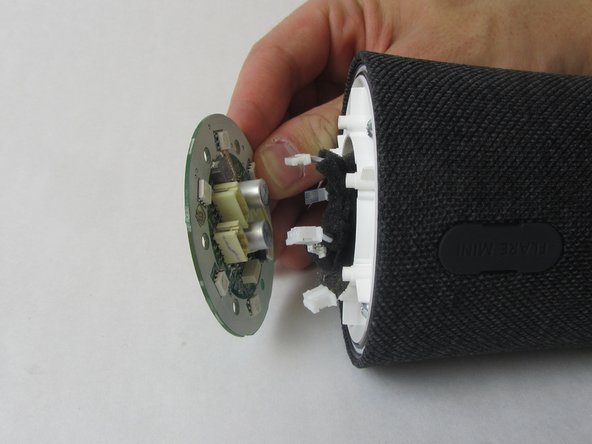
    • Use precision tweezers to firmly grasp the five power connectors and detach them from the back of the motherboard.

    • When removing the power connectors, do not pull the wires themselves.

    • Remove the motherboard from the speaker.

    FixBot'a Sor
  5. Anker Soundcore Flare Mini Waterproof Outer Shell Replacement, Waterproof Outer Shell: adım 5, 3 resimden 1. Anker Soundcore Flare Mini Waterproof Outer Shell Replacement, Waterproof Outer Shell: adım 5, 3 resimden 2. Anker Soundcore Flare Mini Waterproof Outer Shell Replacement, Waterproof Outer Shell: adım 5, 3 resimden 3.
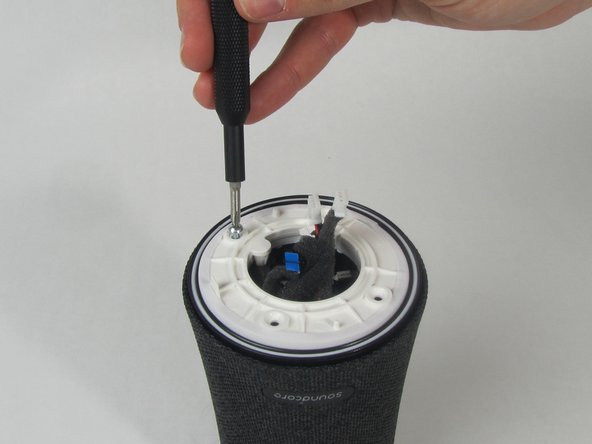
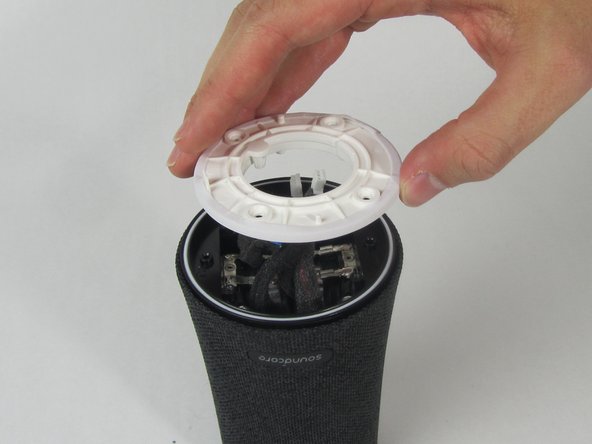
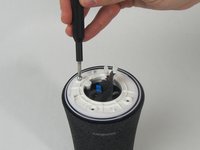
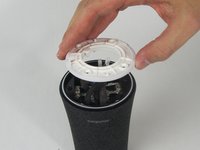
    • Remove the four 11 mm screws from the white plastic cover using a Phillips #1 screwdriver.

    • Remove the white plastic cover from the speaker.

    FixBot'a Sor
  6. Anker Soundcore Flare Mini Waterproof Outer Shell Replacement: adım 6, 2 resimden 1. Anker Soundcore Flare Mini Waterproof Outer Shell Replacement: adım 6, 2 resimden 2.
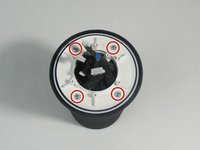
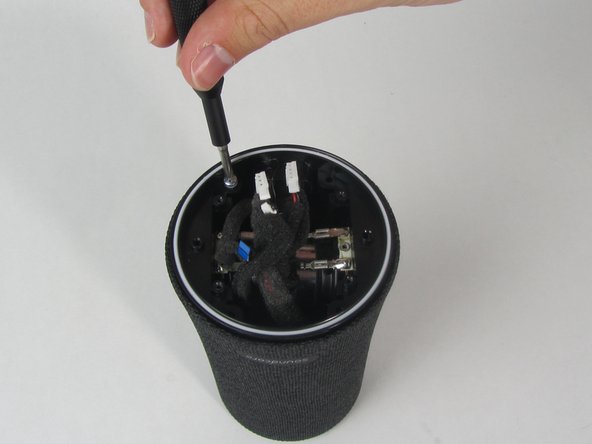
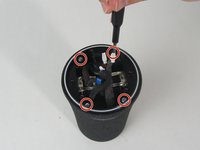
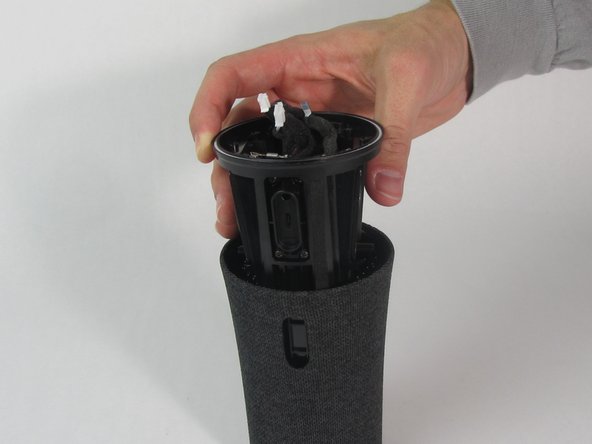
    • Remove the other four 11 mm screws holding the outer shell in place with a Phillips #1 screwdriver.

    FixBot'a Sor
  7. Anker Soundcore Flare Mini Waterproof Outer Shell Replacement: adım 7, 1 resimden 1.
    • Pull the charging port away from the side of the speaker.

    FixBot'a Sor
  8. Anker Soundcore Flare Mini Waterproof Outer Shell Replacement: adım 8, 3 resimden 1. Anker Soundcore Flare Mini Waterproof Outer Shell Replacement: adım 8, 3 resimden 2. Anker Soundcore Flare Mini Waterproof Outer Shell Replacement: adım 8, 3 resimden 3.
    • Use a spudger to loosen the cover from the inner components of the speaker.

    • Slide the cover completely off.

    • One wire will still be connected to the shell.

    FixBot'a Sor
Sonuç

To reassemble your device, follow these instructions in reverse order.

Bir başkası bu kılavuzu tamamladı.

1Rehber Yorum

Where can I purchase the outer shell? Share link please

Arsam Sohail - Yanıt Paylaş
Yorum Ekle

İstatistikleri Görüntüle:

Son 24 Saat: 8

Son 7 gün: 19

Son 30 gün: 74

Her zaman: 986