Ana içeriğe geç
Onarım Topluluğuna Katılın - Hesap Oluşturun

Asus Q325U Keyboard Replacement

Neye ihtiyacın var

    1. Asus Q325U Keyboard Replacement, Back Panel: adım 1, 3 resimden 1. Asus Q325U Keyboard Replacement, Back Panel: adım 1, 3 resimden 2. Asus Q325U Keyboard Replacement, Back Panel: adım 1, 3 resimden 3.
      • Remove the ten 5mm screws using a T5 Torx screwdriver.

      FixBot'a Sor

      Yorum Ekle

    2. Asus Q325U Keyboard Replacement: adım 2, 3 resimden 1. Asus Q325U Keyboard Replacement: adım 2, 3 resimden 2. Asus Q325U Keyboard Replacement: adım 2, 3 resimden 3.
      • Lift the back panel upward using the suction tool.

      FixBot'a Sor
      Yorum Ekle

    1. Asus Q325U Keyboard Replacement, SSD: adım 3, 2 resimden 1. Asus Q325U Keyboard Replacement, SSD: adım 3, 2 resimden 2.
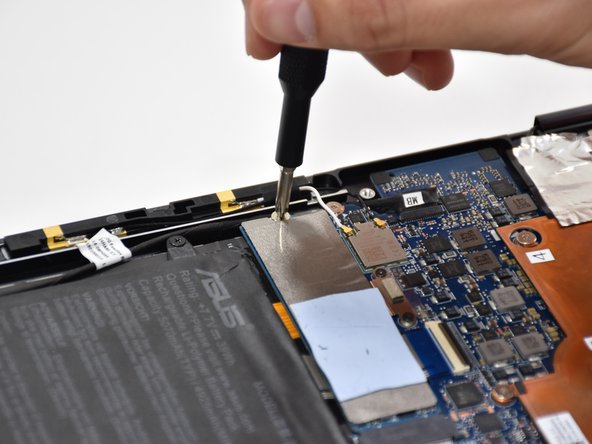
      • Remove one 2mm screw on top of the SSD using a Phillips #1 screwdriver.

      FixBot'a Sor

      Yorum Ekle

    2. Asus Q325U Keyboard Replacement: adım 4, 2 resimden 1. Asus Q325U Keyboard Replacement: adım 4, 2 resimden 2.
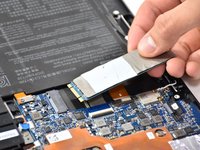
      • Carefully slide and lift the SSD to remove it.

      FixBot'a Sor

      Yorum Ekle

    1. Asus Q325U Keyboard Replacement, Battery: adım 5, 2 resimden 1. Asus Q325U Keyboard Replacement, Battery: adım 5, 2 resimden 2.
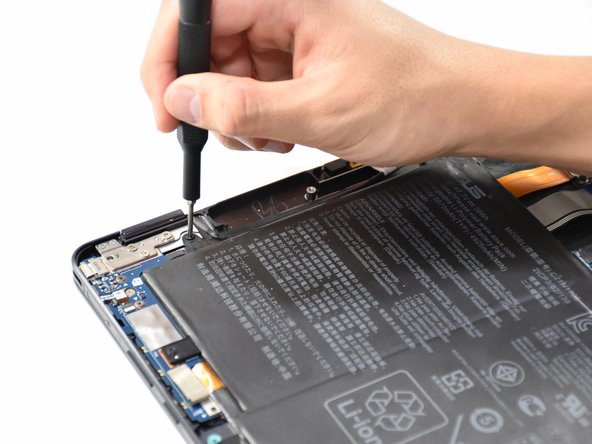
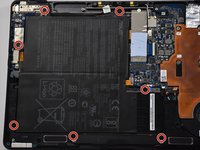
      • Remove the seven 5mm screws around the battery using a Phillips #00 screwdriver.

      FixBot'a Sor

      Yorum Ekle

    2. Asus Q325U Keyboard Replacement: adım 6, 2 resimden 1. Asus Q325U Keyboard Replacement: adım 6, 2 resimden 2.
      • Using a Phillips #000 screwdriver, remove the two 3mm screws on top of the orange battery connector.

      FixBot'a Sor
      Yorum Ekle

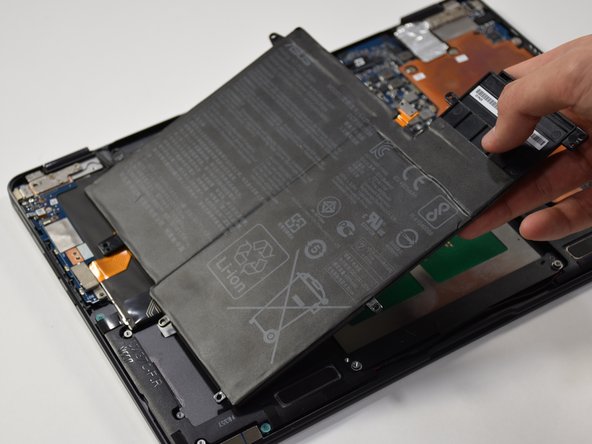
    3. Asus Q325U Keyboard Replacement: adım 7, 2 resimden 1. Asus Q325U Keyboard Replacement: adım 7, 2 resimden 2.
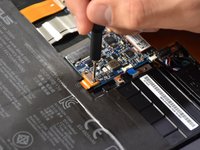
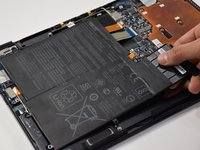
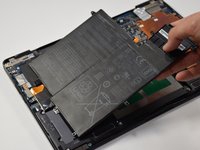
      • Lift the battery out from the laptop.

      FixBot'a Sor

      Yorum Ekle

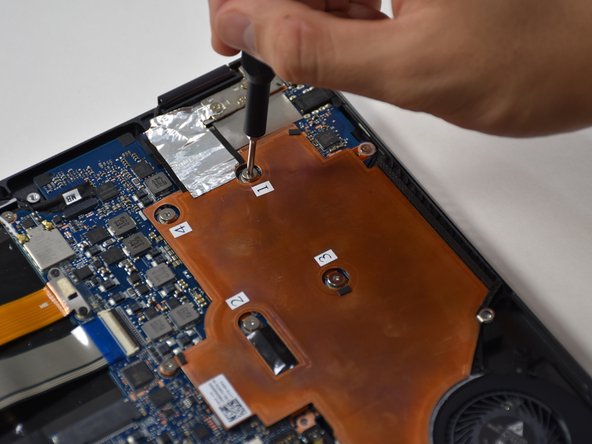
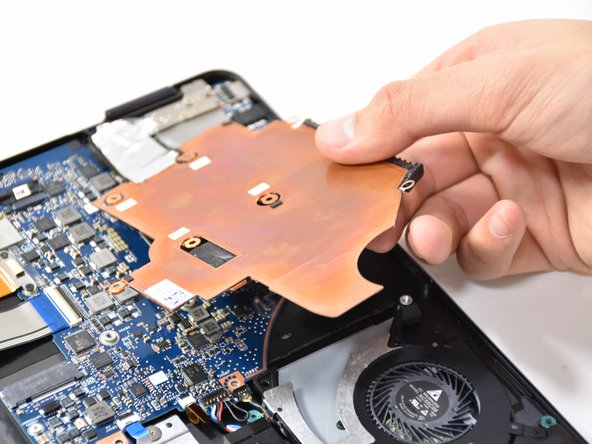
    1. Asus Q325U Keyboard Replacement, Copper Plate: adım 8, 2 resimden 1. Asus Q325U Keyboard Replacement, Copper Plate: adım 8, 2 resimden 2.
      • Remove the six 3mm screws using a Phillips #00.

      FixBot'a Sor

      Yorum Ekle

    2. Asus Q325U Keyboard Replacement: adım 9, 2 resimden 1. Asus Q325U Keyboard Replacement: adım 9, 2 resimden 2.
      • Use the plastic opening tool to lift up the edge. Pull upward on the edge.

      FixBot'a Sor

      Yorum Ekle

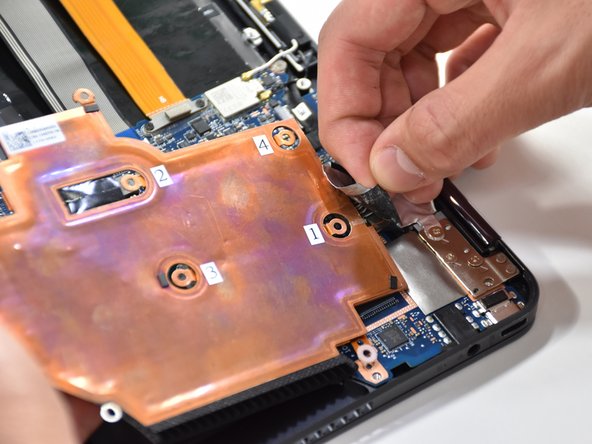
    3. Asus Q325U Keyboard Replacement: adım 10, 2 resimden 1. Asus Q325U Keyboard Replacement: adım 10, 2 resimden 2.
      • On the other side of the plate, remove the tape.

      FixBot'a Sor
      Yorum Ekle

    1. Asus Q325U Keyboard Replacement, CPU Fan: adım 11, 2 resimden 1. Asus Q325U Keyboard Replacement, CPU Fan: adım 11, 2 resimden 2.
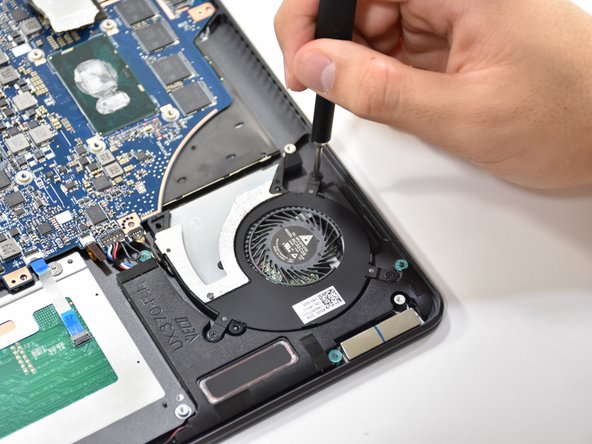
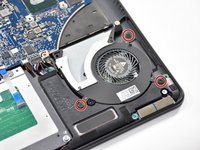
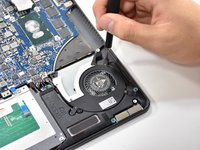
      • Remove the three 3.7 mm screws using a Phillips #00 screwdriver.

      FixBot'a Sor
      Yorum Ekle

    2. Asus Q325U Keyboard Replacement: adım 12, 1 resimden 1.
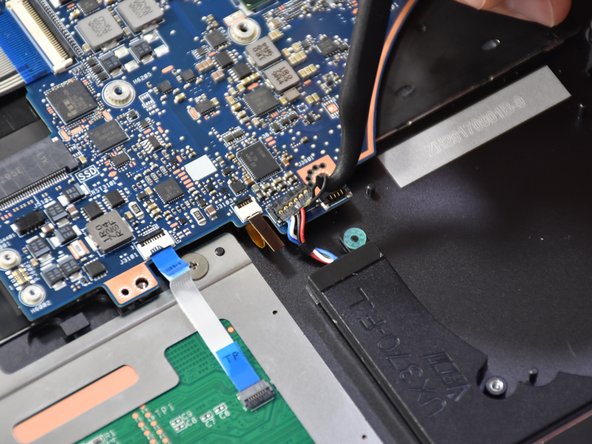
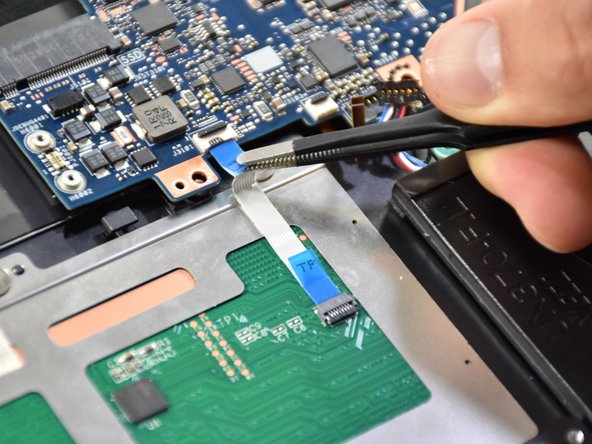
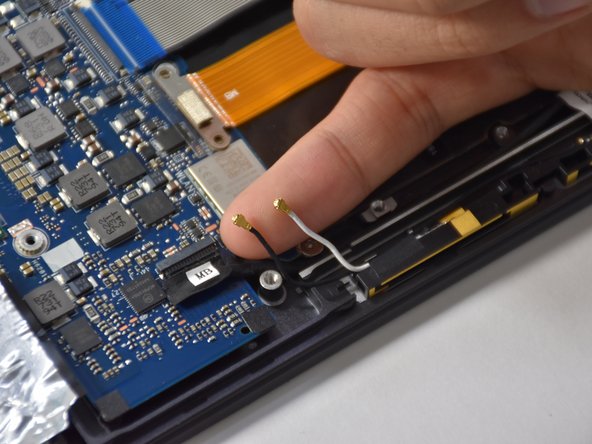
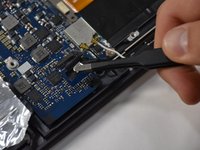
      • Detach the black wire and plug shown using a tweezer.

      FixBot'a Sor
      Yorum Ekle

    3. Asus Q325U Keyboard Replacement: adım 13, 1 resimden 1.
      • Grab CPU fan by its edge and gently pull upwards to remove.

      FixBot'a Sor

      Yorum Ekle

    1. Asus Q325U Keyboard Replacement, Motherboard: adım 14, 2 resimden 1. Asus Q325U Keyboard Replacement, Motherboard: adım 14, 2 resimden 2.
      Bu adımda kullanılan alet:
      Halberd Spudger
      $2.99
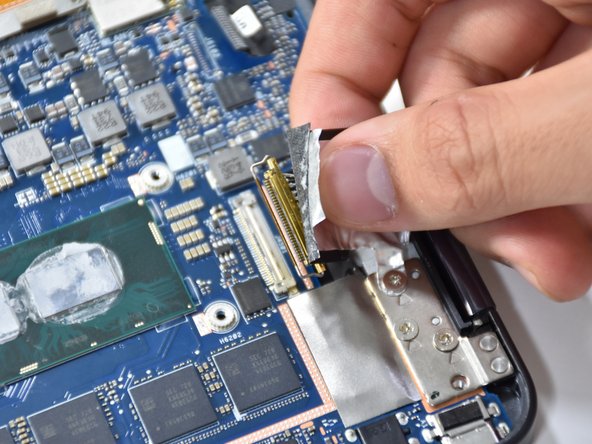
      • Remove the first connection wire by pulling the small back loop with the Halberd Spudger.

      FixBot'a Sor
      Yorum Ekle

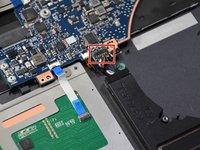
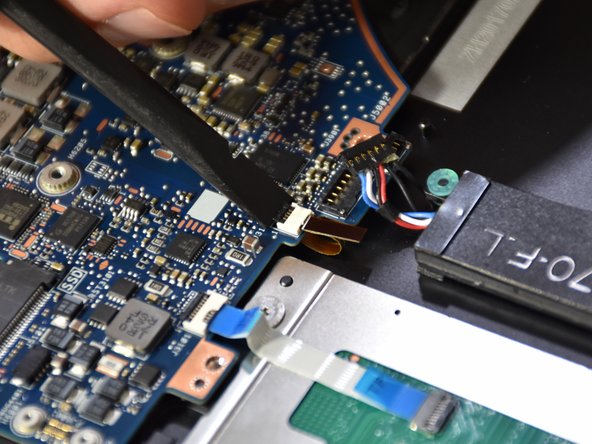
    2. Asus Q325U Keyboard Replacement: adım 15, 3 resimden 1. Asus Q325U Keyboard Replacement: adım 15, 3 resimden 2. Asus Q325U Keyboard Replacement: adım 15, 3 resimden 3.
      Bu adımda kullanılan alet:
      Tweezers
      $4.99
      • Lift the small black tab of the orange connector with your fingers or a plastic opening tool.

      • Remove the orange connector by pulling with tweezers.

      FixBot'a Sor

      Yorum Ekle

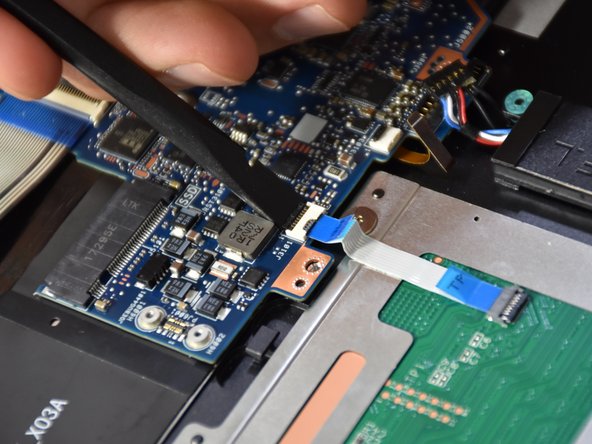
    3. Asus Q325U Keyboard Replacement: adım 16, 3 resimden 1. Asus Q325U Keyboard Replacement: adım 16, 3 resimden 2. Asus Q325U Keyboard Replacement: adım 16, 3 resimden 3.
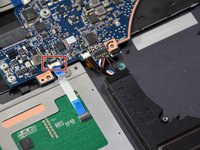
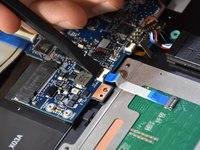
      • Lift the small black tab on the white plastic piece of the touch pad connector with a spudger.

      • Remove the touch pad connector by pulling with tweezers.

      FixBot'a Sor

      Yorum Ekle

    4. Asus Q325U Keyboard Replacement: adım 17, 3 resimden 1. Asus Q325U Keyboard Replacement: adım 17, 3 resimden 2. Asus Q325U Keyboard Replacement: adım 17, 3 resimden 3.
      • Lift the black tab on the long white plastic piece of the thick blue band.

      • Remove the thick blue band by pulling.

      FixBot'a Sor

      Yorum Ekle

    5. Asus Q325U Keyboard Replacement: adım 18, 3 resimden 1. Asus Q325U Keyboard Replacement: adım 18, 3 resimden 2. Asus Q325U Keyboard Replacement: adım 18, 3 resimden 3.
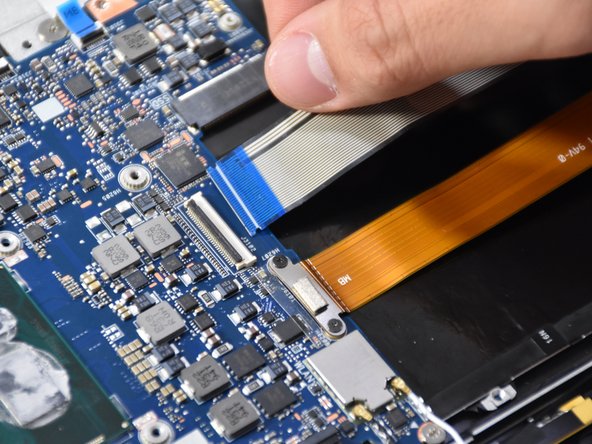
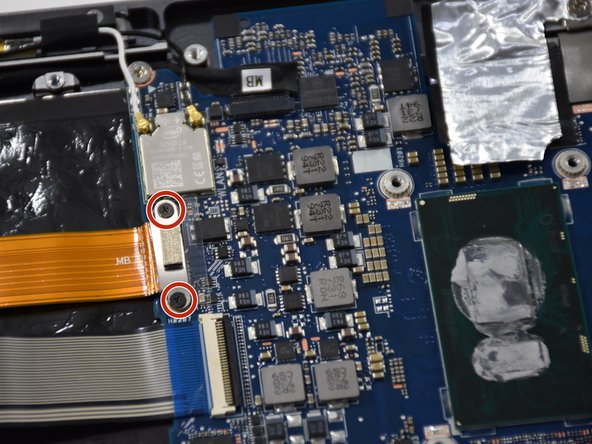
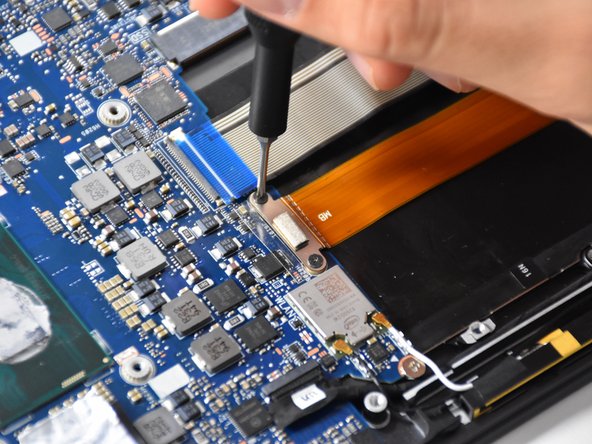
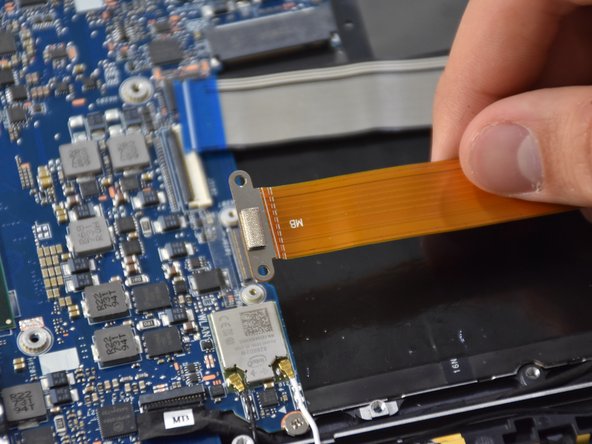
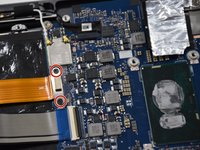
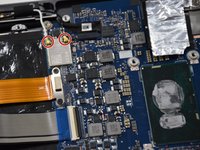
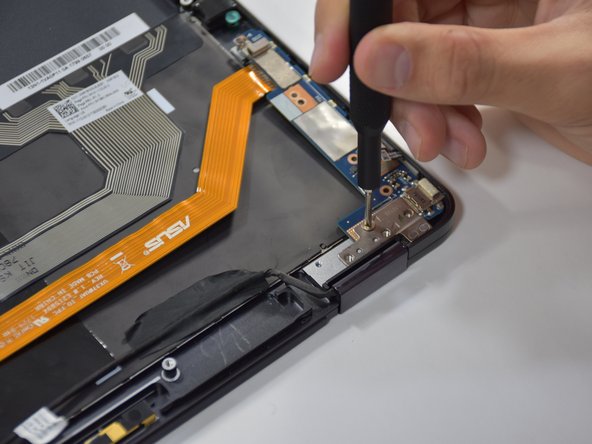
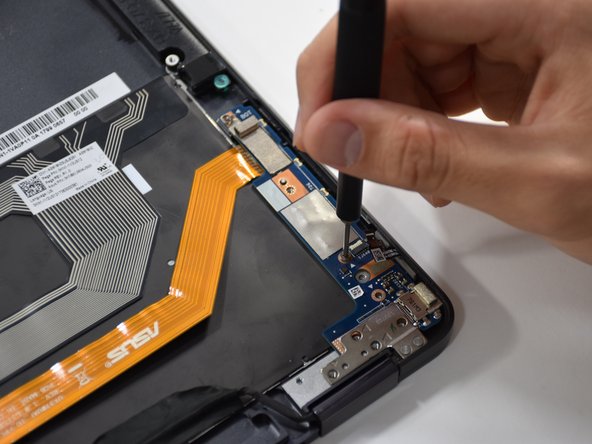
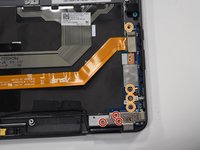
      • Remove the two Phillips #000 screws on the metal connector above the thick orange band.

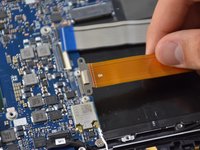
      • Lift up the thick orange band.

      FixBot'a Sor

      Yorum Ekle

    6. Asus Q325U Keyboard Replacement: adım 19, 3 resimden 1. Asus Q325U Keyboard Replacement: adım 19, 3 resimden 2. Asus Q325U Keyboard Replacement: adım 19, 3 resimden 3.
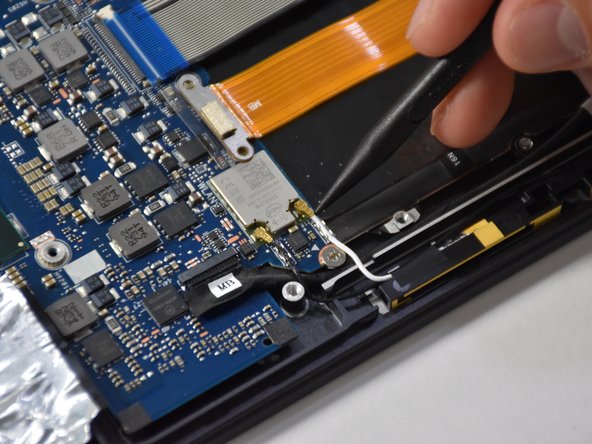
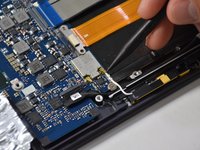
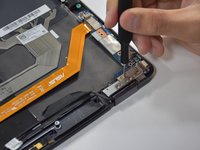
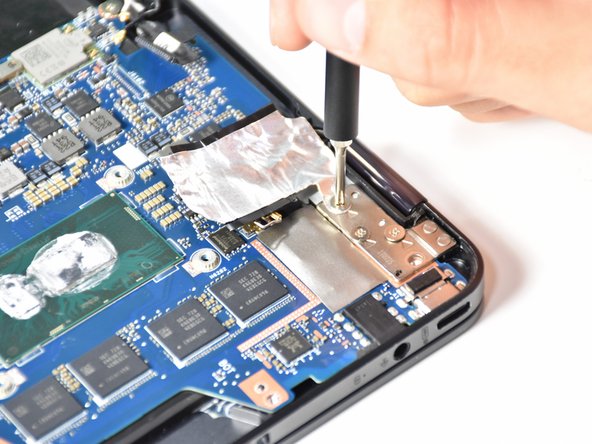
      • Gently lift up the two smallest connectors using your fingers or a plastic opening tool.

      FixBot'a Sor
      Yorum Ekle

    7. Asus Q325U Keyboard Replacement: adım 20, 2 resimden 1. Asus Q325U Keyboard Replacement: adım 20, 2 resimden 2.
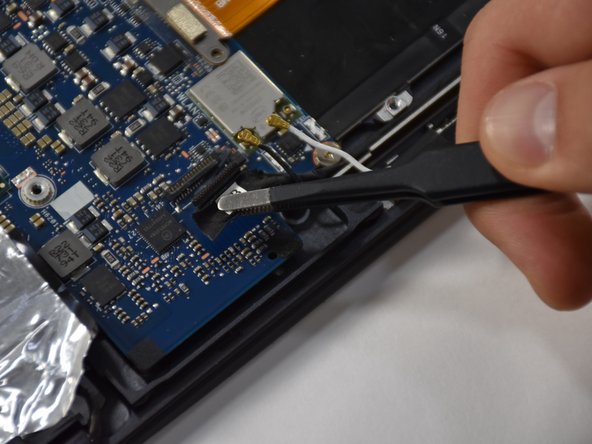
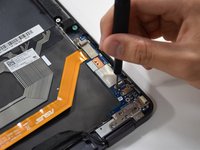
      • Lift up the black hinge of the connector using a plastic opening tool.

      • Remove the connector using a tweezer.

      FixBot'a Sor

      Yorum Ekle

    8. Asus Q325U Keyboard Replacement: adım 21, 3 resimden 1. Asus Q325U Keyboard Replacement: adım 21, 3 resimden 2. Asus Q325U Keyboard Replacement: adım 21, 3 resimden 3.
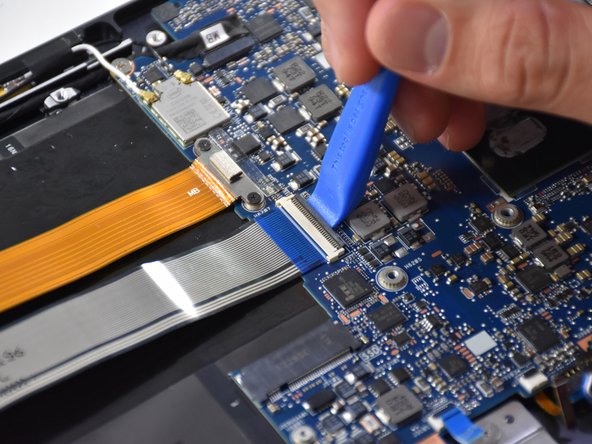
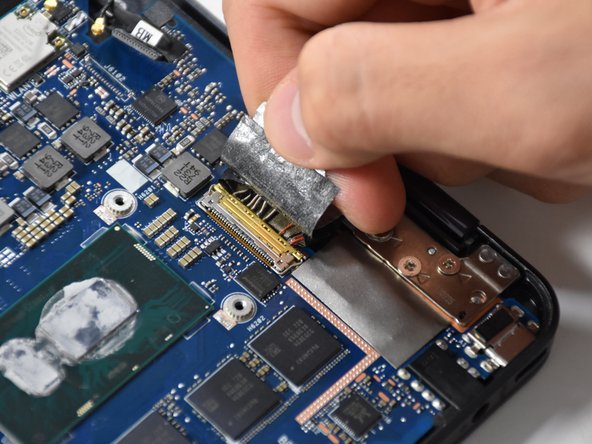
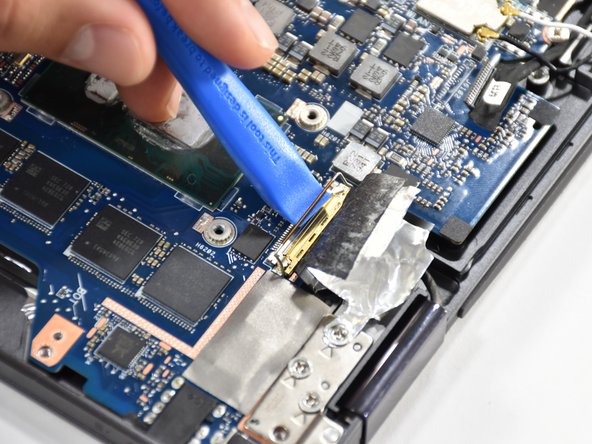
      • Pull up the tap of the biggest connector using your fingers.

      • Lift the gold hinge using a plastic opening tool.

      • Lift the connector up with your fingers to remove.

      FixBot'a Sor

      Yorum Ekle

    9. Asus Q325U Keyboard Replacement: adım 22, 2 resimden 1. Asus Q325U Keyboard Replacement: adım 22, 2 resimden 2.
      • Remove the four 4.8 mm screws using a Phillips #00 screwdriver.

      FixBot'a Sor

      Yorum Ekle

    10. Asus Q325U Keyboard Replacement: adım 23, 2 resimden 1. Asus Q325U Keyboard Replacement: adım 23, 2 resimden 2.
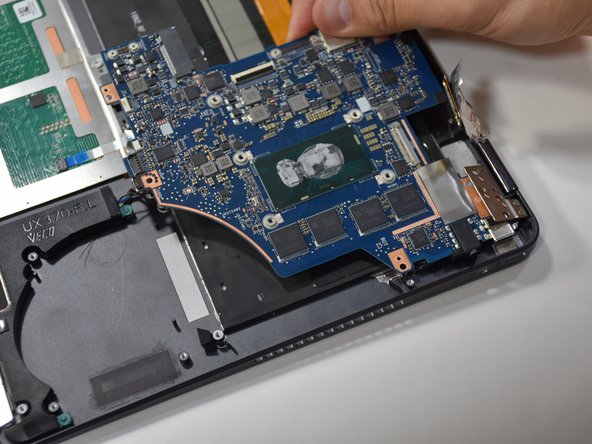
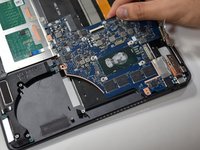
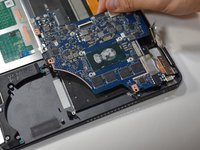
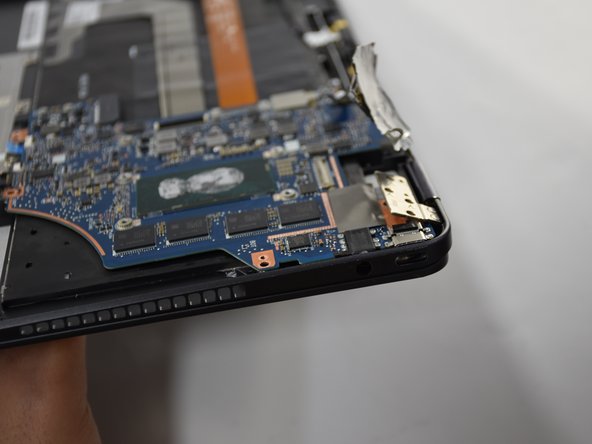
      • Slightly open up the laptop. This will lift up the hinge at the corner and free the motherboard.

      FixBot'a Sor
      Yorum Ekle

    11. Asus Q325U Keyboard Replacement: adım 24, 2 resimden 1. Asus Q325U Keyboard Replacement: adım 24, 2 resimden 2.
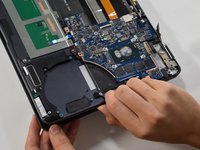
      • Pull the motherboard away from the corner to remove.

      FixBot'a Sor
      Yorum Ekle

    1. Asus Q325U Keyboard Replacement, Keyboard: adım 25, 3 resimden 1. Asus Q325U Keyboard Replacement, Keyboard: adım 25, 3 resimden 2. Asus Q325U Keyboard Replacement, Keyboard: adım 25, 3 resimden 3.
      • Remove the three 4 mm screws using a Phillips #00 screwdriver.

      • Remove the four 4.8 mm screws using a Phillips #000 screwdriver.

      FixBot'a Sor

      Yorum Ekle

    2. Asus Q325U Keyboard Replacement: adım 26, 1 resimden 1.
      • Slide out the blue chip board connected to the long orange piece by gently grabbing the tab and lifting.

      FixBot'a Sor

      Yorum Ekle

    3. Asus Q325U Keyboard Replacement: adım 27, 1 resimden 1.
      • Release the single MB wire by removing the black piece of tape.

      FixBot'a Sor

      Yorum Ekle

    4. Asus Q325U Keyboard Replacement: adım 28, 1 resimden 1.
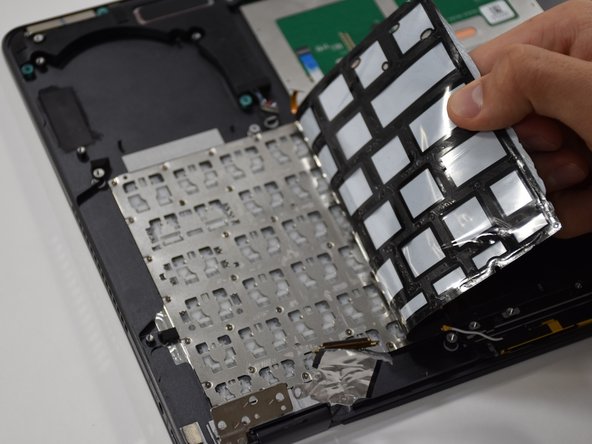
      • Untape the blue striped strip by pulling upwards and laying it flat.

      FixBot'a Sor

      Yorum Ekle

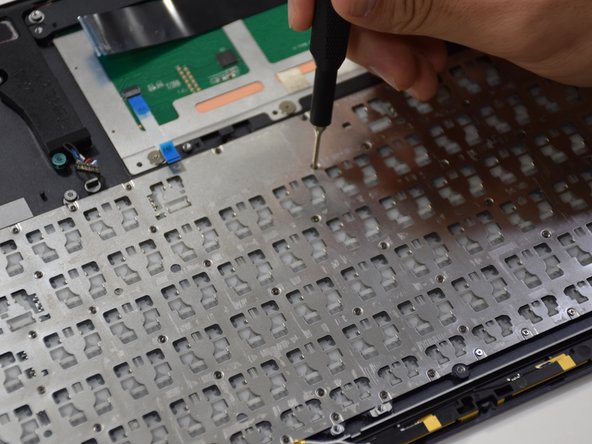
    5. Asus Q325U Keyboard Replacement: adım 29, 3 resimden 1. Asus Q325U Keyboard Replacement: adım 29, 3 resimden 2. Asus Q325U Keyboard Replacement: adım 29, 3 resimden 3.
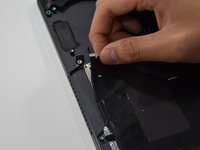
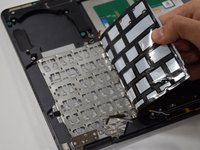
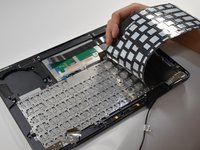
      • Starting at the upper left corner, remove the black adhesive from the keyboard.

      FixBot'a Sor

      Yorum Ekle

    6. Asus Q325U Keyboard Replacement: adım 30, 2 resimden 1. Asus Q325U Keyboard Replacement: adım 30, 2 resimden 2.
      • Remove eighty 1 mm screws located on the keyboard frame using a Phillips #000 screwdriver.

      FixBot'a Sor

      Yorum Ekle

    7. Asus Q325U Keyboard Replacement: adım 31, 1 resimden 1.
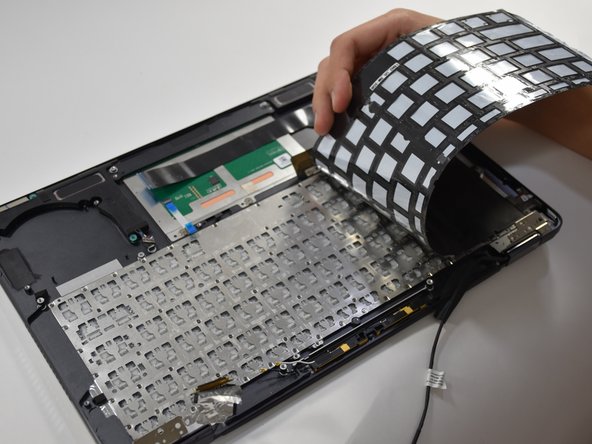
      • Grab the edge of the keyboard and lift upwards to remove.

      FixBot'a Sor

      Yorum Ekle

Sonuç

To reassemble your device, follow these instructions in reverse order.

İptal et: Bu kılavuzu tamamlamadım.

Matthew Slawson

Üyelik tarihi: 01/29/19

271 İtibar

2 adet Kılavuz yazıldı

Ekip

Cal Poly, Team S19-G1, White Winter 2019 Cal Poly, Team S19-G1, White Winter 2019 üyesi

CPSU-WHITE-W19S19G1

3 Üyeler

36 adet Kılavuz yazıldı

0Kılavuz Yorumları

Yorum Ekle

İstatistikleri Görüntüle:

Son 24 Saat: 1

Son 7 gün: 2

Son 30 gün: 7

Her zaman: 1,016