Ana içeriğe geç
Onarım Topluluğuna Katılın - Hesap Oluşturun

Asus ROG Strix GL702VS Trackpad Replacement

Neye ihtiyacın var

  1. Asus ROG Strix GL702VS Trackpad Replacement, Back Cover: adım 1, 1 resimden 1.
    • Flip the computer so the bottom of the laptop is facing up.

  2. Asus ROG Strix GL702VS Trackpad Replacement: adım 2, 1 resimden 1.
    • Remove the ten JIS #0 screws around the edge of the laptop.

    • The two bottom screws are slightly shorter

  3. Asus ROG Strix GL702VS Trackpad Replacement: adım 3, 2 resimden 1. Asus ROG Strix GL702VS Trackpad Replacement: adım 3, 2 resimden 2.
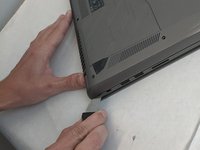
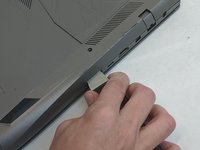
    • Use a Jimmy to carefully free each side of the bottom casing.

  4. Asus ROG Strix GL702VS Trackpad Replacement: adım 4, 1 resimden 1.
    • Lift up the back casing from the computer.

    • You may hear clicking or snapping sounds. This is just the plastic clips coming loose.

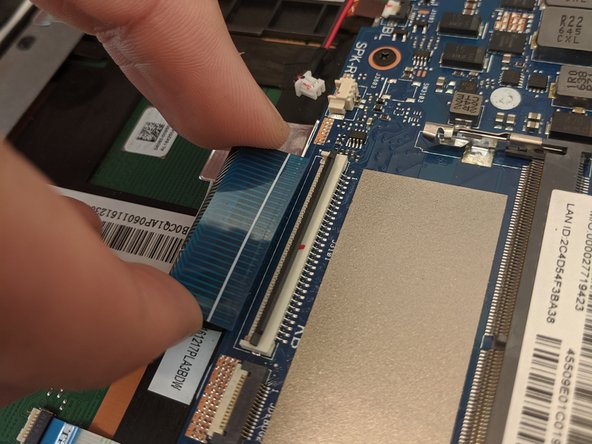
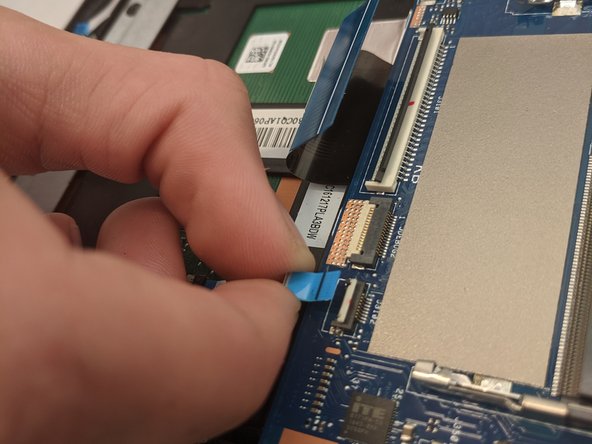
  5. Asus ROG Strix GL702VS Trackpad Replacement, Trackpad: adım 5, 3 resimden 1. Asus ROG Strix GL702VS Trackpad Replacement, Trackpad: adım 5, 3 resimden 2. Asus ROG Strix GL702VS Trackpad Replacement, Trackpad: adım 5, 3 resimden 3.
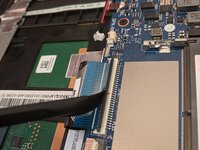
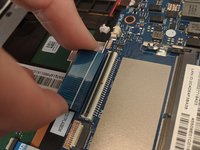
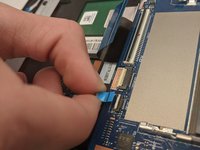
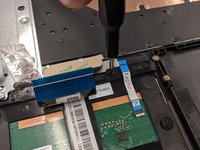
    • Disconnect the ribbon cables from the connectors at the bottom of the motherboard by lifting up the tabs with a nylon spudger tool.

    • Slide the ribbon cables out of the connectors on the motherboard.

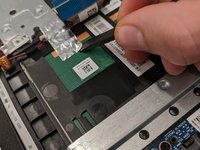
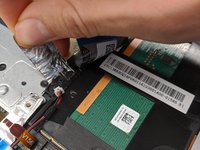
  6. Asus ROG Strix GL702VS Trackpad Replacement: adım 6, 2 resimden 1. Asus ROG Strix GL702VS Trackpad Replacement: adım 6, 2 resimden 2.
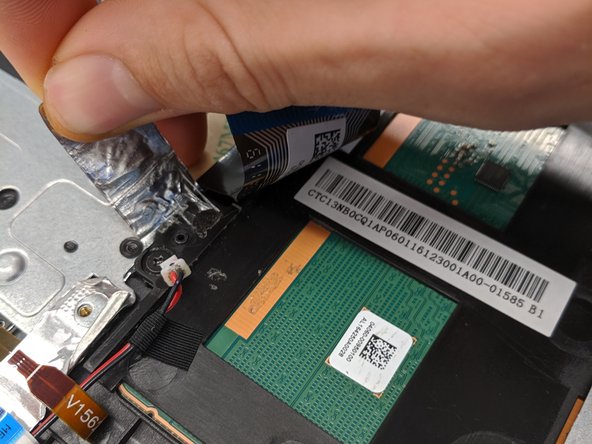
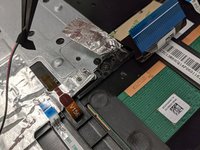
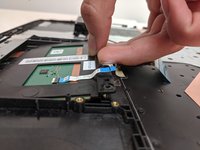
    • Remove the covering foil holding the trackpad into place.

    • Completely peel the foil back to ensure it does not interfere with the following processes.

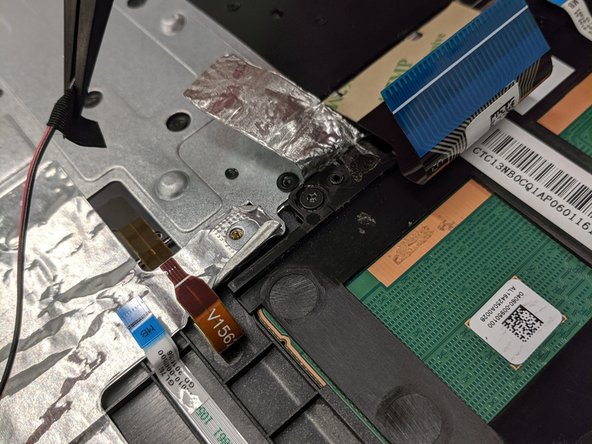
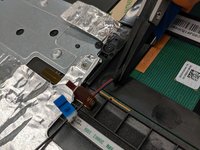
  7. Asus ROG Strix GL702VS Trackpad Replacement: adım 7, 2 resimden 1. Asus ROG Strix GL702VS Trackpad Replacement: adım 7, 2 resimden 2.
    Bu adımda kullanılan alet:
    Tweezers
    $4.99
    • Lift up speaker cable that is laying overtop using a pair of tweezers.

    • Do not to overextend the wire since you may accidently pull the wire out.

  8. Asus ROG Strix GL702VS Trackpad Replacement: adım 8, 3 resimden 1. Asus ROG Strix GL702VS Trackpad Replacement: adım 8, 3 resimden 2. Asus ROG Strix GL702VS Trackpad Replacement: adım 8, 3 resimden 3.
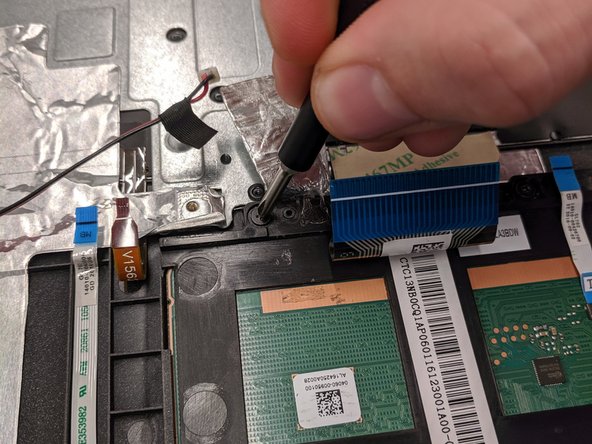
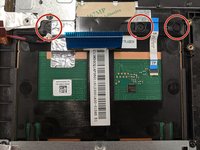
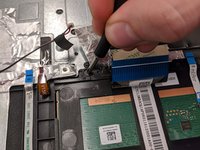
    • Remove the three 4mm JIS #0 screws that are securing the trackpad.

  9. Asus ROG Strix GL702VS Trackpad Replacement: adım 9, 2 resimden 1. Asus ROG Strix GL702VS Trackpad Replacement: adım 9, 2 resimden 2.
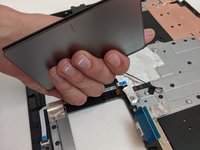
    • Once freed, slide the trackpad backwards towards the center of laptop.

    • This may require some jiggling. Lifting the laptop off your working surface may help.

    • Sliding the trackpad back in can be a bit tricky. Ensure it is fully seated before continuing reassembly.

Sonuç

To reassemble your device, follow these instructions in reverse order.

0Kılavuz Yorumları

Yorum Ekle

İstatistikleri Görüntüle:

Son 24 Saat: 4

Son 7 gün: 17

Son 30 gün: 36

Her zaman: 1,291