Giriş
This guide will show how to replace the fan of your Asus Zenbook UX31A. This may be necessary if the computer is overheating or the fan is making weird noises.
The fan is responsible for circulating air within the computer to prevent overheating. If the fan has issues, it may lead to overheating.
Before following this guide, make sure to try cleaning out the vents and fan. This can be done using an ESD safe brush and compressed air.
Before you proceed, make sure to power the computer all the way down and disconnect the charging cable.
Neye ihtiyacın var
-
-
-
Use a T6 screwdriver to remove the ten 6 mm case screws.
-
The two screws adjacent to the device serial number stamps are longer than the others. These two screws run about 11 mm long.
-
Remove the back cover from the laptop.
 FixBot'a Sor
-
-
-
Use a Phillips #00 screwdriver to remove the three 7 mm screws that secure the battery.
-
-
-
Unplug the bundled battery connector from the motherboard by gently pulling the cable up.
-
-
-
-
-
-
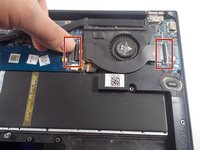
Unclip both ZIF connector tabs by lifting the black tab up and away from the connector.
-
Remove the bridge connector.
-
-
-
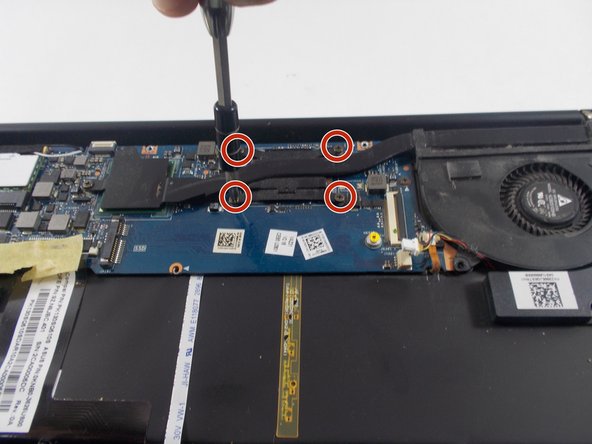
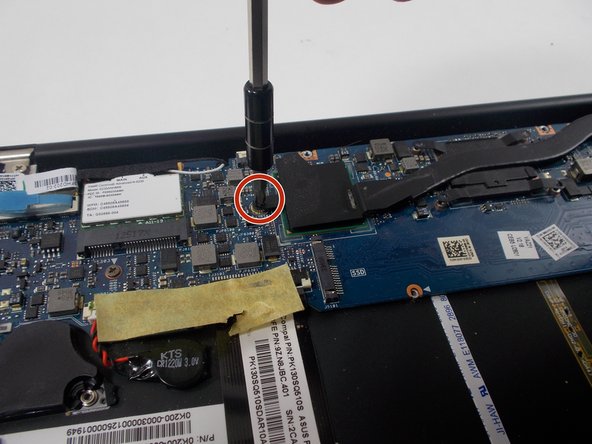
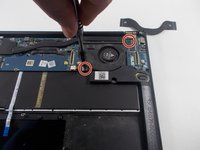
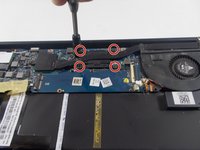
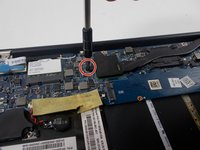
Use a Phillips #00 screwdriver to remove all seven 6 mm screws that secure the fan and heatsink.
-
-
-
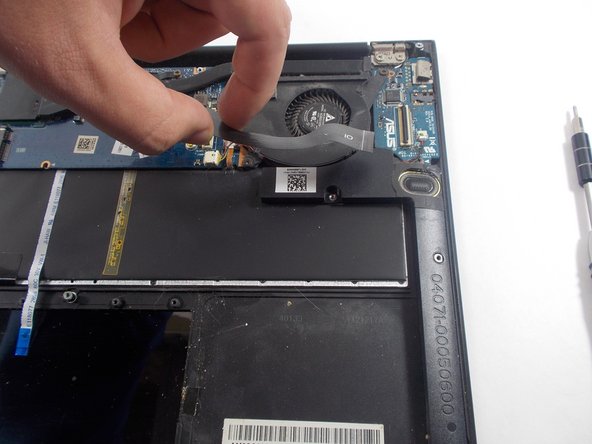
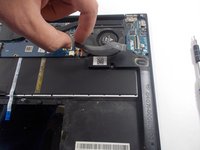
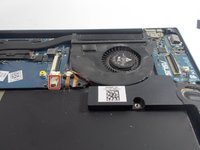
Disconnect the fan connector by pulling on it horizontally until it disconnects.
-
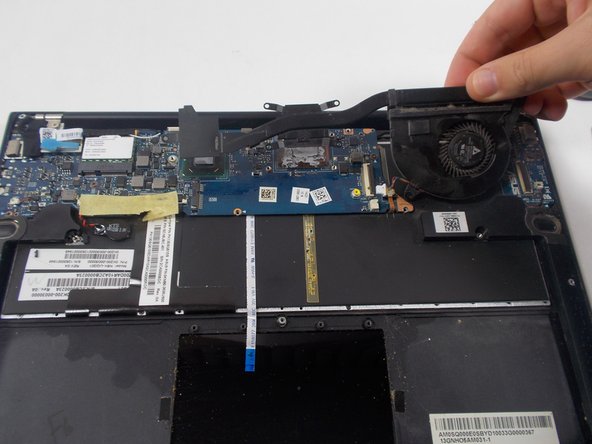
Remove the fan.
-
-




To reassemble your device, follow these instructions in reverse order.

Ekip

UMass Dartmouth, Team 7-1, Sinclaire Spring 2022 UMass Dartmouth, Team 7-1, Sinclaire Spring 2022 üyesi
UMASSD-SINCLAIRE-S22S7G1
5 Üyeler
72 adet Kılavuz yazıldı
