Ana içeriğe geç
Onarım Topluluğuna Katılın - Hesap Oluşturun

Battery Disconnect

Salt Önkoşul
Bu sadece bir ön koşul kılavuzudur! Bu kılavuz başka bir prosedürün parçasıdır ve tek başına kullanılması amaçlanmamıştır.

Neye ihtiyacın var

  1. Battery Disconnect, Unfasten the lower case: adım 1, 2 resimden 1. Battery Disconnect, Unfasten the lower case: adım 1, 2 resimden 2.
    • Remove the 11 Phillips screws securing the lower case:

    • Seven 11.6 mm screws

    • Two 14.6 mm screws

    • Two 6.1 mm screws

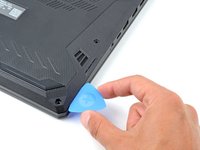
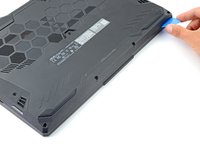
  2. Battery Disconnect, Insert an opening pick: adım 2, 2 resimden 1. Battery Disconnect, Insert an opening pick: adım 2, 2 resimden 2.
    • Insert an opening pick between the lower case and the chassis on the front right edge.

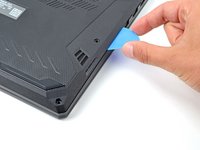
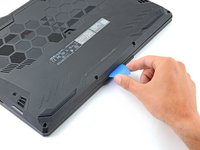
  3. Battery Disconnect, Release the right edge clips: adım 3, 2 resimden 1. Battery Disconnect, Release the right edge clips: adım 3, 2 resimden 2.
    • Slide the pick along the right edge to release the clips securing the lower case.

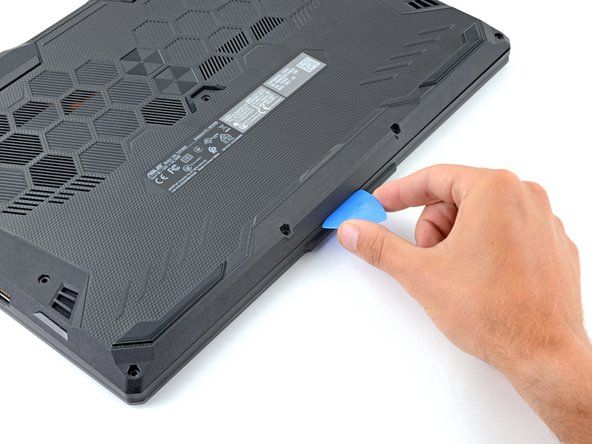
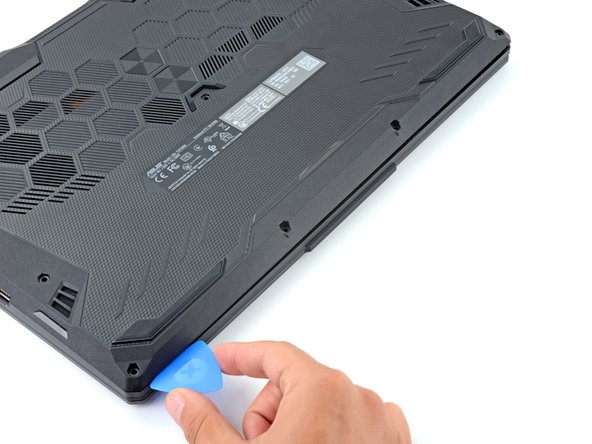
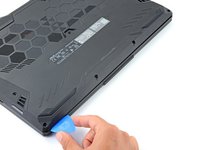
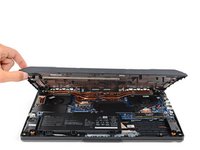
  4. Battery Disconnect, Release the remaining clips: adım 4, 3 resimden 1. Battery Disconnect, Release the remaining clips: adım 4, 3 resimden 2. Battery Disconnect, Release the remaining clips: adım 4, 3 resimden 3.
    • Continue sliding the opening pick along the perimeter of the lower case to release the remaining clips.

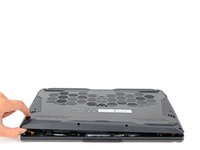
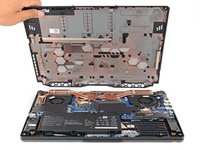
  5. Battery Disconnect: adım 5, 3 resimden 1. Battery Disconnect: adım 5, 3 resimden 2. Battery Disconnect: adım 5, 3 resimden 3.
    • Lift the lower case from the chassis and remove it.

    • During reassembly, this is a good point to power on your laptop and test all functions before sealing it up. Be sure to power your laptop back down before you continue working.

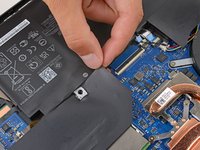
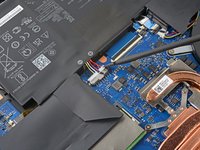
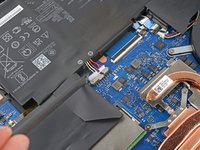
  6. Battery Disconnect, Reposition the plastic: adım 6, 2 resimden 1. Battery Disconnect, Reposition the plastic: adım 6, 2 resimden 2.
    • Use your fingers to move the plastic that covers the battery connector out of the way.

    • If the plastic is not staying out of the way use a piece of tape to secure it.

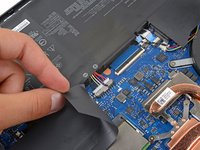
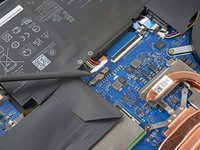
  7. Battery Disconnect, Disconnect the battery: adım 7, 3 resimden 1. Battery Disconnect, Disconnect the battery: adım 7, 3 resimden 2. Battery Disconnect, Disconnect the battery: adım 7, 3 resimden 3.
    • Use the flat end of a spudger to push each side of the battery connector until it comes out of the socket.

Sonuç

To reassemble your device, follow these instructions in reverse order.

Spencer Day

Üyelik tarihi: 09/14/22

158.763 İtibar

1.043 adet Kılavuz yazıldı

Ekip

iFixit iFixit üyesi

Staff

123 Üyeler

23.909 adet Kılavuz yazıldı

0Kılavuz Yorumları

Yorum Ekle

İstatistikleri Görüntüle:

Son 24 Saat: 0

Son 7 gün: 1

Son 30 gün: 3

Her zaman: 65