Ana içeriğe geç
Onarım Topluluğuna Katılın - Hesap Oluşturun

BlackBerry 7100g Battery Terminal Replacement

Neye ihtiyacın var

    1. BlackBerry 7100g Battery Terminal Replacement, Battery: adım 1, 1 resimden 1.
      • Turn over your BalckBerry 7100g so that the back cover is facing up.

      • Locate the battery cover release button near the bottom of the back panel.

      FixBot'a Sor

      Yorum Ekle

    2. BlackBerry 7100g Battery Terminal Replacement: adım 2, 3 resimden 1. BlackBerry 7100g Battery Terminal Replacement: adım 2, 3 resimden 2. BlackBerry 7100g Battery Terminal Replacement: adım 2, 3 resimden 3.
      • Push down on the release button with one thumb.

      • Slide the battery cover off with the other thumb.

      FixBot'a Sor

      Yorum Ekle

    3. BlackBerry 7100g Battery Terminal Replacement: adım 3, 1 resimden 1.
      • Remove the battery from the battery housing by flipping up the top of the battery.

      FixBot'a Sor

      Yorum Ekle

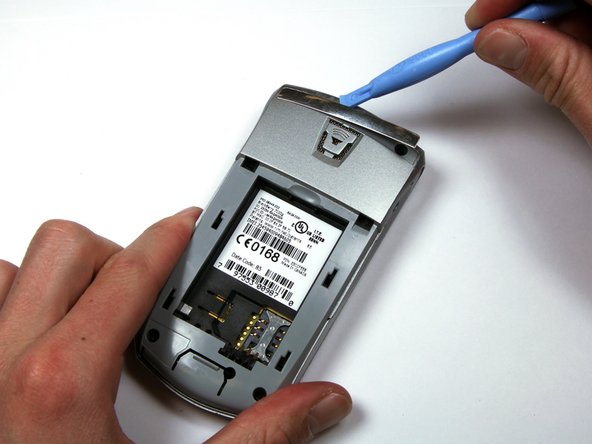
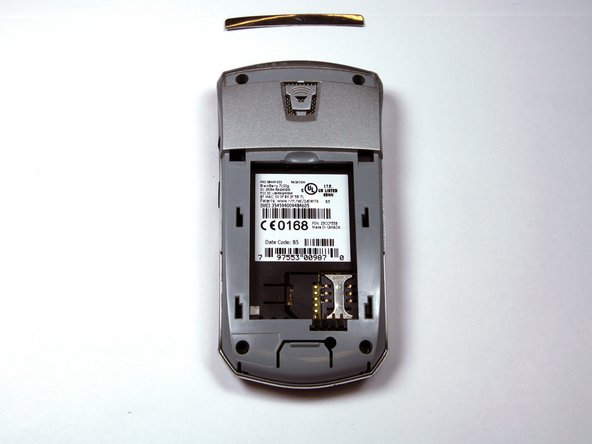
    1. BlackBerry 7100g Battery Terminal Replacement, Housing: adım 4, 3 resimden 1. BlackBerry 7100g Battery Terminal Replacement, Housing: adım 4, 3 resimden 2. BlackBerry 7100g Battery Terminal Replacement, Housing: adım 4, 3 resimden 3.
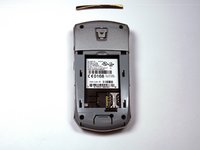
      • Locate the silver strip near the top of your BlackBerry.

      • Use a plastic opening tool to pry off the edge of the silver lining.

      • Slide the tool along the length of the silver strip to completely remove it.

      FixBot'a Sor

      Yorum Ekle

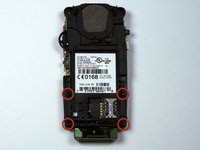
    2. BlackBerry 7100g Battery Terminal Replacement: adım 5, 2 resimden 1. BlackBerry 7100g Battery Terminal Replacement: adım 5, 2 resimden 2.
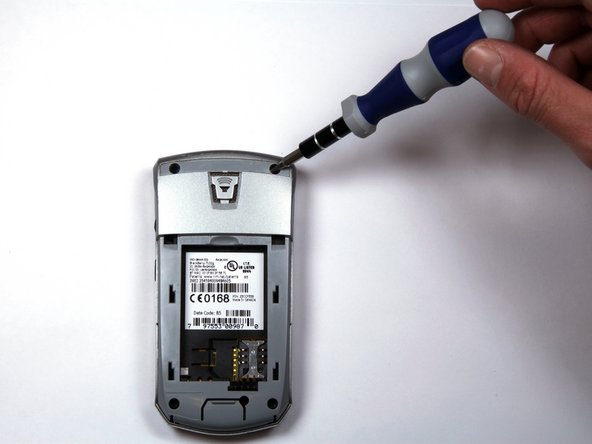
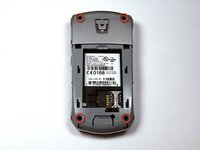
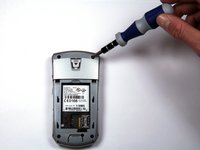
      • Do not lose the screws. They are quite small and can easily be misplaced.

      • Locate and unscrew the four (4) screws using a T6 screwdriver.

      FixBot'a Sor

      Yorum Ekle

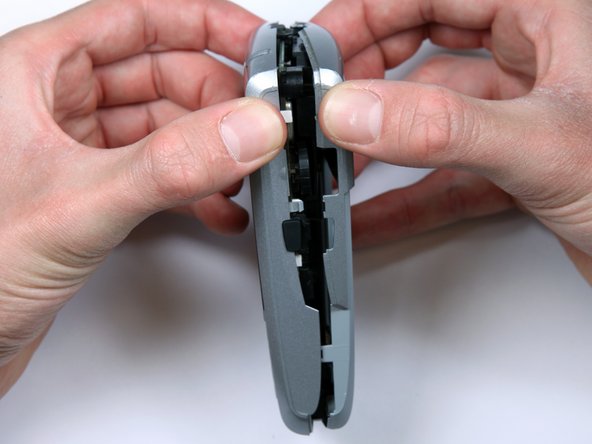
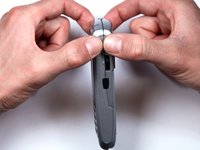
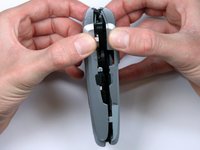
    3. BlackBerry 7100g Battery Terminal Replacement: adım 6, 3 resimden 1. BlackBerry 7100g Battery Terminal Replacement: adım 6, 3 resimden 2. BlackBerry 7100g Battery Terminal Replacement: adım 6, 3 resimden 3.
      • The keypad cover may fall out of the housing when prying the housing apart.

      • Tightly pinch the top of the front and back halves of the housing.

      • Carefully pry the two halves of the housing apart.

      FixBot'a Sor

      Yorum Ekle

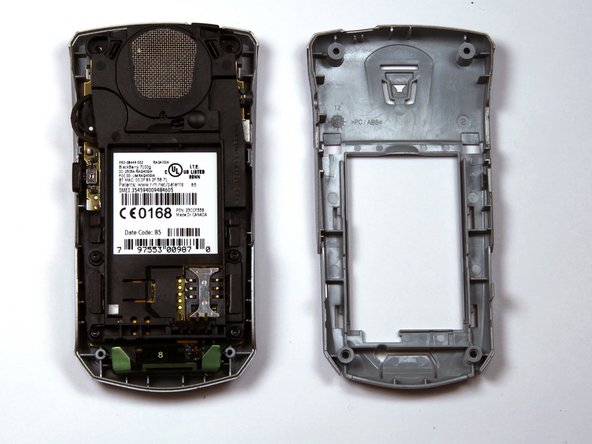
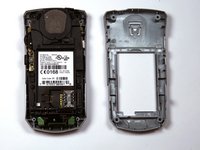
    4. BlackBerry 7100g Battery Terminal Replacement: adım 7, 1 resimden 1.
      • You can now easily remove the "guts" of the phone from the housing.

      FixBot'a Sor

      Yorum Ekle

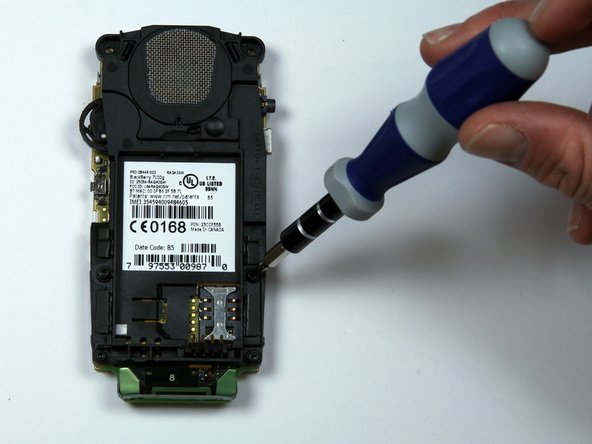
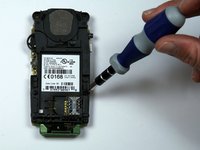
    1. BlackBerry 7100g Battery Terminal Replacement, Battery Terminal: adım 8, 2 resimden 1. BlackBerry 7100g Battery Terminal Replacement, Battery Terminal: adım 8, 2 resimden 2.
      • Remove the four screws holding the battery and speaker housing to the motherboard.

      FixBot'a Sor

      Yorum Ekle

    2. BlackBerry 7100g Battery Terminal Replacement: adım 9, 3 resimden 1. BlackBerry 7100g Battery Terminal Replacement: adım 9, 3 resimden 2. BlackBerry 7100g Battery Terminal Replacement: adım 9, 3 resimden 3.
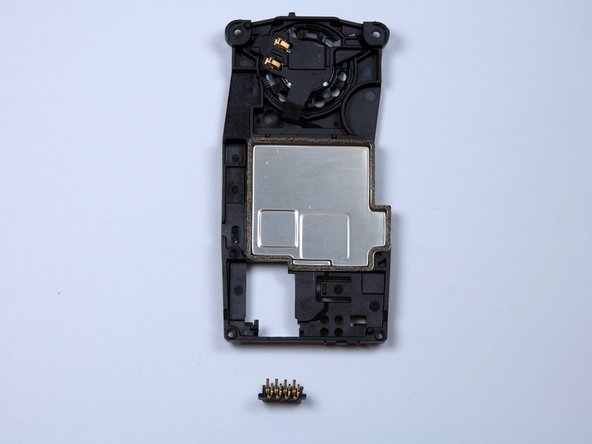
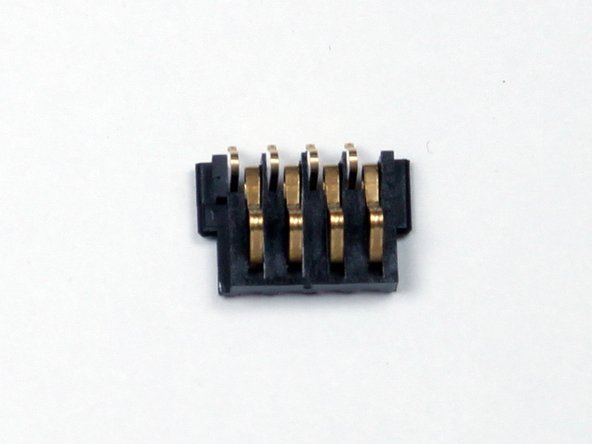
      • Once the battery housing is seperated from the motherboard, the battery terminal will slide off the battery housing.

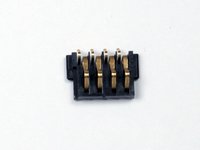
      • The small plastic piece with four metal pins is the battery terminal shown in the third picture.

      FixBot'a Sor

      Yorum Ekle

Sonuç

To reassemble your device, follow these instructions in reverse order.

İptal et: Bu kılavuzu tamamlamadım.

Kellan

Üyelik tarihi: 03/30/10

277 İtibar

3 adet Kılavuz yazıldı

Ekip

Cal Poly, Team 25-87, Amido Spring 2010 Cal Poly, Team 25-87, Amido Spring 2010 üyesi

CPSU-AMIDO-S10S25G87

4 Üyeler

72 adet Kılavuz yazıldı

0Kılavuz Yorumları

Yorum Ekle

İstatistikleri Görüntüle:

Son 24 Saat: 0

Son 7 gün: 8

Son 30 gün: 33

Her zaman: 3,559