Ana içeriğe geç
Onarım Topluluğuna Katılın - Hesap Oluşturun

BlackBerry Curve 8530 Trackpad Replacement

Neye ihtiyacın var

    1. BlackBerry Curve 8530 Trackpad Replacement, Battery: adım 1, 2 resimden 1. BlackBerry Curve 8530 Trackpad Replacement, Battery: adım 1, 2 resimden 2.
      • Place the phone on a flat surface with the screen facing down.

      • Remove the plastic backplate by pulling up on the bottom of the cover.

      FixBot'a Sor

      Yorum Ekle

    2. BlackBerry Curve 8530 Trackpad Replacement: adım 2, 1 resimden 1.
      • Remove the battery by pulling up from the top of the battery.

      FixBot'a Sor

      Yorum Ekle

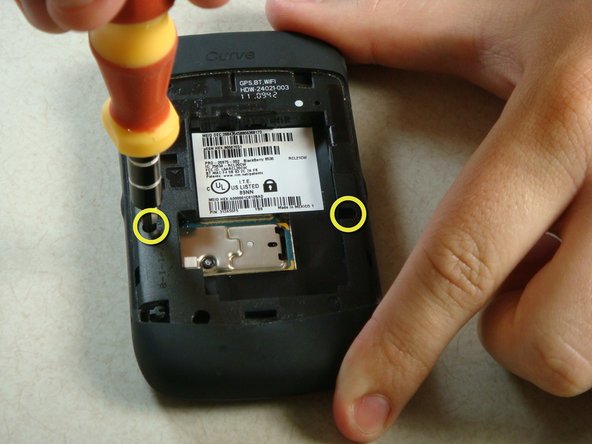
    1. BlackBerry Curve 8530 Trackpad Replacement, Keypad: adım 3, 2 resimden 1. BlackBerry Curve 8530 Trackpad Replacement, Keypad: adım 3, 2 resimden 2.
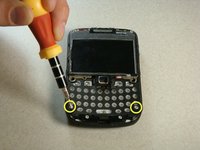
      • Remove the two screws midway up the phone on the left and right sides using a T6 Torx Screwdriver.

      • Warning: One screw will have warranty tape covering the screw. Removing this screw will likely void the phones warranty.

      FixBot'a Sor

      Yorum Ekle

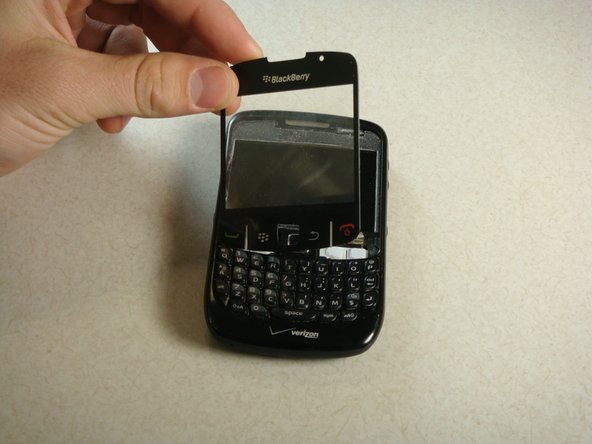
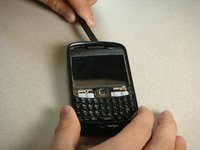
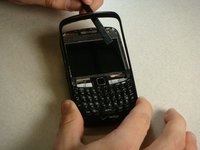
    2. BlackBerry Curve 8530 Trackpad Replacement: adım 4, 2 resimden 1. BlackBerry Curve 8530 Trackpad Replacement: adım 4, 2 resimden 2.
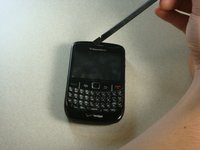
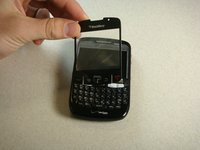
      • Flip the phone over so the keyboard faces up.

      • Insert a plastic spudger into the screen where speaker resides.

      • I recommend going from the side. There are two layers to the cover. You need to make sure you get underneath the bottom layer if you plan on reusing this cover.

      • Gently lift up plastic screen cover until screen cover separates from screen.

      • Continue until screen cover is completely removed.

      FixBot'a Sor

      Yorum Ekle

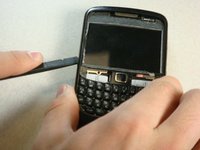
    3. BlackBerry Curve 8530 Trackpad Replacement: adım 5, 3 resimden 1. BlackBerry Curve 8530 Trackpad Replacement: adım 5, 3 resimden 2. BlackBerry Curve 8530 Trackpad Replacement: adım 5, 3 resimden 3.
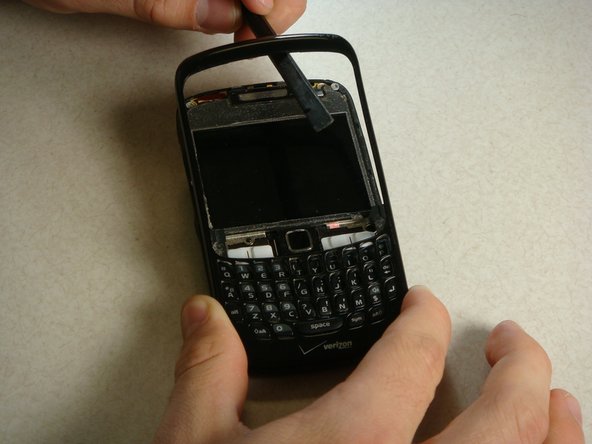
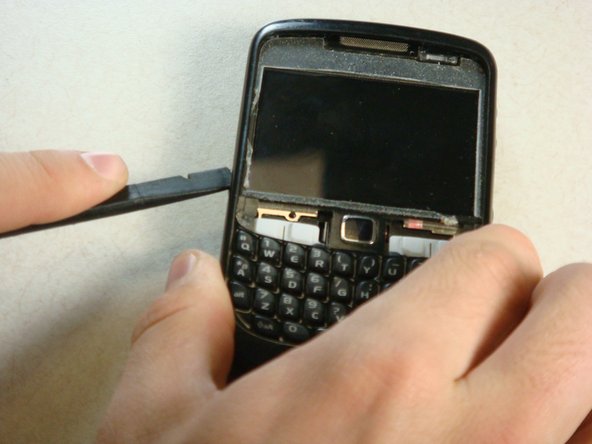
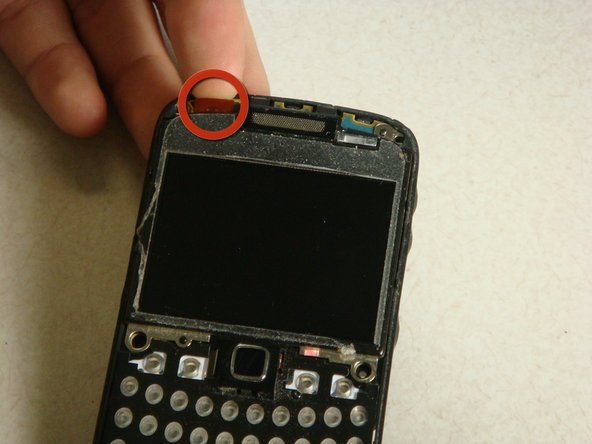
      • Insert the spudger into the top of the plastic siding on the front of the phone and lift up until the siding lifts up.

      • Slide the tool around the entire perimeter of the phone until the plastic siding is completely removed.

      FixBot'a Sor

      Yorum Ekle

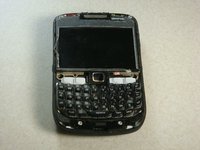
    4. BlackBerry Curve 8530 Trackpad Replacement: adım 6, 2 resimden 1. BlackBerry Curve 8530 Trackpad Replacement: adım 6, 2 resimden 2.
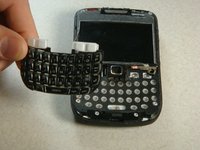
      • The keyboard should slide off of the phone now that the plastic siding has been removed.

      FixBot'a Sor

      Yorum Ekle

    1. BlackBerry Curve 8530 Trackpad Replacement, Screen: adım 7, 3 resimden 1. BlackBerry Curve 8530 Trackpad Replacement, Screen: adım 7, 3 resimden 2. BlackBerry Curve 8530 Trackpad Replacement, Screen: adım 7, 3 resimden 3.
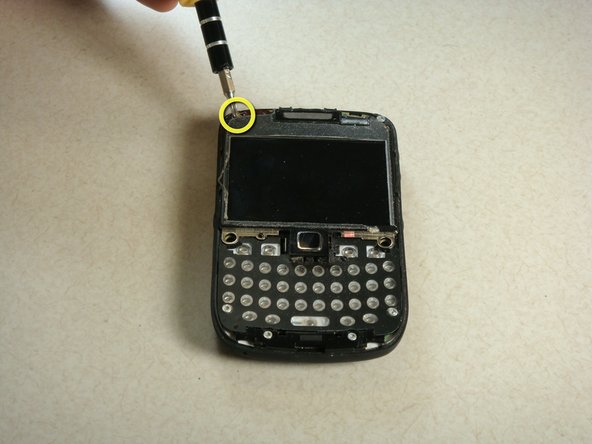
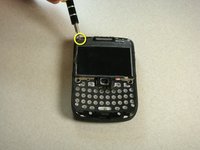
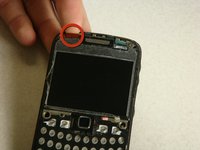
      • To detach the screen, there are two screws at the top of the phone to be removed. Use the T6 Torx Screwdriver to remove the screws.

      • There is a gold ribbon on the top left of the phone. Lift up this ribbon gently until it is detached from the phone.

      • Note: When reassembling, the ribbon should be reattached before replacing the top screws.

      FixBot'a Sor

      Yorum Ekle

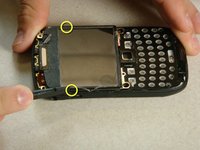
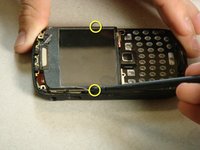
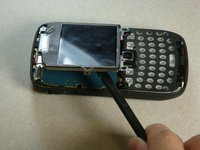
    2. BlackBerry Curve 8530 Trackpad Replacement: adım 8, 3 resimden 1. BlackBerry Curve 8530 Trackpad Replacement: adım 8, 3 resimden 2. BlackBerry Curve 8530 Trackpad Replacement: adım 8, 3 resimden 3.
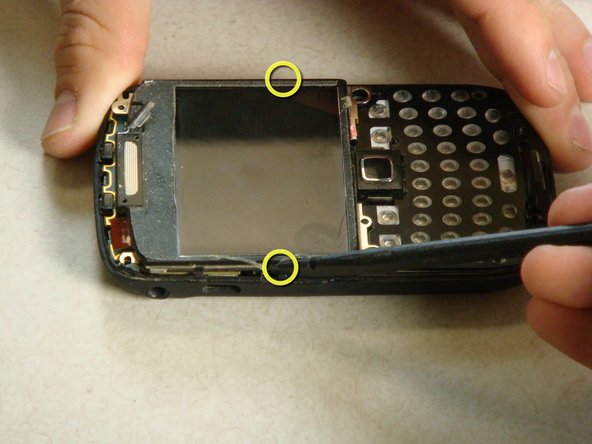
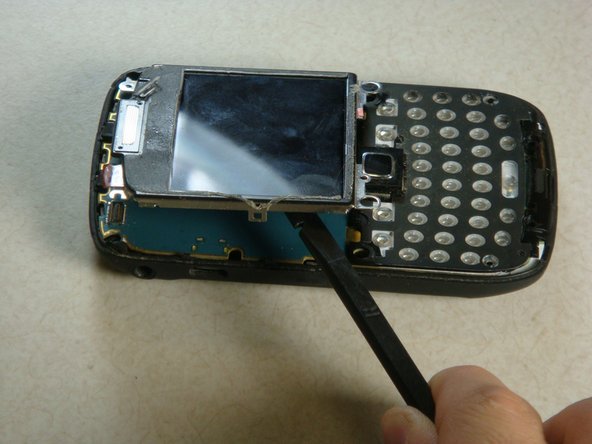
      • There are two clips on each side of the phone. Insert a plastic spudger between the clips and the screen.

      • Use pressure to unlatch the screen from the clips.

      • Now that these clips have been undone, the screen should lift up easily.

      FixBot'a Sor

      Yorum Ekle

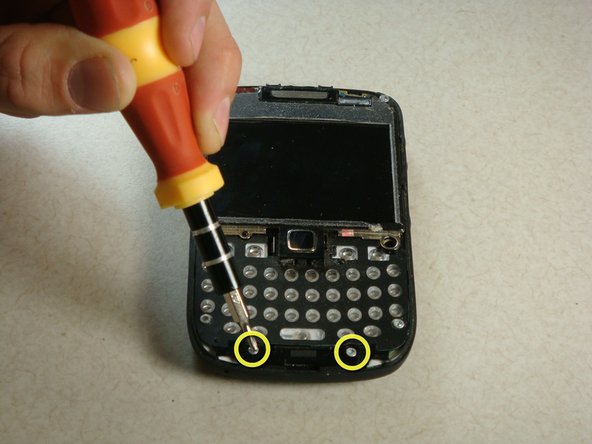
    1. BlackBerry Curve 8530 Trackpad Replacement, Motherboard: adım 9, 2 resimden 1. BlackBerry Curve 8530 Trackpad Replacement, Motherboard: adım 9, 2 resimden 2.
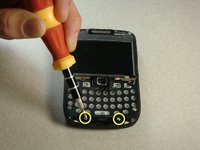
      • Now there are four screws that need to be removed. They are located at the bottom of the phone and can also be removed using a T6 Torx Screwdriver.

      FixBot'a Sor

      Yorum Ekle

    2. BlackBerry Curve 8530 Trackpad Replacement: adım 10, 3 resimden 1. BlackBerry Curve 8530 Trackpad Replacement: adım 10, 3 resimden 2. BlackBerry Curve 8530 Trackpad Replacement: adım 10, 3 resimden 3.
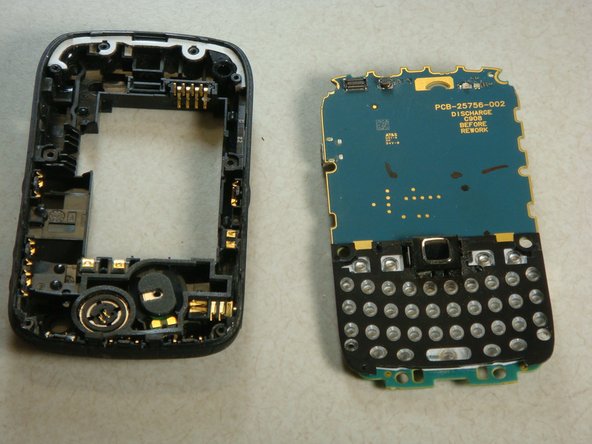
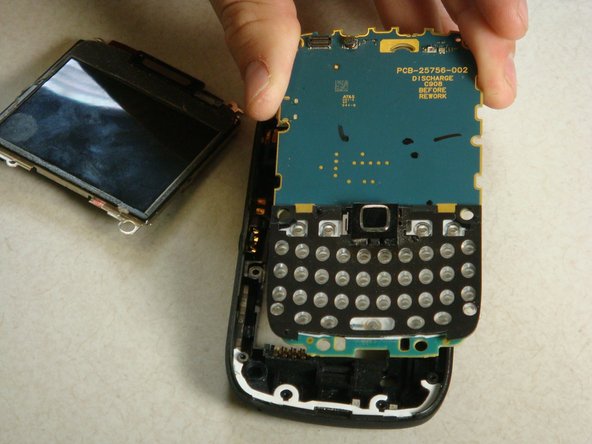
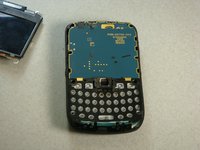
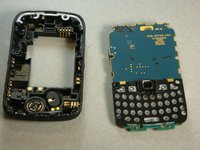
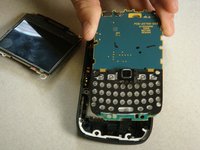
      • Now the motherboard will lift up out of the plastic backing of the phone.

      FixBot'a Sor

      Yorum Ekle

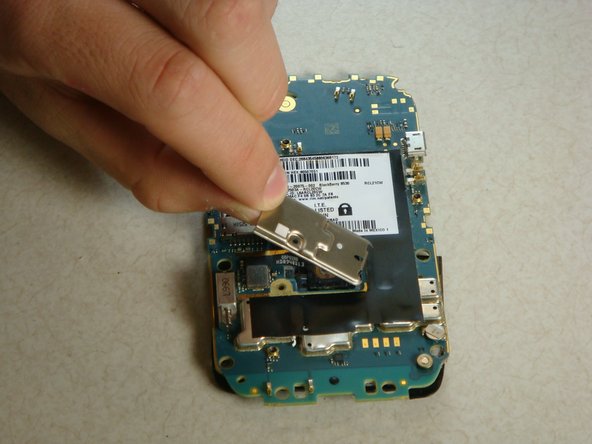
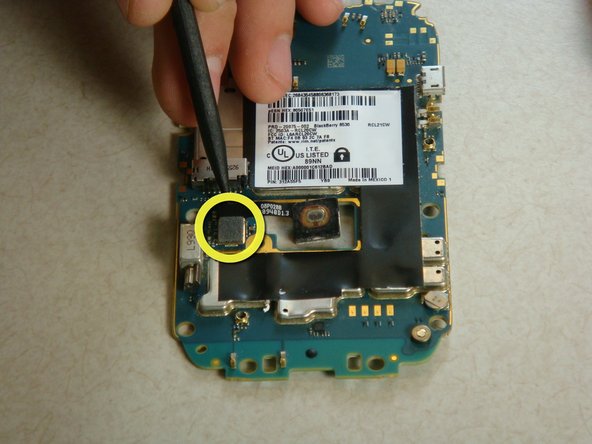
    1. BlackBerry Curve 8530 Trackpad Replacement, Trackpad: adım 11, 3 resimden 1. BlackBerry Curve 8530 Trackpad Replacement, Trackpad: adım 11, 3 resimden 2. BlackBerry Curve 8530 Trackpad Replacement, Trackpad: adım 11, 3 resimden 3.
      • Flip over the motherboard.

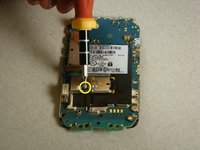
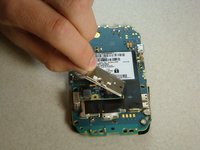
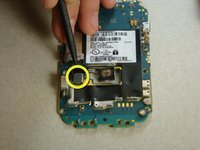
      • There is another torx screw near the middle of the motherboard on the left side.

      • Using the T5 Torx Screwdriver, remove the screw and the metal casing.

      • Note: Distinguish this screw from the others for reassembly purposes.

      • Detach the clip holding the track pad in.

      FixBot'a Sor

      Yorum Ekle

    2. BlackBerry Curve 8530 Trackpad Replacement: adım 12, 1 resimden 1.
      • Remove the trackpad from the motherboard.

      • Now you are ready to reassemble the phone

      FixBot'a Sor

      Yorum Ekle

Bitiş Çizgisi

İptal et: Bu kılavuzu tamamlamadım.

6 farklı kişi bu kılavuzu tamamladı.

Chris

Üyelik tarihi: 04/20/11

227 İtibar

1 Kılavuz yazıldı

Ekip

Cal Poly, Team 15-13, Regan Spring 2011 Cal Poly, Team 15-13, Regan Spring 2011 üyesi

CPSU-REGAN-S11S15G13

3 Üyeler

50 adet Kılavuz yazıldı

1Rehber Yorum

No need to full disassemble the phone. Just remove the back and the battery and unscrew the T5 screw, presto 20 minutes saved.

willdickerson - Yanıt Paylaş
Yorum Ekle

İstatistikleri Görüntüle:

Son 24 Saat: 2

Son 7 gün: 7

Son 30 gün: 35

Her zaman: 15,910