Ana içeriğe geç
Onarım Topluluğuna Katılın - Hesap Oluşturun

Brother PT-110 Keypad Contacts Replacement

Neye ihtiyacın var

    1. Brother PT-110 Keypad Contacts Replacement, Batteries: adım 1, 2 resimden 1. Brother PT-110 Keypad Contacts Replacement, Batteries: adım 1, 2 resimden 2.
      • Push on the side of the cover, and remove it.

      FixBot'a Sor

      Yorum Ekle

    2. Brother PT-110 Keypad Contacts Replacement: adım 2, 1 resimden 1.
      • Remove the batteries.

      FixBot'a Sor

      Yorum Ekle

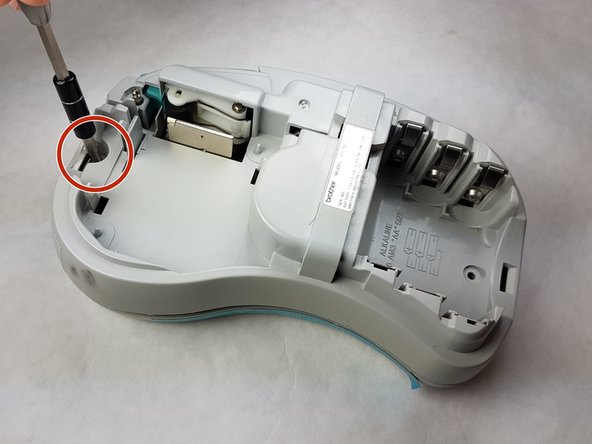
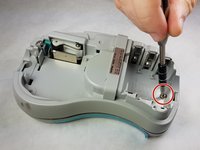
    1. Brother PT-110 Keypad Contacts Replacement, Back Plate: adım 3, 2 resimden 1. Brother PT-110 Keypad Contacts Replacement, Back Plate: adım 3, 2 resimden 2.
      • Unscrew the two 9 mm Phillips #1 screws from the top and bottom.

      • Total: 2 x Screws

      FixBot'a Sor

      Yorum Ekle

    2. Brother PT-110 Keypad Contacts Replacement: adım 4, 1 resimden 1.
      • First: To separate the top cover from the body, insert a spudger between the two halves.

      • Gently twist the spudger until the two halves separate. Do this in multiple spots around the perimeter of the cover to distribute the pressure.

      • DO NOT PULL HALVES APART. There are wired connections inside that must be disconnected before halves can be fully separated.

      FixBot'a Sor

      Yorum Ekle

    3. Brother PT-110 Keypad Contacts Replacement: adım 5, 1 resimden 1.
      • Gently separate the two covers, ensuring wires are not taut.

      FixBot'a Sor

      Yorum Ekle

    4. Brother PT-110 Keypad Contacts Replacement: adım 6, 1 resimden 1.
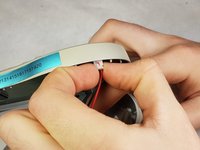
      • Gently grasp the ribbon wire and top cover, then gently pull the ribbon wire out of its connection.

      FixBot'a Sor

      Yorum Ekle

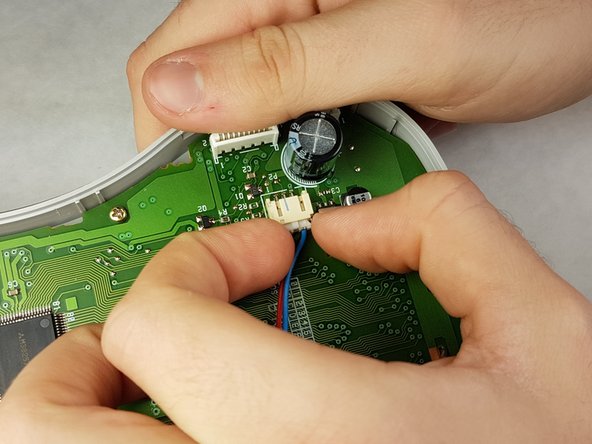
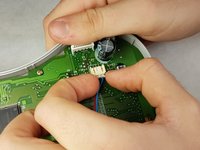
    5. Brother PT-110 Keypad Contacts Replacement: adım 7, 2 resimden 1. Brother PT-110 Keypad Contacts Replacement: adım 7, 2 resimden 2.
      • Carefully pinch the top of the connector.

      • Pull perpendicular to the device until the wire is disconnected.

      • It may require more force than expected to disconnect the wires.

      FixBot'a Sor

      Yorum Ekle

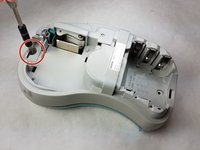
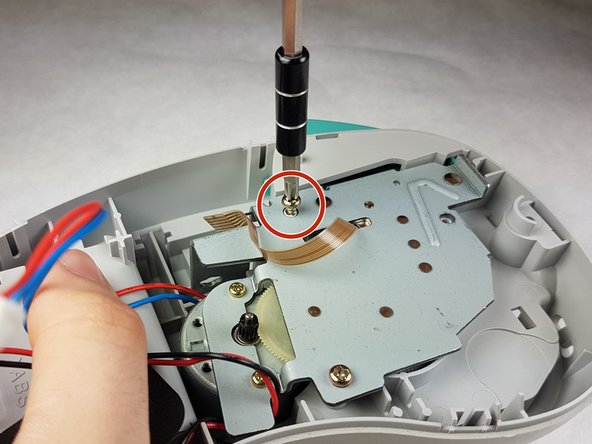
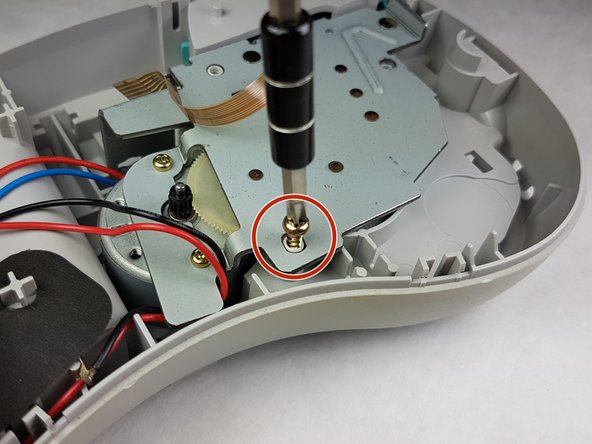
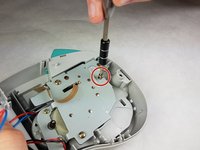
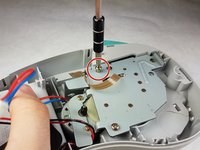
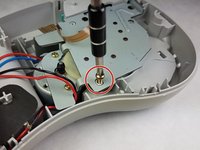
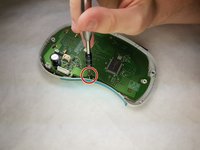
    6. Brother PT-110 Keypad Contacts Replacement: adım 8, 3 resimden 1. Brother PT-110 Keypad Contacts Replacement: adım 8, 3 resimden 2. Brother PT-110 Keypad Contacts Replacement: adım 8, 3 resimden 3.
      • Unscrew the three 9 mm Phillips #1 screws shown.

      • Total: 3 x Screws

      FixBot'a Sor

      Yorum Ekle

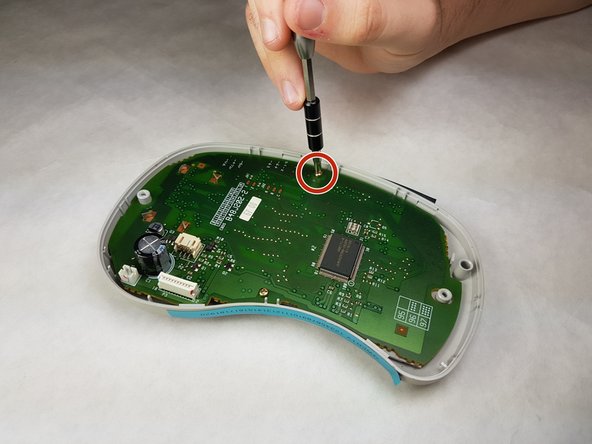
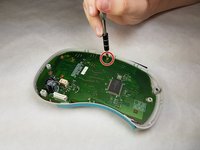
    1. Brother PT-110 Keypad Contacts Replacement, Keypad Contacts: adım 9, 2 resimden 1. Brother PT-110 Keypad Contacts Replacement, Keypad Contacts: adım 9, 2 resimden 2.
      • Unscrew both 6 mm Phillips #1 screws from the circuit board.

      • Total screws: 2

      FixBot'a Sor

      Yorum Ekle

    2. Brother PT-110 Keypad Contacts Replacement: adım 10, 1 resimden 1.
      • Gently lift the circuit board out.

      FixBot'a Sor

      Yorum Ekle

    3. Brother PT-110 Keypad Contacts Replacement: adım 11, 1 resimden 1.
      • Peel the keypad contacts up from the plastic casing.

      FixBot'a Sor

      Yorum Ekle

Sonuç

To reassemble your device, follow these instructions in reverse order.

İptal et: Bu kılavuzu tamamlamadım.

Kimberly Larsen

Üyelik tarihi: 09/28/16

279 İtibar

5 adet Kılavuz yazıldı

Ekip

IUPUI, Team 1-1, Harley Fall 2016 IUPUI, Team 1-1, Harley Fall 2016 üyesi

IUPUI-HARLEY-F16S1G1

3 Üyeler

21 adet Kılavuz yazıldı

0Kılavuz Yorumları

Yorum Ekle

İstatistikleri Görüntüle:

Son 24 Saat: 0

Son 7 gün: 1

Son 30 gün: 20

Her zaman: 572