Ana içeriğe geç
Onarım Topluluğuna Katılın - Hesap Oluşturun

Brother PT-D200 LCD Screen Replacement

Neye ihtiyacın var

  1. Brother PT-D200 LCD Screen Replacement, Battery: adım 1, 1 resimden 1.
    • Flip the device over and press down on the indication arrows located at the top center of the back cover and pull it open.

    FixBot'a Sor

    Yorum Ekle

  2. Brother PT-D200 LCD Screen Replacement: adım 2, 1 resimden 1.
    • Remove the six AAA batteries.

    FixBot'a Sor

    Yorum Ekle

  3. Brother PT-D200 LCD Screen Replacement, Back of Device: adım 3, 1 resimden 1.
    • Use the Helping Hand 1/4" screwdriver to unscrew the six 3/16" corner screws.

    FixBot'a Sor

    Yorum Ekle

  4. Brother PT-D200 LCD Screen Replacement: adım 4, 1 resimden 1.
    • Close the back cover and then flip the device over and separate the top half from the bottom half as shown.

    • Be gentle when lifting the top of the device, there is a ribbon cable attaching the two halves together.

    FixBot'a Sor

    Yorum Ekle

  5. Brother PT-D200 LCD Screen Replacement, Circuit Board Cables: adım 5, 1 resimden 1.
    • Gently pull out the ribbon cable from the circuit board.

    • The ribbon cable is very fragile.

    FixBot'a Sor

    Yorum Ekle

  6. Brother PT-D200 LCD Screen Replacement: adım 6, 1 resimden 1.
    • Remove two-pin plastic connector from the circuit board.

    • Gently pull the two-pin connector from the circuit board to avoid damaging the board.

    FixBot'a Sor

    Yorum Ekle

  7. Brother PT-D200 LCD Screen Replacement, Circuit Board: adım 7, 2 resimden 1. Brother PT-D200 LCD Screen Replacement, Circuit Board: adım 7, 2 resimden 2.
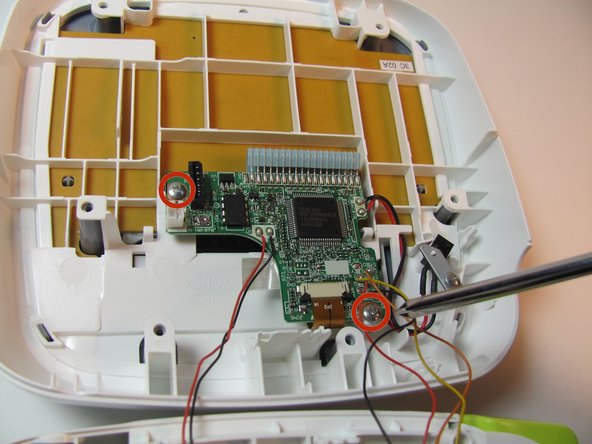
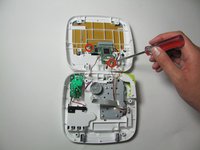
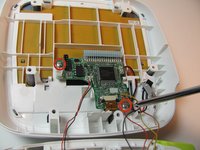
    • Remove the two 3/16" screws from the circuit board using the Helping Hand 1/4" screwdriver.

    FixBot'a Sor

    Yorum Ekle

  8. Brother PT-D200 LCD Screen Replacement: adım 8, 1 resimden 1.
    • Release the two black clips that hold the LCD cable ribbon in place. To release, pull the clips towards the ribbon.

    FixBot'a Sor

    Yorum Ekle

  9. Brother PT-D200 LCD Screen Replacement: adım 9, 1 resimden 1.
    • Disconnect the LCD ribbon cable from the circuit board.

    FixBot'a Sor

    Yorum Ekle

  10. Brother PT-D200 LCD Screen Replacement, Face Plate: adım 10, 1 resimden 1.
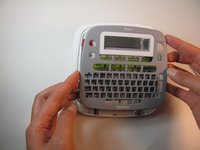
    • On the top portion of the device there are four grey clips locking the faceplate in place. The two top clips are circled in the image. The two others are located in the other corners of the device.

    FixBot'a Sor

    Yorum Ekle

  11. Brother PT-D200 LCD Screen Replacement: adım 11, 2 resimden 1. Brother PT-D200 LCD Screen Replacement: adım 11, 2 resimden 2.
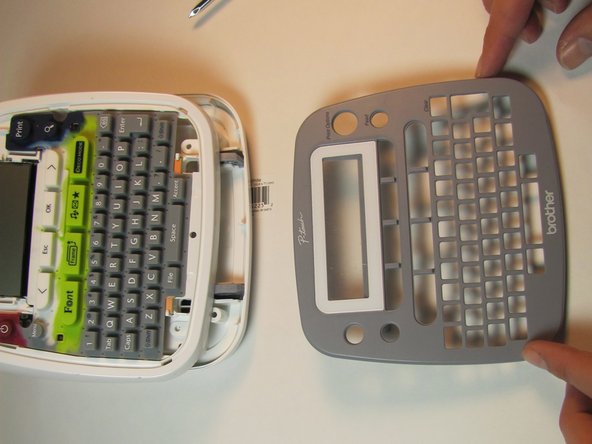
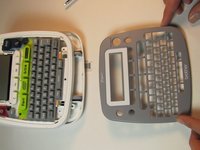
    • Pull the clips inward two at a time, first the top then the bottom, to snap the face plate off.

    FixBot'a Sor

    Yorum Ekle

  12. Brother PT-D200 LCD Screen Replacement, Keyboard: adım 12, 2 resimden 1. Brother PT-D200 LCD Screen Replacement, Keyboard: adım 12, 2 resimden 2.
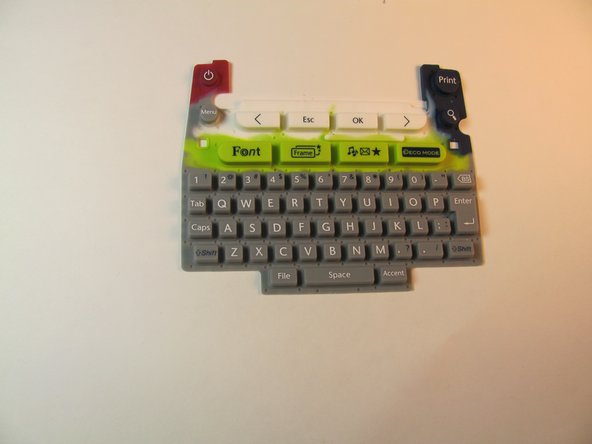
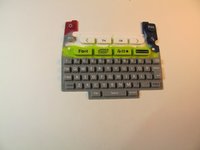
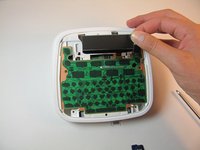
    • Peel off the rubber keyboard of the device.

    FixBot'a Sor

    Yorum Ekle

  13. Brother PT-D200 LCD Screen Replacement, LCD Screen: adım 13, 2 resimden 1. Brother PT-D200 LCD Screen Replacement, LCD Screen: adım 13, 2 resimden 2.
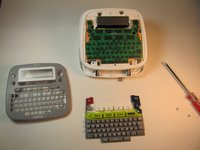
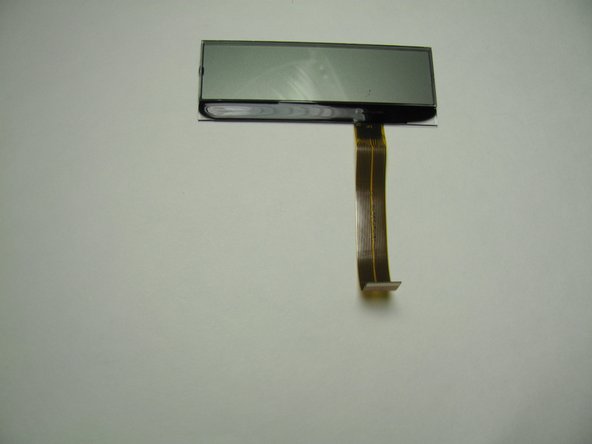
    • Lift the LCD screen out of place.

    FixBot'a Sor

    Yorum Ekle

Sonuç

To reassemble your device, follow these instructions in reverse order.

İptal et: Bu kılavuzu tamamlamadım.

Jeston Mitchell

Üyelik tarihi: 01/24/14

308 İtibar

3 adet Kılavuz yazıldı

Ekip

Cal Poly, Team 13-16, Regan Winter 2014 Cal Poly, Team 13-16, Regan Winter 2014 üyesi

CPSU-REGAN-W14S13G16

3 Üyeler

6 adet Kılavuz yazıldı

0Kılavuz Yorumları

Yorum Ekle

İstatistikleri Görüntüle:

Son 24 Saat: 3

Son 7 gün: 17

Son 30 gün: 66

Her zaman: 2,483