Ana içeriğe geç
Onarım Topluluğuna Katılın - Hesap Oluşturun

Canon Pixma MP480 Buttons Replacement

Neye ihtiyacın var

    1. Canon Pixma MP480 Buttons Replacement, Rear and Side Panel: adım 1, 2 resimden 1. Canon Pixma MP480 Buttons Replacement, Rear and Side Panel: adım 1, 2 resimden 2.
      • Remove the two 7.9 mm screws using a Phillips #1 screwdriver.

      FixBot'a Sor

      Yorum Ekle

    2. Canon Pixma MP480 Buttons Replacement: adım 2, 1 resimden 1.
      • Lift up the back cover to remove it.

      • You may need to lift firmly as it requires quite a bit of force.

      FixBot'a Sor

      Yorum Ekle

    3. Canon Pixma MP480 Buttons Replacement: adım 3, 1 resimden 1.
      • Open the front tray.

      FixBot'a Sor

      Yorum Ekle

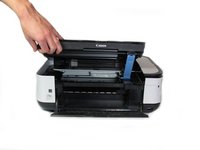
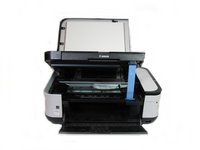
    4. Canon Pixma MP480 Buttons Replacement: adım 4, 2 resimden 1. Canon Pixma MP480 Buttons Replacement: adım 4, 2 resimden 2.
      • Open the scanner compartment.

      • Make sure the blue lever locks into place to keep the compartment open.

      FixBot'a Sor

      Yorum Ekle

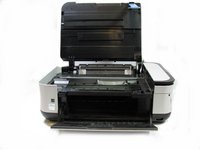
    5. Canon Pixma MP480 Buttons Replacement: adım 5, 2 resimden 1. Canon Pixma MP480 Buttons Replacement: adım 5, 2 resimden 2.
      • Remove the blue lever from its slot by pushing it back and twisting clockwise.

      • Close the scanner compartment and cover.

      FixBot'a Sor

      Yorum Ekle

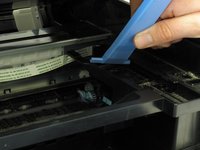
    6. Canon Pixma MP480 Buttons Replacement: adım 6, 2 resimden 1. Canon Pixma MP480 Buttons Replacement: adım 6, 2 resimden 2.
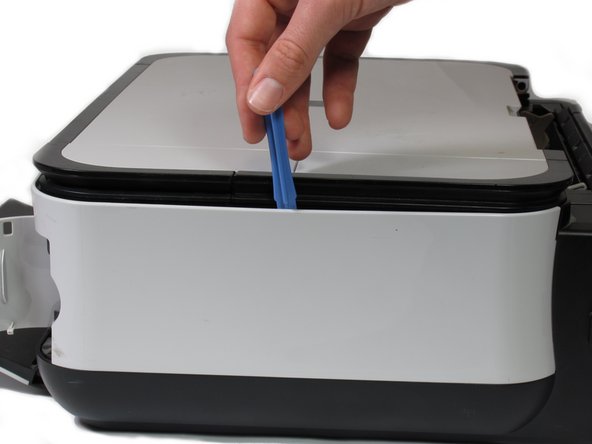
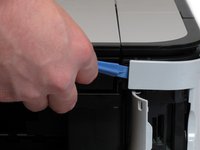
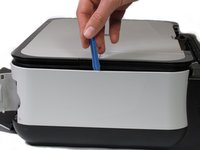
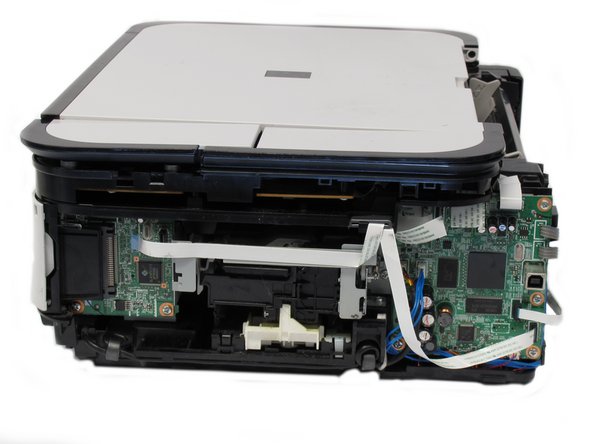
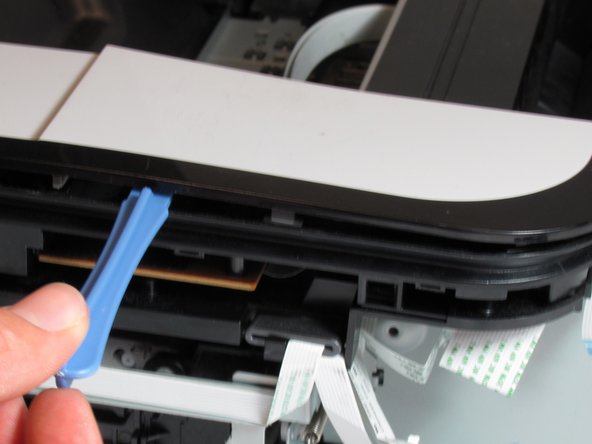
      • Pry open the side cover with the plastic opening tool.

      FixBot'a Sor

      Yorum Ekle

    7. Canon Pixma MP480 Buttons Replacement: adım 7, 2 resimden 1. Canon Pixma MP480 Buttons Replacement: adım 7, 2 resimden 2.
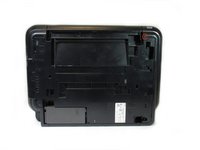
      • Flip the printer over so that the bottom of the printer is facing you.

      • Use the plastic opening tool to remove the corner of the side panel from the plastic pin.

      FixBot'a Sor

      Yorum Ekle

    8. Canon Pixma MP480 Buttons Replacement: adım 8, 2 resimden 1. Canon Pixma MP480 Buttons Replacement: adım 8, 2 resimden 2.
      • Use the plastic opening tool to loosen the side panel from the bottom of the printer.

      FixBot'a Sor

      Yorum Ekle

    1. Canon Pixma MP480 Buttons Replacement, LCD: adım 9, 2 resimden 1. Canon Pixma MP480 Buttons Replacement, LCD: adım 9, 2 resimden 2.
      • Using the plastic opening tool, pry off the top cover of the LCD assembly.

      • Pry around the front and side edges for the easiest removal.

      FixBot'a Sor

      Yorum Ekle

    2. Canon Pixma MP480 Buttons Replacement: adım 10, 1 resimden 1.
      • After removing the top cover of the LCD assembly, remove the LCD using the plastic opening tool.

      FixBot'a Sor

      Yorum Ekle

    3. Canon Pixma MP480 Buttons Replacement: adım 11, 1 resimden 1.
      • Gently pull the ribbon cable to remove the LCD completely.

      FixBot'a Sor

      Yorum Ekle

    1. Canon Pixma MP480 Buttons Replacement, Buttons: adım 12, 1 resimden 1.
      • Locate the buttons on the top of the printer.

      FixBot'a Sor

      Yorum Ekle

    2. Canon Pixma MP480 Buttons Replacement: adım 13, 1 resimden 1.
      • Using the plastic opening tool, gently pry under the button cover to remove it from its fixture.

      FixBot'a Sor

      Yorum Ekle

    3. Canon Pixma MP480 Buttons Replacement: adım 14, 2 resimden 1. Canon Pixma MP480 Buttons Replacement: adım 14, 2 resimden 2.
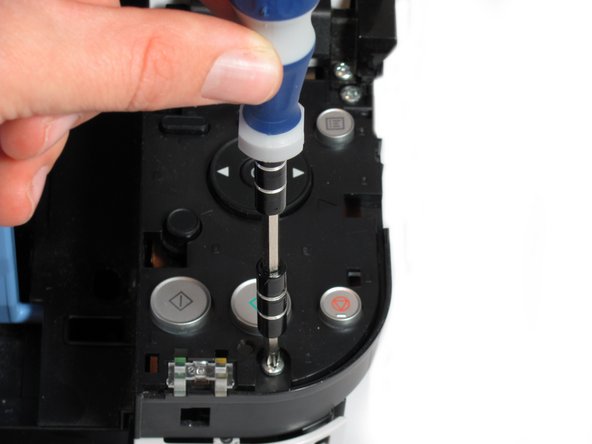
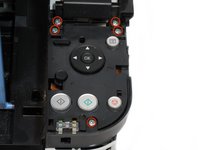
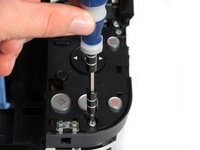
      • Remove the five 7.7 mm screws using a Phillips #1 screwdriver.

      FixBot'a Sor

      Yorum Ekle

    4. Canon Pixma MP480 Buttons Replacement: adım 15, 2 resimden 1. Canon Pixma MP480 Buttons Replacement: adım 15, 2 resimden 2.
      • Using the plastic opening tool, gently pry around the cover behind the LCD screen to remove it from its fixture.

      FixBot'a Sor

      Yorum Ekle

    5. Canon Pixma MP480 Buttons Replacement: adım 16, 2 resimden 1. Canon Pixma MP480 Buttons Replacement: adım 16, 2 resimden 2.
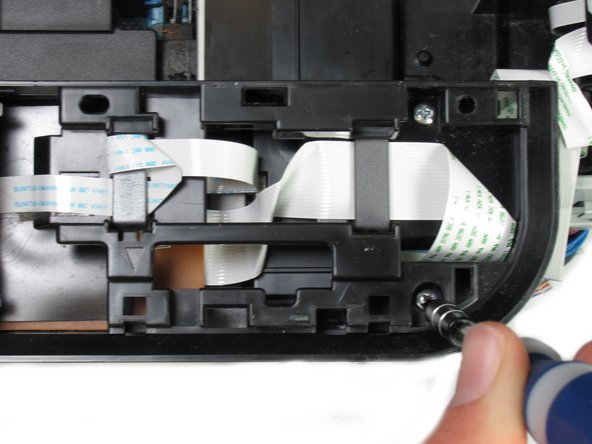
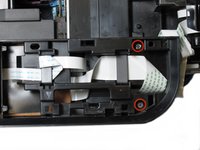
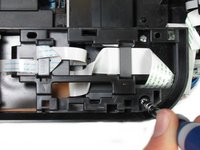
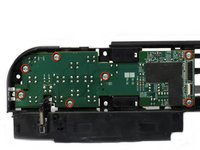
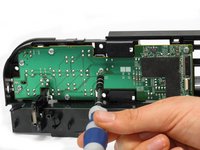
      • Remove the two 7.8 mm screws using a Phillips #1 screwdriver.

      FixBot'a Sor

      Yorum Ekle

    6. Canon Pixma MP480 Buttons Replacement: adım 17, 1 resimden 1.
      • Gently pull the LCD screen up to remove it from its fixture.

      FixBot'a Sor

      Yorum Ekle

    7. Canon Pixma MP480 Buttons Replacement: adım 18, 1 resimden 1.
      • Use the plastic opening tool to pry off the plastic button assembly.

      FixBot'a Sor

      Yorum Ekle

    8. Canon Pixma MP480 Buttons Replacement: adım 19, 1 resimden 1.
      • Gently pull the plastic button assembly up to remove it.

      • The plastic button assembly has a ribbon cable connected on the bottom, so be careful pulling it.

      FixBot'a Sor

      Yorum Ekle

    9. Canon Pixma MP480 Buttons Replacement: adım 20, 1 resimden 1.
      • Remove the ribbon cable connected to the backside of the plastic button assembly.

      FixBot'a Sor

      Yorum Ekle

    10. Canon Pixma MP480 Buttons Replacement: adım 21, 2 resimden 1. Canon Pixma MP480 Buttons Replacement: adım 21, 2 resimden 2.
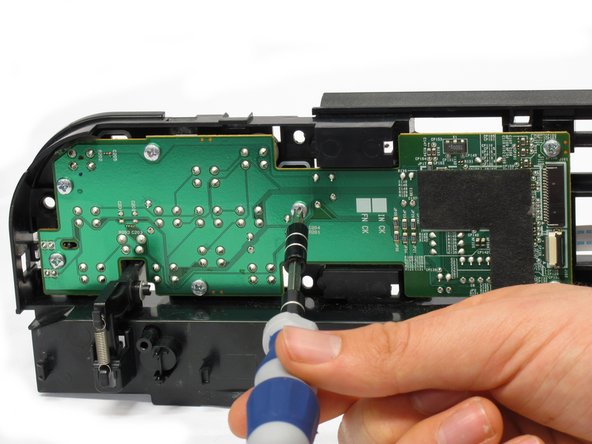
      • Remove the seven 8.7 mm screws using the Phillips #1 screwdriver.

      FixBot'a Sor

      Yorum Ekle

    11. Canon Pixma MP480 Buttons Replacement: adım 22, 3 resimden 1. Canon Pixma MP480 Buttons Replacement: adım 22, 3 resimden 2. Canon Pixma MP480 Buttons Replacement: adım 22, 3 resimden 3.
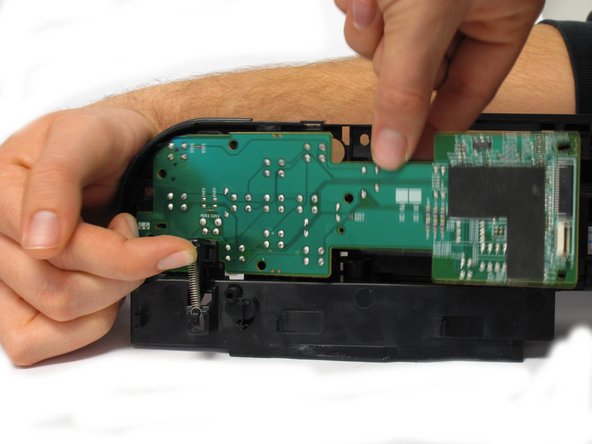
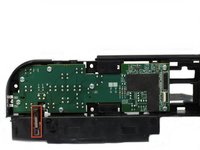
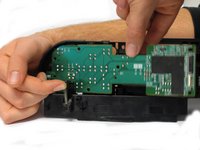
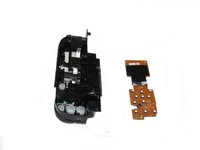
      • Locate the spring that holds the PCB in place on the bottom left of the plastic button assembly.

      • Gently lift the spring and pull the board out of its plastic button assembly.

      FixBot'a Sor

      Yorum Ekle

    12. Canon Pixma MP480 Buttons Replacement: adım 23, 1 resimden 1.
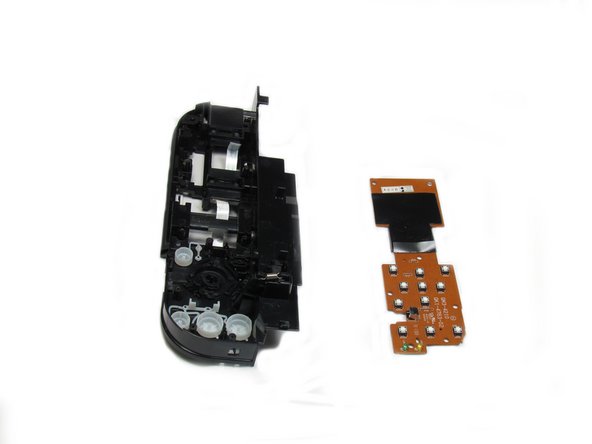
      • Remove the buttons from the plastic button assembly.

      FixBot'a Sor

      Yorum Ekle

Sonuç

To reassemble your device, follow these instructions in reverse order.

İptal et: Bu kılavuzu tamamlamadım.

Khutug Dorjsuren

Üyelik tarihi: 01/14/13

114 İtibar

2 adet Kılavuz yazıldı

Ekip

Cal Poly, Team 19-41, Regan Winter 2013 Cal Poly, Team 19-41, Regan Winter 2013 üyesi

CPSU-REGAN-W13S19G41

4 Üyeler

6 adet Kılavuz yazıldı

0Kılavuz Yorumları

Yorum Ekle

İstatistikleri Görüntüle:

Son 24 Saat: 1

Son 7 gün: 15

Son 30 gün: 43

Her zaman: 2,198