Ana içeriğe geç

Casio FX-991CW Battery Replacement

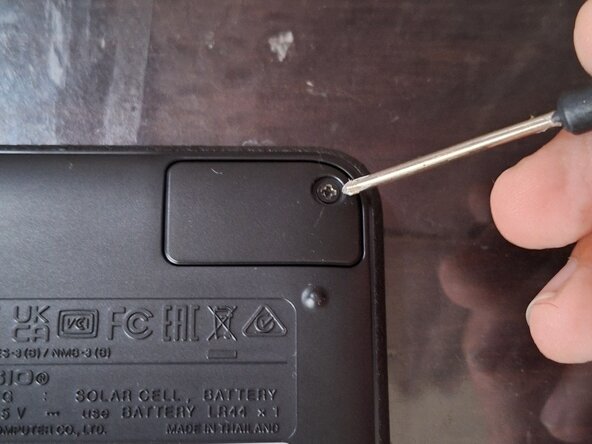
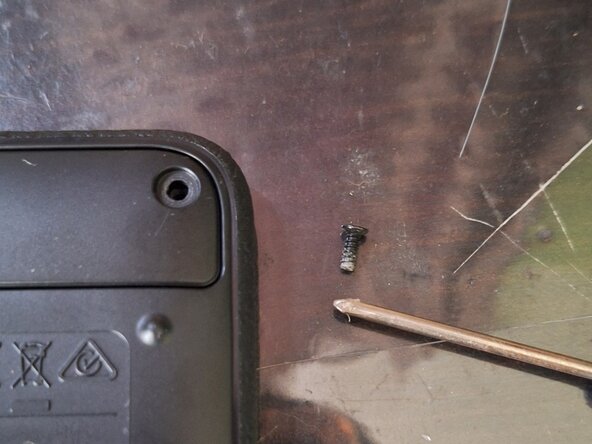
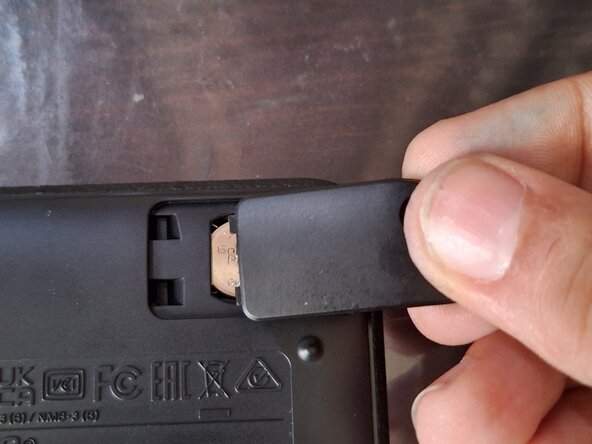
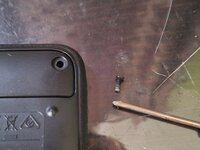
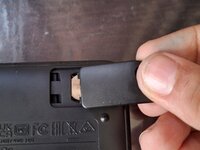
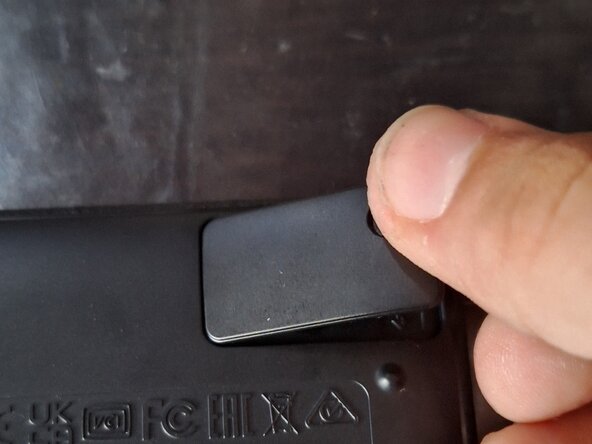
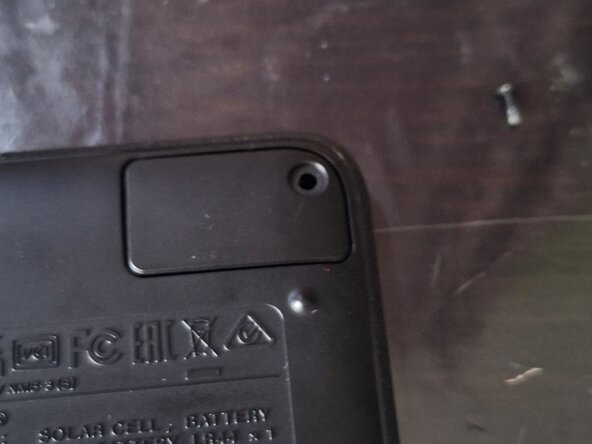
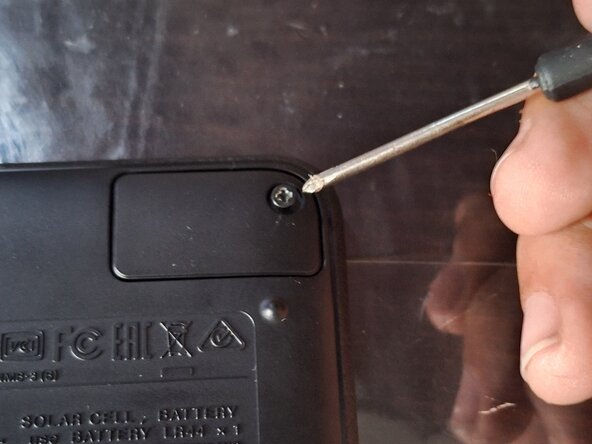
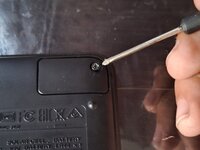
  1. Casio FX-991CW Battery Replacement, Removing the Battery Cover: adım 1, 3 resimden 1. Casio FX-991CW Battery Replacement, Removing the Battery Cover: adım 1, 3 resimden 2. Casio FX-991CW Battery Replacement, Removing the Battery Cover: adım 1, 3 resimden 3.
    • First, take the protective cover off the calculator.

    • Then, turn the calculator over.

    • Remove the Philips screw that holds the battery cover in place in the top-right corner.

    • Then lift the cover off by lifting the right side of the cover up, and slide it out.

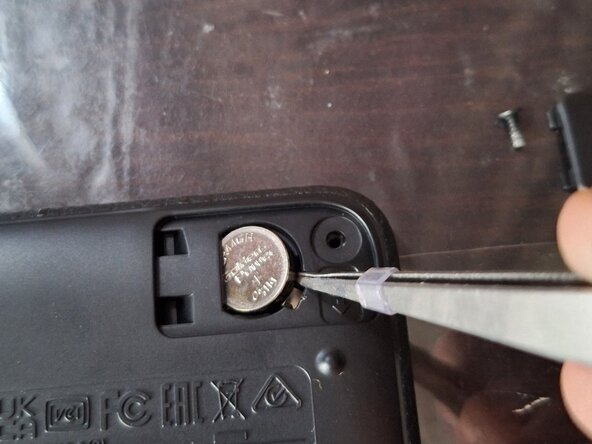
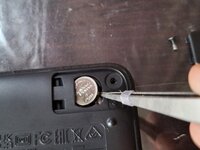
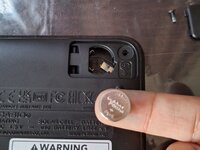
  2. Casio FX-991CW Battery Replacement, Removing the Battery: adım 2, 2 resimden 1. Casio FX-991CW Battery Replacement, Removing the Battery: adım 2, 2 resimden 2.
    • Take a pointy, flat tool, like a flathead screwdriver, to pry the battery out of the compartment.

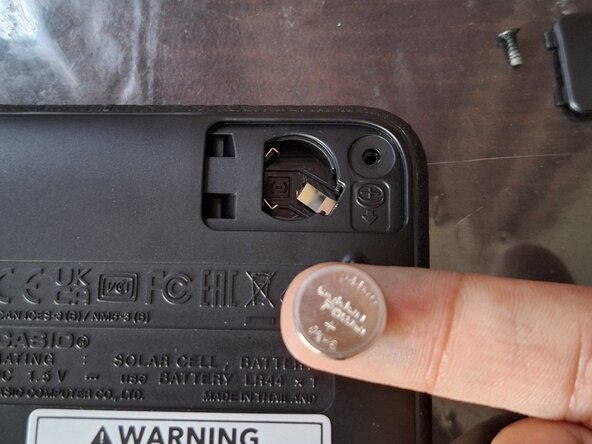
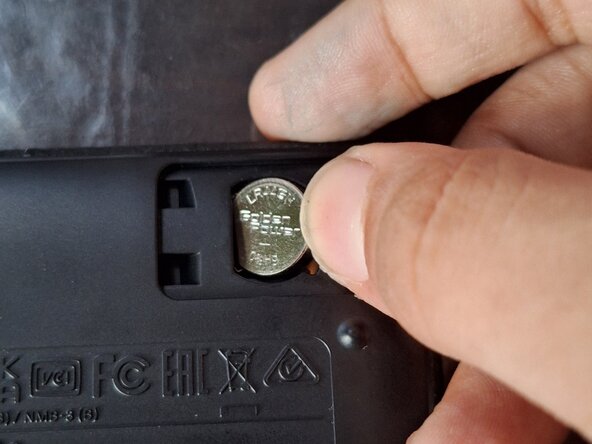
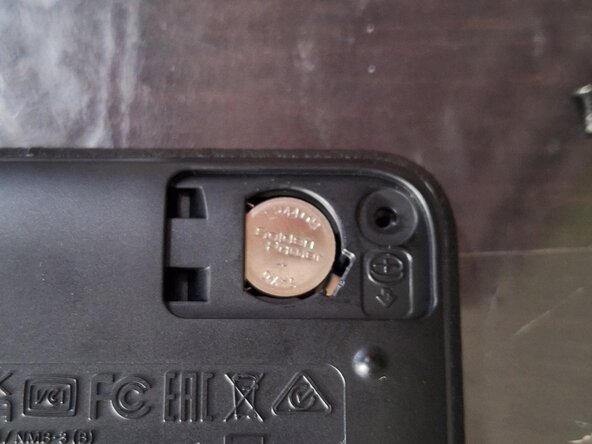
  3. Casio FX-991CW Battery Replacement, Installing the Battery: adım 3, 2 resimden 1. Casio FX-991CW Battery Replacement, Installing the Battery: adım 3, 2 resimden 2.
    • Insert the new battery into the calculator by sliding it into place, then pushing it down, to ensure a good connection.

  4. Casio FX-991CW Battery Replacement, Installing the Cover: adım 4, 3 resimden 1. Casio FX-991CW Battery Replacement, Installing the Cover: adım 4, 3 resimden 2. Casio FX-991CW Battery Replacement, Installing the Cover: adım 4, 3 resimden 3.
    • Slide the battery cover into place.

    • Then install the screw.

    • Tighten the screw.

    • NOTE: BELOW THIS GUIDE, THERE IS A NOTE THAT SAYS "TO REASSEMBLE THIS DEVICE, FOLLOW THESE DIRECTIONS IN REVERSE ORDER." DO NOT FOLLOW THAT STEP, AS THIS GUIDE IS COMPLETE!

Sonuç

To reassemble your device, follow these instructions in reverse order.

Bir başkası bu kılavuzu tamamladı.

Musa Umar

Üyelik tarihi: 08/26/25

109 İtibar

1 Kılavuz yazıldı

0Kılavuz Yorumları

Yorum Ekle

İstatistikleri Görüntüle:

Son 24 Saat: 1

Son 7 gün: 10

Son 30 gün: 52

Her zaman: 133