Bu çeviri bir makine tarafından oluşturulmuştur ve henüz bir kişi tarafından incelenmemiştir. Bu dili konuşuyor musunuz? İnceleme için.
Giriş
Bu kılavuzu tamamlamak için ekranı değiştirebilmek adına cihazınızı parçalarına ayırmanız gerekecek.
Cihazı parçalarına ayırmaya başlamadan önce kapattığınızdan emin olun. Aksi takdirde zarar oluşabilir.
Neye ihtiyacın var
-
-
-
microSD kartı microSD yuvasından dışarı itmek için plastik açma aletini kullanın.
 FixBot'a Sor
-
-
-
Plastik ön paneli arka panelden ayırmak için açma aletini kullanın. Ayırma işlemine başlamak için MicroSD yuvasından yararlanın.
-
-
-
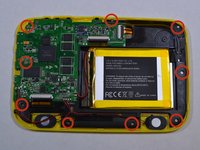
Dokuz adet 3,0 mm Yıldız vidayı #00 sökün.
-
-
-
-
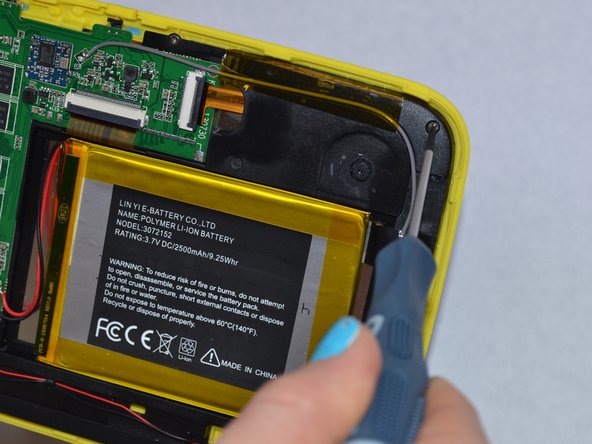
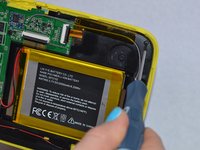
Batarya, siyah plastiğe yapıştırılmıştır. Bataryayı siyah plastikten ayırmak için plastik açma aletini kullanın.
-
-
-
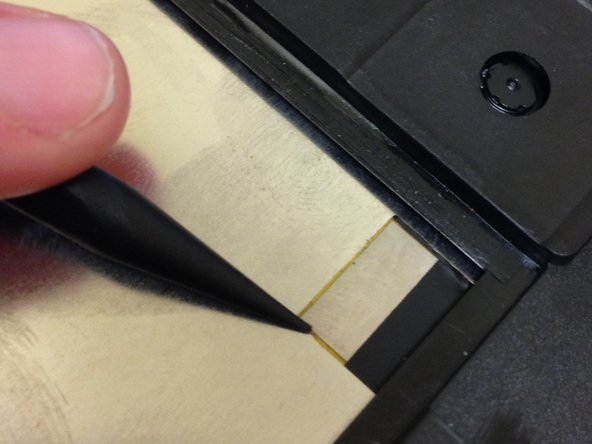
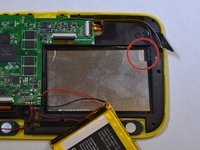
Ekranın bağlı olduğu siyah bir şerit bulunacaktır.
-
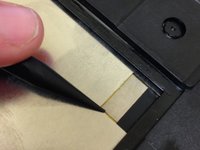
Ekranın üzerine yapıştırılmış olan siyah şeridi yerinden ayırmak için plastik kanırtma aparatının sivri ucunu kullanın.
-
-
-
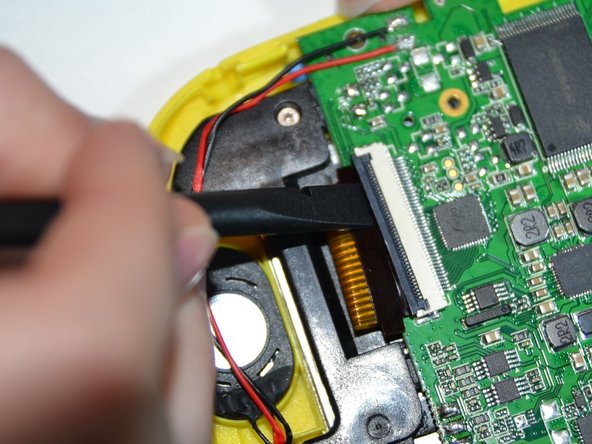
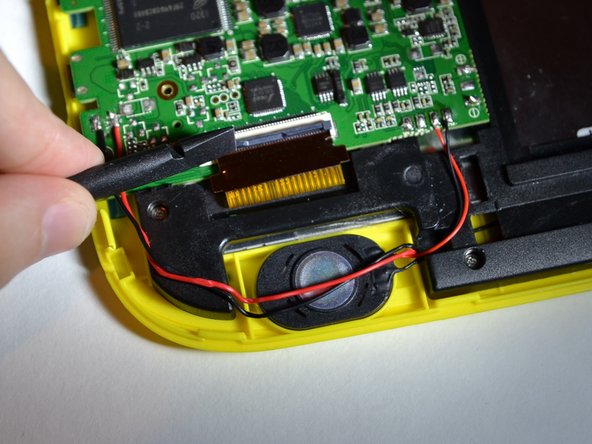
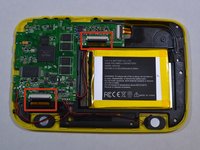
Biri dokunmatik ekrana (bataryanın yanında), diğeri ise sarı plastiğe (hoparlörün yanında) bağlı olan 2 adet ribbon kabloyu çıkarmanız gerekecek.
-
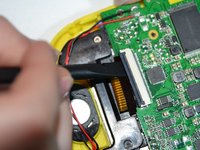
Ribbon kabloları kapatan siyah paneli kaldırmak için plastik kanırtma aparatının yassı ucunu kullanın.
-
-
-
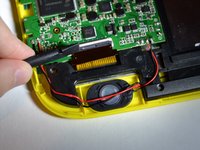
Ribbon kabloların anakart ile olan bağlantısını kesmek için iki kabloyu dışarı çekin.
-
-
-
Anakartı ve siyah plastiği, ekranın üzerini kapatmayacak şekilde kaldırın.
-
Ekranı yukarı kaldırarak çıkarın.
-
-







Cihazınızı yeniden toplamak için bu talimatları ters sırayla uygulayın.
İptal et: Bu kılavuzu tamamlamadım.
3 farklı kişi bu kılavuzu tamamladı.


