Ana içeriğe geç
Onarım Topluluğuna Katılın - Hesap Oluşturun

Connect Four Electronic Handheld Speaker Replacement

Neye ihtiyacın var

  1. Connect Four Electronic Handheld Speaker Replacement, Ensure the device is off.: adım 1, 1 resimden 1.
    • Make sure the Connect Four Electronic Handheld is off by allowing it to shut off automatically.

    FixBot'a Sor
  2. Connect Four Electronic Handheld Speaker Replacement, Removing the battery casing.: adım 2, 2 resimden 1. Connect Four Electronic Handheld Speaker Replacement, Removing the battery casing.: adım 2, 2 resimden 2.
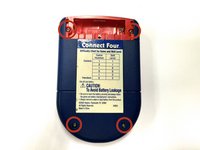
    • Using a Phillips head screwdriver, remove the (9.1mm length) #2 screw in the middle of the battery casing.

    • Slide the cover off and remove the battery.

    FixBot'a Sor
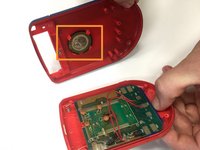
  3. Connect Four Electronic Handheld Speaker Replacement, Removing/Replacing the Back Casing: adım 3, 2 resimden 1. Connect Four Electronic Handheld Speaker Replacement, Removing/Replacing the Back Casing: adım 3, 2 resimden 2.
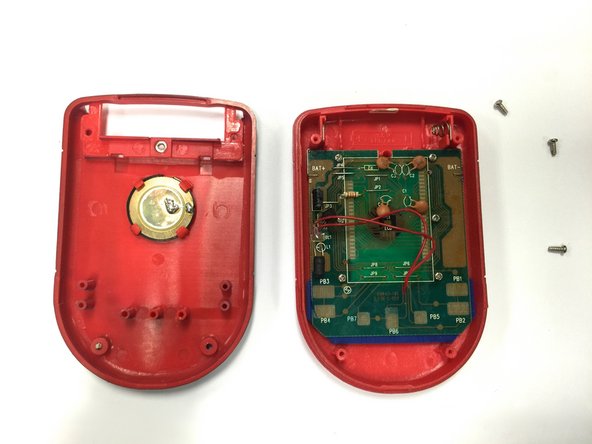
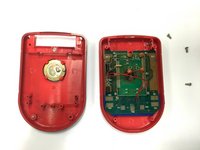
    • Using a Phillips head screwdriver, remove the four (7.1mm- length) #3 screws that hold the back casing in place.

    • Carefully remove the back casing.

    • When removing the back casing, make sure not to rupture the wires that connect the speaker to the circuit board.

    FixBot'a Sor
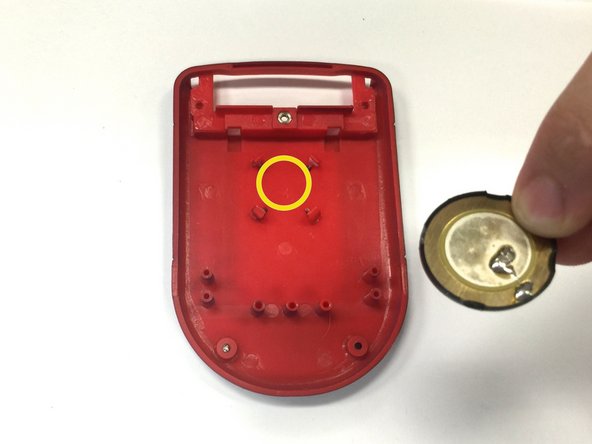
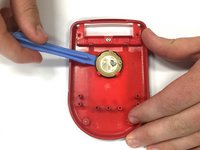
  4. Connect Four Electronic Handheld Speaker Replacement, Replacing the speaker: adım 4, 3 resimden 1. Connect Four Electronic Handheld Speaker Replacement, Replacing the speaker: adım 4, 3 resimden 2. Connect Four Electronic Handheld Speaker Replacement, Replacing the speaker: adım 4, 3 resimden 3.
    • If the speaker is in working condition, but the wires are broken or disconnected, skip this step and move on to step 5.

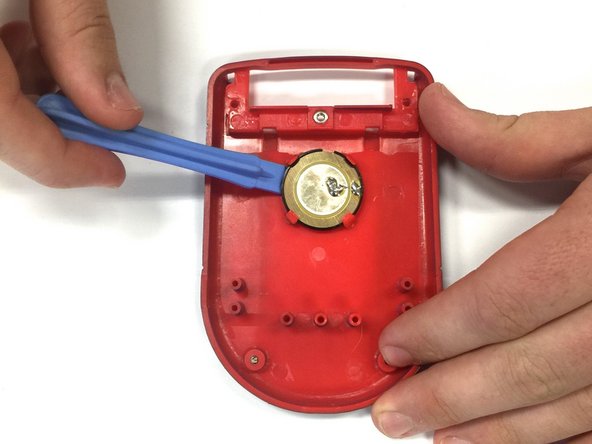
    • Locate the speaker on the back casing.

    • Using a spudger, wedge the speaker out of its place until it slides out.

    • Take the replacement speaker and wedge it back into its space.

    FixBot'a Sor
  5. Connect Four Electronic Handheld Speaker Replacement, Re-Soldering the Speaker Wire: adım 5, 1 resimden 1.
    • Using a soldering iron, solder both red wires to their appropriate connections.

    • Be extremely careful when using a soldering iron! Contact with the tip could cause severe burns.

    FixBot'a Sor
Sonuç

To reassemble your device, follow these instructions in reverse order.

Bir başkası bu kılavuzu tamamladı.

Wil

Üyelik tarihi: 10/22/14

313 İtibar

3 adet Kılavuz yazıldı

Ekip

Baylor, Team 8-11, Williams Fall 2014 Baylor, Team 8-11, Williams Fall 2014 üyesi

BU-WILLIAMS-F14S8G11

3 Üyeler

12 adet Kılavuz yazıldı

0Kılavuz Yorumları

Yorum Ekle

İstatistikleri Görüntüle:

Son 24 Saat: 1

Son 7 gün: 7

Son 30 gün: 57

Her zaman: 554