Ana içeriğe geç
Onarım Topluluğuna Katılın - Hesap Oluşturun

Creative Ziio 7" Motherboard Replacement

Neye ihtiyacın var

  1. Creative Ziio 7" Motherboard Replacement, Back Panel: adım 1, 3 resimden 1. Creative Ziio 7" Motherboard Replacement, Back Panel: adım 1, 3 resimden 2. Creative Ziio 7" Motherboard Replacement, Back Panel: adım 1, 3 resimden 3.
    • Remove the back panel by using the plastic opening tool to carefully pry around the panel's edges.

    • The volume control button and the top power button may fall out during this step.

    FixBot'a Sor

    Yorum Ekle

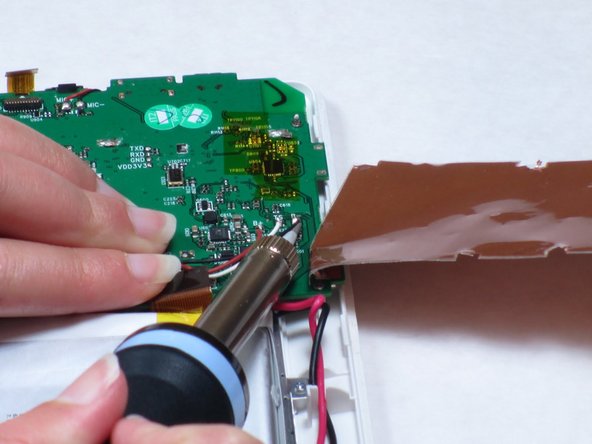
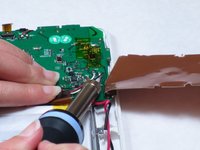
  2. Creative Ziio 7" Motherboard Replacement, Motherboard: adım 2, 3 resimden 1. Creative Ziio 7" Motherboard Replacement, Motherboard: adım 2, 3 resimden 2. Creative Ziio 7" Motherboard Replacement, Motherboard: adım 2, 3 resimden 3.
    • Remove the copper plate covering the motherboard by desoldering the ten solder points.

    • The solder point in the bottom right corner is marked but hidden by the soldering iron.

    FixBot'a Sor

    Yorum Ekle

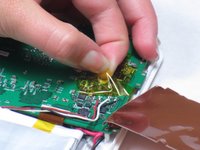
  3. Creative Ziio 7" Motherboard Replacement: adım 3, 2 resimden 1. Creative Ziio 7" Motherboard Replacement: adım 3, 2 resimden 2.
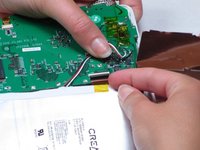
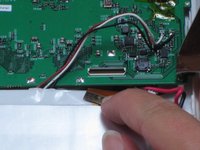
    • Remove the adhesive tape covering the three wires connected to the motherboard.

    • Desolder the solder points connecting the wires to the motherboard.

    FixBot'a Sor

    Yorum Ekle

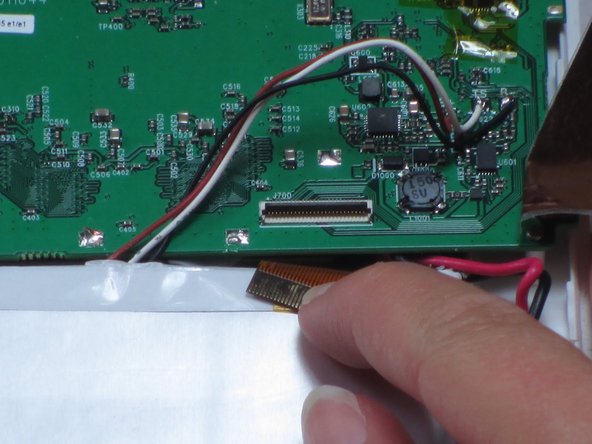
  4. Creative Ziio 7" Motherboard Replacement: adım 4, 3 resimden 1. Creative Ziio 7" Motherboard Replacement: adım 4, 3 resimden 2. Creative Ziio 7" Motherboard Replacement: adım 4, 3 resimden 3.
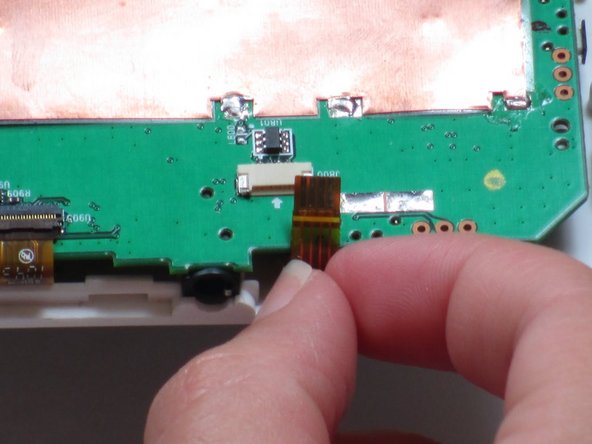
    • Disconnect the ribbon cable that is attached underneath the copper plate.

    • Disconnect the other ribbon cable that is connected next the copper plate in the corner of the circuit board.

    FixBot'a Sor

    Yorum Ekle

  5. Creative Ziio 7" Motherboard Replacement: adım 5, 2 resimden 1. Creative Ziio 7" Motherboard Replacement: adım 5, 2 resimden 2.
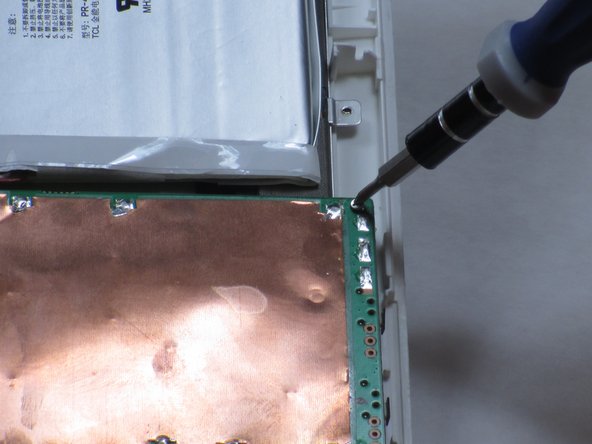
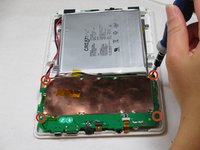
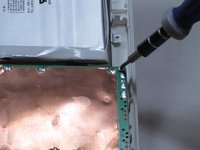
    • Remove the four 4mm Philips #00 screws holding the motherboard to the casing.

    • The copper plate will be removed by now. However, the picture does not show this.

    FixBot'a Sor

    Yorum Ekle

  6. Creative Ziio 7" Motherboard Replacement: adım 6, 2 resimden 1. Creative Ziio 7" Motherboard Replacement: adım 6, 2 resimden 2.
    Bu adımda kullanılan alet:
    Tweezers
    $4.99
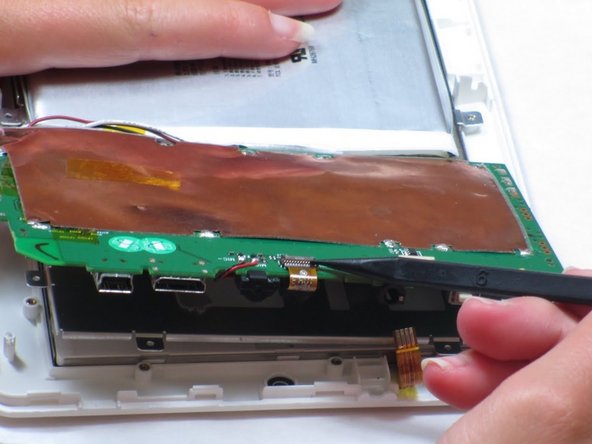
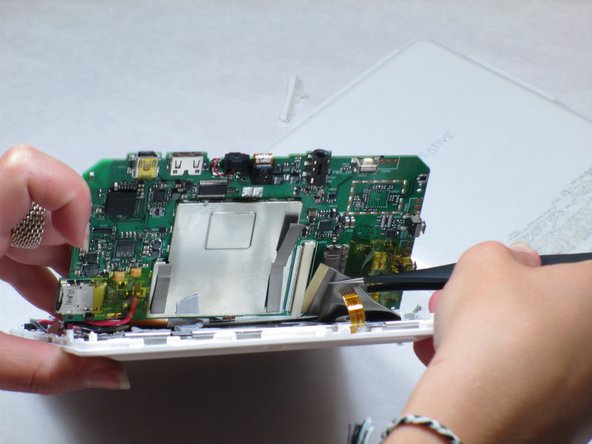
    • Lift up the motherboard.

    • A mesh-looking strip on the left side will be connected to the bottom of the motherboard.

    • Remove the tape on top of the strip and use tweezers or pliers to pull on the strip to unplug it.

    FixBot'a Sor

    Yorum Ekle

  7. Creative Ziio 7" Motherboard Replacement: adım 7, 1 resimden 1.
    • Remove the red and black wires with a soldering iron that are located underneath the motherboard.

    • Do not cut or damage the wires in the process. They will be needed for the new motherboard.

    FixBot'a Sor

    Yorum Ekle

  8. Creative Ziio 7" Motherboard Replacement: adım 8, 1 resimden 1.
    • Remove the old motherboard and dispose of it resposibly.

    FixBot'a Sor

    Yorum Ekle

Sonuç

To reassemble your device, follow these instructions in reverse order.

İptal et: Bu kılavuzu tamamlamadım.

2 farklı kişi bu kılavuzu tamamladı.

Benedict Samoy

Üyelik tarihi: 04/16/13

25 İtibar

2 adet Kılavuz yazıldı

Ekip

Cal Poly, Team 14-10, Maness Spring 2013 Cal Poly, Team 14-10, Maness Spring 2013 üyesi

CPSU-MANESS-S13S14G10

4 Üyeler

15 adet Kılavuz yazıldı

0Kılavuz Yorumları

Yorum Ekle

İstatistikleri Görüntüle:

Son 24 Saat: 1

Son 7 gün: 4

Son 30 gün: 14

Her zaman: 1,428