Ana içeriğe geç
Onarım Topluluğuna Katılın - Hesap Oluşturun

Dell Latitude ST Screen Replacement

Neye ihtiyacın var

    1. Dell Latitude ST Screen Replacement, Battery: adım 1, 3 resimden 1. Dell Latitude ST Screen Replacement, Battery: adım 1, 3 resimden 2. Dell Latitude ST Screen Replacement, Battery: adım 1, 3 resimden 3.
      • Locate the back panel tab.

      • Press down on the tab to remove the panel.

      FixBot'a Sor

      Yorum Ekle

    2. Dell Latitude ST Screen Replacement: adım 2, 3 resimden 1. Dell Latitude ST Screen Replacement: adım 2, 3 resimden 2. Dell Latitude ST Screen Replacement: adım 2, 3 resimden 3.
      • Using a Phillips #0 screwdriver, remove the four 6mm screws attaching the inside panel to the device.

      FixBot'a Sor

      Yorum Ekle

    3. Dell Latitude ST Screen Replacement: adım 3, 3 resimden 1. Dell Latitude ST Screen Replacement: adım 3, 3 resimden 2. Dell Latitude ST Screen Replacement: adım 3, 3 resimden 3.
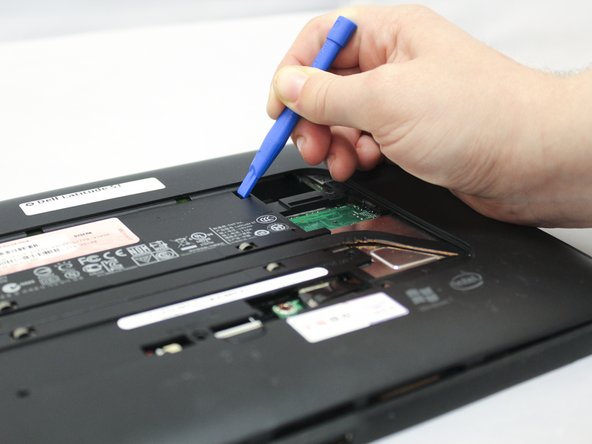
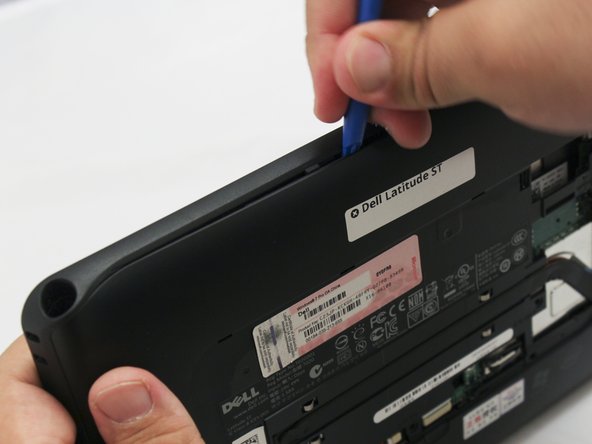
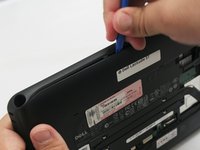
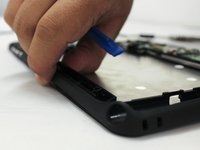
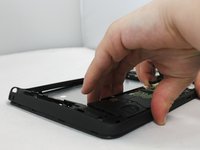
      • Use the blue plastic opening tool to push in the tab located on the backside of the device.

      • Slide the tool around the edges of the device to unsnap the tabs and pry the frame off.

      FixBot'a Sor

      Yorum Ekle

    4. Dell Latitude ST Screen Replacement: adım 4, 3 resimden 1. Dell Latitude ST Screen Replacement: adım 4, 3 resimden 2. Dell Latitude ST Screen Replacement: adım 4, 3 resimden 3.
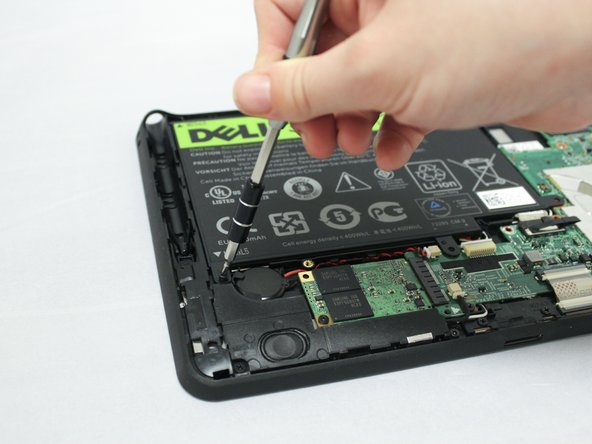
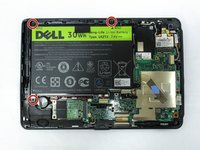
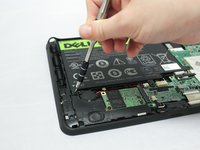
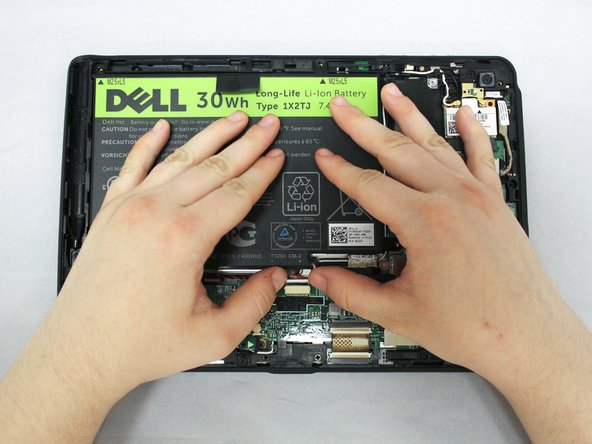
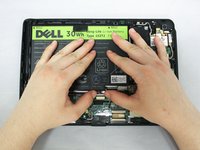
      • Remove the three 6mm Phillips #0 screws attaching the battery.

      FixBot'a Sor

      Yorum Ekle

    5. Dell Latitude ST Screen Replacement: adım 5, 3 resimden 1. Dell Latitude ST Screen Replacement: adım 5, 3 resimden 2. Dell Latitude ST Screen Replacement: adım 5, 3 resimden 3.
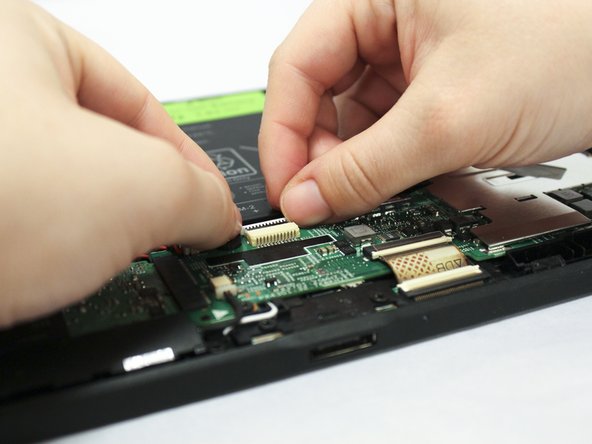
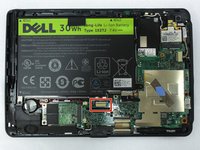
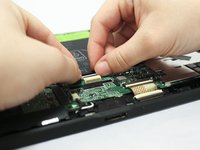
      • Using your hands or a plastic opening tool, unplug the white battery cable.

      • Push forward on the top part of the cable to disconnect it from the device.

      FixBot'a Sor

      Yorum Ekle

    6. Dell Latitude ST Screen Replacement: adım 6, 3 resimden 1. Dell Latitude ST Screen Replacement: adım 6, 3 resimden 2. Dell Latitude ST Screen Replacement: adım 6, 3 resimden 3.
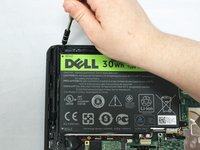
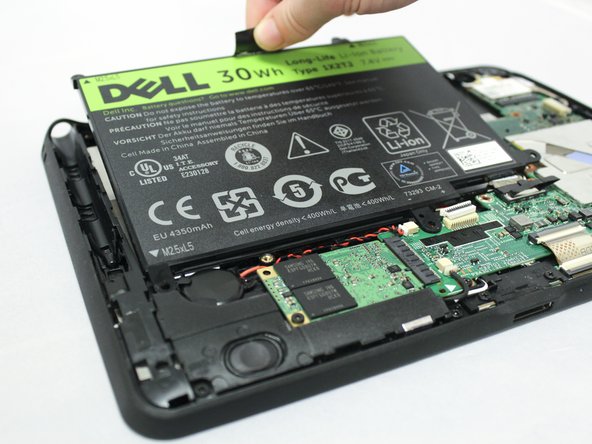
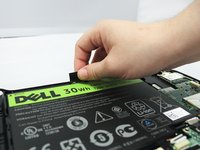
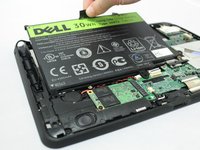
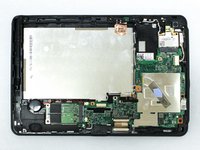
      • Pull up on the black tab located at the top of the battery to remove the battery from the device.

      FixBot'a Sor

      Yorum Ekle

    1. Dell Latitude ST Screen Replacement, Screen: adım 7, 3 resimden 1. Dell Latitude ST Screen Replacement, Screen: adım 7, 3 resimden 2. Dell Latitude ST Screen Replacement, Screen: adım 7, 3 resimden 3.
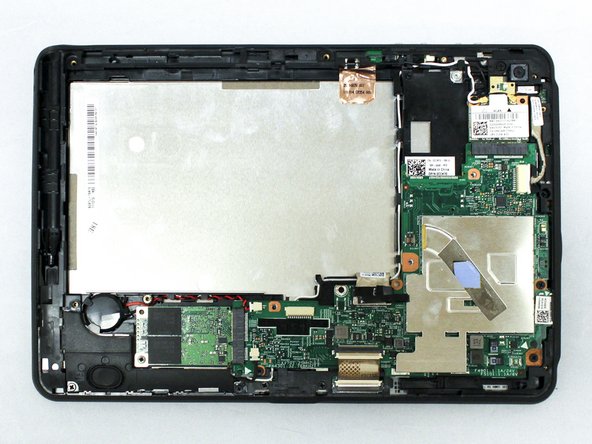
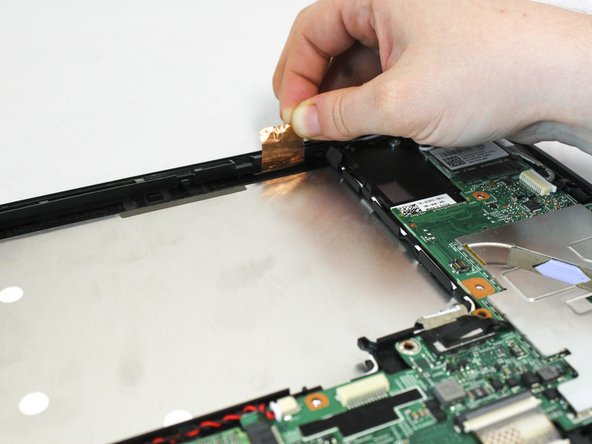
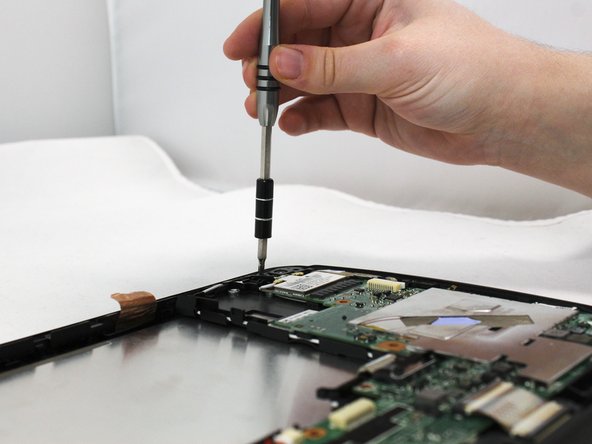
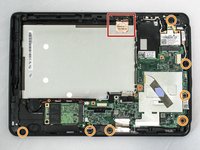
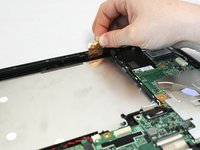
      • Pull up on the copper antenna tape to loosen it from the base.

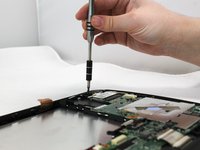
      • Unscrew the seven 6mm Phillips #0 screws from the base.

      FixBot'a Sor

      Yorum Ekle

    2. Dell Latitude ST Screen Replacement: adım 8, 2 resimden 1. Dell Latitude ST Screen Replacement: adım 8, 2 resimden 2.
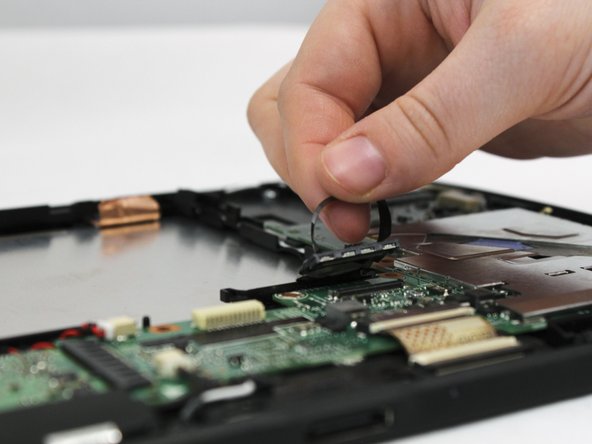
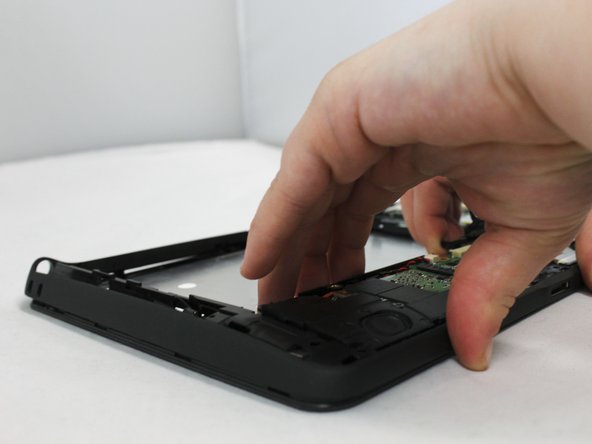
      • Locate the grey LCD cable attached to the motherboad on the device.

      • Pull up on the black tape handle attached to the LCD cable to disconnect the cable.

      • Be sure to pull on the back rather than the LCD cable itself.

      FixBot'a Sor

      Yorum Ekle

    3. Dell Latitude ST Screen Replacement: adım 9, 3 resimden 1. Dell Latitude ST Screen Replacement: adım 9, 3 resimden 2. Dell Latitude ST Screen Replacement: adım 9, 3 resimden 3.
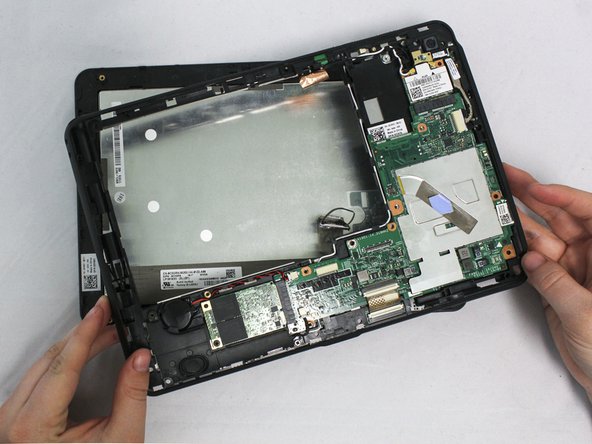
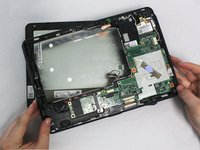
      • Using your hands or the blue plastic opening tool, go along the edges of the frame and unsnap the screen from the middle frame.

      • Lift the middle frame away from the screen.

      FixBot'a Sor

      Yorum Ekle

Sonuç

To reassemble your device, follow these instructions in reverse order.

İptal et: Bu kılavuzu tamamlamadım.

0Kılavuz Yorumları

Yorum Ekle

İstatistikleri Görüntüle:

Son 24 Saat: 0

Son 7 gün: 7

Son 30 gün: 23

Her zaman: 735