Ana içeriğe geç
Onarım Topluluğuna Katılın - Hesap Oluşturun

Dell Optiplex GX620 Front panel Replacement

Görüntüleme: 2,4 B

İstatistikleri görüntüle:

Son 24 Saat:
1
Son 7 Gün:
23
Son 30 Gün:
87
Her zaman:
2.384
Yorumlar: 1

1 comment on steps.

Tamamlandı: 1

1 kişi bu kılavuzu "tamamlandı" olarak işaretledi. Sıradaki sen olacak mısın?

Sık Kullanılanlar: 0

Hiç kimse bu kılavuzu favorilere eklemedi (ve abone olmadı). İlk mi olacaksın?

Gerekli Süre: 10 - 30 dakika
Zorluk: Orta
Topluluk-Katkılı Kılavuz

Topluluğumuzdan muhteşem birisi bu kılavuzu hazırladı. Bu kılavuz iFixit elemanları tarafından oluşturulmamıştır.

Dell Optiplex GX620 Front panel Replacement

Neye ihtiyacın var

Aletler

    1. Dell Optiplex GX620 Front panel Replacement, How to unplug and discharge before repair: adım 1, 2 resimden 1. Dell Optiplex GX620 Front panel Replacement, How to unplug and discharge before repair: adım 1, 2 resimden 2.
      • Power down your PC and remove the power cord from the back.

      FixBot'a Sor

      Yorum Ekle

    2. Dell Optiplex GX620 Front panel Replacement: adım 2, 2 resimden 1. Dell Optiplex GX620 Front panel Replacement: adım 2, 2 resimden 2.
      • Press and hold the power button for about 10 seconds, then release.

      • This helps drain any remaining power stored in the capacitors, so that you can safely work on the internal components.

      FixBot'a Sor

      Yorum Ekle

    1. Dell Optiplex GX620 Front panel Replacement, Dell Optiplex GX620 Side Panel Disassembly: adım 3, 1 resimden 1.
      • With the computer standing upright, firmly pull on the tab at the back of the computer.

      • When the side panel pops free, gently pull the panel away from the computer.

      • If you have trouble freeing the side panel from the case, you may need to pull the tab a bit harder.

      FixBot'a Sor

      Yorum Ekle

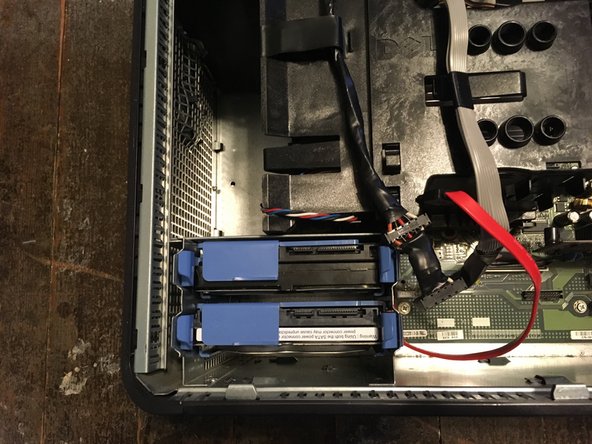
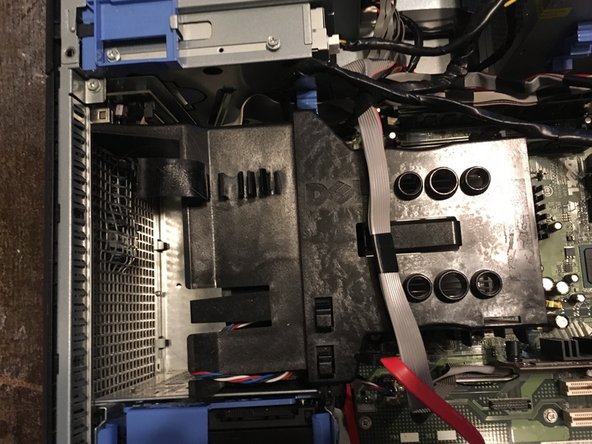
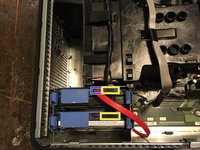
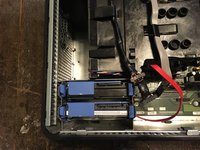
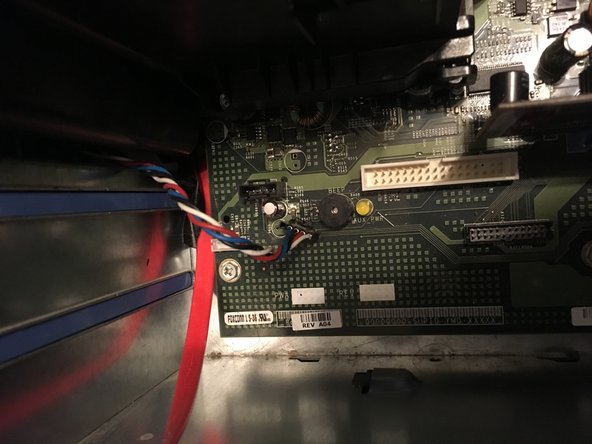
    1. Dell Optiplex GX620 Front panel Replacement, Unplug your hard drive.: adım 4, 3 resimden 1. Dell Optiplex GX620 Front panel Replacement, Unplug your hard drive.: adım 4, 3 resimden 2. Dell Optiplex GX620 Front panel Replacement, Unplug your hard drive.: adım 4, 3 resimden 3.
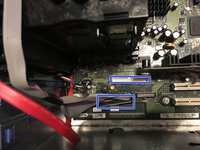
      • Remove the SATA power and data cables.

      • SATA Power

      • SATA Data

      FixBot'a Sor

      Yorum Ekle

    2. Dell Optiplex GX620 Front panel Replacement, Unplug your floppy drive.: adım 5, 3 resimden 1. Dell Optiplex GX620 Front panel Replacement, Unplug your floppy drive.: adım 5, 3 resimden 2. Dell Optiplex GX620 Front panel Replacement, Unplug your floppy drive.: adım 5, 3 resimden 3.
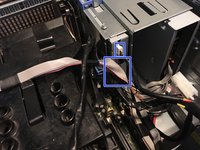
      • Unplug the power and data cables.

      FixBot'a Sor

      Yorum Ekle

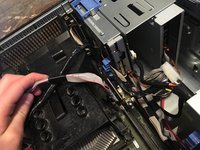
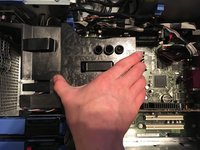
    3. Dell Optiplex GX620 Front panel Replacement, Unplug the fan.: adım 6, 2 resimden 1. Dell Optiplex GX620 Front panel Replacement, Unplug the fan.: adım 6, 2 resimden 2.
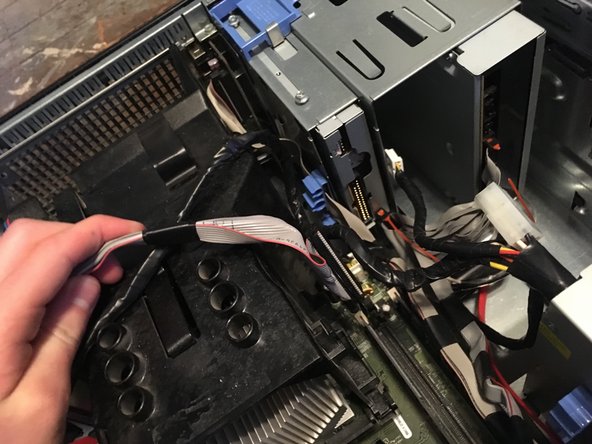
      • Unplug the fan.

      FixBot'a Sor

      Yorum Ekle

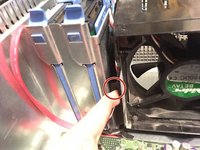
    4. Dell Optiplex GX620 Front panel Replacement: adım 7, 2 resimden 1. Dell Optiplex GX620 Front panel Replacement: adım 7, 2 resimden 2.
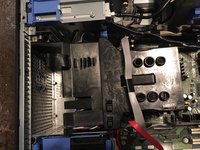
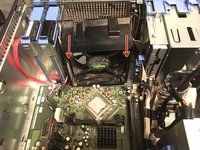
      • Remove the two Phillips #2 screws.

      FixBot'a Sor

      Yorum Ekle

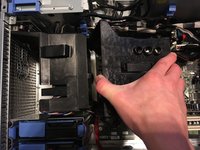
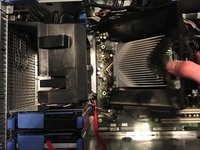
    5. Dell Optiplex GX620 Front panel Replacement, Remove the heat sink.: adım 8, 3 resimden 1. Dell Optiplex GX620 Front panel Replacement, Remove the heat sink.: adım 8, 3 resimden 2. Dell Optiplex GX620 Front panel Replacement, Remove the heat sink.: adım 8, 3 resimden 3.
      • Pull the heat sink up.

      FixBot'a Sor

      Yorum Ekle

    6. Dell Optiplex GX620 Front panel Replacement: adım 9, 3 resimden 1. Dell Optiplex GX620 Front panel Replacement: adım 9, 3 resimden 2. Dell Optiplex GX620 Front panel Replacement: adım 9, 3 resimden 3.
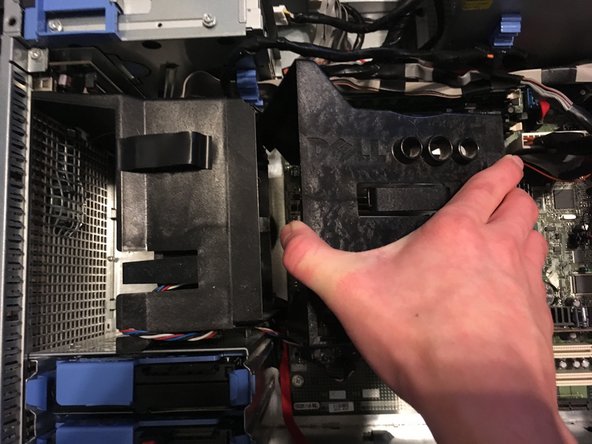
      • Pull the two tabs and pull it out.

      • This needs a lot of force to take it off.

      FixBot'a Sor

      Yorum Ekle

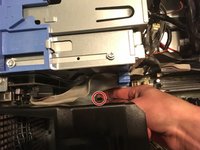
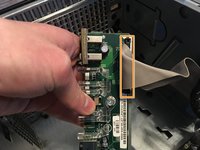
    7. Dell Optiplex GX620 Front panel Replacement, Remove front panel: adım 10, 2 resimden 1. Dell Optiplex GX620 Front panel Replacement, Remove front panel: adım 10, 2 resimden 2.
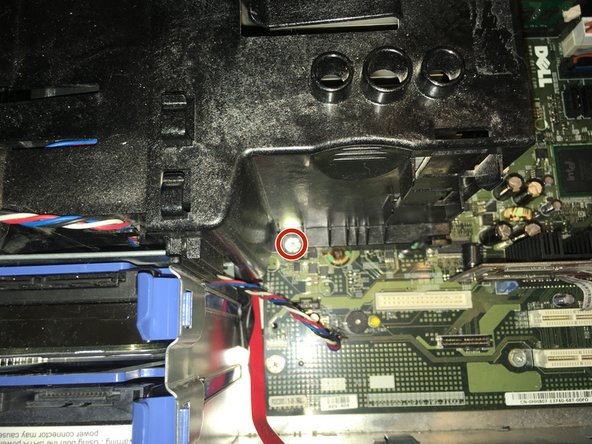
      • Remove the one Phillips #2.

      • Remove the Data cable.

      • Taking this cable off will brake some of the plastic thats locking it in. But you can still plug the cable back in.

      FixBot'a Sor

      Yorum Ekle

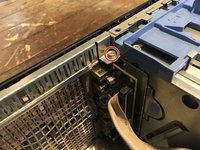
    8. Dell Optiplex GX620 Front panel Replacement, Remove the last screw.: adım 11, 2 resimden 1. Dell Optiplex GX620 Front panel Replacement, Remove the last screw.: adım 11, 2 resimden 2.
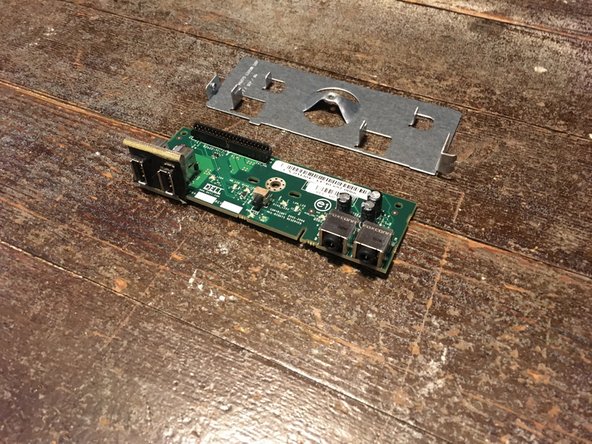
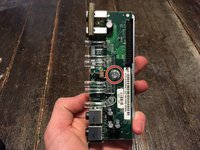
      • Remove the one Phillips #2 screw.

      • Now you can replace it with a new one.

      FixBot'a Sor

      Yorum Ekle

Sonuç

To reassemble your device, follow these instructions in reverse order.

İptal et: Bu kılavuzu tamamlamadım.

Bir başkası bu kılavuzu tamamladı.

Yazar

ile

Padraic Hoselton

Üyelik tarihi: 08/22/17

4.452 İtibar

12 adet Kılavuz yazıldı

0Kılavuz Yorumları

Yorum Ekle

İstatistikleri Görüntüle:

Son 24 Saat: 1

Son 7 gün: 23

Son 30 gün: 87

Her zaman: 2,384