Ana içeriğe geç
Onarım Topluluğuna Katılın - Hesap Oluşturun

Delphi MyFi XM2GO Motherboard Replacement

Neye ihtiyacın var

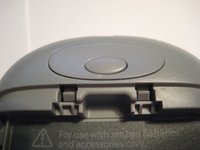
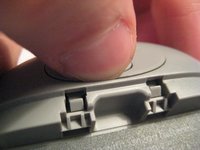
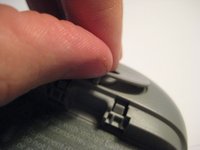
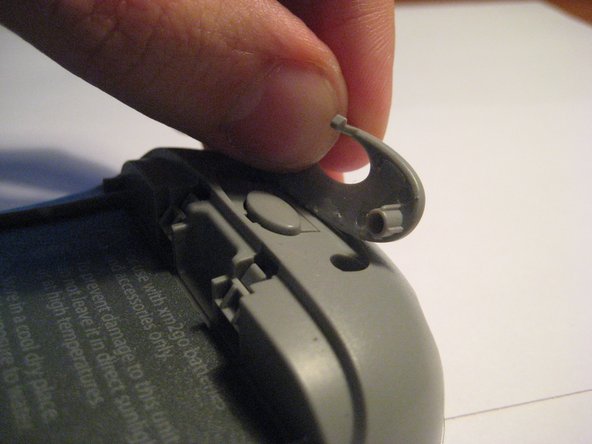
  1. Delphi MyFi XM2GO Motherboard Replacement, Battery Cover: adım 1, 3 resimden 1. Delphi MyFi XM2GO Motherboard Replacement, Battery Cover: adım 1, 3 resimden 2. Delphi MyFi XM2GO Motherboard Replacement, Battery Cover: adım 1, 3 resimden 3.
    • Locate the large button on the top of the device.

    • Push down on the button and slide the cover away from the button.

    • The battery removal tab may pop up.

    FixBot'a Sor

    Yorum Ekle

  2. Delphi MyFi XM2GO Motherboard Replacement, Battery: adım 2, 3 resimden 1. Delphi MyFi XM2GO Motherboard Replacement, Battery: adım 2, 3 resimden 2. Delphi MyFi XM2GO Motherboard Replacement, Battery: adım 2, 3 resimden 3.
    • Grab the red pull tab and pull down to unlock the latch.

    • Pull the battery out.

    FixBot'a Sor

    Yorum Ekle

  3. Delphi MyFi XM2GO Motherboard Replacement, Motherboard: adım 3, 2 resimden 1. Delphi MyFi XM2GO Motherboard Replacement, Motherboard: adım 3, 2 resimden 2.
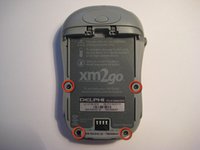
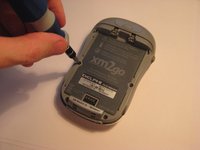
    • Remove the four screws from the bottom of the device using a T6 Torx screwdriver.

    FixBot'a Sor

    Yorum Ekle

  4. Delphi MyFi XM2GO Motherboard Replacement: adım 4, 3 resimden 1. Delphi MyFi XM2GO Motherboard Replacement: adım 4, 3 resimden 2. Delphi MyFi XM2GO Motherboard Replacement: adım 4, 3 resimden 3.
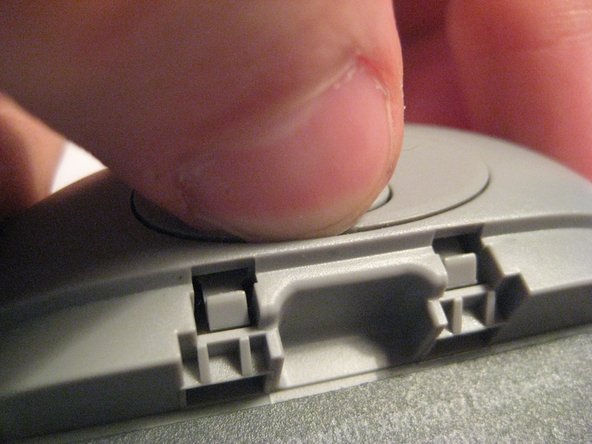
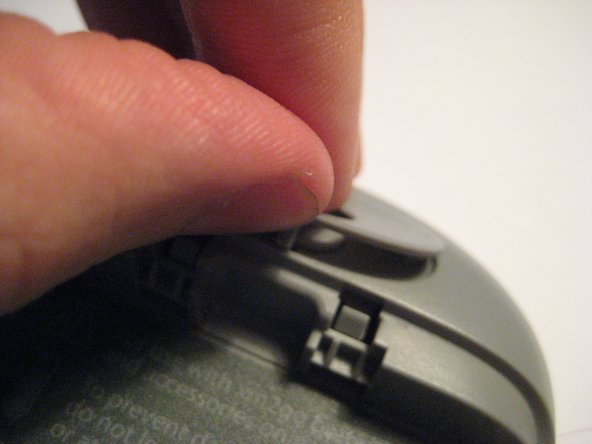
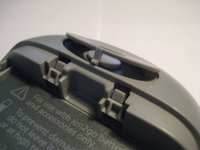
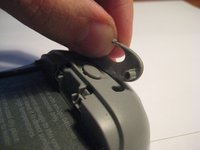
    • Remove the button cover on the back of the device by prying it up with a spudger or your thumb nail.

    FixBot'a Sor

    Yorum Ekle

  5. Delphi MyFi XM2GO Motherboard Replacement: adım 5, 3 resimden 1. Delphi MyFi XM2GO Motherboard Replacement: adım 5, 3 resimden 2. Delphi MyFi XM2GO Motherboard Replacement: adım 5, 3 resimden 3.
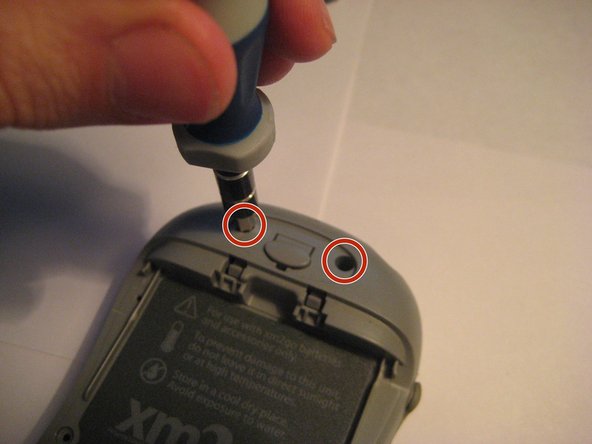
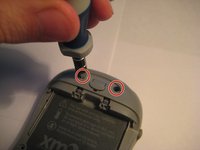
    • Remove the two screws under the button using the T6 Torx screwdriver.

    FixBot'a Sor

    Yorum Ekle

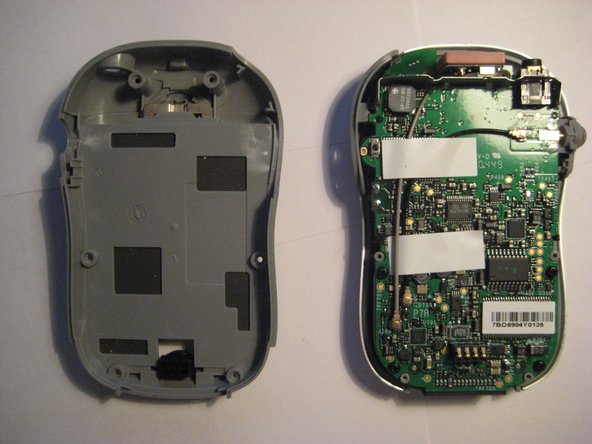
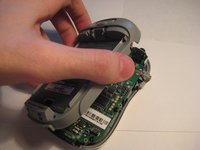
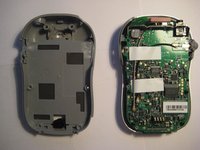
  6. Delphi MyFi XM2GO Motherboard Replacement: adım 6, 2 resimden 1. Delphi MyFi XM2GO Motherboard Replacement: adım 6, 2 resimden 2.
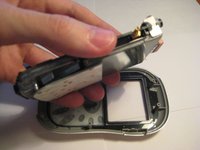
    • Remove the back cover.

    FixBot'a Sor

    Yorum Ekle

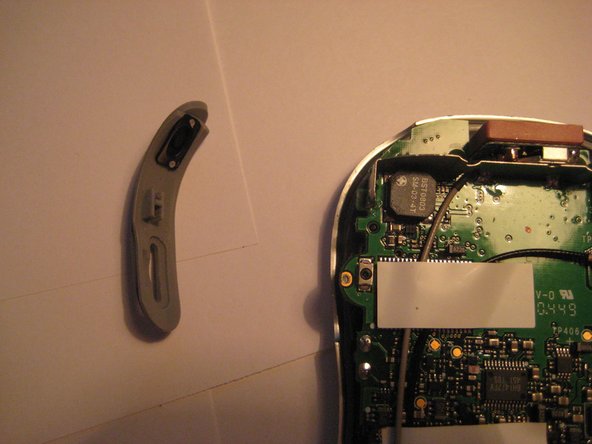
  7. Delphi MyFi XM2GO Motherboard Replacement: adım 7, 2 resimden 1. Delphi MyFi XM2GO Motherboard Replacement: adım 7, 2 resimden 2.
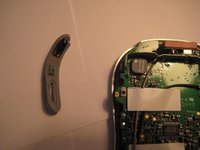
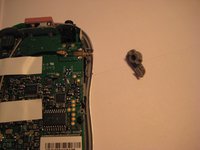
    • Remove the power button by pulling it to the left.

    FixBot'a Sor

    Yorum Ekle

  8. Delphi MyFi XM2GO Motherboard Replacement: adım 8, 2 resimden 1. Delphi MyFi XM2GO Motherboard Replacement: adım 8, 2 resimden 2.
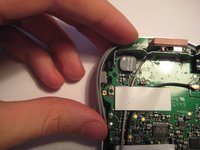
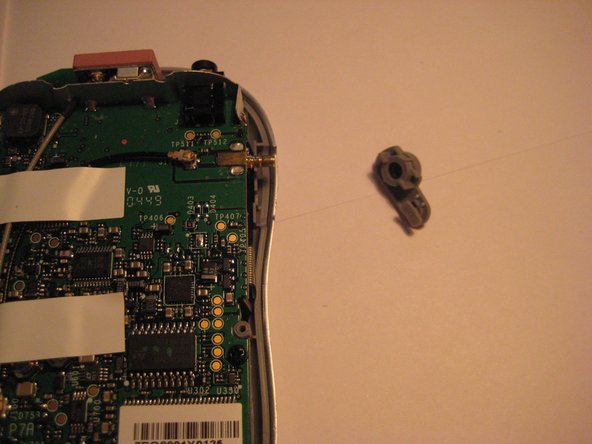
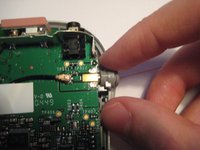
    • Remove the plastic antenna extension connector on the right side of the device.

    FixBot'a Sor

    Yorum Ekle

  9. Delphi MyFi XM2GO Motherboard Replacement: adım 9, 3 resimden 1. Delphi MyFi XM2GO Motherboard Replacement: adım 9, 3 resimden 2. Delphi MyFi XM2GO Motherboard Replacement: adım 9, 3 resimden 3.
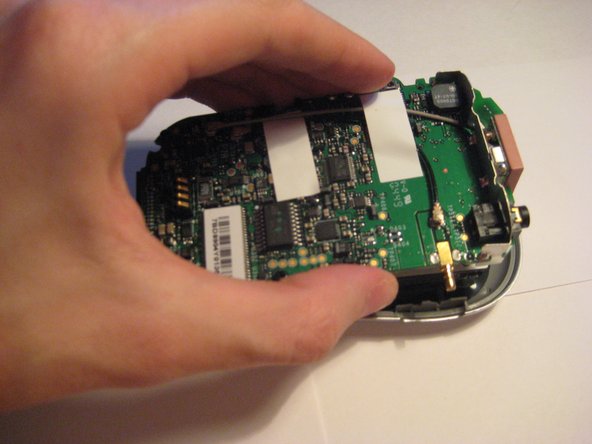
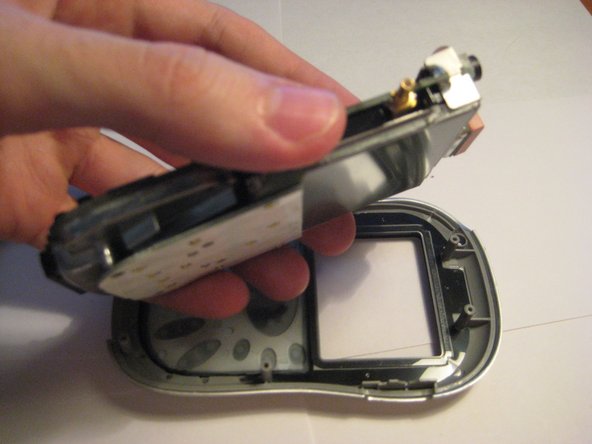
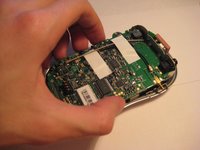
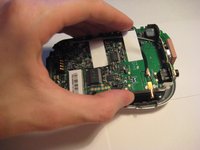
    • Pull up on the motherboard to remove it from the device.

    • The LCD screen and keypad are only connected to the motherboard with ribbon cables. They will hang down as the motherboard is removed.

    FixBot'a Sor

    Yorum Ekle

Sonuç

To reassemble your device, follow these instructions in reverse order.

İptal et: Bu kılavuzu tamamlamadım.

Bir başkası bu kılavuzu tamamladı.

Scott Byer

Üyelik tarihi: 03/09/12

88 İtibar

5 adet Kılavuz yazıldı

Ekip

Clemson, Team 1-2, Benson Spring 2012 Clemson, Team 1-2, Benson Spring 2012 üyesi

CLEM-BENSON-S12S1G2

3 Üyeler

9 adet Kılavuz yazıldı

0Kılavuz Yorumları

Yorum Ekle

İstatistikleri Görüntüle:

Son 24 Saat: 0

Son 7 gün: 5

Son 30 gün: 44

Her zaman: 2,855