Ana içeriğe geç

Disassembling Logitech G515 Lightspeed TKL

Neye ihtiyacın var

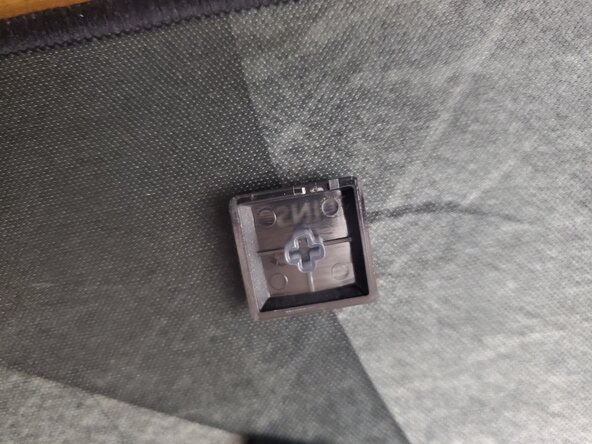
  1. Disassembling Logitech G515 Lightspeed TKL, Remove keycaps: adım 1, 2 resimden 1. Disassembling Logitech G515 Lightspeed TKL, Remove keycaps: adım 1, 2 resimden 2.
    • Remove the keycaps by evenly lifting up each key. Using a spare credit card to lift the south end of the key and my finger from the north end of the key helps remove the keys quickly.

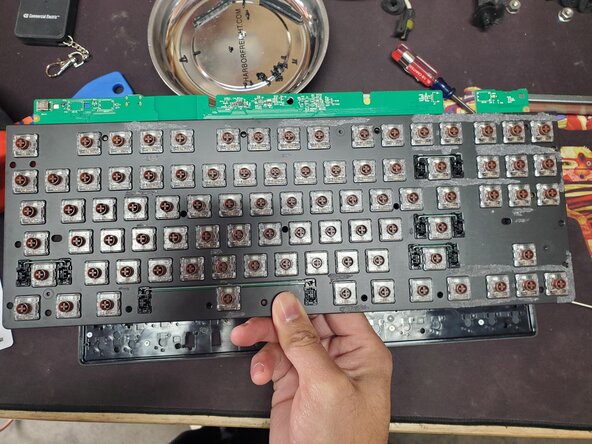
    • The switches are Kailh switches that are soldered to the board.

  2. Disassembling Logitech G515 Lightspeed TKL, Remove 2 back screws behind rubber feet: adım 2, 1 resimden 1.
    • Remove the two rubber feet at the top on the backside. Using a heatgun/hairdryer helps soften the adhesive when removing the rubber feet.

    • Removing the bottom 3 rubber feet is not necessary.

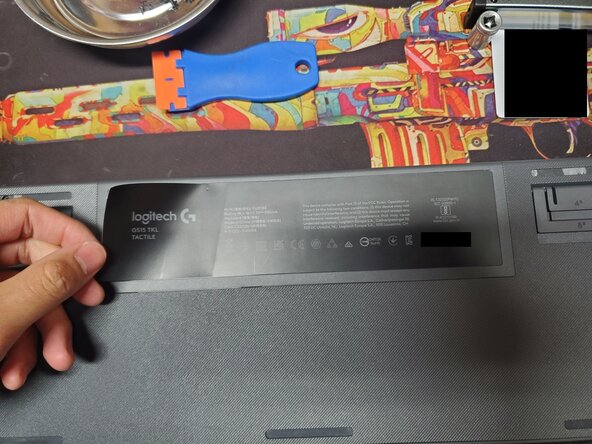
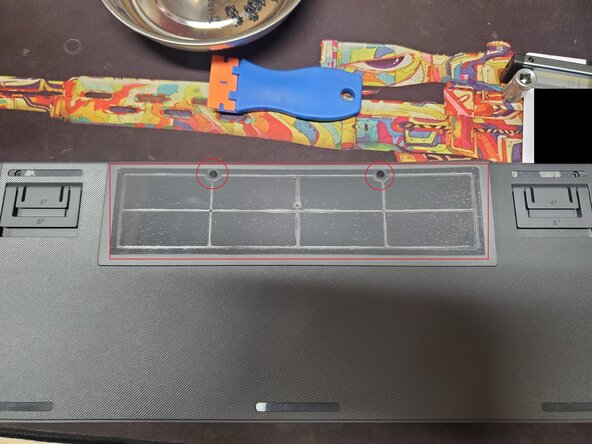
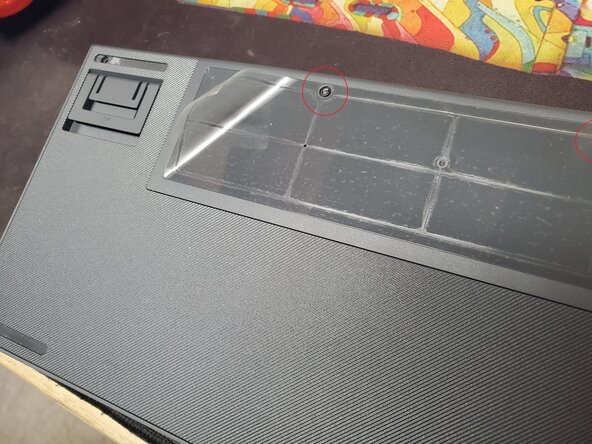
  3. Disassembling Logitech G515 Lightspeed TKL, Remove battery cover plate: adım 3, 3 resimden 1. Disassembling Logitech G515 Lightspeed TKL, Remove battery cover plate: adım 3, 3 resimden 2. Disassembling Logitech G515 Lightspeed TKL, Remove battery cover plate: adım 3, 3 resimden 3.
    • Remove the "battery" cover sticker. Note that mine is a wired G515. Mine came off in 2 pieces (1 is a sticker and another is a thick plastic film). Using a hairdryer/heat gun helps.

    • Remove the 2 screws from the "battery" cover/plate.

    • Then remove the "battery" cover plate.

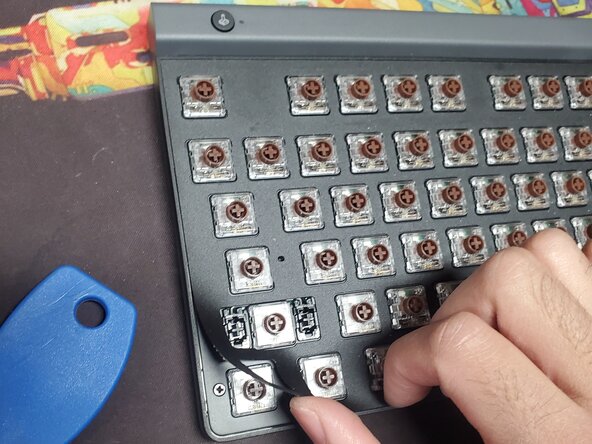
  4. Disassembling Logitech G515 Lightspeed TKL, Peel keyboard sticker/backing: adım 4, 1 resimden 1.
    • Remove the sticker/backing from the front of the keyboard. I started from a corner. You will need to use a hairdryer/heat gun to soften the adhesive. Don't concentrate the heat in one area for too long as it melts fairly quickly.

    • Be careful when removing the sticker/backing as it creases easily and will be noticeable when reinstalling it later. Mine has vertical lines as a result of me pulling the sticker/backing straight up as a means to remove it from the keyboard.

  5. Disassembling Logitech G515 Lightspeed TKL, Remove front keyboard screws: adım 5, 1 resimden 1.
    • Remove the Phillip head screws from the front of the keyboard.

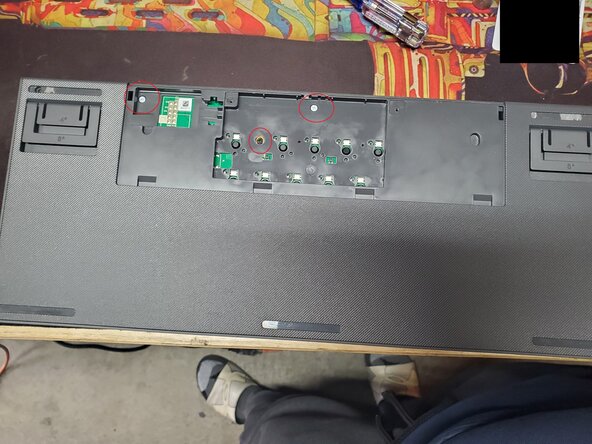
  6. Disassembling Logitech G515 Lightspeed TKL, Remove screws from back of board: adım 6, 1 resimden 1.
    • Remove the Phillip head screws. Keep in mind that these screws are not like the ones from the front of the keyboard. The top two on the backside are the silver ones and the lower/middle one is a shorter black pan head screw.

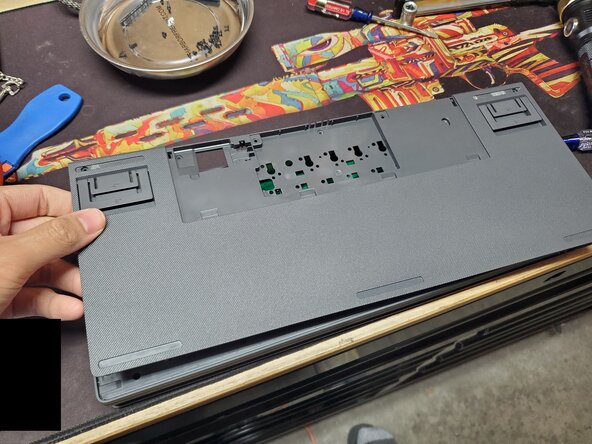
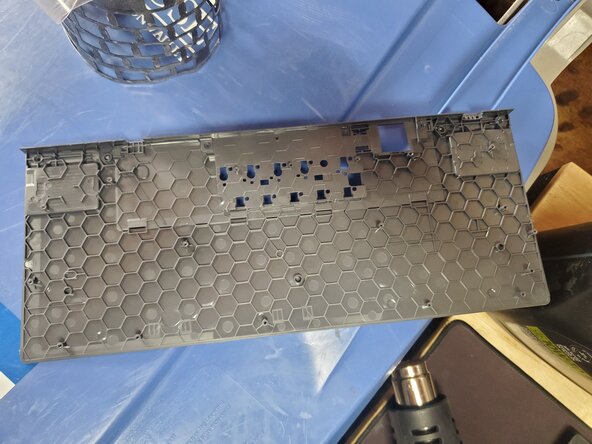
  7. Disassembling Logitech G515 Lightspeed TKL, Removing back plate of keyboard: adım 7, 2 resimden 1. Disassembling Logitech G515 Lightspeed TKL, Removing back plate of keyboard: adım 7, 2 resimden 2.
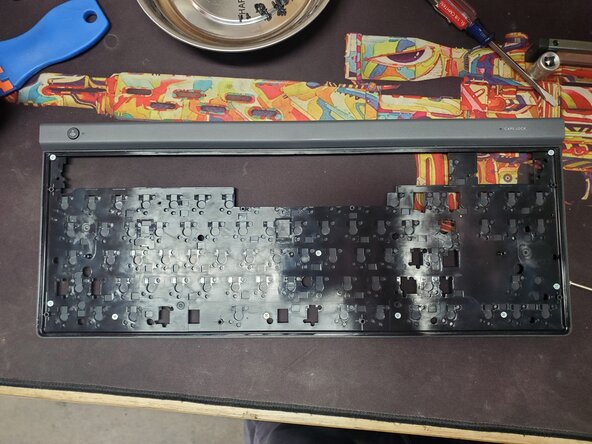
    • Remove the back plate of the keyboard.

    • This is what the front of the back plate looks like when removed.

  8. Disassembling Logitech G515 Lightspeed TKL, Remove board: adım 8, 3 resimden 1. Disassembling Logitech G515 Lightspeed TKL, Remove board: adım 8, 3 resimden 2. Disassembling Logitech G515 Lightspeed TKL, Remove board: adım 8, 3 resimden 3.
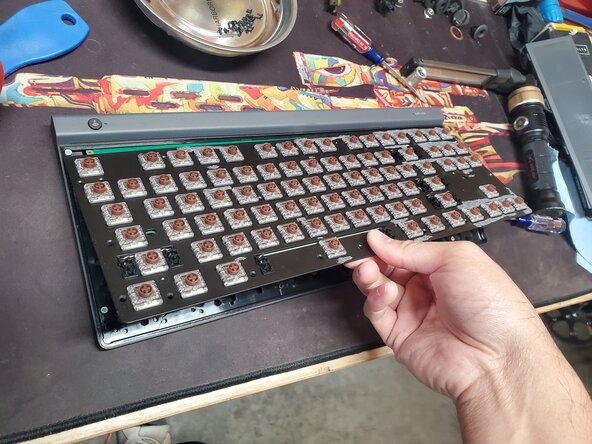
    • Pull the board out from the keyboard casing/frame.

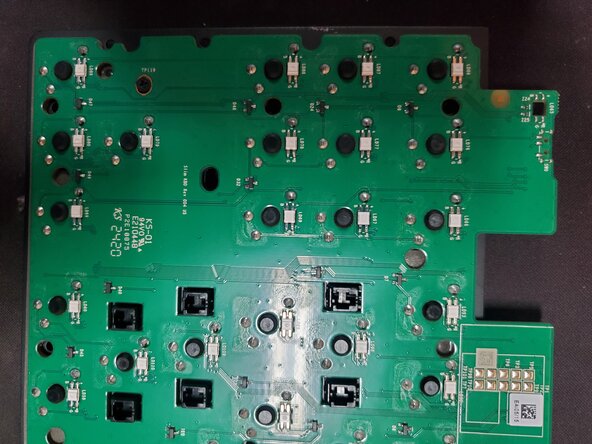
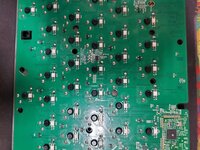
  9. Disassembling Logitech G515 Lightspeed TKL, Extra pictures of board (1): adım 9, 3 resimden 1. Disassembling Logitech G515 Lightspeed TKL, Extra pictures of board (1): adım 9, 3 resimden 2. Disassembling Logitech G515 Lightspeed TKL, Extra pictures of board (1): adım 9, 3 resimden 3.
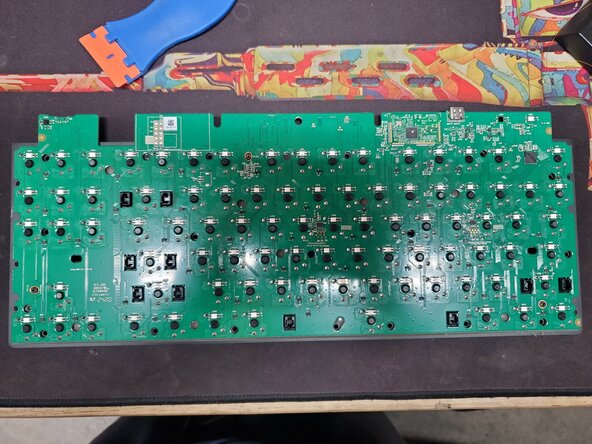
    • Extra pictures of board (1)

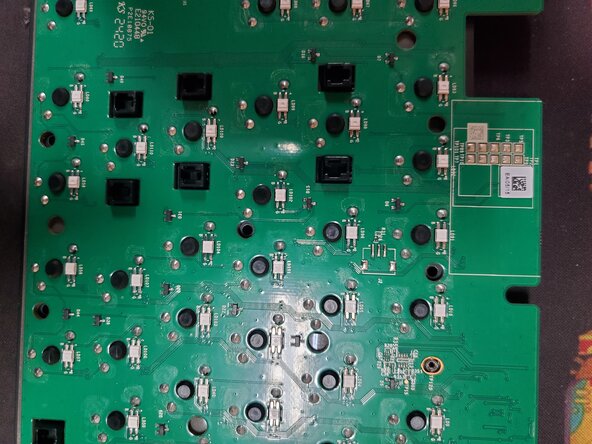
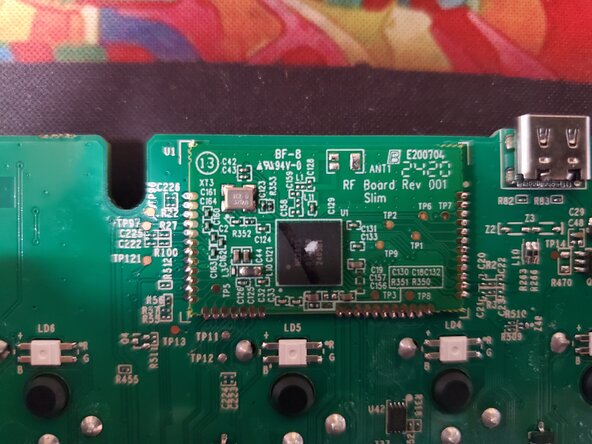
  10. Disassembling Logitech G515 Lightspeed TKL, Extra pictures of board (2): adım 10, 3 resimden 1. Disassembling Logitech G515 Lightspeed TKL, Extra pictures of board (2): adım 10, 3 resimden 2. Disassembling Logitech G515 Lightspeed TKL, Extra pictures of board (2): adım 10, 3 resimden 3.
    • Extra pictures of board (2)

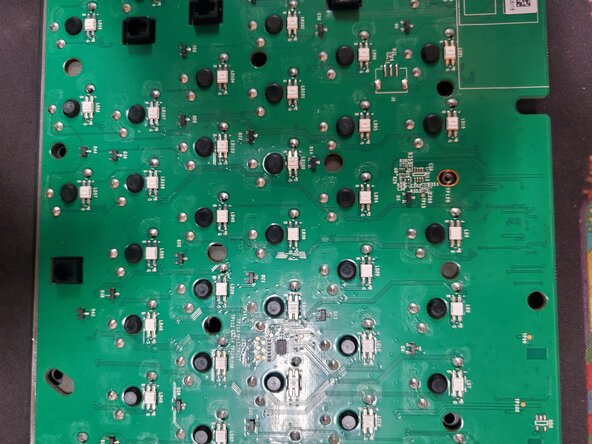
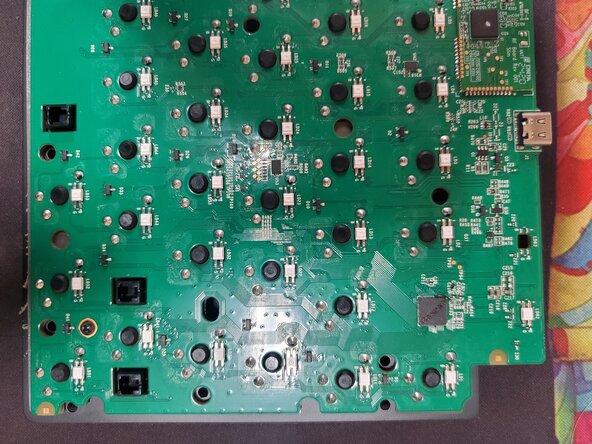
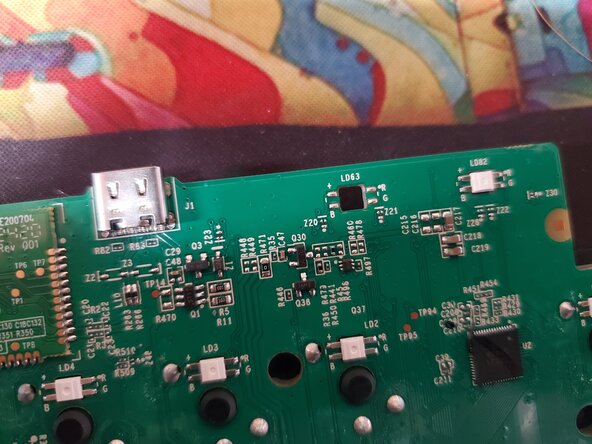
  11. Disassembling Logitech G515 Lightspeed TKL, Extra pictures of board (3): adım 11, 2 resimden 1. Disassembling Logitech G515 Lightspeed TKL, Extra pictures of board (3): adım 11, 2 resimden 2.
    • Extra pictures of board (3)

Sonuç

To reassemble your device, follow these instructions in reverse order.

AyeVictor

Üyelik tarihi: 12/08/25

1 İtibar

1 Kılavuz yazıldı

0Kılavuz Yorumları

Yorum Ekle

İstatistikleri Görüntüle:

Son 24 Saat: 2

Son 7 gün: 20

Son 30 gün: 20

Her zaman: 20