Ana içeriğe geç
Onarım Topluluğuna Katılın - Hesap Oluşturun

Disassembling the Circuit Board

Neye ihtiyacın var

  1. Disassembling the Circuit Board, Cracking the Case: adım 1, 1 resimden 1.
    • Turn the device upside down so that the three rubber pads are facing up.

    FixBot'a Sor

    Yorum Ekle

  2. Disassembling the Circuit Board: adım 2, 1 resimden 1.
    • Use a heat gun (set to low) to apply heat to one of the rubber pads until you can easily remove the pad. This step takes around 5-7 minutes.

    FixBot'a Sor

    Yorum Ekle

  3. Disassembling the Circuit Board: adım 3, 1 resimden 1.
    • Remove the heated rubber pad with a plastic opening tool.

    • Repeat steps 2 and 3 for the two remaining rubber pads.

    FixBot'a Sor

    Yorum Ekle

  4. Disassembling the Circuit Board: adım 4, 2 resimden 1. Disassembling the Circuit Board: adım 4, 2 resimden 2.
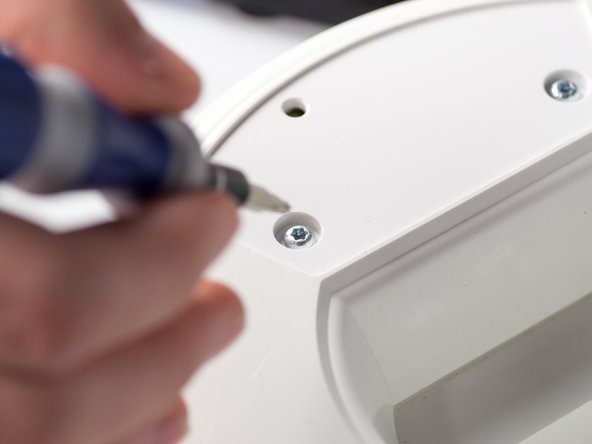
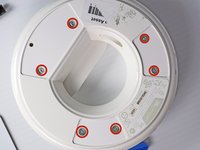
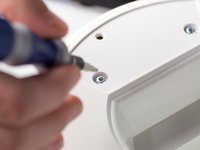
    • Remove the six 1cm T-10 torx screws on the bottom of the device (found under the rubber pads) using a T-10 Torx screwdriver.

    FixBot'a Sor

    Yorum Ekle

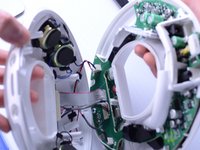
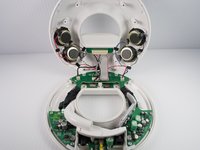
  5. Disassembling the Circuit Board: adım 5, 3 resimden 1. Disassembling the Circuit Board: adım 5, 3 resimden 2. Disassembling the Circuit Board: adım 5, 3 resimden 3.
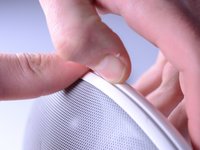
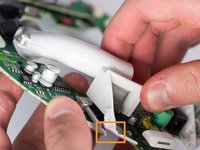
    • Open the device along its seam.

    • Be careful when separating the device because there are wires connecting the two seperate halves.

    FixBot'a Sor

    Yorum Ekle

  6. Disassembling the Circuit Board: adım 6, 1 resimden 1.
    • Disconnect the ribbon cable connector from the top half of the device by pulling outward and parallel to the connecting pins.

    FixBot'a Sor

    Yorum Ekle

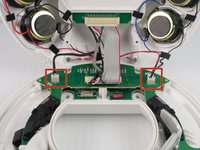
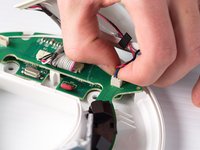
  7. Disassembling the Circuit Board: adım 7, 2 resimden 1. Disassembling the Circuit Board: adım 7, 2 resimden 2.
    • Locate and disconnect the two molex connectors found on either side of the ribbon cable connector on the bottom half of the device.

    FixBot'a Sor

    Yorum Ekle

  8. Disassembling the Circuit Board, Circuit Board: adım 8, 2 resimden 1. Disassembling the Circuit Board, Circuit Board: adım 8, 2 resimden 2.
    • Remove the three 1 cm T-10 Torx screws.

    FixBot'a Sor

    Yorum Ekle

  9. Disassembling the Circuit Board: adım 9, 1 resimden 1.
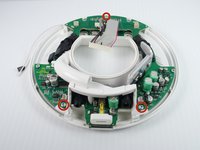
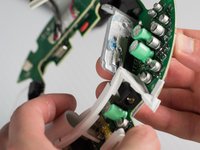
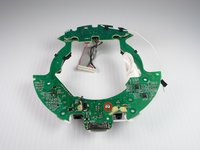
    • Carefully press out the white base tube and push up on the circuit board.

    • Note that there is a small wire connecting the circuit board to the base.

    FixBot'a Sor

    Yorum Ekle

  10. Disassembling the Circuit Board: adım 10, 2 resimden 1. Disassembling the Circuit Board: adım 10, 2 resimden 2.
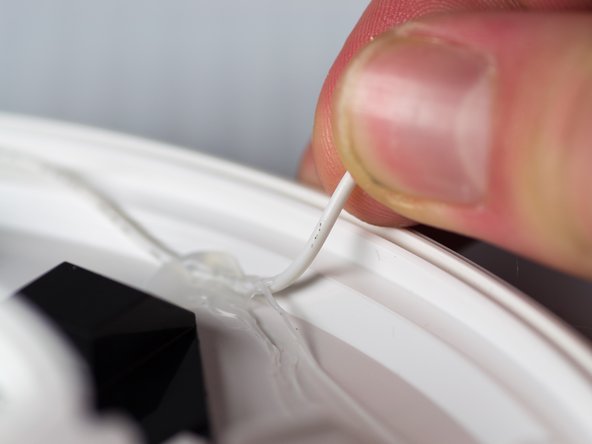
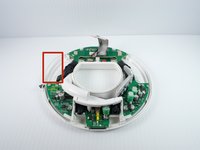
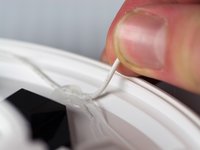
    • Pull the white wire out of the hot glue.

    FixBot'a Sor

    Yorum Ekle

  11. Disassembling the Circuit Board: adım 11, 3 resimden 1. Disassembling the Circuit Board: adım 11, 3 resimden 2. Disassembling the Circuit Board: adım 11, 3 resimden 3.
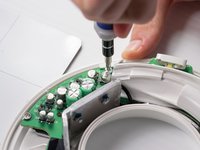
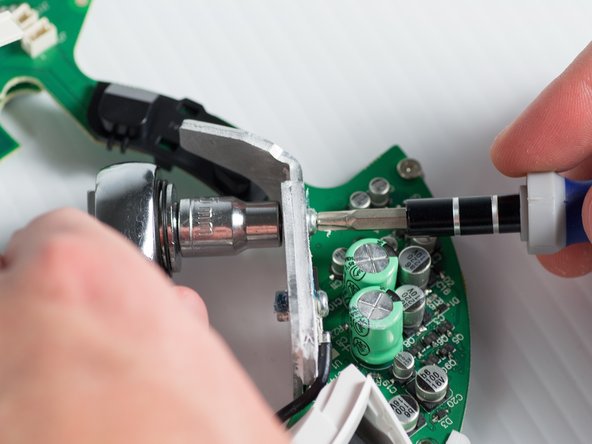
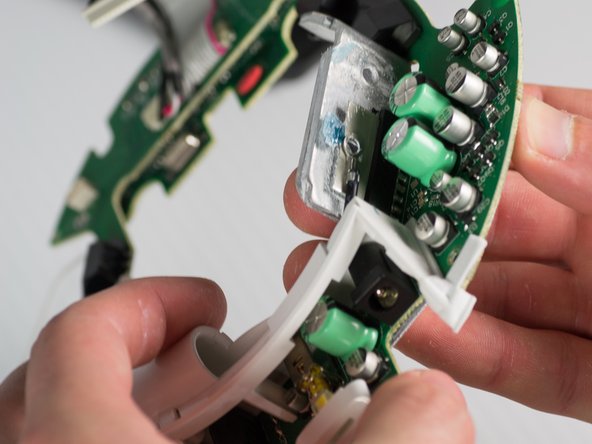
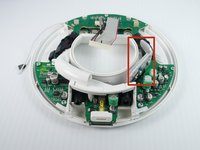
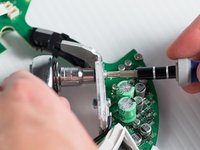
    • Unbolt the heatsink with a 5.5-mm socket and a Phillips PH1 screwdriver.

    • Remove the heat sink; it should detach from the bottom of the device.

    FixBot'a Sor

    Yorum Ekle

  12. Disassembling the Circuit Board: adım 12, 3 resimden 1. Disassembling the Circuit Board: adım 12, 3 resimden 2. Disassembling the Circuit Board: adım 12, 3 resimden 3.
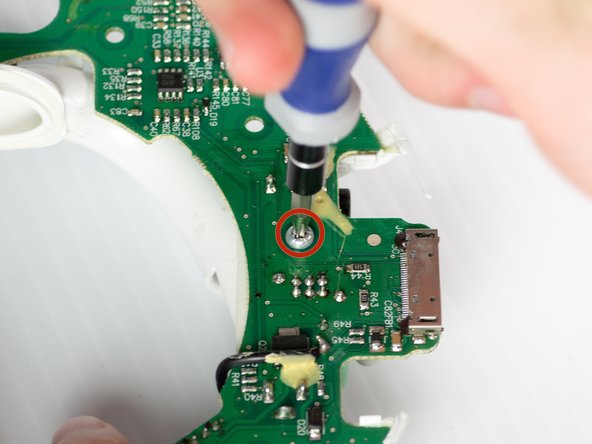
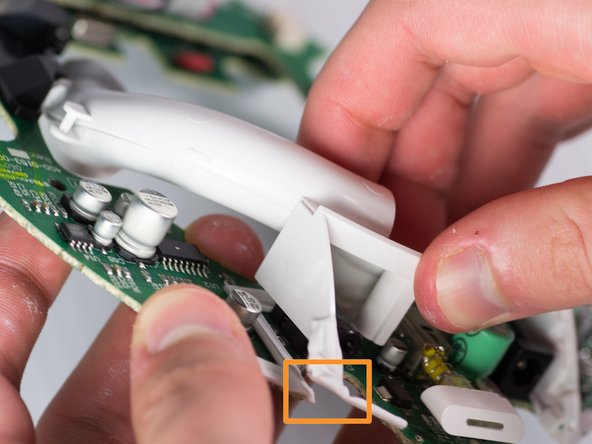
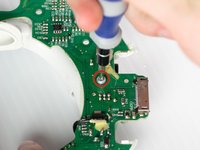
    • Remove the T-10 torx screw on the bottom of the device that attaches the base tube to the circuit board.

    • Turn the device so that the base tube is on top.

    • Remove the base tube by pulling up.

    • May need to cut the rubber adhesive between the base tube to the circuit board.

    FixBot'a Sor

    Yorum Ekle

Sonuç

To reassemble your device, follow these steps in reverse order.

İptal et: Bu kılavuzu tamamlamadım.

2 farklı kişi bu kılavuzu tamamladı.

Janessa D Cabrera

Üyelik tarihi: 01/23/14

547 İtibar

4 adet Kılavuz yazıldı

Ekip

Cal Poly, Team 9-28, Maness Winter 2014 Cal Poly, Team 9-28, Maness Winter 2014 üyesi

CPSU-MANESS-W14S9G28

4 Üyeler

10 adet Kılavuz yazıldı

0Kılavuz Yorumları

Yorum Ekle

İstatistikleri Görüntüle:

Son 24 Saat: 0

Son 7 gün: 12

Son 30 gün: 66

Her zaman: 5,363