Giriş
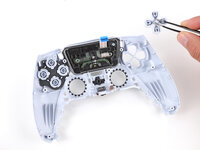
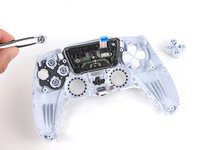
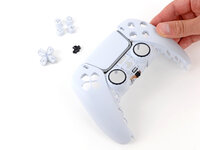
Follow this guide to replace the buttons (directional, action, create, options, and PS) in your Sony PlayStation DualSense V5 controller.
Neye ihtiyacın var
-
-
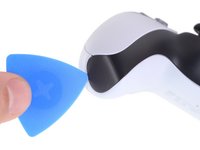
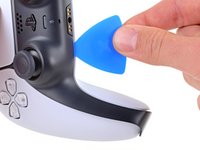
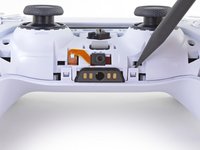
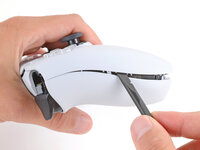
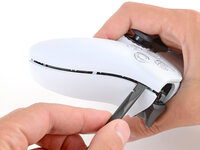
Insert an opening pick underneath the middle trim at the bottom-right corner of the controller to release the clips securing it to the case.
-
-
-
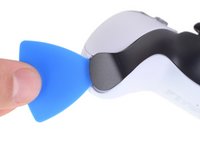
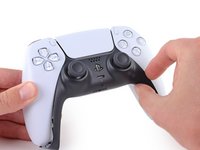
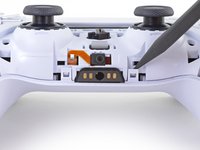
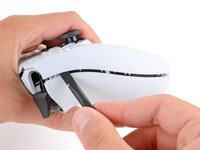
Slide the opening pick along the lower-right edge of the middle trim to release the clips securing it to the case.
-
-
-
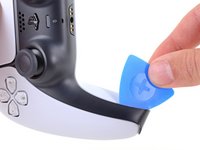
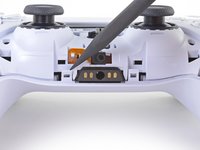
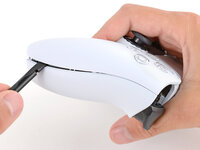
Insert an opening pick underneath the middle trim at the bottom-left corner of the controller to release the clips securing it to the case.
-
-
-
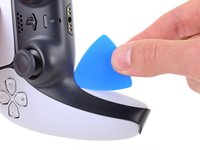
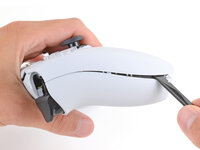
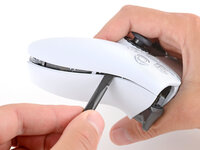
Slide the opening pick along the lower-left edge of the middle trim to release the clips securing it to the case.
-
-
-
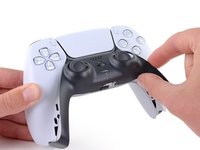
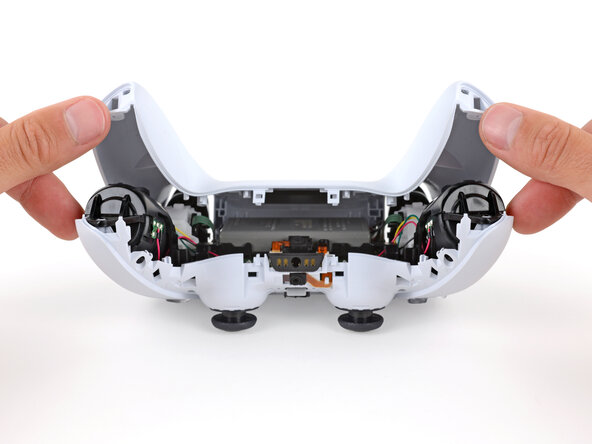
Use your fingers to lift up the bottom edge of the middle trim to release the remaining clips.
-
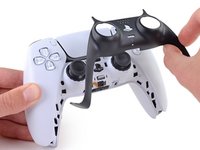
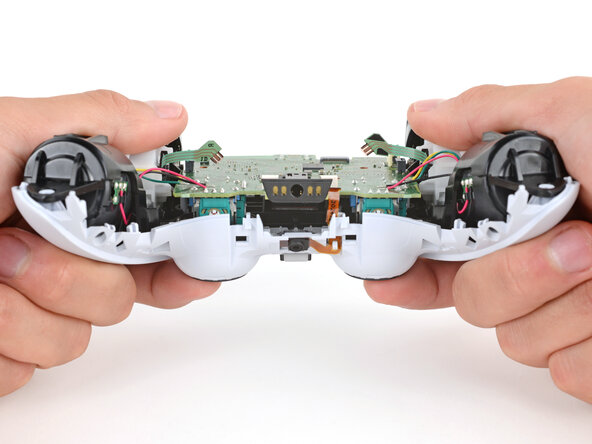
Lift the middle trim over the joysticks to remove it.
-
-
-
With one hand, grip the controller and use your thumb to hold down the left trigger.
-
With your free hand, insert the flat end of a spudger between the L1 and L2 buttons.
-
Use the spudger to gently pry the L1 button away from the controller and remove it, holding your finger over the button so it doesn't eject.
-
-
-
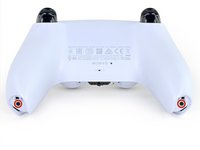
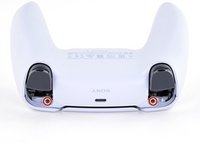
Use a Phillips screwdriver to remove the two 6.4 mm screws securing the bottom corners of the lower case.
-
-
-
Use the point of a spudger to release the two clips on either side of the headset jack.
-
-
-
-
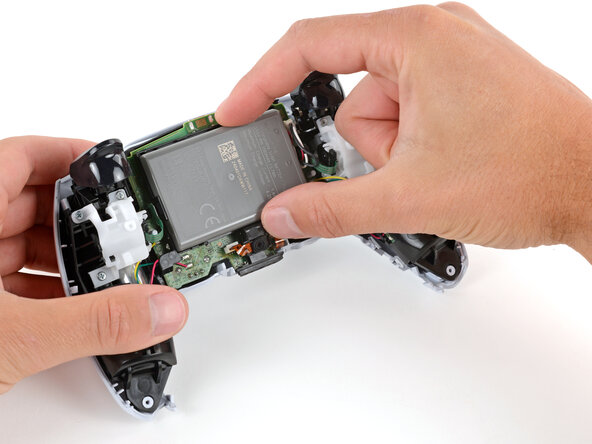
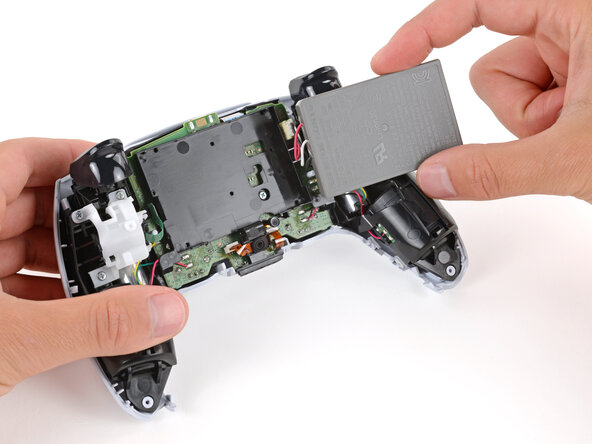
Swing the battery out of its recess so you can access its connector, making sure to not strain the cables.
-
Keep the battery supported so it doesn't fall during the next step.
-
-
-
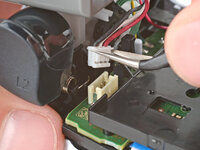
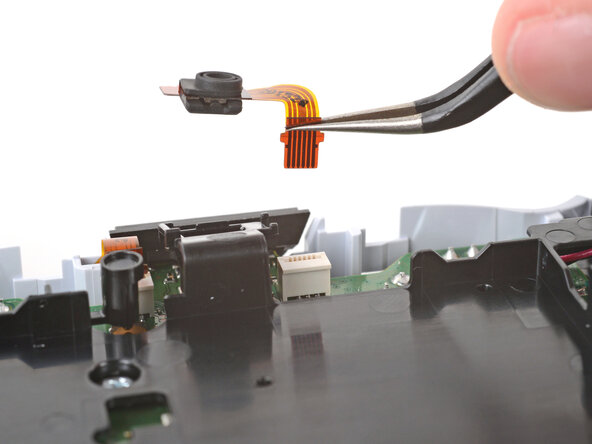
Use tweezers to grip the lower microphone cable's plastic tab and pull it straight out of the socket to remove the microphone.
-
-
-
Use a Phillips screwdriver to remove the 6.5 mm‑long screw securing the battery bracket.
-
-
-
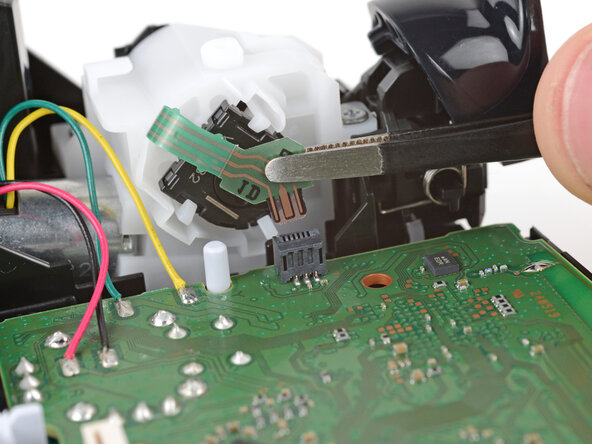
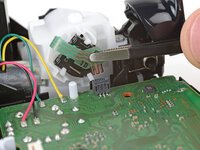
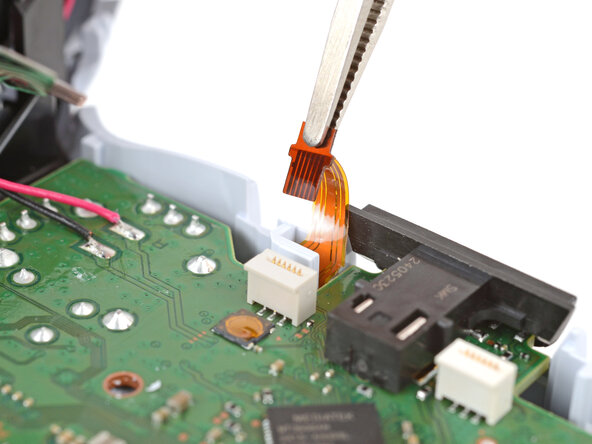
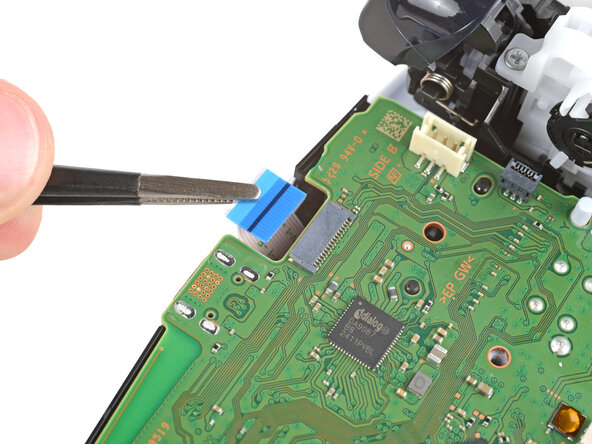
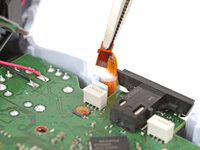
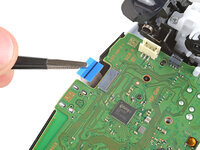
Use tweezers to grip the hard plastic section of the right trigger ribbon cable and pull the cable straight out of its socket to disconnect it.
-
-
-
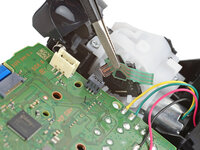
Repeat the previous step to disconnect the three other ribbon cables that connect to the motherboard.
-
-
-
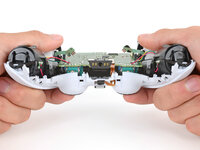
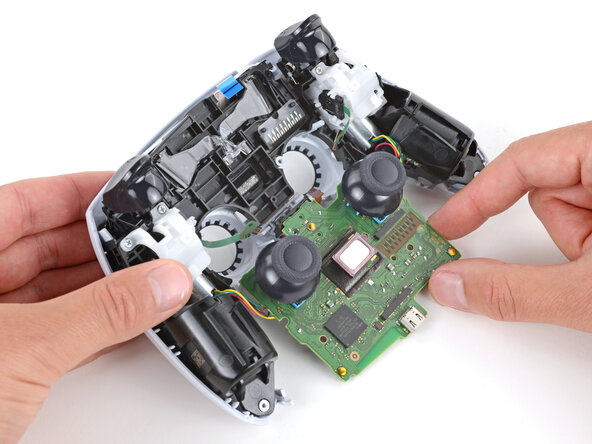
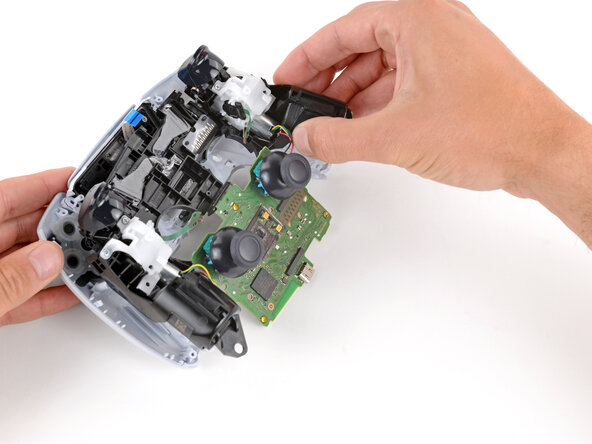
Use your fingers to gently push the joysticks through their cutouts on the shell to separate the motherboard.
-
-
-
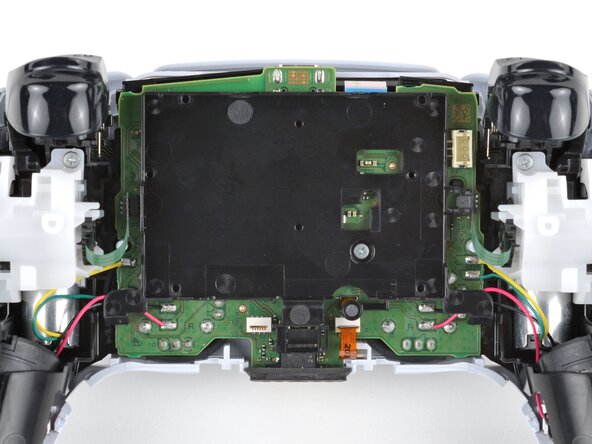
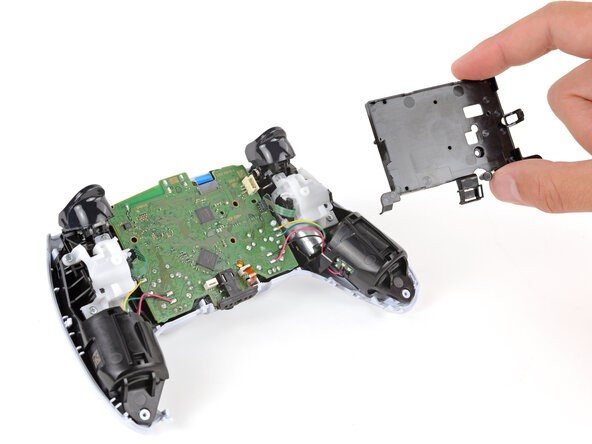
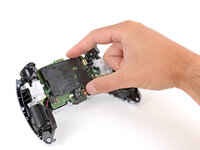
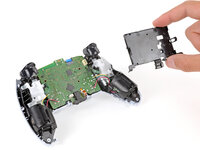
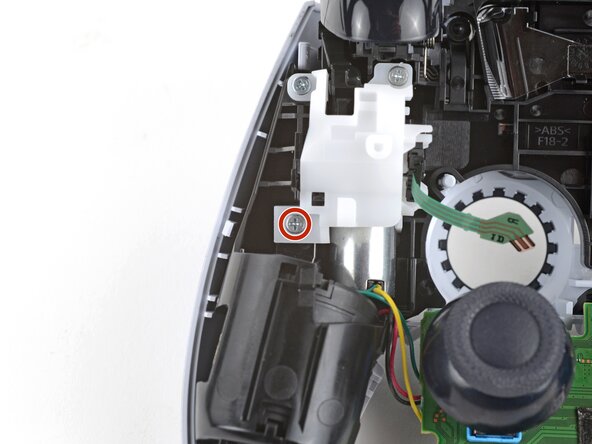
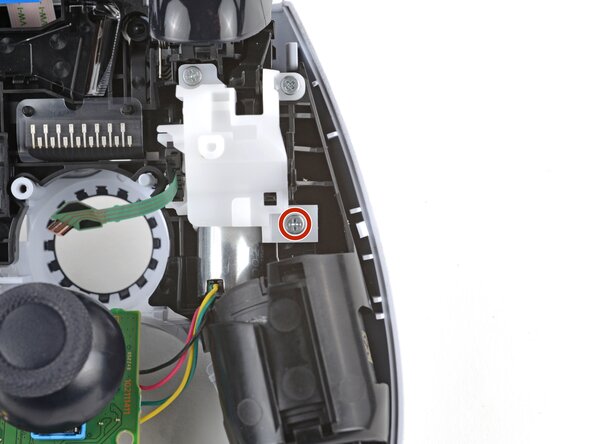
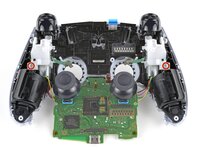
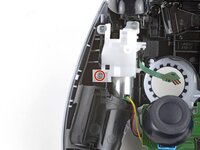
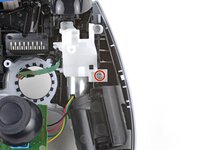
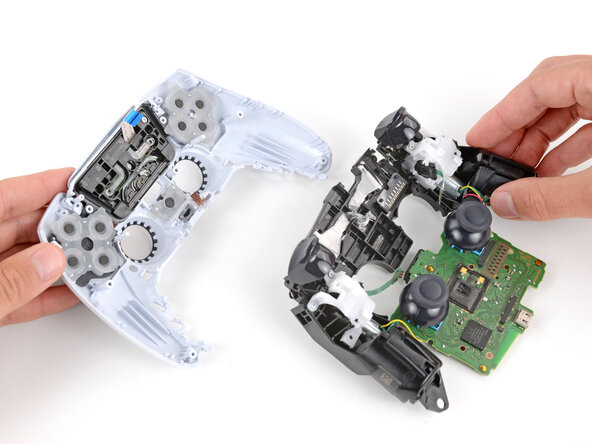
Use a Phillips screwdriver to remove the two 6.5 mm‑long screws securing the midframe.
-
-
-
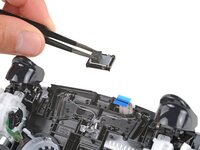
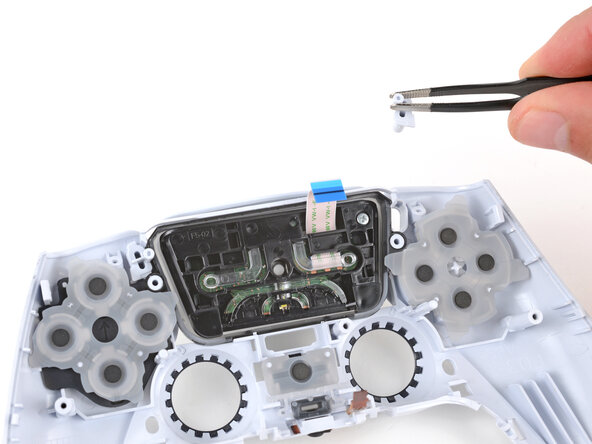
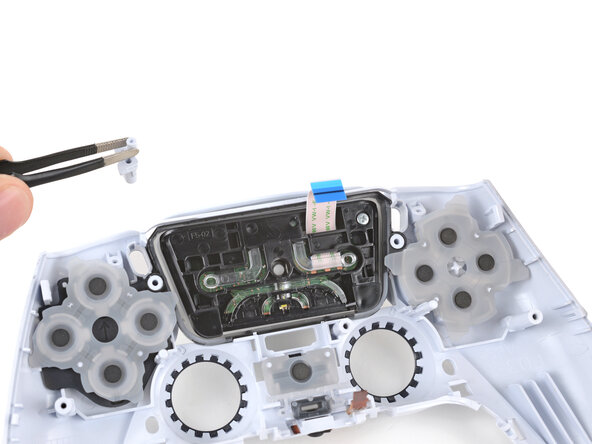
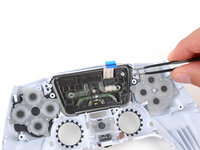
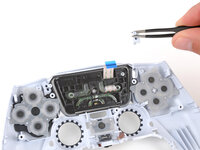
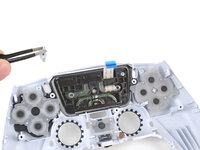
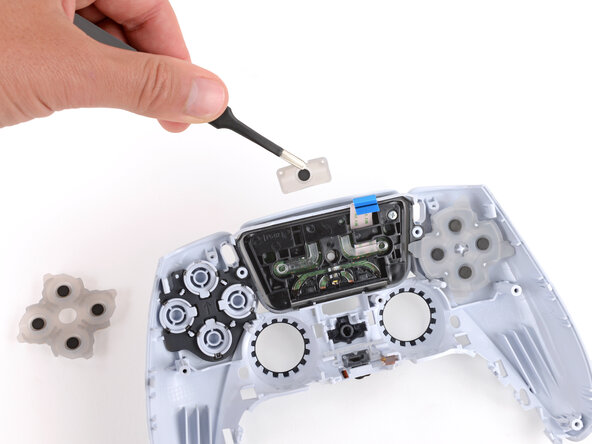
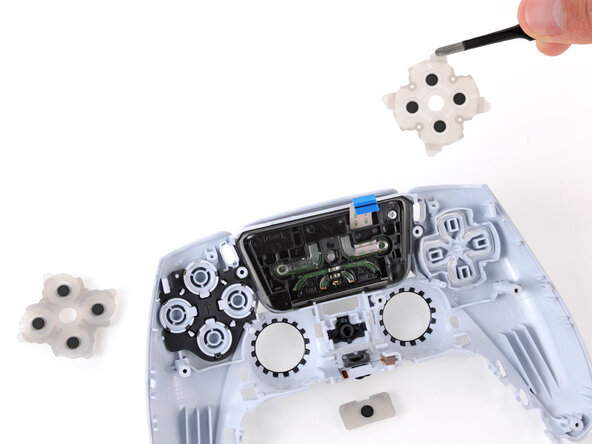
Use tweezers or your fingers to remove the Options and Create buttons.
-



















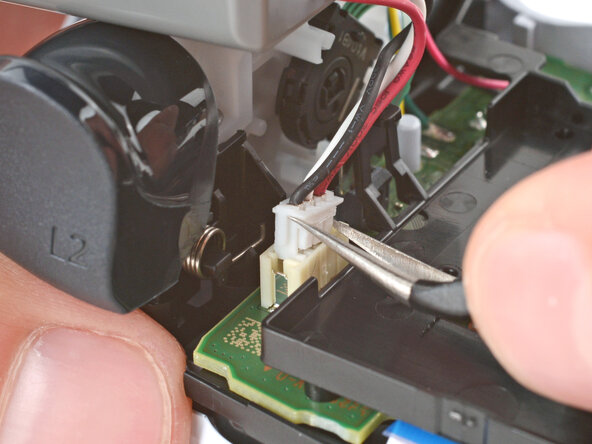
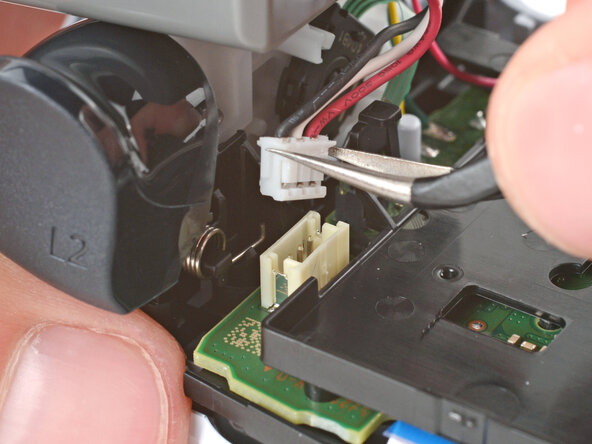









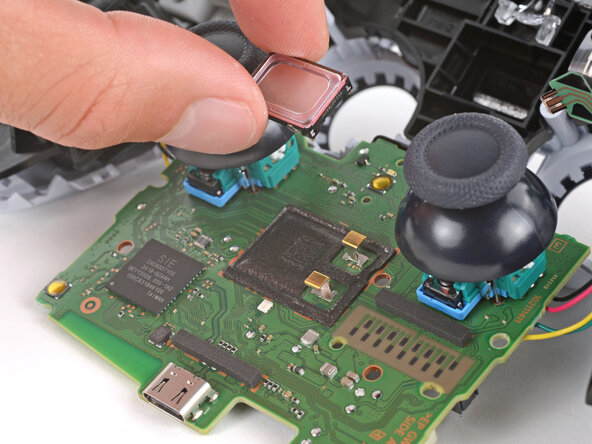
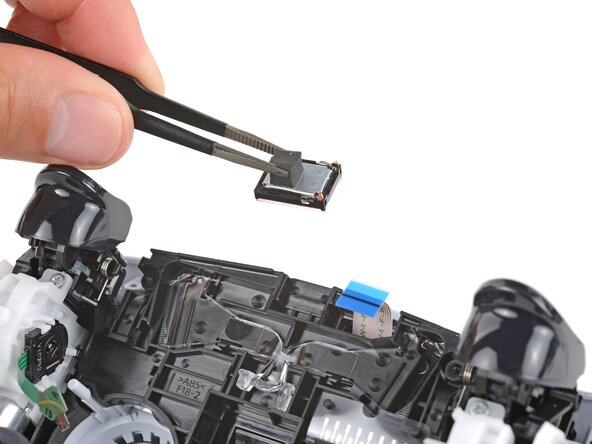




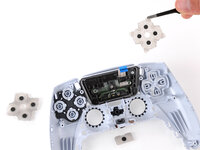
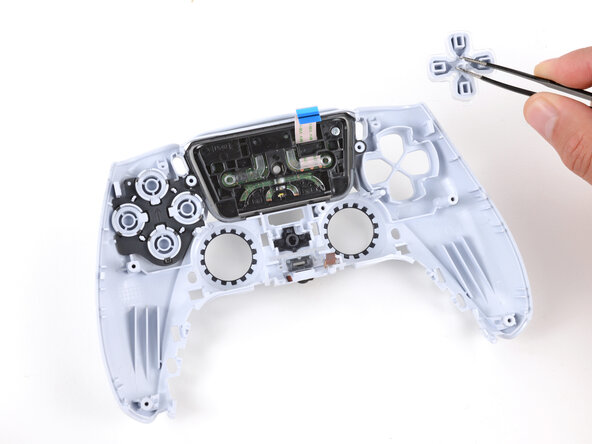
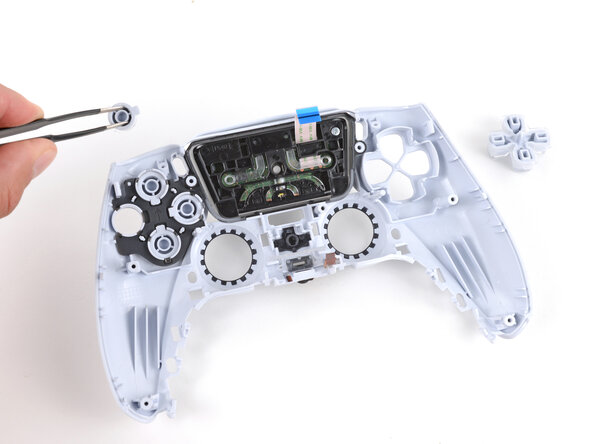
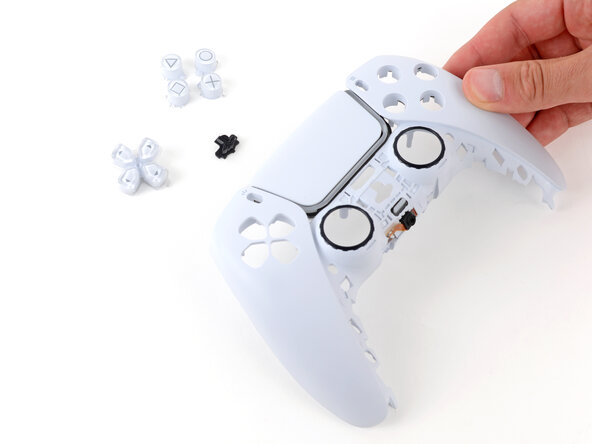
To reassemble your device, follow these instructions in reverse order.
Repair didn’t go as planned? Try some basic troubleshooting, or ask our Answers community for help.
İptal et: Bu kılavuzu tamamlamadım.
3 farklı kişi bu kılavuzu tamamladı.



