Ana içeriğe geç

EasySMX ESM-9110 Vibration Motor Replacement

Neye ihtiyacın var

  1. EasySMX ESM-9110 Vibration Motor Replacement, Handle Covers: adım 1, 2 resimden 1. EasySMX ESM-9110 Vibration Motor Replacement, Handle Covers: adım 1, 2 resimden 2.
    • Use a Phillips #000 screwdriver to remove the two 10 mm screws from the back of controller.

  2. EasySMX ESM-9110 Vibration Motor Replacement: adım 2, 1 resimden 1.
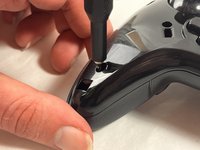
    • Insert a plastic opening tool into the slit on the side of controller.

    • Wiggle the tool until the cover becomes loose.

    • Repeat this on the other side of Controller.

    • Go slow. Take your time removing the handle covers.

  3. EasySMX ESM-9110 Vibration Motor Replacement: adım 3, 1 resimden 1.
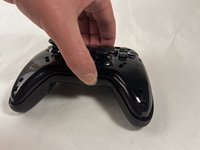
    • Remove the faceplate.

    • Repeat on the other side of the controller.

  4. EasySMX ESM-9110 Vibration Motor Replacement, Vibration Motor: adım 4, 3 resimden 1. EasySMX ESM-9110 Vibration Motor Replacement, Vibration Motor: adım 4, 3 resimden 2. EasySMX ESM-9110 Vibration Motor Replacement, Vibration Motor: adım 4, 3 resimden 3.
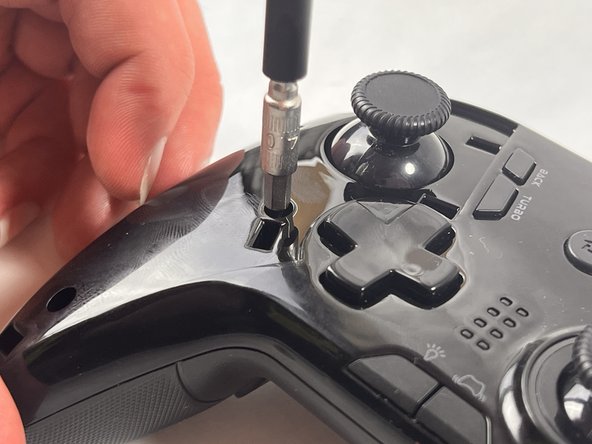
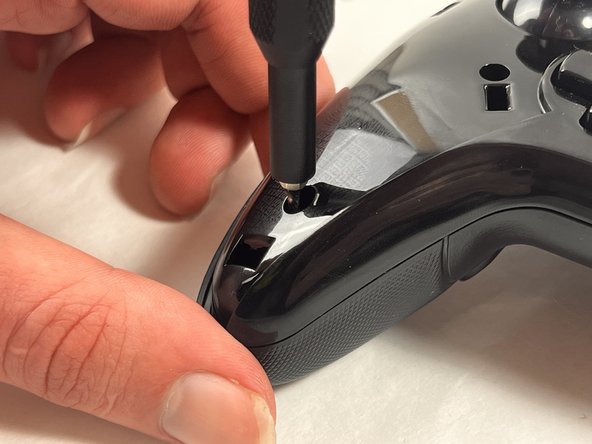
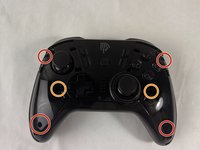
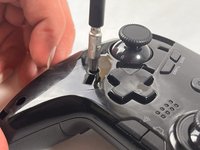
    • Use a Phillips #000 screwdriver to remove the four 20 mm screws from the controller's faceplate.

    • Use a Phillips #000 screwdriver (a screwdriver bit extension may be needed) to remove the two 20 mm screws from the controllers faceplate.

    • The screw extender should only be used to unscrew two of the six screws. Do not use it for all six.

  5. EasySMX ESM-9110 Vibration Motor Replacement: adım 5, 2 resimden 1. EasySMX ESM-9110 Vibration Motor Replacement: adım 5, 2 resimden 2.
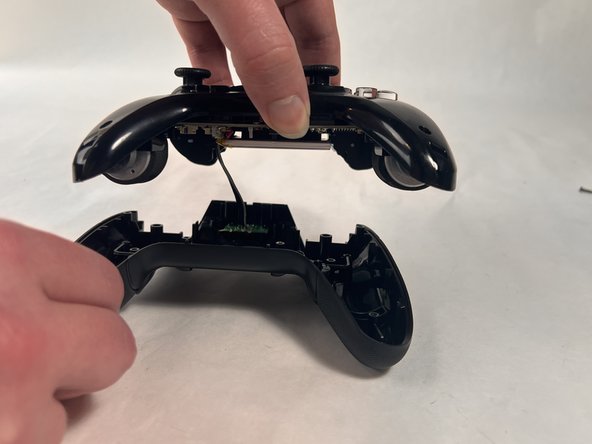
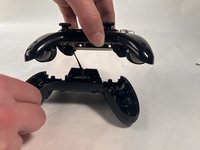
    • Remove the faceplate of the controller by lifting it directly up from the backplate.

    • Be gentle, the controller's backplate is still attached. Do not move the controller too roughly.

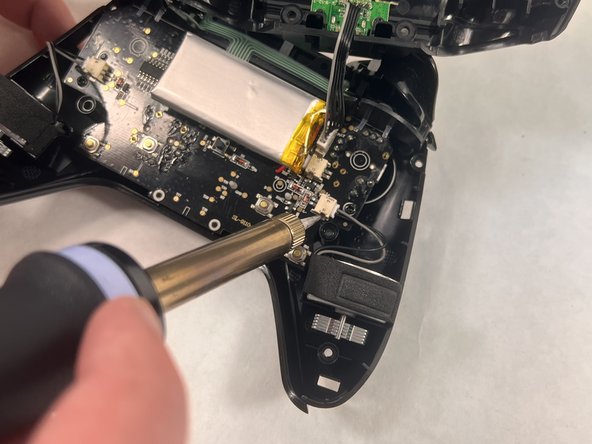
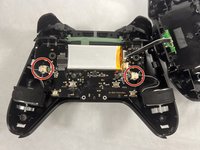
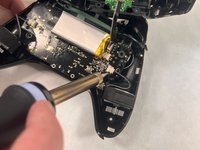
  6. EasySMX ESM-9110 Vibration Motor Replacement: adım 6, 2 resimden 1. EasySMX ESM-9110 Vibration Motor Replacement: adım 6, 2 resimden 2.
    • Locate the parts of the vibration motor that are connected to the motherboard

    • Solder these parts of the vibration motor to remove them.

    • There should be two connectors present in your controller, one for each vibration motor.

Sonuç

To reassemble your device, follow these instructions in reverse order.

Melanie Rodriguez

Üyelik tarihi: 03/18/24

406 İtibar

4 adet Kılavuz yazıldı

Ekip

UMass Dartmouth, Team 2-4, Konn Spring 2024 UMass Dartmouth, Team 2-4, Konn Spring 2024 üyesi

UMASSD-KONN-S24S2G4

4 Üyeler

5 adet Kılavuz yazıldı

0Kılavuz Yorumları

Yorum Ekle

İstatistikleri Görüntüle:

Son 24 Saat: 1

Son 7 gün: 2

Son 30 gün: 11

Her zaman: 280