Ana içeriğe geç
Onarım Topluluğuna Katılın - Hesap Oluşturun

Edwin the Duck Rubber Heart Power Button Replacement

Neye ihtiyacın var

  1. Edwin the Duck Rubber Heart Power Button Replacement, Rubber Heart Power Button: adım 1, 2 resimden 1. Edwin the Duck Rubber Heart Power Button Replacement, Rubber Heart Power Button: adım 1, 2 resimden 2.
    • Unscrew the four 9mm screws with a T8 bit

    • Remove the back plate off

    FixBot'a Sor
  2. Edwin the Duck Rubber Heart Power Button Replacement: adım 2, 2 resimden 1. Edwin the Duck Rubber Heart Power Button Replacement: adım 2, 2 resimden 2.
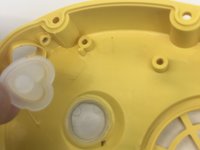
    • Carefully take off the rubber skin.

    • It's important to remember to be patient and not rush. You don't want to rip or damage the rubber skin in then resulting in not having a waterproof cover.

    FixBot'a Sor
  3. Edwin the Duck Rubber Heart Power Button Replacement: adım 3, 1 resimden 1.
    • Using the J1 bit, unscrew all six 9 mm screws that run along the border.

    FixBot'a Sor
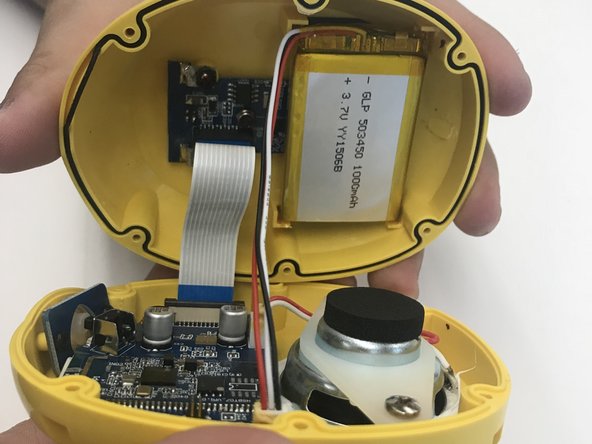
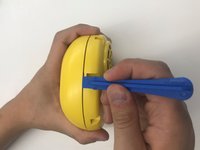
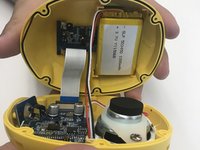
  4. Edwin the Duck Rubber Heart Power Button Replacement: adım 4, 2 resimden 1. Edwin the Duck Rubber Heart Power Button Replacement: adım 4, 2 resimden 2.
    • Use the plastic opening tool to open the inside of the duck.

    • Be very careful when splitting the two halves apart. There are wires connecting to both sides. Remember to open slowly.

    FixBot'a Sor
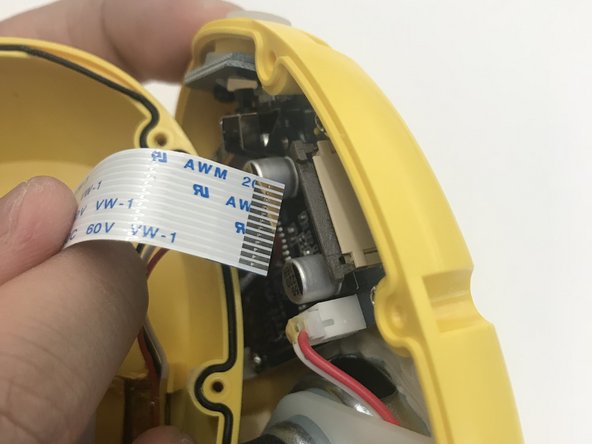
  5. Edwin the Duck Rubber Heart Power Button Replacement: adım 5, 2 resimden 1. Edwin the Duck Rubber Heart Power Button Replacement: adım 5, 2 resimden 2.
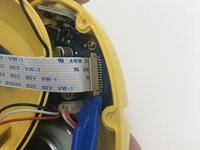
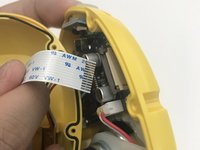
    • Using the plastic opening tool pull up the black tab up until it stops.

    • Be careful not to pull up the black tab too far up, otherwise the cable won't be secure anymore.

    • Pull up the white cable tab up slowly

    FixBot'a Sor
  6. Edwin the Duck Rubber Heart Power Button Replacement: adım 6, 2 resimden 1. Edwin the Duck Rubber Heart Power Button Replacement: adım 6, 2 resimden 2.
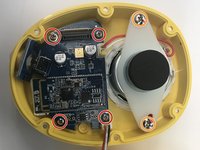
    • Use the J1 bit to unscrew all four 9 mm screws connected to the motherboard.

    • Use the J1 bit to unscrew both 9 mm screws attached to the white plastic plate

    FixBot'a Sor
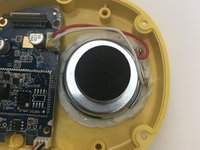
  7. Edwin the Duck Rubber Heart Power Button Replacement: adım 7, 1 resimden 1.
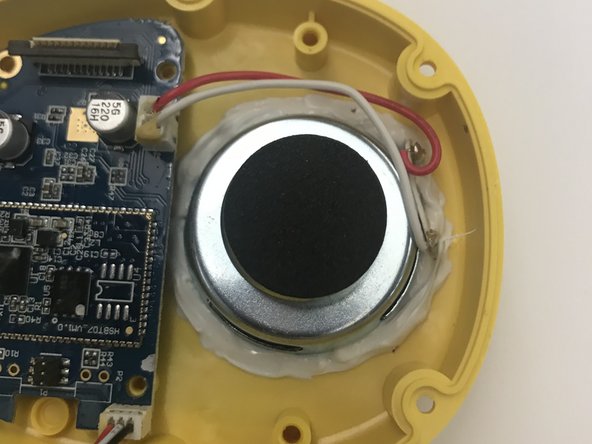
    • Lift up the motherboard and speaker and place it away and to the side like you see in the picture

    FixBot'a Sor
  8. Edwin the Duck Rubber Heart Power Button Replacement: adım 8, 2 resimden 1. Edwin the Duck Rubber Heart Power Button Replacement: adım 8, 2 resimden 2.
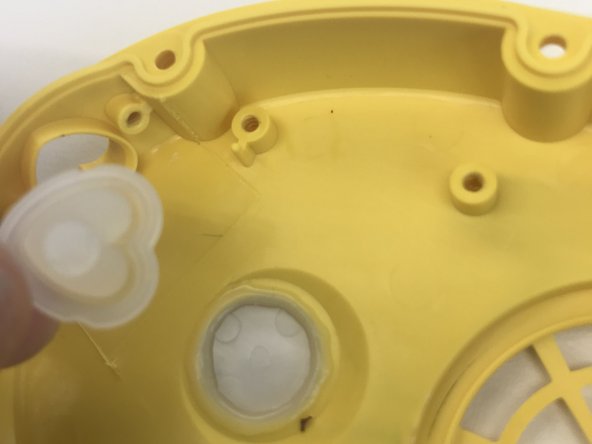
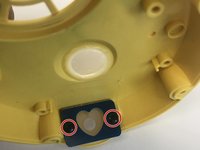
    • Unscrew the two black 9 mm screws by using the J1 bit.

    • Remove the damaged rubber heart button and replace with a new rubber heart button.

    FixBot'a Sor
Sonuç

To reassemble your device, follow these instructions in reverse order.

2 farklı kişi bu kılavuzu tamamladı.

Michelle Montano

Üyelik tarihi: 10/18/17

116 İtibar

1 Kılavuz yazıldı

Ekip

UW Tacoma, Team S1-G4, Rose Fall 2017 UW Tacoma, Team S1-G4, Rose Fall 2017 üyesi

UWT-ROSE-F17S1G4

3 Üyeler

6 adet Kılavuz yazıldı

0Kılavuz Yorumları

Yorum Ekle

İstatistikleri Görüntüle:

Son 24 Saat: 2

Son 7 gün: 5

Son 30 gün: 47

Her zaman: 1,025