Giriş
This guide will show you how to replace the battery in the Ematic Model FTABMP2, a tablet targeted towards children. The battery may need to be replaced if the device isn't turning on. To replace the battery, you will need a iFixIt opening tool as well as a Soldering Iron 60w Hakko 503F.
Neye ihtiyacın var
-
-
-
Use a spudger to pry open the case. Do this on the long side of the case. This will reveal the inside.
 FixBot'a Sor
-
-
-
Disconnect the LCD cable from the motherboard by pressing together the two sides of the clamp to separate the device into two.
-
-
-
-
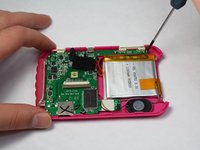
First, Remove the screws holding down the motherboard. Then remove the plastic power and volume buttons.
-
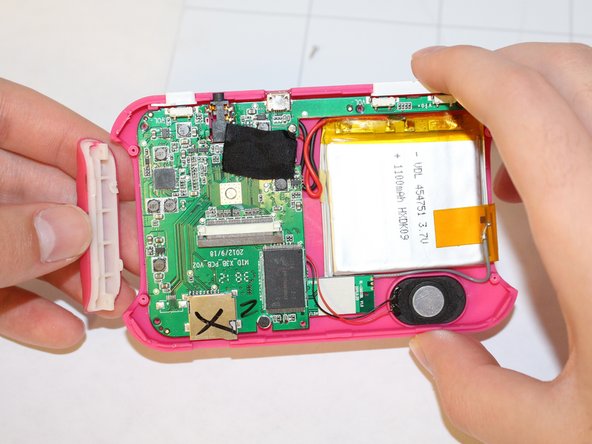
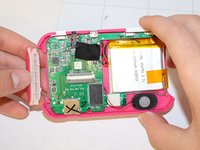
Next, remove the two side grips of the device. Now, you can remove the motherboard, speaker, and battery as one from the device.
-
-
-
Unsolder the gray, black, and red wires from the motherboard to release the battery.
-
-



To reassemble your device, follow these instructions in reverse order.

Ekip

USF Tampa, Team 9-2, Brown Winter 2015 USF Tampa, Team 9-2, Brown Winter 2015 üyesi
USFT-BROWN-W15S9G2
5 Üyeler
10 adet Kılavuz yazıldı
