Ana içeriğe geç
Onarım Topluluğuna Katılın - Hesap Oluşturun

Enabot EBO SE Camera Replacement

Neye ihtiyacın var

  1. Enabot EBO SE Camera Replacement, Wheel Assembly: adım 1, 1 resimden 1.
    • Gently turn the robot upside down.

    • Place the robot on a stable surface to prevent it from rolling or falling.

    FixBot'a Sor

    Yorum Ekle

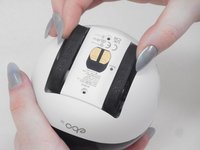
  2. Enabot EBO SE Camera Replacement: adım 2, 3 resimden 1. Enabot EBO SE Camera Replacement: adım 2, 3 resimden 2. Enabot EBO SE Camera Replacement: adım 2, 3 resimden 3.
    • Use a flathead 2.5 mm screwdriver to remove the 5.7 mm screw from the wheels.

    • A tool should have been provided in the box for this purpose.

    FixBot'a Sor

    Yorum Ekle

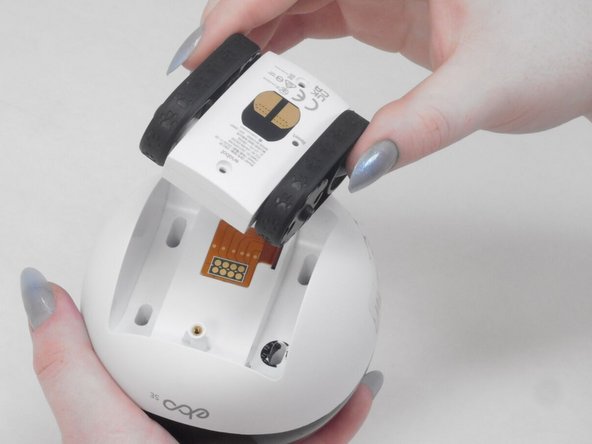
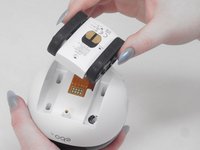
  3. Enabot EBO SE Camera Replacement: adım 3, 2 resimden 1. Enabot EBO SE Camera Replacement: adım 3, 2 resimden 2.
    • Pull the wheel assembly towards you so it comes straight off without resistance.

    • If there is resistance, make sure to apply gentle force when pulling as it can get damaged with too much force.

    FixBot'a Sor

    Yorum Ekle

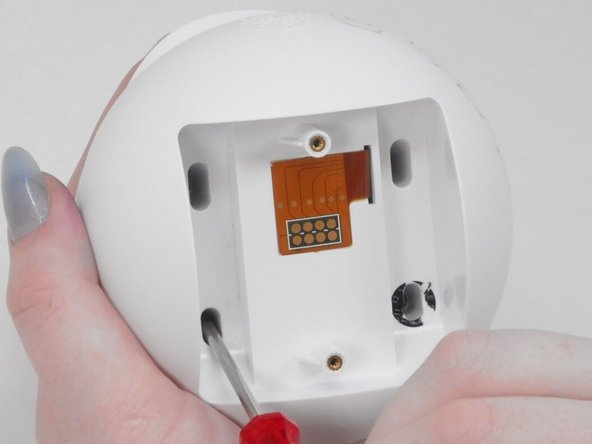
  4. Enabot EBO SE Camera Replacement, Lower Housing: adım 4, 2 resimden 1. Enabot EBO SE Camera Replacement, Lower Housing: adım 4, 2 resimden 2.
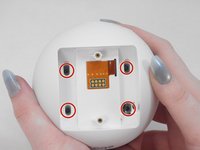
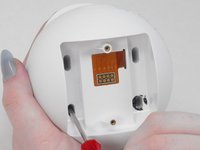
    • Use a Torx screwdriver to remove the four 9 mm screws from the assembly.

    FixBot'a Sor

    Yorum Ekle

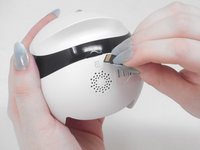
  5. Enabot EBO SE Camera Replacement: adım 5, 3 resimden 1. Enabot EBO SE Camera Replacement: adım 5, 3 resimden 2. Enabot EBO SE Camera Replacement: adım 5, 3 resimden 3.
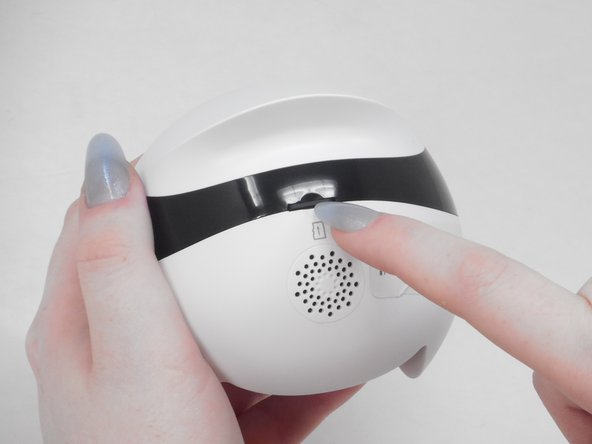
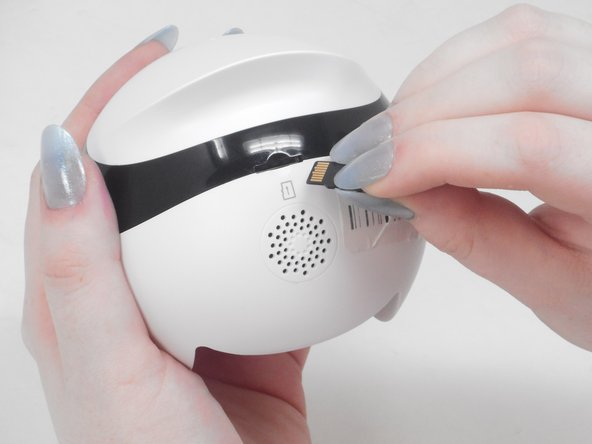
    • Use your fingernail to carefully press down and eject the Micro SD Card from the back of the Enabot.

    • Keep the Micro SD Card in a safe spot for later.

    FixBot'a Sor

    Yorum Ekle

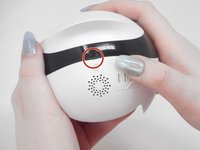
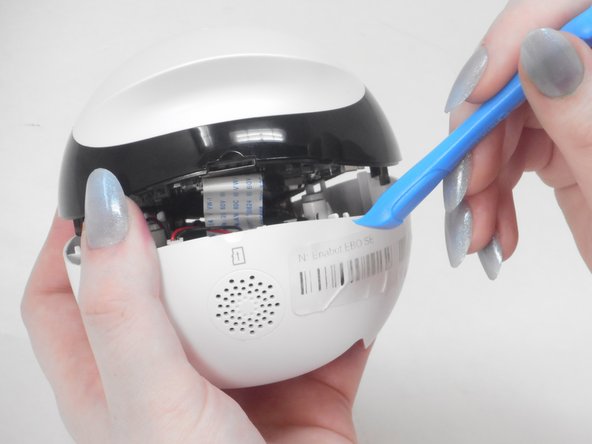
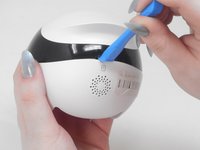
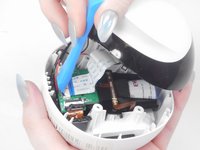
  6. Enabot EBO SE Camera Replacement: adım 6, 2 resimden 1. Enabot EBO SE Camera Replacement: adım 6, 2 resimden 2.
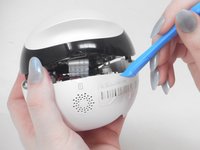
    • Place the iFixit opening tool inside the Micro SD slot.

    • Very carefully apply pressure to the top of the slot and pry open the casing to separate the upper and lower housing.

    FixBot'a Sor

    Yorum Ekle

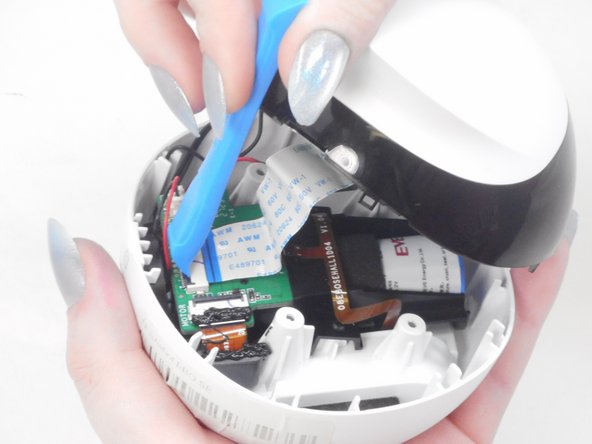
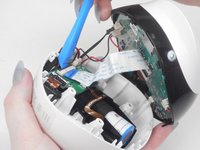
  7. Enabot EBO SE Camera Replacement: adım 7, 3 resimden 1. Enabot EBO SE Camera Replacement: adım 7, 3 resimden 2. Enabot EBO SE Camera Replacement: adım 7, 3 resimden 3.
    • Using the iFixit opening tool or your fingernail, place it underneath the gray tab on the lower housing.

    • Lift the tab up and pull out the ribbon cable to disconnect it from the lower housing.

    FixBot'a Sor

    Yorum Ekle

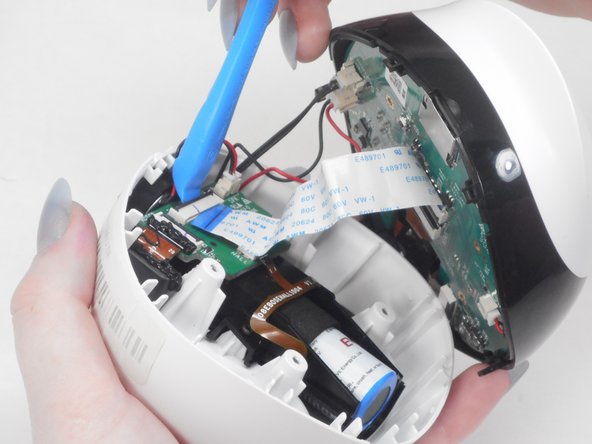
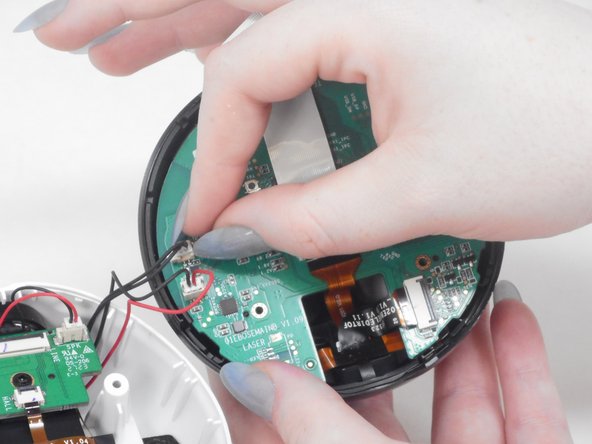
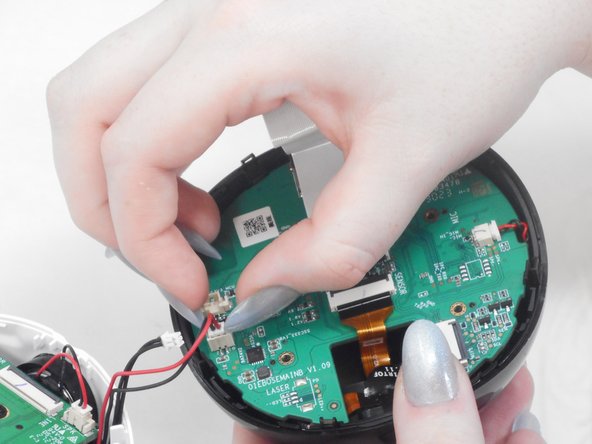
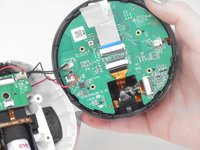
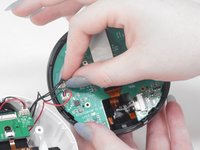
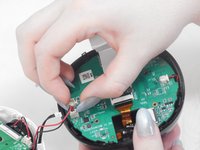
  8. Enabot EBO SE Camera Replacement: adım 8, 3 resimden 1. Enabot EBO SE Camera Replacement: adım 8, 3 resimden 2. Enabot EBO SE Camera Replacement: adım 8, 3 resimden 3.
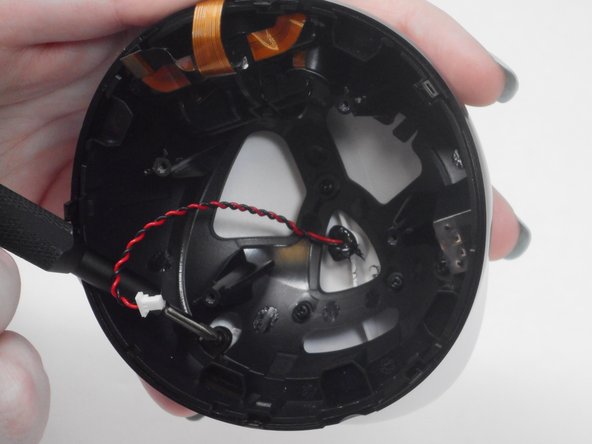
    • There are two black and red wire connectors attached to the upper and lower housing.

    • Gently use your finger nails to lift up and disconnect both wires to fully separate the upper and lower housings.

    FixBot'a Sor

    Yorum Ekle

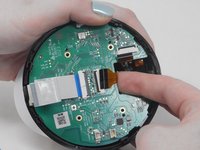
  9. Enabot EBO SE Camera Replacement, Motherboard: adım 9, 2 resimden 1. Enabot EBO SE Camera Replacement, Motherboard: adım 9, 2 resimden 2.
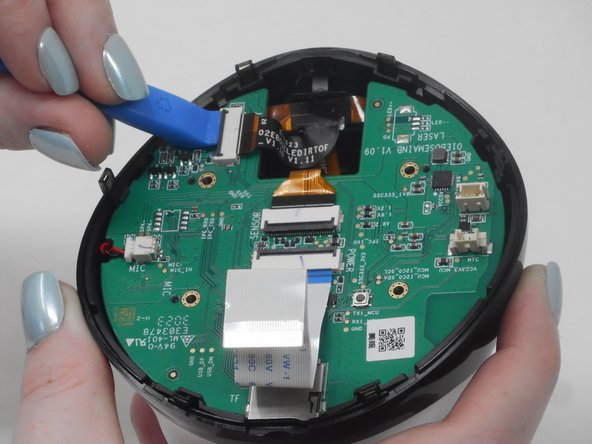
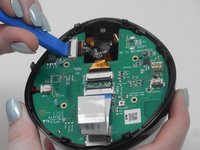
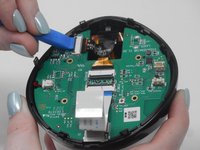
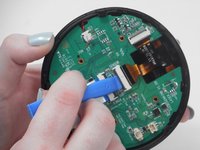
    • Use the iFixit opening tool to unlock the side gray tab and free the orange & black ribbon cable.

    FixBot'a Sor

    Yorum Ekle

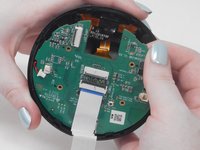
  10. Enabot EBO SE Camera Replacement: adım 10, 2 resimden 1. Enabot EBO SE Camera Replacement: adım 10, 2 resimden 2.
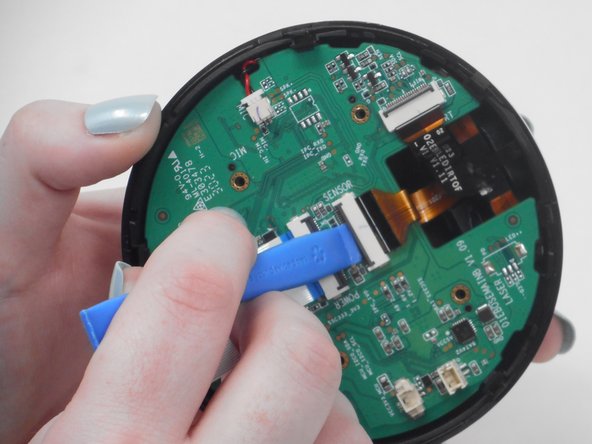
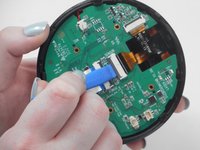
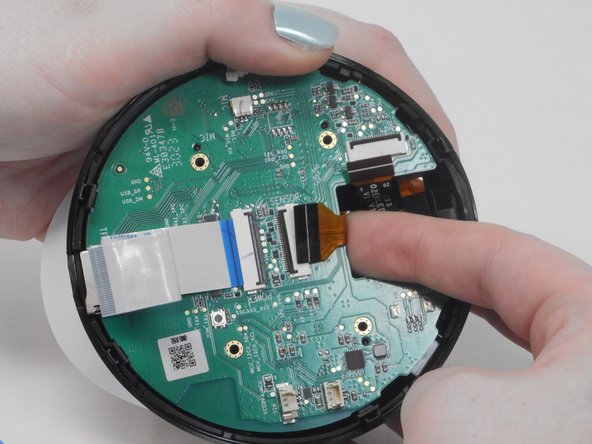
    • Use the iFixit opening tool to unlock the middle gray tab and free the orange & black ribbon cable.

    FixBot'a Sor

    Yorum Ekle

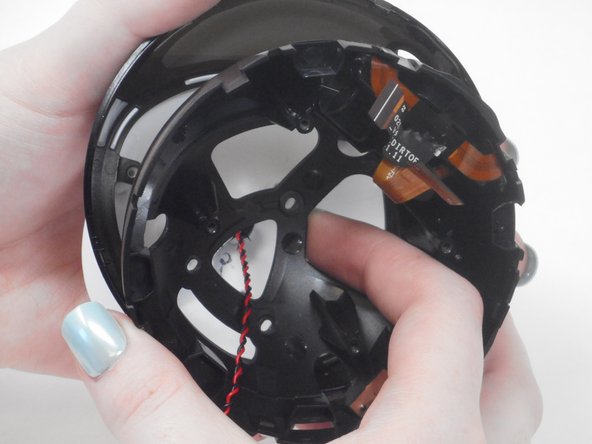
  11. Enabot EBO SE Camera Replacement: adım 11, 3 resimden 1. Enabot EBO SE Camera Replacement: adım 11, 3 resimden 2. Enabot EBO SE Camera Replacement: adım 11, 3 resimden 3.
    • Select one of the release tabs on the edge of the upper casing that holds the motherboard in place.

    • Place one finger in between the motherboard and the upper casing.

    • Pull the release tab back while lifting the motherboard with your other finger to "pop" the motherboard out of the casing.

    FixBot'a Sor

    Yorum Ekle

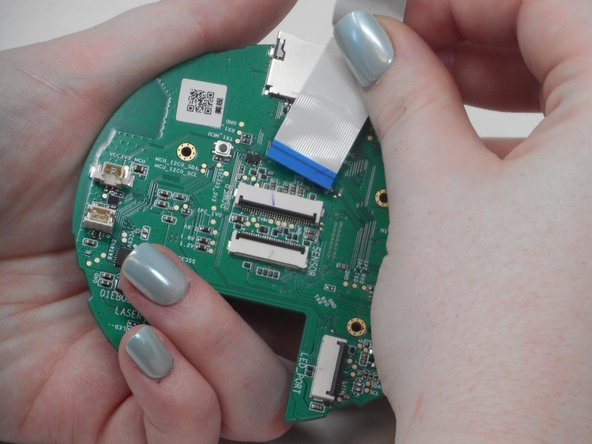
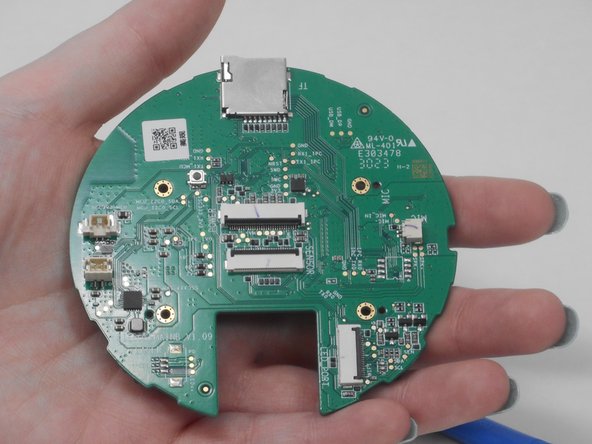
  12. Enabot EBO SE Camera Replacement: adım 12, 3 resimden 1. Enabot EBO SE Camera Replacement: adım 12, 3 resimden 2. Enabot EBO SE Camera Replacement: adım 12, 3 resimden 3.
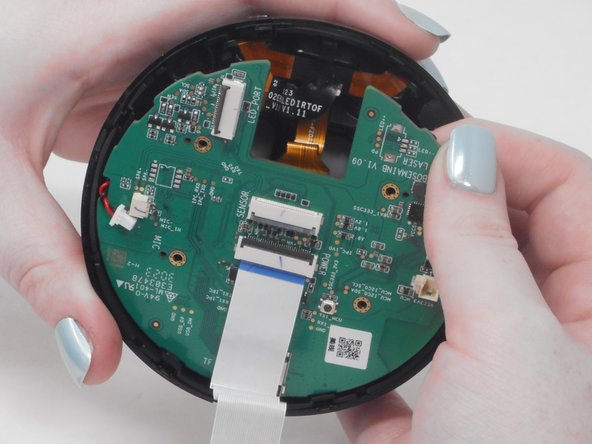
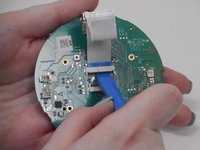
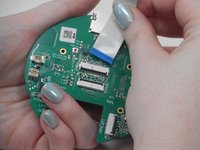
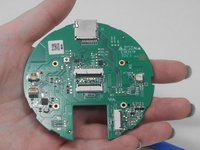
    • Use the ifixit opening tool to disconnect the blue & white ribbon cable.

    • Gently pull the blue & white ribbon cable out of the gray connector tab.

    FixBot'a Sor

    Yorum Ekle

  13. Enabot EBO SE Camera Replacement, Camera: adım 13, 3 resimden 1. Enabot EBO SE Camera Replacement, Camera: adım 13, 3 resimden 2. Enabot EBO SE Camera Replacement, Camera: adım 13, 3 resimden 3.
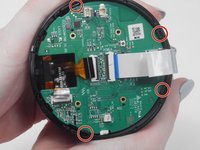
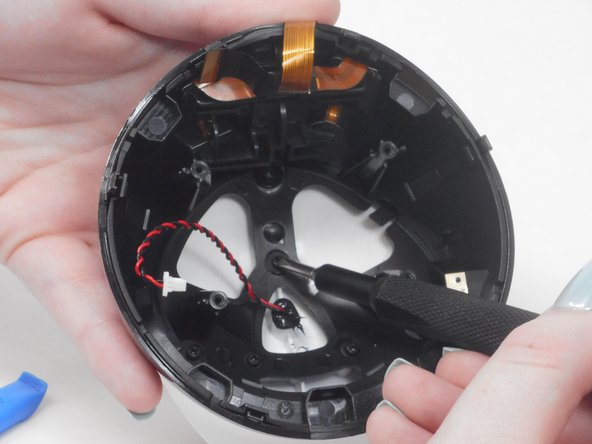
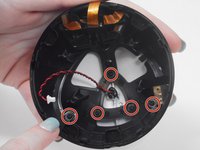
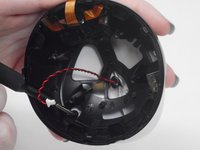
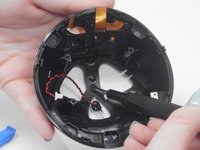
    • Use a Phillips #00 screwdriver to remove all five 7.4 mm screws from the upper casing.

    FixBot'a Sor

    Yorum Ekle

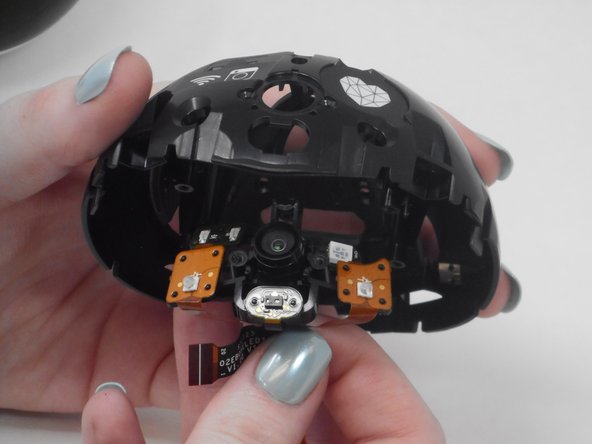
  14. Enabot EBO SE Camera Replacement: adım 14, 2 resimden 1. Enabot EBO SE Camera Replacement: adım 14, 2 resimden 2.
    • Place your fingers in the space between the black casing and white lid.

    • Pull black casing towards you to separate the two parts.

    FixBot'a Sor

    Yorum Ekle

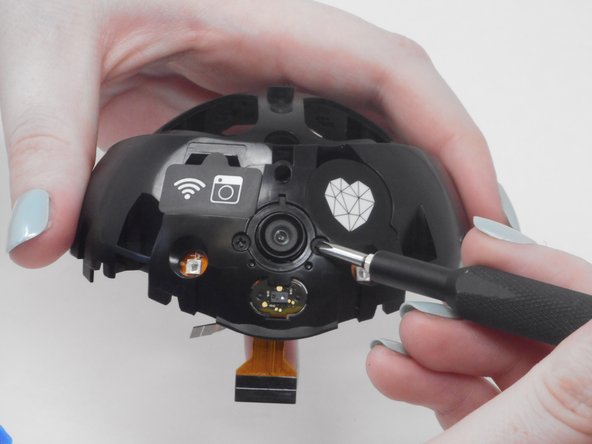
  15. Enabot EBO SE Camera Replacement: adım 15, 3 resimden 1. Enabot EBO SE Camera Replacement: adım 15, 3 resimden 2. Enabot EBO SE Camera Replacement: adım 15, 3 resimden 3.
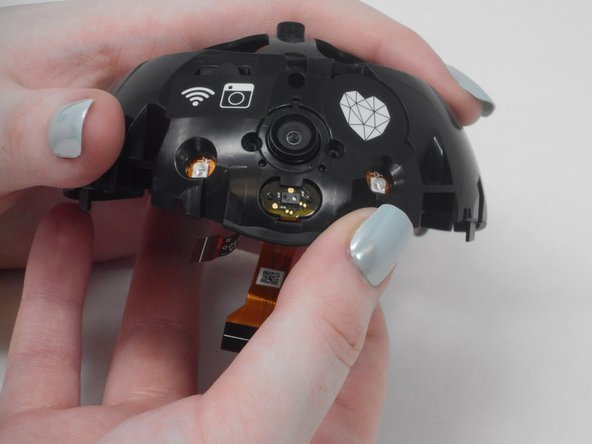
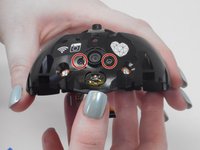
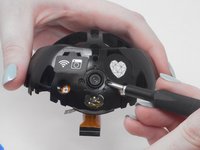
    • Remove the two 6 mm Phillips #00 screws on either side of the camera.

    FixBot'a Sor

    Yorum Ekle

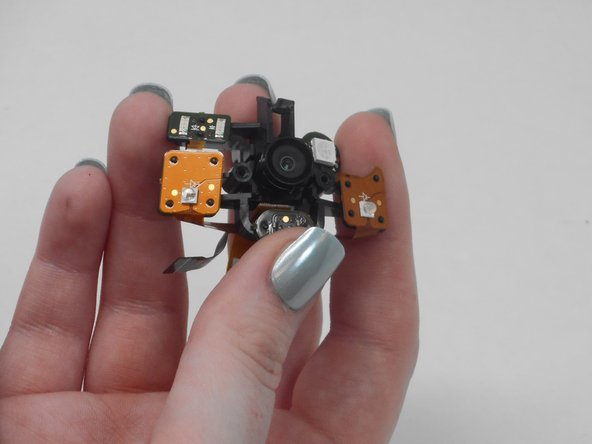
  16. Enabot EBO SE Camera Replacement: adım 16, 3 resimden 1. Enabot EBO SE Camera Replacement: adım 16, 3 resimden 2. Enabot EBO SE Camera Replacement: adım 16, 3 resimden 3.
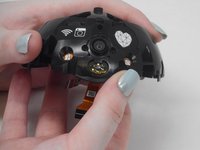
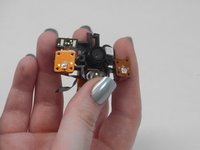
    • Gently remove the camera until it comes out of the casing.

    FixBot'a Sor

    Yorum Ekle

Sonuç

To reassemble your device, follow these instructions in reverse order.

İptal et: Bu kılavuzu tamamlamadım.

Oscar Parra

Üyelik tarihi: 02/16/24

109 İtibar

1 Kılavuz yazıldı

0Kılavuz Yorumları

Yorum Ekle

İstatistikleri Görüntüle:

Son 24 Saat: 3

Son 7 gün: 14

Son 30 gün: 46

Her zaman: 598