Giriş
Use this guide to replace worn-out or damaged keycaps on the Epomaker Shadow-X mechanical keyboard, or to customize it with new keycaps. Keycap replacement is a straightforward process, and this guide will help ensure each step is done safely.
Neye ihtiyacın var
-
-
-
Place the tool around the keycap, with the prongs on opposite sides of the key.
-
Gently pull the keycap up and off the switch stem.
-
-
-
-
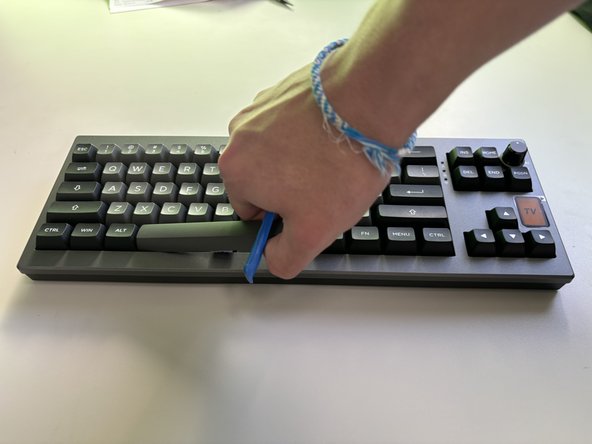
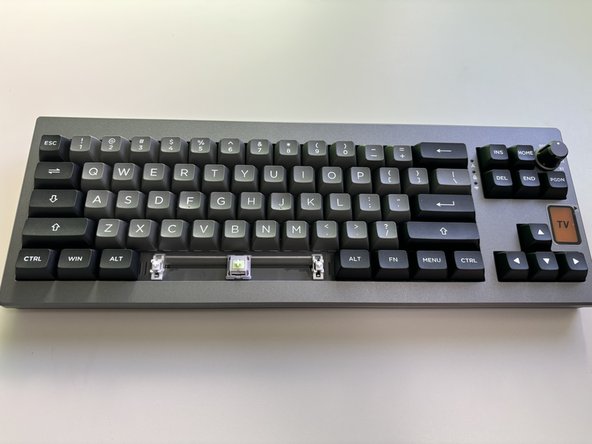
For larger keys, such as the Spacebar, Shift, or Enter, insert the puller evenly on both sides.
-
Lift gently, using tweezers to stabilize any clips if necessary to prevent them from snapping.
-
-
-
Once all keycaps are installed, reconnect the keyboard to power and test each key for proper fit and function.
-

 FixBot'a Sor




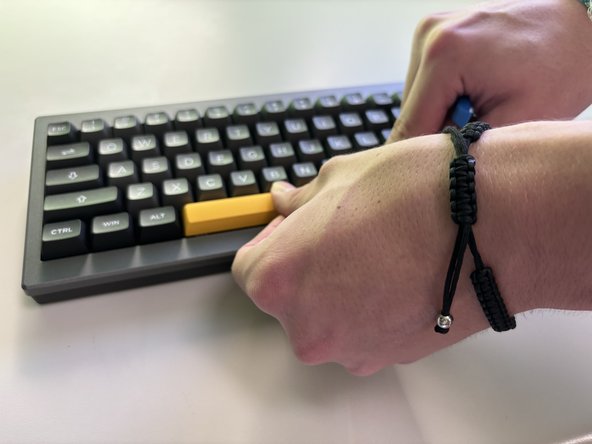
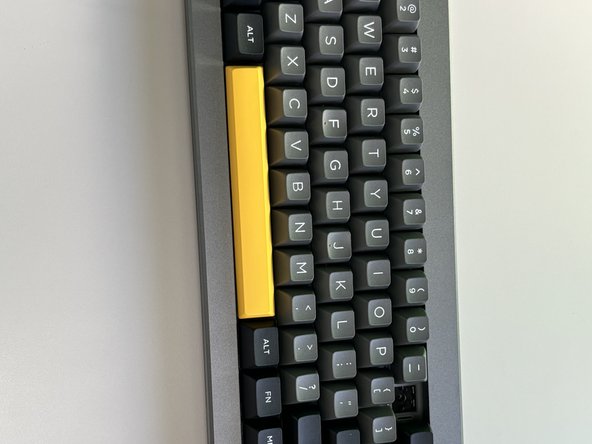


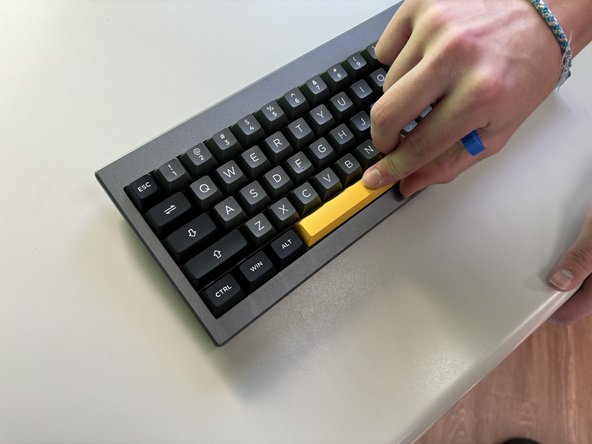
You have successfully replaced the keycaps on your Epomaker Shadow-X keyboard! The new keycaps should enhance both the aesthetic and feel of your keyboard. Test each key to ensure they are securely attached and functioning smoothly, and enjoy the refreshed look of your setup.
İptal et: Bu kılavuzu tamamlamadım.
2 farklı kişi bu kılavuzu tamamladı.

Ekip

University of North Texas, Team 6-1, Kilpatrick Fall 2024 University of North Texas, Team 6-1, Kilpatrick Fall 2024 üyesi
UNT-KILPATRICK-F24S6G1
4 Üyeler
5 adet Kılavuz yazıldı
