Ana içeriğe geç
Onarım Topluluğuna Katılın - Hesap Oluşturun

Epson PPC650 Camera Case Replacement

Neye ihtiyacın var

  1. Epson PPC650 Camera Case Replacement, Case: adım 1, 3 resimden 1. Epson PPC650 Camera Case Replacement, Case: adım 1, 3 resimden 2. Epson PPC650 Camera Case Replacement, Case: adım 1, 3 resimden 3.
    • Locate the silver power button. Gently slide the button to the middle section labeled "off" to shut down the camera.

    • Remove the batteries from the battery compartment located on the underside of the camera.

    • Remove the SD card from the compartment located on the flat, left side of the camera.

    FixBot'a Sor
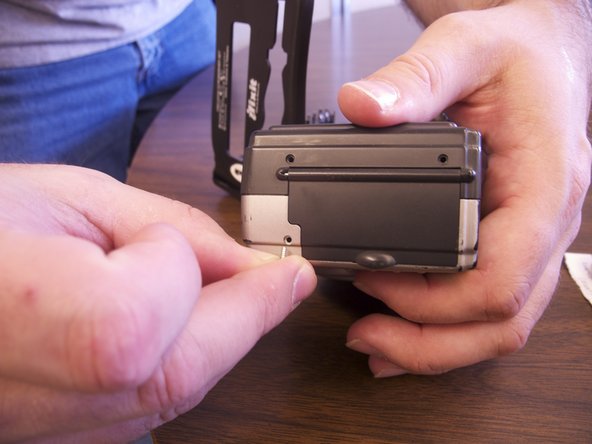
  2. Epson PPC650 Camera Case Replacement: adım 2, 1 resimden 1.
    • Remove the two screws on the rounded side of the camera.

    FixBot'a Sor
  3. Epson PPC650 Camera Case Replacement: adım 3, 2 resimden 1. Epson PPC650 Camera Case Replacement: adım 3, 2 resimden 2.
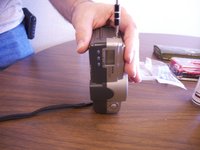
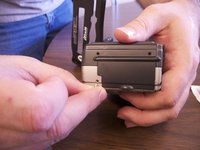
    • Remove the three screws on the flat side of the camera.

    • All of the silver screws go into the side of the camera that is silver.

    • All of the black screws go into the side of the camera that is black.

    FixBot'a Sor
  4. Epson PPC650 Camera Case Replacement: adım 4, 1 resimden 1.
    • Remove the four screws from the bottom of the camera.

    • All of the silver screws go into the side of the camera that is silver.

    • All of the black screws go into the side of the camera that is black.

    FixBot'a Sor
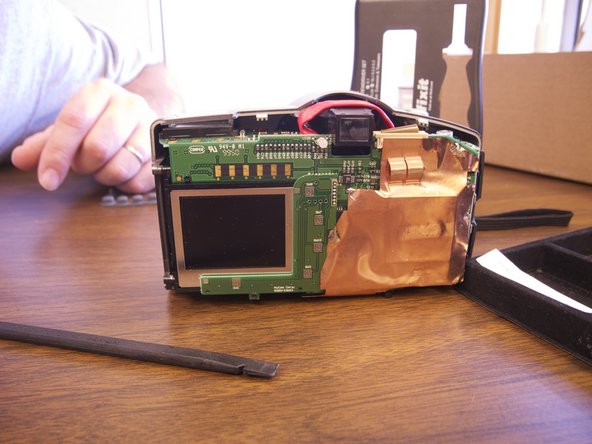
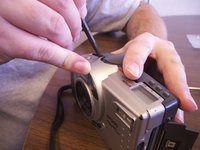
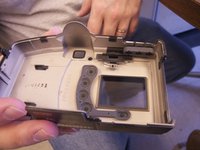
  5. Epson PPC650 Camera Case Replacement: adım 5, 3 resimden 1. Epson PPC650 Camera Case Replacement: adım 5, 3 resimden 2. Epson PPC650 Camera Case Replacement: adım 5, 3 resimden 3.
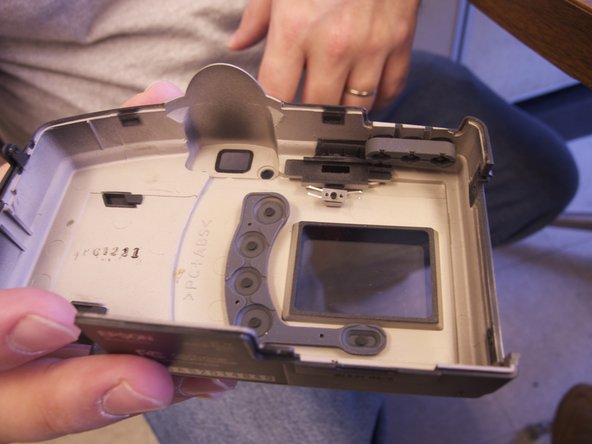
    • Separate the front and the back pieces of the camera's plastic casing using a spudger.

    • WARNING: When pulling the front plastic casing, be careful of the wires that are connected to the aperture control.

    • Use minimal force so that the plastic casing does not break.

    • When separating the small silver siding, the indicator for the view/off/playback may fall out.

    • The plastic viewing window located on the top of the camera may also become lose and fall out.

    FixBot'a Sor
Sonuç

To reassemble your device, follow these instructions in reverse order.

Bir başkası bu kılavuzu tamamladı.

Brittany

Üyelik tarihi: 02/12/13

113 İtibar

1 Kılavuz yazıldı

Ekip

Ohio State, Team 1-5, Buehl Spring 2013 Ohio State, Team 1-5, Buehl Spring 2013 üyesi

OSU-BUEHL-S13S1G5

4 Üyeler

6 adet Kılavuz yazıldı

0Kılavuz Yorumları

Yorum Ekle

İstatistikleri Görüntüle:

Son 24 Saat: 0

Son 7 gün: 14

Son 30 gün: 76

Her zaman: 538