Giriş
If your Epson PPC650’s screen is cracked, unresponsive, or displaying distorted images, this guide will walk you through replacing the screen to restore full functionality.
Before beginning, check for any loose connections or software issues that might be causing display problems. If the screen remains unresponsive or physically damaged, replacement is necessary.
This repair requires careful handling of delicate components. If the screen is shattered, use protective gloves to avoid injury. Additionally, be sure to power off the device and disconnect it from any external power sources before starting the repair.
Neye ihtiyacın var
-
-
-
Locate the silver power button. Gently slide the button to the middle section labeled "off" to shut down the camera.
-
Remove the batteries from the battery compartment located on the underside of the camera.
-
Remove the SD card from the compartment located on the flat, left side of the camera.
 FixBot'a Sor
-
-
-
-
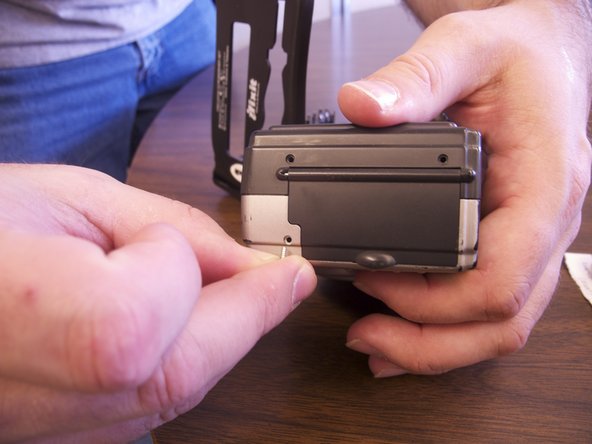
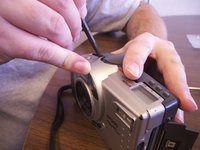
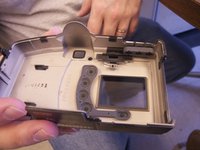
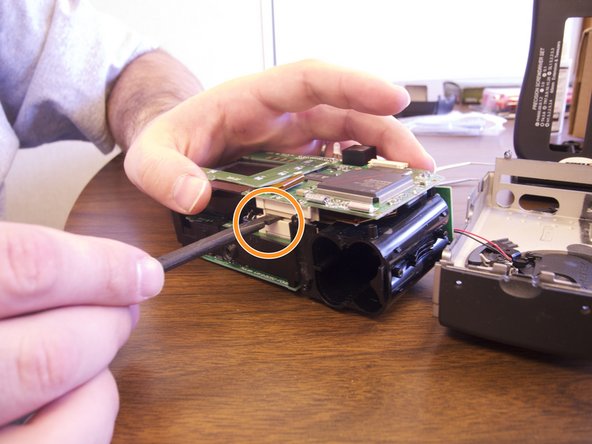
Separate the front and the back pieces of the camera's plastic casing using a spudger.
-
When separating the small silver siding, the indicator for the view/off/playback may fall out.
-
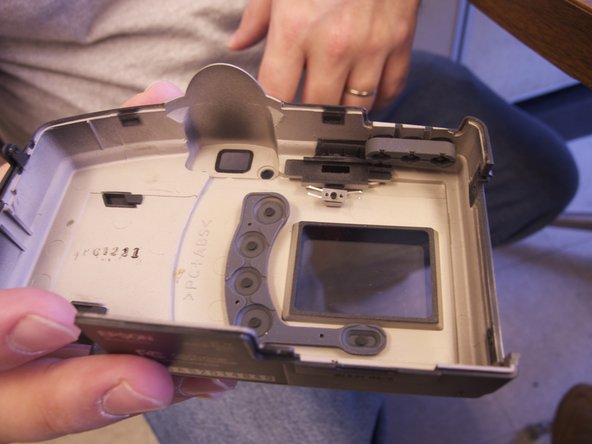
The plastic viewing window located on the top of the camera may also become lose and fall out.
-
-
-
-
-
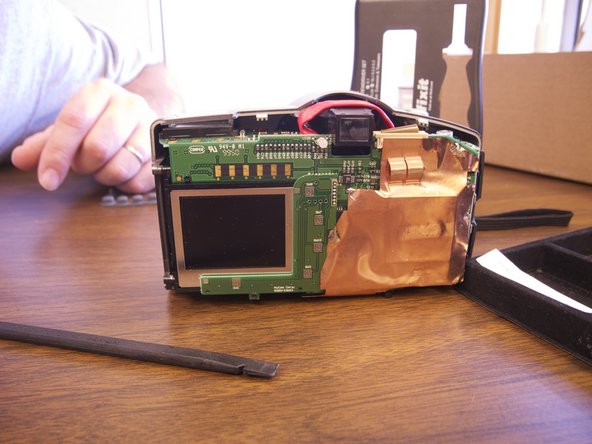
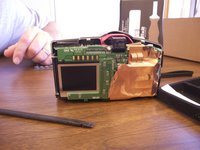
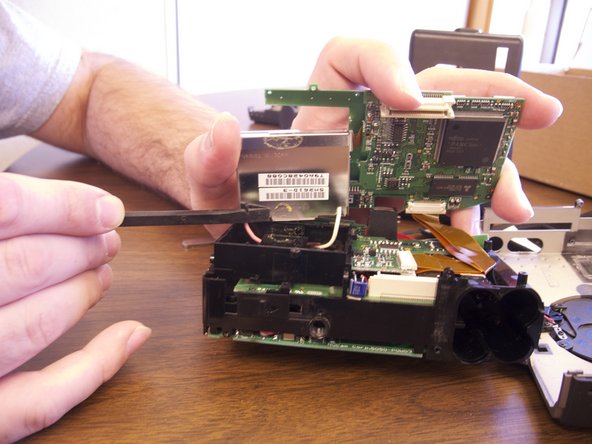
Remove the copper sheet from the front and back paneling.
-
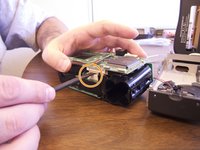
Use the spudger to unsolder the copper paneling.
-
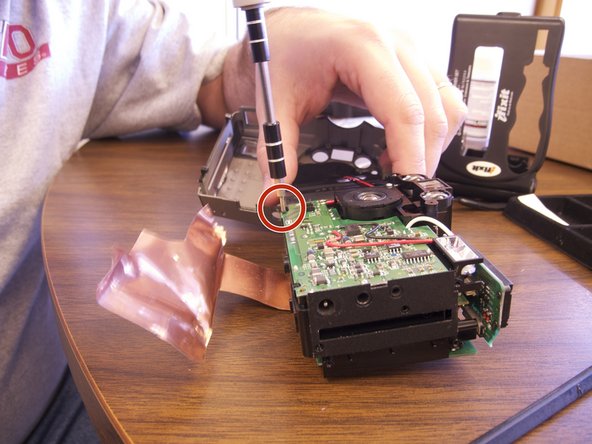
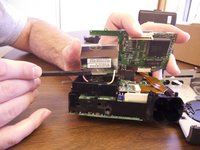
Use the spudger to separate the back circuit board from the camera.
-
-
-
Exert minimal force to pull the screen loose from the camera.
-
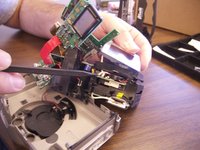
Remove the pink and white wiring from the internal paneling. These wires are soldered in.
-
Remove the orange data hookup cable that feeds into the back circuit board.
-
-
-
Once all wires have been detached and the old screen has been removed place the new screen into the camera.
-
Insert data hookup into the back of the camera and into the new screen.
-
Re-solder the new pink and white wire onto the internal circuit board.
-
-






To reassemble your device, follow these instructions in reverse order.

Ekip

Ohio State, Team 1-5, Buehl Spring 2013 Ohio State, Team 1-5, Buehl Spring 2013 üyesi
OSU-BUEHL-S13S1G5
4 Üyeler
12 adet Kılavuz yazıldı
