Ana içeriğe geç
Onarım Topluluğuna Katılın - Hesap Oluşturun

Fujitsu LifeBook N3510 Optical Drive Replacement

Neye ihtiyacın var

  1. Fujitsu LifeBook N3510 Optical Drive Replacement, Battery: adım 1, 1 resimden 1.
    • Locate the two clips on the bottom of the computer that support the battery.

    FixBot'a Sor

    Yorum Ekle

  2. Fujitsu LifeBook N3510 Optical Drive Replacement: adım 2, 1 resimden 1.
    • Using your fingers, push the clips inward and then upward.

    • Lift the battery out of the computer.

    FixBot'a Sor

    Yorum Ekle

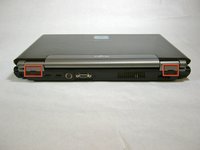
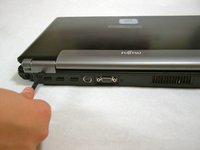
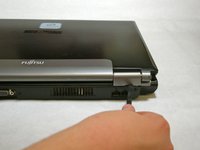
  3. Fujitsu LifeBook N3510 Optical Drive Replacement, Hinge Cover: adım 3, 3 resimden 1. Fujitsu LifeBook N3510 Optical Drive Replacement, Hinge Cover: adım 3, 3 resimden 2. Fujitsu LifeBook N3510 Optical Drive Replacement, Hinge Cover: adım 3, 3 resimden 3.
    • Use a spudger to lift the back of the hinge cover on the left and right sides of the computer.

    FixBot'a Sor

    Yorum Ekle

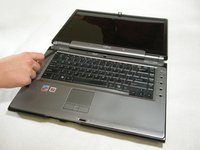
  4. Fujitsu LifeBook N3510 Optical Drive Replacement: adım 4, 1 resimden 1.
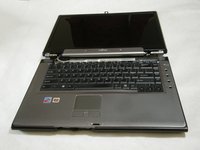
    • Lay the computer flat on a stable surface with the monitor pointing away from you.

    FixBot'a Sor

    Yorum Ekle

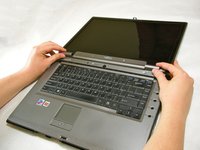
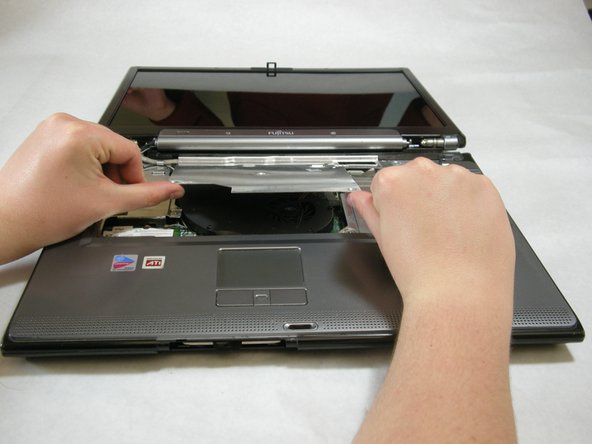
  5. Fujitsu LifeBook N3510 Optical Drive Replacement: adım 5, 3 resimden 1. Fujitsu LifeBook N3510 Optical Drive Replacement: adım 5, 3 resimden 2. Fujitsu LifeBook N3510 Optical Drive Replacement: adım 5, 3 resimden 3.
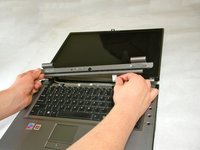
    • Use a spudger to partially lift the hinge cover.

    FixBot'a Sor

    Yorum Ekle

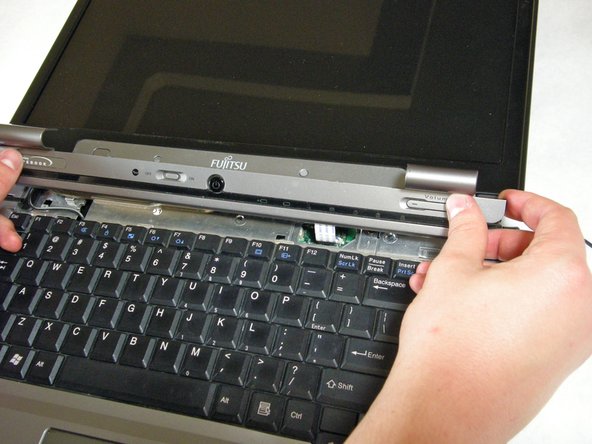
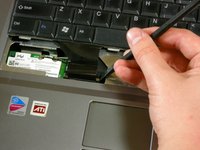
  6. Fujitsu LifeBook N3510 Optical Drive Replacement: adım 6, 2 resimden 1. Fujitsu LifeBook N3510 Optical Drive Replacement: adım 6, 2 resimden 2.
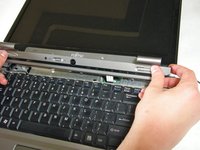
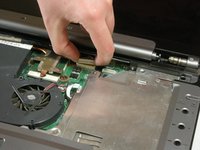
    • The hinge cover has a ribbon cable that is attached to the motherboard. To prevent damage, lift the hinge cover slowly.

    • Lift the hinge cover enough to expose the ribbon cable.

    FixBot'a Sor

    Yorum Ekle

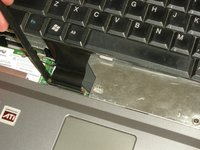
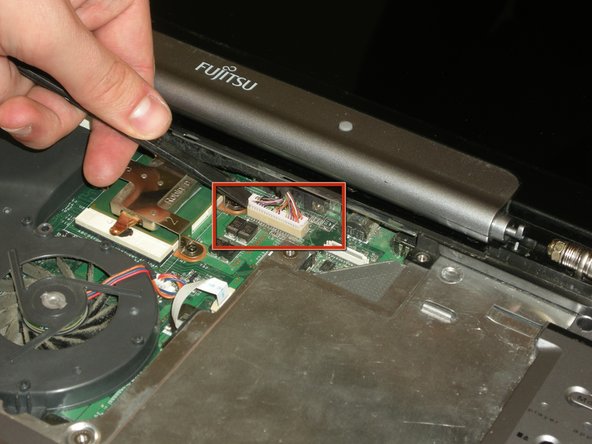
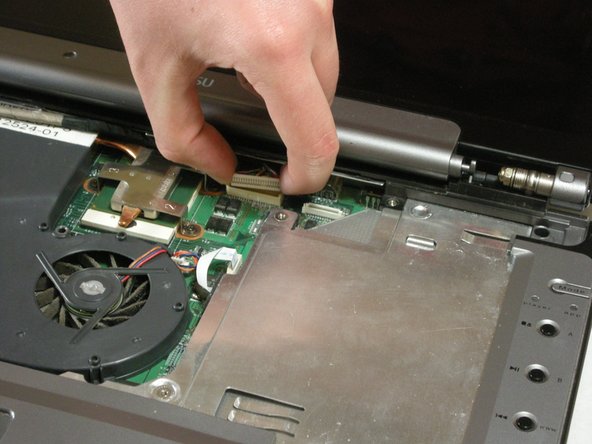
  7. Fujitsu LifeBook N3510 Optical Drive Replacement: adım 7, 2 resimden 1. Fujitsu LifeBook N3510 Optical Drive Replacement: adım 7, 2 resimden 2.
    • Disconnect the ribbon cable from the motherboard and remove the hinge cover from the computer.

    FixBot'a Sor

    Yorum Ekle

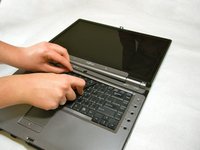
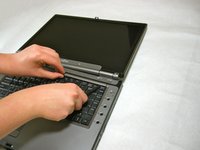
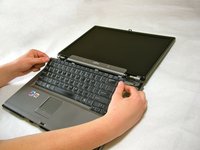
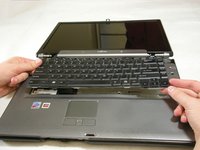
  8. Fujitsu LifeBook N3510 Optical Drive Replacement, Keyboard: adım 8, 3 resimden 1. Fujitsu LifeBook N3510 Optical Drive Replacement, Keyboard: adım 8, 3 resimden 2. Fujitsu LifeBook N3510 Optical Drive Replacement, Keyboard: adım 8, 3 resimden 3.
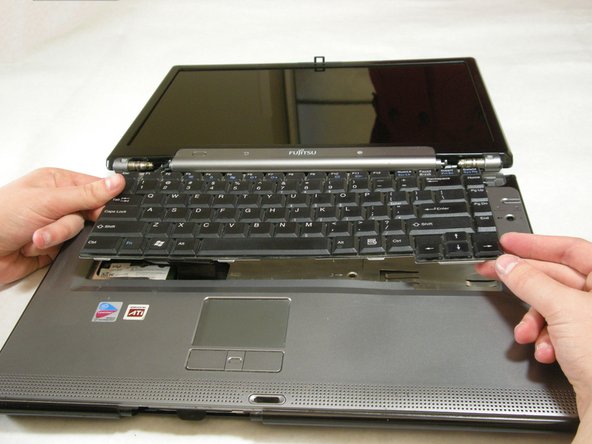
    • The keyboard has a ribbon cable that is attached to the motherboard. To prevent damage, lift keyboard slowly.

    • Lift the keyboard enough to expose the ribbon cable.

    FixBot'a Sor

    Yorum Ekle

  9. Fujitsu LifeBook N3510 Optical Drive Replacement: adım 9, 2 resimden 1. Fujitsu LifeBook N3510 Optical Drive Replacement: adım 9, 2 resimden 2.
    • Use a spudger to release the ribbon cable from the motherboard.

    FixBot'a Sor

    Yorum Ekle

  10. Fujitsu LifeBook N3510 Optical Drive Replacement: adım 10, 2 resimden 1. Fujitsu LifeBook N3510 Optical Drive Replacement: adım 10, 2 resimden 2.
    • After the ribbon has been detached, carefully remove the keyboard.

    FixBot'a Sor

    Yorum Ekle

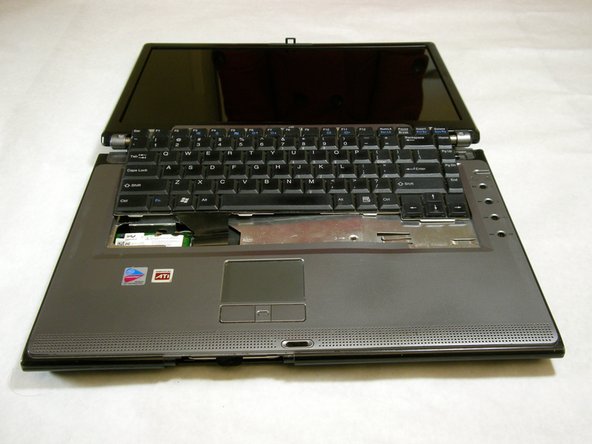
  11. Fujitsu LifeBook N3510 Optical Drive Replacement, Metal Motherboard Cover: adım 11, 1 resimden 1.
    • Remove the following screws, all labeled "3."

    • Two 8.63mm screws.

    • One 7.65mm screw.

    • One 5.74mm screw.

    • Remove the following screw, labeled "15."

    • One 17.81mm screw.

    FixBot'a Sor

    Yorum Ekle

  12. Fujitsu LifeBook N3510 Optical Drive Replacement: adım 12, 3 resimden 1. Fujitsu LifeBook N3510 Optical Drive Replacement: adım 12, 3 resimden 2. Fujitsu LifeBook N3510 Optical Drive Replacement: adım 12, 3 resimden 3.
    • Lift the cover with fingers and remove.

    FixBot'a Sor

    Yorum Ekle

  13. Fujitsu LifeBook N3510 Optical Drive Replacement, Display: adım 13, 1 resimden 1.
    • Remove labeled screws.

    FixBot'a Sor

    Yorum Ekle

  14. Fujitsu LifeBook N3510 Optical Drive Replacement: adım 14, 1 resimden 1.
    • Remove the screws from the bottom of the hinge as shown in the image.

    FixBot'a Sor

    Yorum Ekle

  15. Fujitsu LifeBook N3510 Optical Drive Replacement: adım 15, 3 resimden 1. Fujitsu LifeBook N3510 Optical Drive Replacement: adım 15, 3 resimden 2. Fujitsu LifeBook N3510 Optical Drive Replacement: adım 15, 3 resimden 3.
    • Use a spudger to detach and remove cables from the motherboard.

    FixBot'a Sor

    Yorum Ekle

  16. Fujitsu LifeBook N3510 Optical Drive Replacement: adım 16, 3 resimden 1. Fujitsu LifeBook N3510 Optical Drive Replacement: adım 16, 3 resimden 2. Fujitsu LifeBook N3510 Optical Drive Replacement: adım 16, 3 resimden 3.
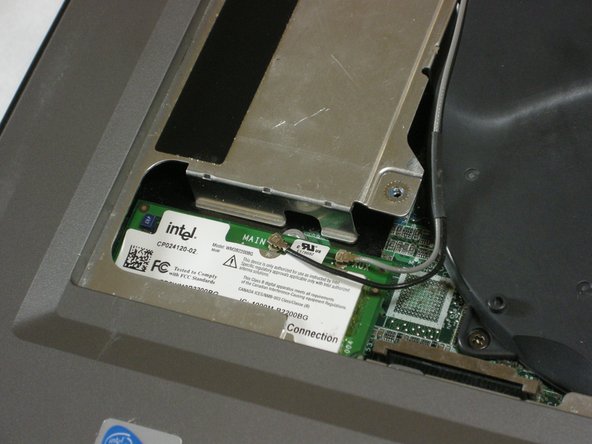
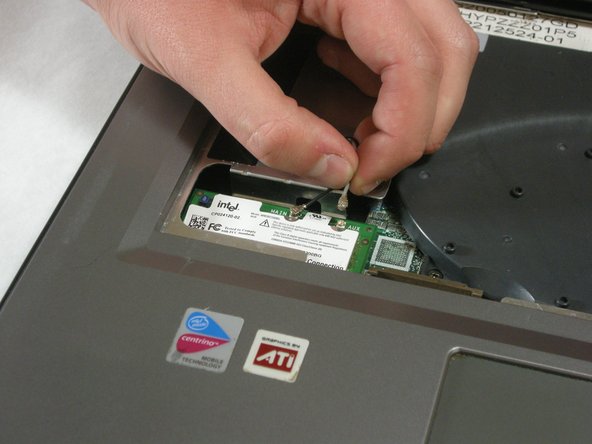
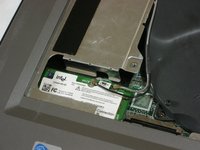
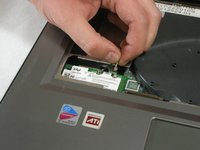
    • Unplug highlighted cables from the wireless module.

    FixBot'a Sor

    Yorum Ekle

  17. Fujitsu LifeBook N3510 Optical Drive Replacement: adım 17, 3 resimden 1. Fujitsu LifeBook N3510 Optical Drive Replacement: adım 17, 3 resimden 2. Fujitsu LifeBook N3510 Optical Drive Replacement: adım 17, 3 resimden 3.
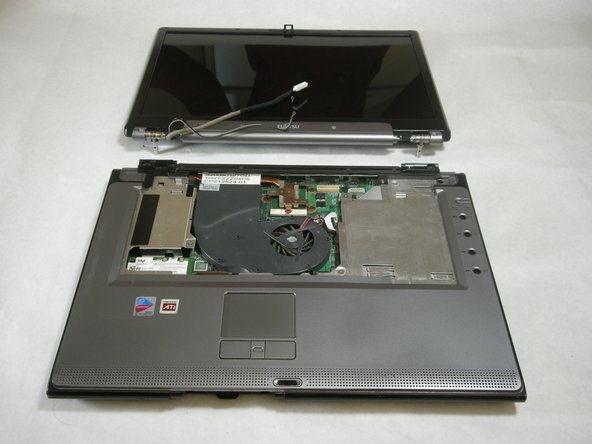
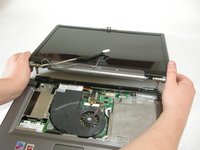
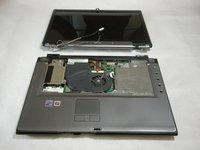
    • Hold down the body of the computer by placing your hands in the pictured positions. Then, lift the display from the body.

    FixBot'a Sor

    Yorum Ekle

  18. Fujitsu LifeBook N3510 Optical Drive Replacement, Top Palm Rest Cover: adım 18, 1 resimden 1.
    • Remove the 4 labeled screws.

    FixBot'a Sor

    Yorum Ekle

  19. Fujitsu LifeBook N3510 Optical Drive Replacement: adım 19, 1 resimden 1.
    • Remove screws from bottom of laptop as shown in the picture.

    FixBot'a Sor

    Yorum Ekle

  20. Fujitsu LifeBook N3510 Optical Drive Replacement: adım 20, 1 resimden 1.
    • Lift the palm rest cover from the base of the laptop.

    • You may use spudger if needed, lift from the front corners as shown.

    FixBot'a Sor

    Yorum Ekle

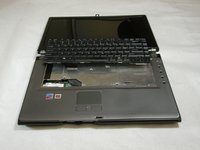
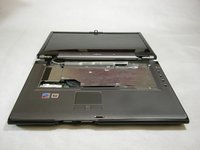
  21. Fujitsu LifeBook N3510 Optical Drive Replacement: adım 21, 1 resimden 1.
    • Great job! You have successfully removed the old palm rest cover.

    FixBot'a Sor

    Yorum Ekle

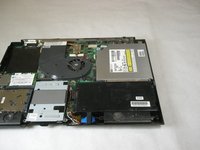
  22. Fujitsu LifeBook N3510 Optical Drive Replacement, Optical Drive: adım 22, 1 resimden 1.
    • Remove the single screw labeled "5".

    FixBot'a Sor

    Yorum Ekle

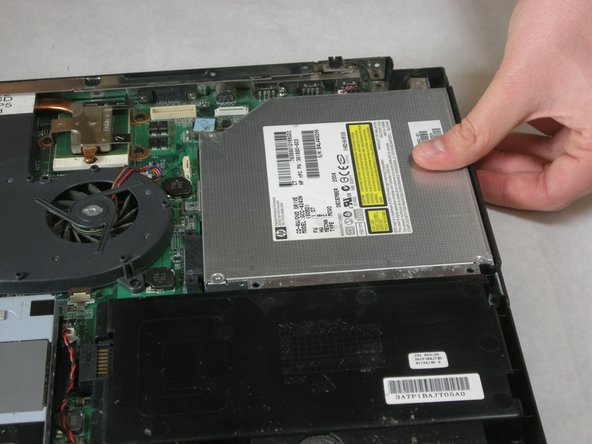
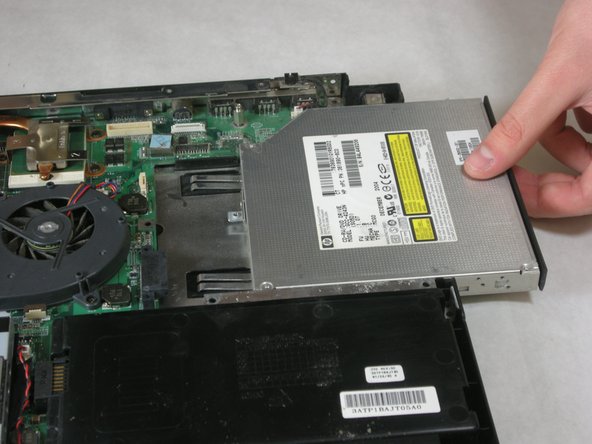
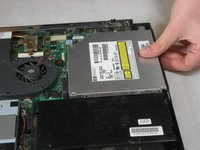
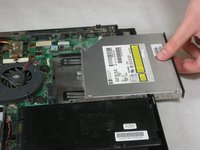
  23. Fujitsu LifeBook N3510 Optical Drive Replacement: adım 23, 3 resimden 1. Fujitsu LifeBook N3510 Optical Drive Replacement: adım 23, 3 resimden 2. Fujitsu LifeBook N3510 Optical Drive Replacement: adım 23, 3 resimden 3.
    • Remove optical drive.

    FixBot'a Sor

    Yorum Ekle

Sonuç

To reassemble your device, follow these instructions in reverse order.

İptal et: Bu kılavuzu tamamlamadım.

Neil Daniels

Üyelik tarihi: 01/17/11

1.411 İtibar

11 adet Kılavuz yazıldı

Ekip

Cal Poly, Team 5-18, Amido Winter 2011 Cal Poly, Team 5-18, Amido Winter 2011 üyesi

CPSU-AMIDO-W11S5G18

3 Üyeler

23 adet Kılavuz yazıldı

0Kılavuz Yorumları

Yorum Ekle

İstatistikleri Görüntüle:

Son 24 Saat: 0

Son 7 gün: 17

Son 30 gün: 50

Her zaman: 2,023