Ana içeriğe geç
Onarım Topluluğuna Katılın - Hesap Oluşturun

HP 15-BA078DX RAM Replacement

Neye ihtiyacın var

  1. HP 15-BA078DX RAM Replacement, Battery: adım 1, 3 resimden 1. HP 15-BA078DX RAM Replacement, Battery: adım 1, 3 resimden 2. HP 15-BA078DX RAM Replacement, Battery: adım 1, 3 resimden 3.
    • Unclip the two latches on the bottom of the laptop.

    • Slide the battery straight out while holding the clip open.

    FixBot'a Sor

    Yorum Ekle

  2. HP 15-BA078DX RAM Replacement, Disc Drive: adım 2, 1 resimden 1.
    • Using the Phillips #0 screwdriver, remove the 7.5mm screw from the underside of the plastic frame that holds the disc tray in place.

    FixBot'a Sor

    Yorum Ekle

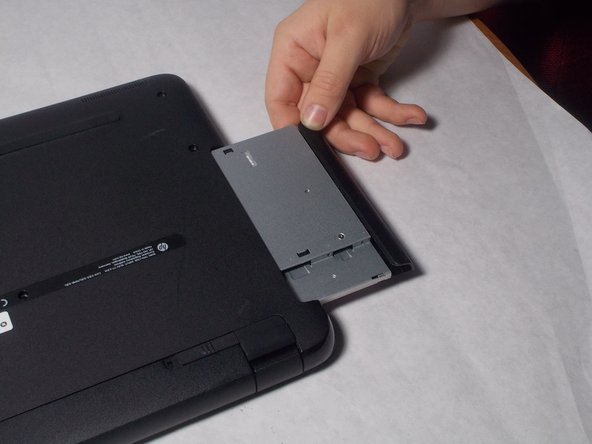
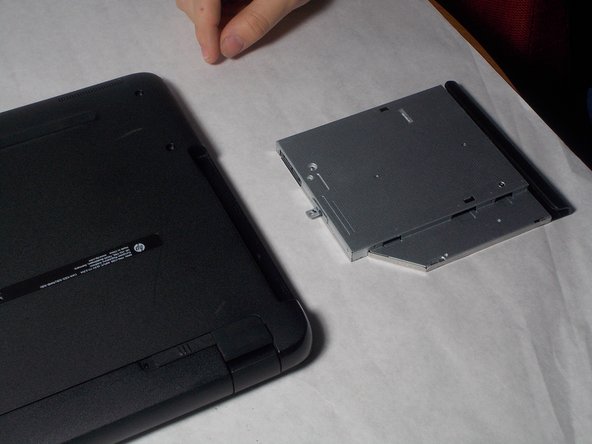
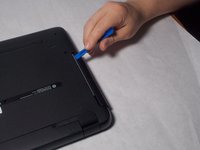
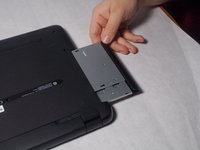
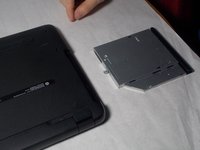
  3. HP 15-BA078DX RAM Replacement: adım 3, 3 resimden 1. HP 15-BA078DX RAM Replacement: adım 3, 3 resimden 2. HP 15-BA078DX RAM Replacement: adım 3, 3 resimden 3.
    • Remove the disk tray assembly by sliding it out from the side using the blue plastic opening tool.

    FixBot'a Sor

    Yorum Ekle

  4. HP 15-BA078DX RAM Replacement, Back Panel: adım 4, 1 resimden 1.
    • Remove all of the remaining back panel screws with a #0 Phillips head screwdriver.

    • Remember to remove the two screws under the rubber feet.

    FixBot'a Sor

    Yorum Ekle

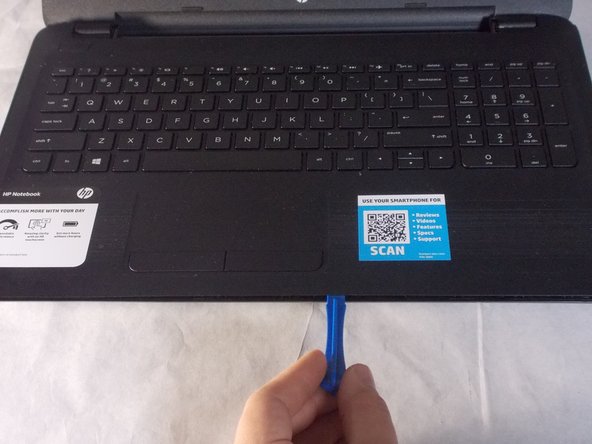
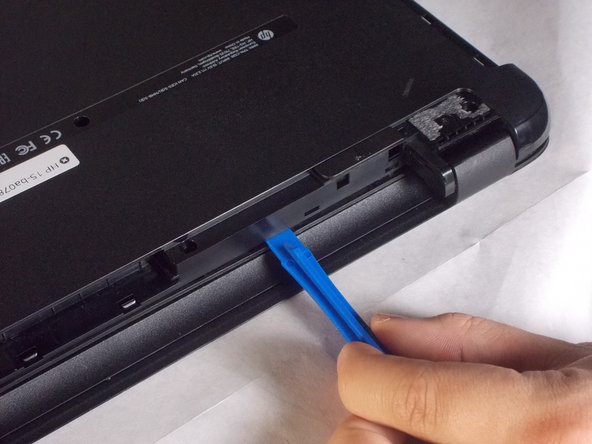
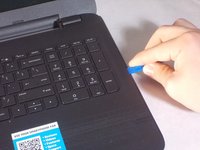
  5. HP 15-BA078DX RAM Replacement: adım 5, 3 resimden 1. HP 15-BA078DX RAM Replacement: adım 5, 3 resimden 2. HP 15-BA078DX RAM Replacement: adım 5, 3 resimden 3.
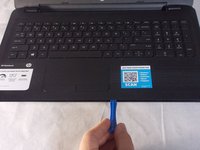
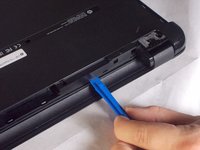
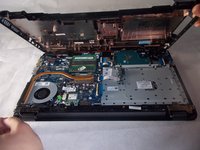
    • Carefully use the blue plastic opening tool to pry the clam shell of the laptop apart.

    • You may need to flip the laptop over to unlatch all of the internal clips.

    FixBot'a Sor

    Yorum Ekle

  6. HP 15-BA078DX RAM Replacement: adım 6, 3 resimden 1. HP 15-BA078DX RAM Replacement: adım 6, 3 resimden 2. HP 15-BA078DX RAM Replacement: adım 6, 3 resimden 3.
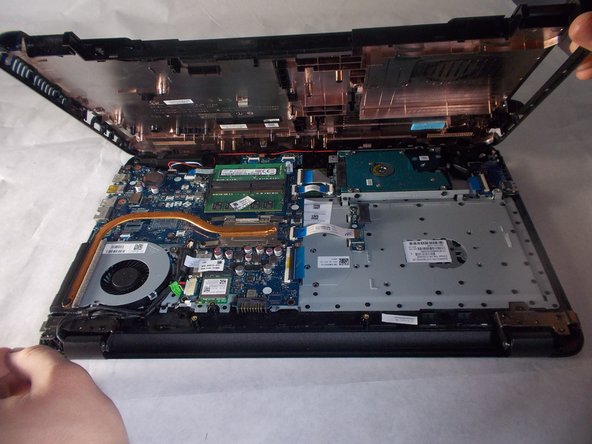
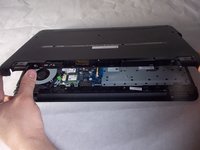
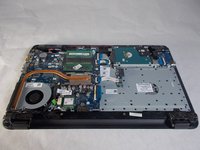
    • Carefully pull the shell of the computer apart.

    FixBot'a Sor

    Yorum Ekle

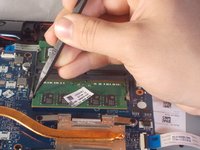
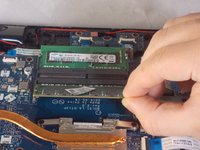
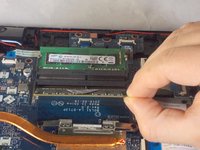
  7. HP 15-BA078DX RAM Replacement, RAM: adım 7, 2 resimden 1. HP 15-BA078DX RAM Replacement, RAM: adım 7, 2 resimden 2.
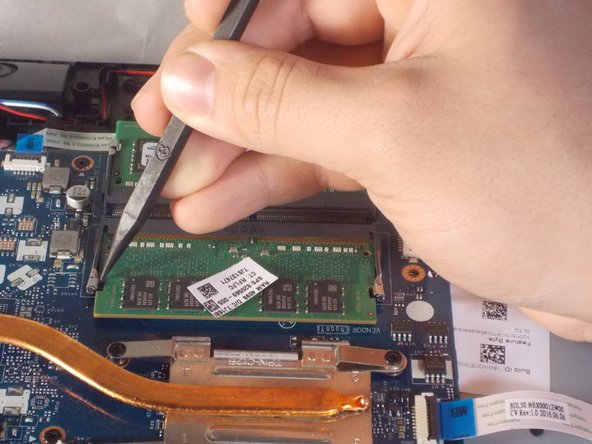
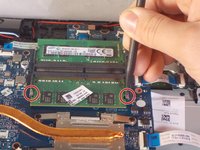
    • Using a plastic spudger, unclip the latch locking the RAM to the motherboard.

    FixBot'a Sor

    Yorum Ekle

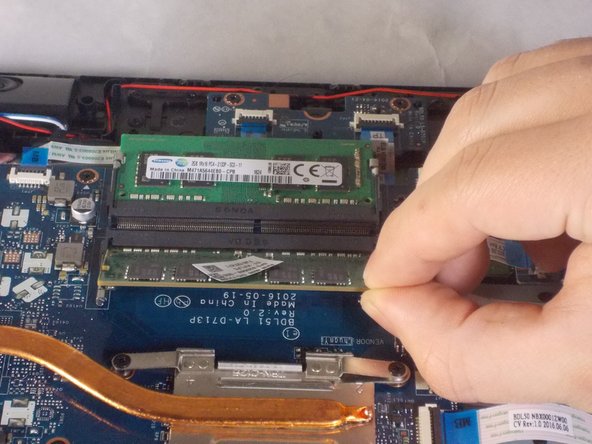
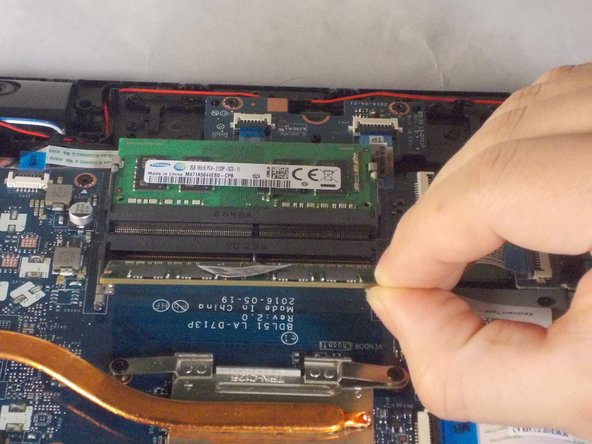
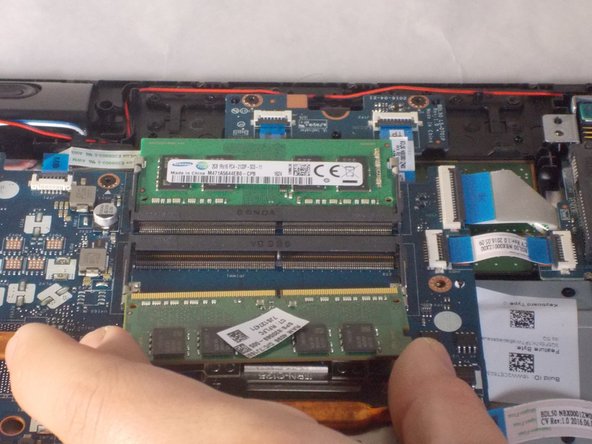
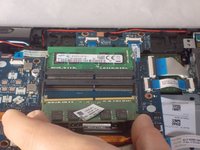
  8. HP 15-BA078DX RAM Replacement: adım 8, 3 resimden 1. HP 15-BA078DX RAM Replacement: adım 8, 3 resimden 2. HP 15-BA078DX RAM Replacement: adım 8, 3 resimden 3.
    • Gently tilt the RAM sticks up and slide out each stick.

    FixBot'a Sor

    Yorum Ekle

Sonuç

To reassemble your device, follow these instructions in reverse order.

İptal et: Bu kılavuzu tamamlamadım.

Bir başkası bu kılavuzu tamamladı.

Benjamin DosSantos Jr

Üyelik tarihi: 03/20/18

469 İtibar

4 adet Kılavuz yazıldı

Ekip

UMass Dartmouth, Team S3-G4, Peak Spring 2018 UMass Dartmouth, Team S3-G4, Peak Spring 2018 üyesi

UMASSD-PEAK-S18S3G4

3 Üyeler

6 adet Kılavuz yazıldı

0Kılavuz Yorumları

Yorum Ekle

İstatistikleri Görüntüle:

Son 24 Saat: 0

Son 7 gün: 6

Son 30 gün: 21

Her zaman: 808