Ana içeriğe geç
Onarım Topluluğuna Katılın - Hesap Oluşturun

HP Chromebook 11-2210nr Keyboard Replacement

Neye ihtiyacın var

    1. HP Chromebook 11-2210nr Keyboard Replacement, Keyboard: adım 1, 2 resimden 1. HP Chromebook 11-2210nr Keyboard Replacement, Keyboard: adım 1, 2 resimden 2.
      • Position your closed laptop face down to remove the 9 visible 6mm screws using the Phillips #1 screwdriver.

      FixBot'a Sor

      Yorum Ekle

    2. HP Chromebook 11-2210nr Keyboard Replacement: adım 2, 3 resimden 1. HP Chromebook 11-2210nr Keyboard Replacement: adım 2, 3 resimden 2. HP Chromebook 11-2210nr Keyboard Replacement: adım 2, 3 resimden 3.
      • Using the metal spudger, remove the two rubber pads that are closer to the hinge of the laptop.

      • Remove the two additional 6mm screws located beneath the rubber pads using the Phillips #1 screwdriver.

      • The two bottom rubber pads do not contain screws, but you may check if you wish to be sure.

      FixBot'a Sor

      Yorum Ekle

    3. HP Chromebook 11-2210nr Keyboard Replacement: adım 3, 3 resimden 1. HP Chromebook 11-2210nr Keyboard Replacement: adım 3, 3 resimden 2. HP Chromebook 11-2210nr Keyboard Replacement: adım 3, 3 resimden 3.
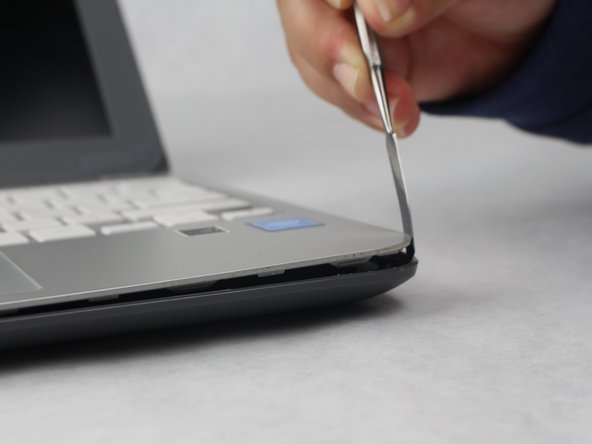
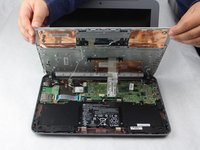
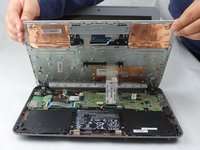
      • Turn the Laptop over and with the metal spudger start to run it along the plastic seam to pry it off.

      • You will hear popping sounds when you are sliding the spudger along the device.

      • For an easier removal, start from the sides and work your way in to the corners.

      FixBot'a Sor

      Yorum Ekle

    4. HP Chromebook 11-2210nr Keyboard Replacement: adım 4, 3 resimden 1. HP Chromebook 11-2210nr Keyboard Replacement: adım 4, 3 resimden 2. HP Chromebook 11-2210nr Keyboard Replacement: adım 4, 3 resimden 3.
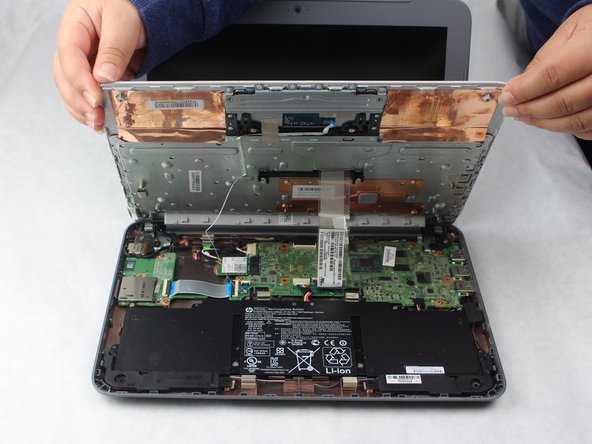
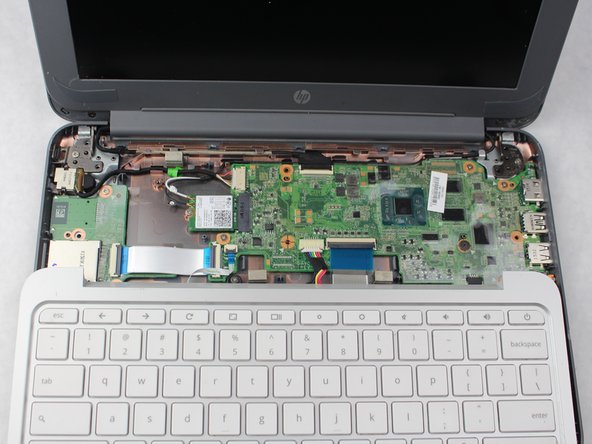
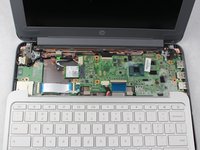
      • Carefully lift off the keyboard and gently place it towards you until the two ribbon wires become visible and place the keyboard down.

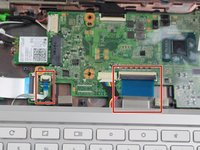
      • Locate where the two ribbon wires are being held in place by two chips.

      • This does not disconnect the keyboard from the laptop just yet.

      FixBot'a Sor

      Yorum Ekle

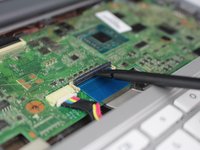
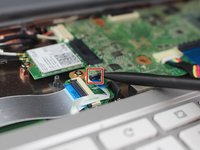
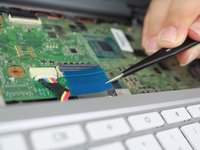
    5. HP Chromebook 11-2210nr Keyboard Replacement: adım 5, 3 resimden 1. HP Chromebook 11-2210nr Keyboard Replacement: adım 5, 3 resimden 2. HP Chromebook 11-2210nr Keyboard Replacement: adım 5, 3 resimden 3.
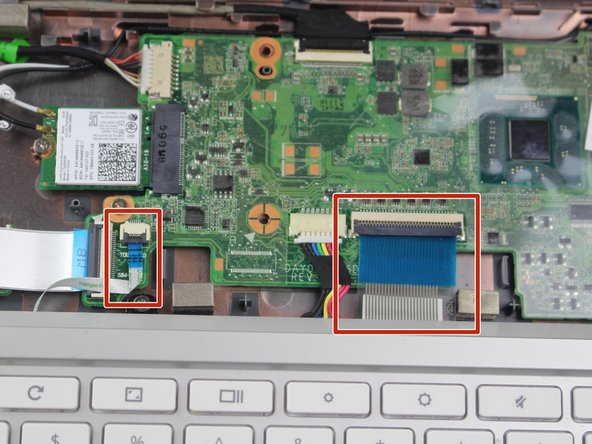
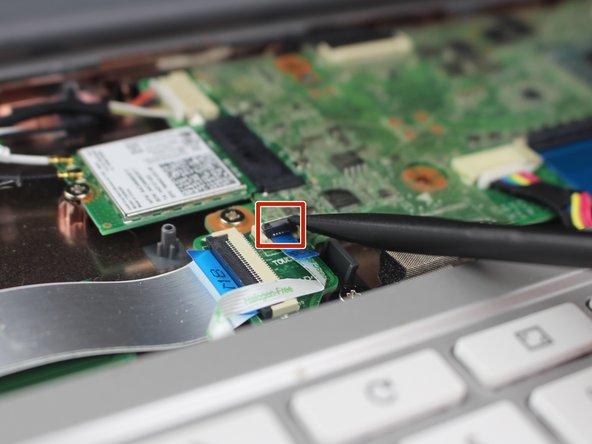
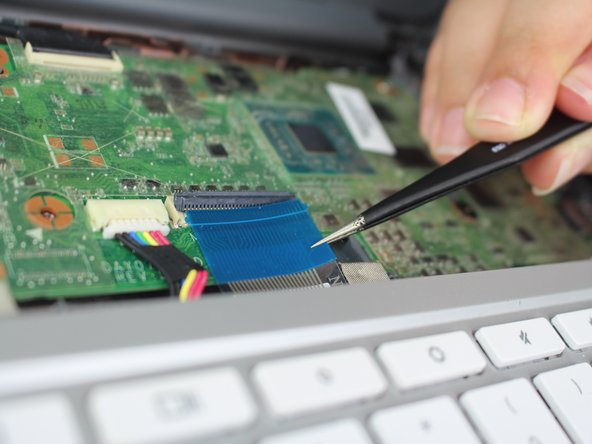
      • Using the nylon spudger, lift the plastic clasps holding the two ribbon wires up to properly disconnect the wires.

      • It is recommended to use the nylon spudger for this step. Any metal can damage your motherboard.

      • This step completely disconnects the keyboard to allow safe removal and replacement.

      FixBot'a Sor

      Yorum Ekle

Sonuç

To reassemble your device, follow these instructions in reverse order.

İptal et: Bu kılavuzu tamamlamadım.

Bridget Rosales

Üyelik tarihi: 10/02/18

121 İtibar

1 Kılavuz yazıldı

Ekip

0Kılavuz Yorumları

Yorum Ekle

İstatistikleri Görüntüle:

Son 24 Saat: 1

Son 7 gün: 4

Son 30 gün: 21

Her zaman: 462