Ana içeriğe geç
Onarım Topluluğuna Katılın - Hesap Oluşturun

HP Spectre x2 12-a002dx Battery Replacement

Neye ihtiyacın var

    1. HP Spectre x2 12-a002dx Battery Replacement, Screen: adım 1, 1 resimden 1.
      • Make sure the device is powered off and the kick stand is retracted.

      • The HP Spectre should be placed on a flat surface with the keyboard detached.

      FixBot'a Sor

      Yorum Ekle

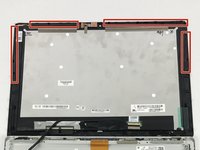
    2. HP Spectre x2 12-a002dx Battery Replacement: adım 2, 3 resimden 1. HP Spectre x2 12-a002dx Battery Replacement: adım 2, 3 resimden 2. HP Spectre x2 12-a002dx Battery Replacement: adım 2, 3 resimden 3.
      Bu adımda kullanılan alet:
      Tweezers
      $4.99
      • To remove the screen, there is an entire system of clips which need to be undone as well as 4 Phillips M1.5x2.7 screws.

      • The screws should be removed using a Phillips #000 screwdriver. There is a sticker where the laptop attaches to the keyboard.

      • Heat the sticker (if needed) and use fine point tweezers to grip the sticker and remove it.

      FixBot'a Sor

      Yorum Ekle

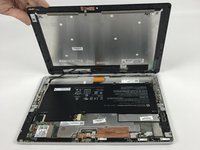
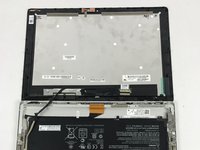
    3. HP Spectre x2 12-a002dx Battery Replacement: adım 3, 3 resimden 1. HP Spectre x2 12-a002dx Battery Replacement: adım 3, 3 resimden 2. HP Spectre x2 12-a002dx Battery Replacement: adım 3, 3 resimden 3.
      • Use the plastic opening tools or insert a spudger to begin unclipping the system.

      • Pry the screen off once all the clips have been unclipped.

      • The screen may shatter if not already shattered (beware of flying glass).

      FixBot'a Sor

      Yorum Ekle

      • This screen will break. There is double tape underneath the frame, which is not listed in here.

      FixBot'a Sor

      Yorum Ekle

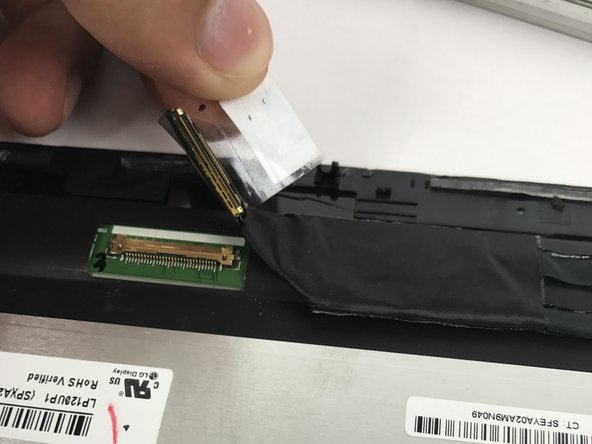
    4. HP Spectre x2 12-a002dx Battery Replacement: adım 5, 3 resimden 1. HP Spectre x2 12-a002dx Battery Replacement: adım 5, 3 resimden 2. HP Spectre x2 12-a002dx Battery Replacement: adım 5, 3 resimden 3.
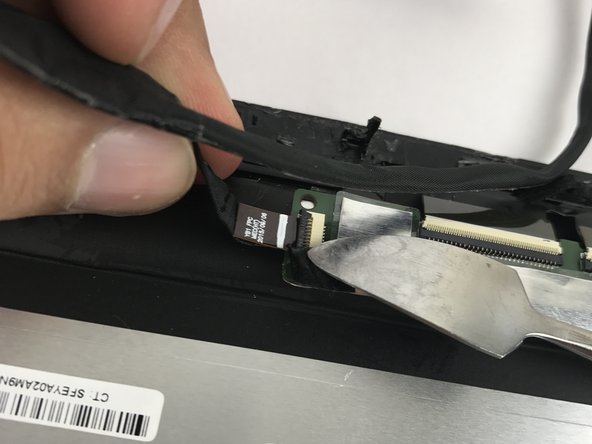
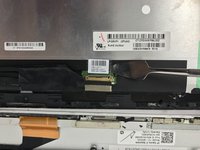
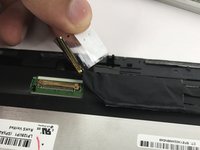
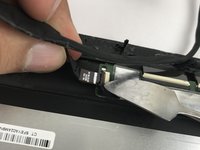
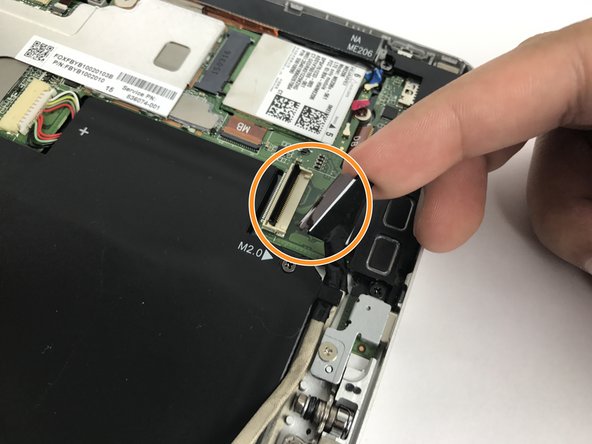
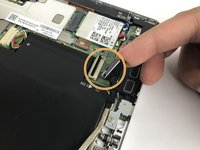
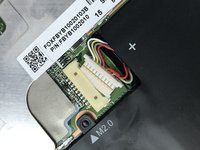
      • Remove the connecting cable of the screen and battery. Use a spudger to reveal the adhesive strip and carefully peel it off.

      • Insert a spudger to the other end and release the ZIF connectors. Detach the cable.

      • While a metal spudger is pictured, use a black nylon spudger instead because it is ESD safe.

      FixBot'a Sor

      Yorum Ekle

    1. HP Spectre x2 12-a002dx Battery Replacement, Battery: adım 6, 1 resimden 1.
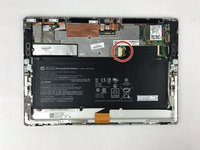
      • The battery for this device is under the screen and takes up most of the space.

      FixBot'a Sor

      Yorum Ekle

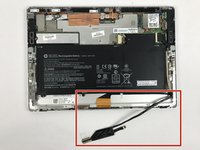
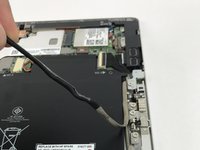
    2. HP Spectre x2 12-a002dx Battery Replacement: adım 7, 3 resimden 1. HP Spectre x2 12-a002dx Battery Replacement: adım 7, 3 resimden 2. HP Spectre x2 12-a002dx Battery Replacement: adım 7, 3 resimden 3.
      • Pull the wire gently towards the connector.

      • Then, disconnect the wire and remove it from the device.

      FixBot'a Sor

      Yorum Ekle

    3. HP Spectre x2 12-a002dx Battery Replacement: adım 8, 2 resimden 1. HP Spectre x2 12-a002dx Battery Replacement: adım 8, 2 resimden 2.
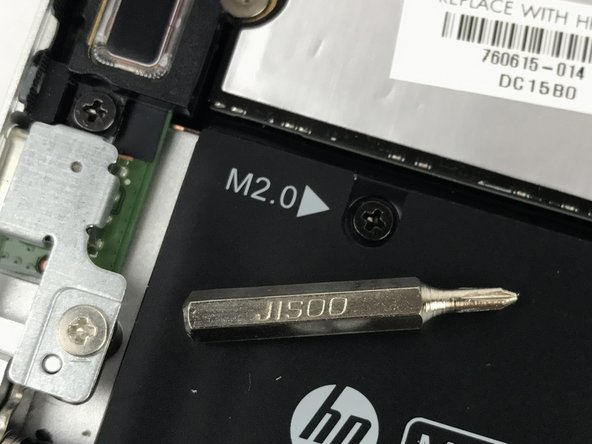
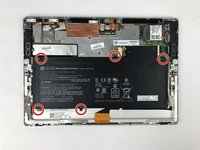
      • Remove the six Phillips M2.0×3.5 screws connecting the battery to the device using the JIS 00 screwdriver.

      • Make sure to keep the screws in a safe place. You will need to use them to secure the replacement battery back in place.

      FixBot'a Sor

      Yorum Ekle

    4. HP Spectre x2 12-a002dx Battery Replacement: adım 9, 2 resimden 1. HP Spectre x2 12-a002dx Battery Replacement: adım 9, 2 resimden 2.
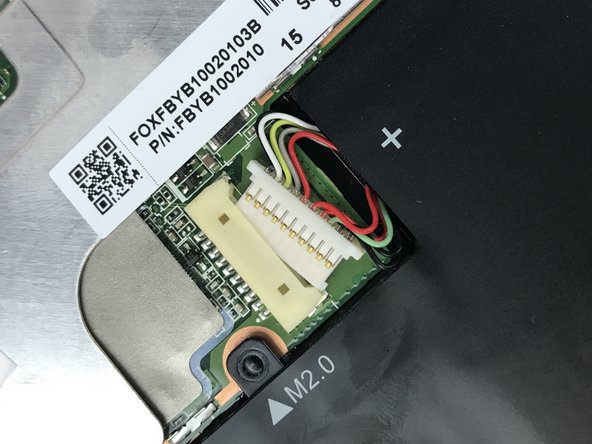
      • Use the tip of a spudger to push the battery connector out of its socket.

      • It helps to "walk" the connector out by pressing first on one side, then the other.

      FixBot'a Sor

      Yorum Ekle

    5. HP Spectre x2 12-a002dx Battery Replacement: adım 10, 2 resimden 1. HP Spectre x2 12-a002dx Battery Replacement: adım 10, 2 resimden 2.
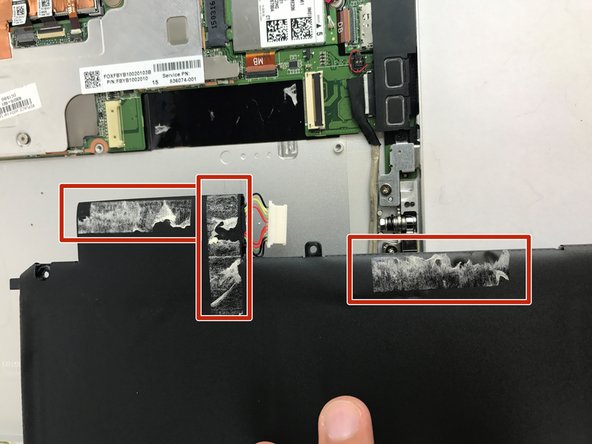
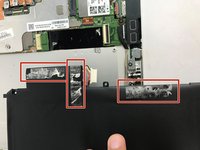
      • Lift up the side of the battery that isn't glued down with adhesive

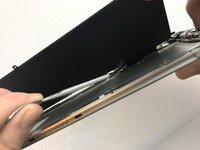
      • Use the spatula to gently scrape away the adhesive while applying a gentle upward pressure to help break the adhesive bonds.

      • A metal spudger was used again as pictured, but the black nylon spudger would be more appropriate to use.

      FixBot'a Sor

      Yorum Ekle

    6. HP Spectre x2 12-a002dx Battery Replacement: adım 11, 1 resimden 1.
      • Finally remove the old battery.

      FixBot'a Sor

      Yorum Ekle

Sonuç

To reassemble your device, follow these instructions in reverse order.

İptal et: Bu kılavuzu tamamlamadım.

4 farklı kişi bu kılavuzu tamamladı.

Talha Bin Amir

Üyelik tarihi: 10/23/17

684 İtibar

5 adet Kılavuz yazıldı

Ekip

USF Tampa, Team S10-G6, Thompson Fall 2017 USF Tampa, Team S10-G6, Thompson Fall 2017 üyesi

USFT-THOMPSON-F17S10G6

4 Üyeler

50 adet Kılavuz yazıldı

17Kılavuz Yorumları

Awesome, thanks a lot! My old Spectre’s battery now only supports less than 2 hours, wish I could replace it with a new one.

Claud Monet - Yanıt Paylaş
Clear - Complete - Accurate instructions led me through the successful replacement. glad I found this. Good Job.
Mayne Mihacsi - Yanıt Paylaş

Did the screen crack for you

Tiffany - Yanıt Paylaş

Where can the replacement battery be purchased?

Jay Mac - Yanıt Paylaş

Did the screen crack for anyone?

Tiffany - Yanıt Paylaş

Yorum Ekle

İstatistikleri Görüntüle:

Son 24 Saat: 1

Son 7 gün: 11

Son 30 gün: 52

Her zaman: 13,957