Ana içeriğe geç
Onarım Topluluğuna Katılın - Hesap Oluşturun

HP w2216h Control Buttons Replacement

Neye ihtiyacın var

    1. HP w2216h Control Buttons Replacement, Control Buttons: adım 1, 1 resimden 1.
      • Make sure you are grounded, the power supply is not connected, and you are wearing safety goggles.

      • Remove the four 12 mm Phillips #000 screws on the back panel.

      FixBot'a Sor

      Yorum Ekle

    2. HP w2216h Control Buttons Replacement: adım 2, 2 resimden 1. HP w2216h Control Buttons Replacement: adım 2, 2 resimden 2.
      • Remove the two 12 mm Phillips #000 screws above stand mounting bracket.

      • Using a Phillips #1 with the 150 mm flexible extension remove 1 Phillips #1 screw under the stand mounting bracket.

      • Stand will easily pull off.

      FixBot'a Sor

      Yorum Ekle

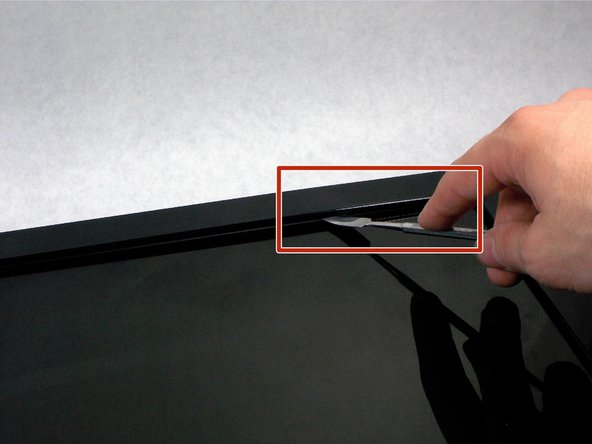
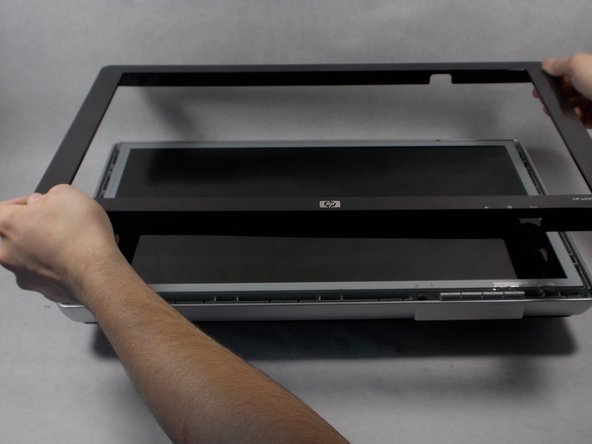
    3. HP w2216h Control Buttons Replacement: adım 3, 3 resimden 1. HP w2216h Control Buttons Replacement: adım 3, 3 resimden 2. HP w2216h Control Buttons Replacement: adım 3, 3 resimden 3.
      • Do not put the metal spudger between the metal and the glass. It needs to go under the bezel and above the metal.

      • Turn monitor so that the screen is facing you.

      • Pry the black bezel from above the metal by placing your metal spudger between the bezel and the metal and twisting the tool slightly.

      • The best places to pry are in the lower left and lower right corners of the black bezel.

      FixBot'a Sor

      Yorum Ekle

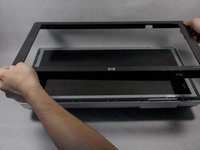
    4. HP w2216h Control Buttons Replacement: adım 4, 1 resimden 1.
      • Lift the screen assembly from the plastic housing from the corners.

      FixBot'a Sor

      Yorum Ekle

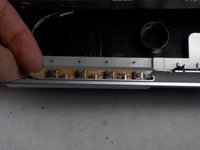
    5. HP w2216h Control Buttons Replacement: adım 5, 1 resimden 1.
      • Remove the plastic buttons from the contacts

      FixBot'a Sor

      Yorum Ekle

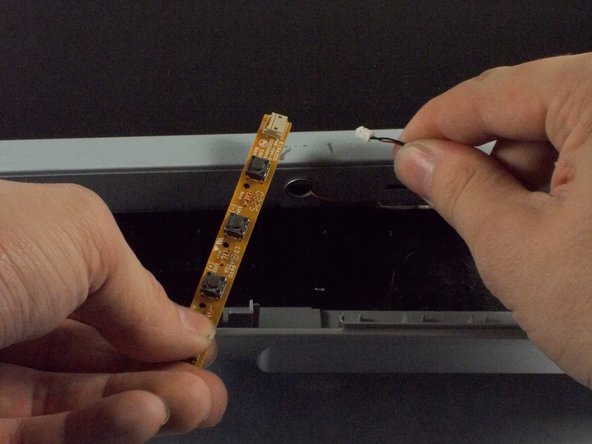
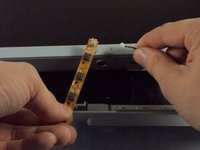
    6. HP w2216h Control Buttons Replacement: adım 6, 2 resimden 1. HP w2216h Control Buttons Replacement: adım 6, 2 resimden 2.
      • Remove the wire connecting the contacts to the screen assembly.

      FixBot'a Sor

      Yorum Ekle

Sonuç

To reassemble your device, follow these instructions in reverse order.

İptal et: Bu kılavuzu tamamlamadım.

Bir başkası bu kılavuzu tamamladı.

Patrick Aucoin

Üyelik tarihi: 03/25/16

221 İtibar

2 adet Kılavuz yazıldı

Ekip

UMass Dartmouth, Team 1-1, Miles Spring 2016 UMass Dartmouth, Team 1-1, Miles Spring 2016 üyesi

UMASSD-MILES-S16S1G1

4 Üyeler

12 adet Kılavuz yazıldı

0Kılavuz Yorumları

Yorum Ekle

İstatistikleri Görüntüle:

Son 24 Saat: 0

Son 7 gün: 8

Son 30 gün: 35

Her zaman: 833