Ana içeriğe geç
Onarım Topluluğuna Katılın - Hesap Oluşturun

HTC Incredible 2 Volume Button Replacement

Neye ihtiyacın var

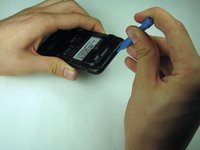
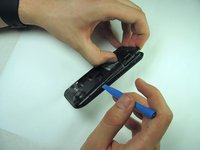
  1. HTC Incredible 2 Volume Button Replacement, Disassembling HTC Incredible 2 Back Panel: adım 1, 2 resimden 1. HTC Incredible 2 Volume Button Replacement, Disassembling HTC Incredible 2 Back Panel: adım 1, 2 resimden 2.
    • Press your thumbnail into the slot between the rear panel and the front casing located on the bottom of the phone. Use a penny or dime if you have trouble using your thumbnail.

    • With a moderate amount of force, pry the rear panel up and away from the phone. You may need to slide your thumbnail up the crack to separate the rear panel from the front casing.

    • This can take a little bit of effort. Don't be discouraged if you can't get it right away.

    FixBot'a Sor

    Yorum Ekle

  2. HTC Incredible 2 Volume Button Replacement: adım 2, 1 resimden 1.
    • Remove the rear panel from the phone.

    FixBot'a Sor

    Yorum Ekle

  3. HTC Incredible 2 Volume Button Replacement, Battery: adım 3, 1 resimden 1.
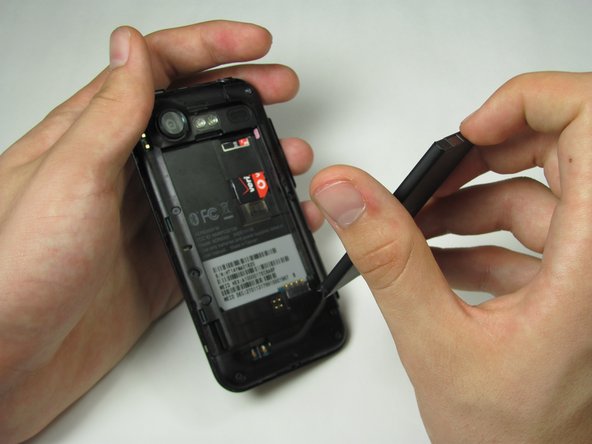
    • Press your fingernail into the slot between the battery and the rear inner frame, located between the battery and LED lights.

    • Use a penny or dime if you can't use your fingernail.

    FixBot'a Sor

    Yorum Ekle

  4. HTC Incredible 2 Volume Button Replacement: adım 4, 2 resimden 1. HTC Incredible 2 Volume Button Replacement: adım 4, 2 resimden 2.
    • Gently lever the battery up and away from the lights.

    • Lift the top of the battery up and remove the battery from the rear inner frame.

    FixBot'a Sor

    Yorum Ekle

  5. HTC Incredible 2 Volume Button Replacement, Mid Panel: adım 5, 1 resimden 1.
    • Remove the seven 1.42 mm Torx T5 screws

    FixBot'a Sor

    Yorum Ekle

  6. HTC Incredible 2 Volume Button Replacement: adım 6, 2 resimden 1. HTC Incredible 2 Volume Button Replacement: adım 6, 2 resimden 2.
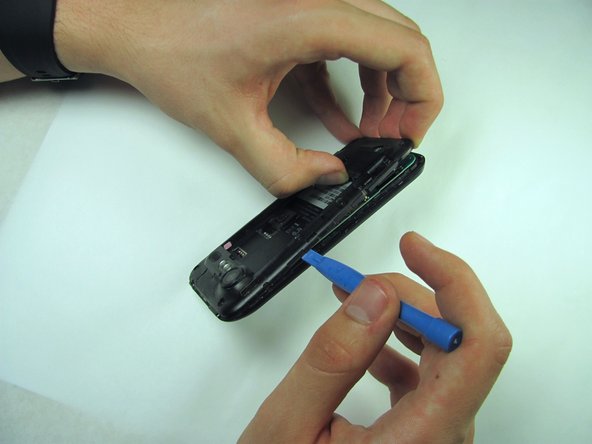
    • Use a plastic opening tool to run along the phone's side and lever mid panel upward.

    • Apply minimal pressure as the mid panel is very delicate.

    FixBot'a Sor

    Yorum Ekle

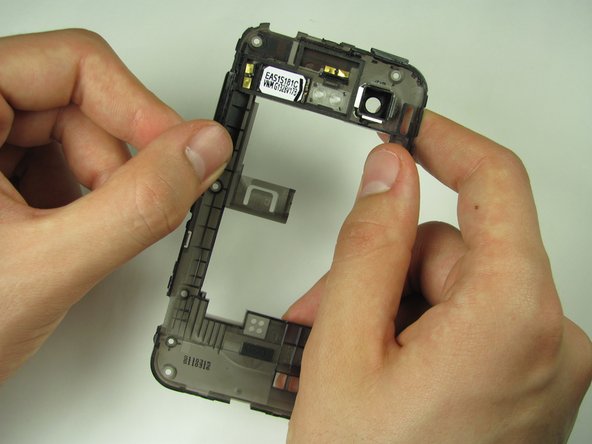
  7. HTC Incredible 2 Volume Button Replacement: adım 7, 1 resimden 1.
    • Gently grasp and carefully lift mid panel up and away from the device with your fingers.

    FixBot'a Sor

    Yorum Ekle

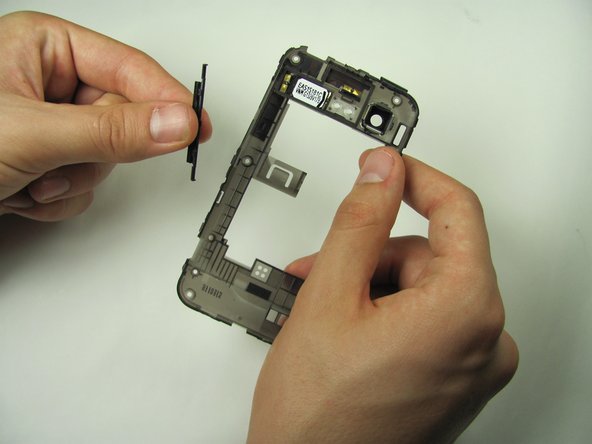
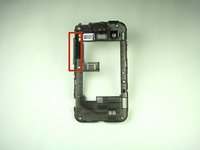
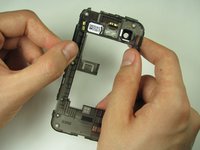
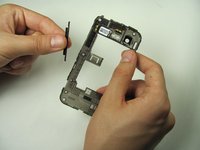
  8. HTC Incredible 2 Volume Button Replacement, Volume Button: adım 8, 3 resimden 1. HTC Incredible 2 Volume Button Replacement, Volume Button: adım 8, 3 resimden 2. HTC Incredible 2 Volume Button Replacement, Volume Button: adım 8, 3 resimden 3.
    • Firmly grasp the volume button from the mid panel on the clip side

    • Gently lift the button upwards and remove it

    FixBot'a Sor

    Yorum Ekle

Sonuç

To reassemble your device, follow these instructions in reverse order.

İptal et: Bu kılavuzu tamamlamadım.

2 farklı kişi bu kılavuzu tamamladı.

Robert Trujillo

Üyelik tarihi: 04/25/14

246 İtibar

2 adet Kılavuz yazıldı

Ekip

Cal Poly, Team 11-53, Amido Spring 2014 Cal Poly, Team 11-53, Amido Spring 2014 üyesi

CPSU-AMIDO-S14S11G53

5 Üyeler

21 adet Kılavuz yazıldı

0Kılavuz Yorumları

Yorum Ekle

İstatistikleri Görüntüle:

Son 24 Saat: 0

Son 7 gün: 0

Son 30 gün: 19

Her zaman: 571