Ana içeriğe geç
Onarım Topluluğuna Katılın - Hesap Oluşturun

HTC Maple 100 LCD Screen Replacement

Neye ihtiyacın var

  1. HTC Maple 100 LCD Screen Replacement, Battery: adım 1, 1 resimden 1.
    • First remove the back cover of your phone to expose the battery.

    FixBot'a Sor

    Yorum Ekle

  2. HTC Maple 100 LCD Screen Replacement: adım 2, 1 resimden 1.
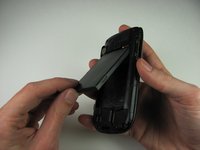
    • Turn the phone over.

    • Push forward on the battery with your thumb.

    FixBot'a Sor

    Yorum Ekle

  3. HTC Maple 100 LCD Screen Replacement: adım 3, 2 resimden 1. HTC Maple 100 LCD Screen Replacement: adım 3, 2 resimden 2.
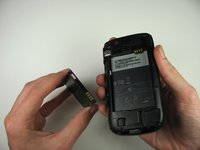
    • Take the battery out by lifting it upwards.

    • When reassembling, make sure that the battery contacts match up.

    FixBot'a Sor

    Yorum Ekle

  4. HTC Maple 100 LCD Screen Replacement, Back Panel: adım 4, 2 resimden 1. HTC Maple 100 LCD Screen Replacement, Back Panel: adım 4, 2 resimden 2.
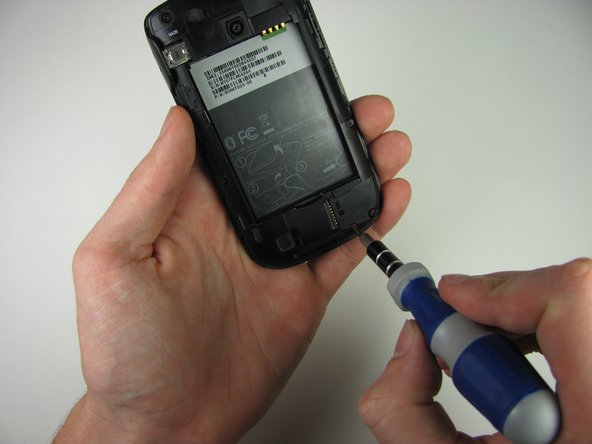
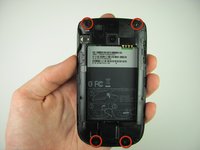
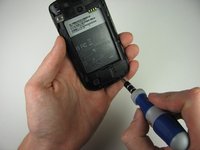
    • Remove the four 4.9mm T6 Torx screws that secure the back panel to the rest of the phone.

    FixBot'a Sor

    Yorum Ekle

  5. HTC Maple 100 LCD Screen Replacement: adım 5, 1 resimden 1.
    • Remove the two 4.3mm Phillips #00 screws that secure the back panel to the rest of the phone.

    FixBot'a Sor

    Yorum Ekle

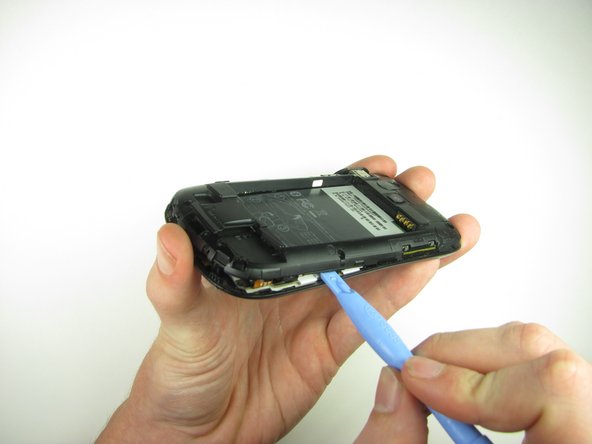
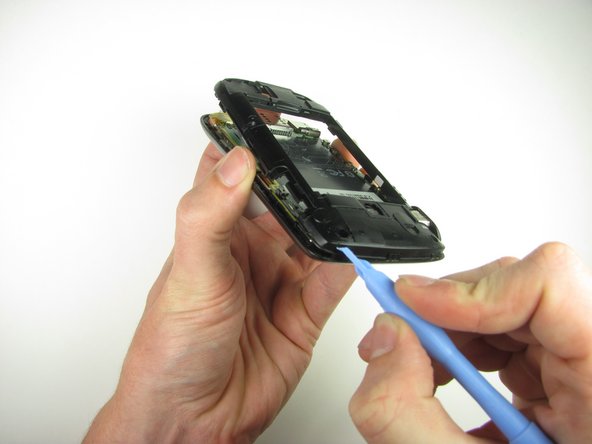
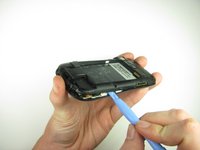
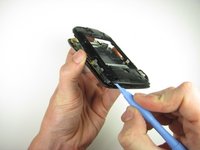
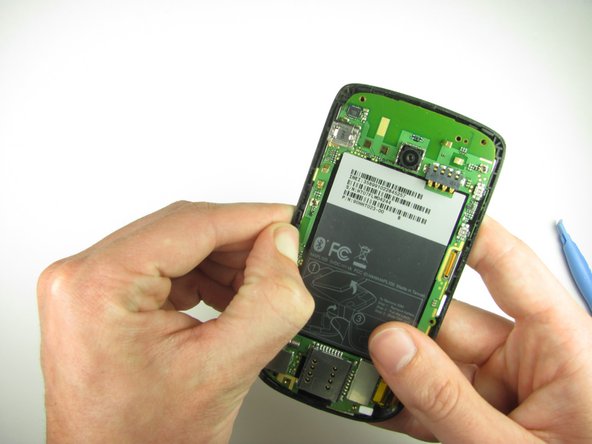
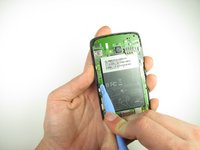
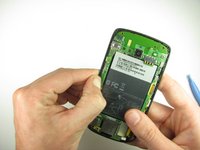
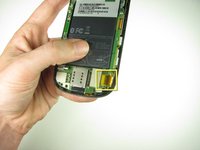
  6. HTC Maple 100 LCD Screen Replacement: adım 6, 3 resimden 1. HTC Maple 100 LCD Screen Replacement: adım 6, 3 resimden 2. HTC Maple 100 LCD Screen Replacement: adım 6, 3 resimden 3.
    • Insert the plastic opening tool along the seams at different points to it pry the clips off.

    • This may require a bit of force. The USB port cover may fall off in this step.

    FixBot'a Sor

    Yorum Ekle

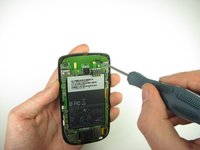
  7. HTC Maple 100 LCD Screen Replacement, Motherboard: adım 7, 2 resimden 1. HTC Maple 100 LCD Screen Replacement, Motherboard: adım 7, 2 resimden 2.
    • Remove the one 3.3mm Phillips #00 screw.

    FixBot'a Sor

    Yorum Ekle

  8. HTC Maple 100 LCD Screen Replacement: adım 8, 2 resimden 1. HTC Maple 100 LCD Screen Replacement: adım 8, 2 resimden 2.
    • Use your finger or the plastic opening tool to unclip the board.

    • Be aware of the ribbon cable connected to the motherboard inside the phone.

    FixBot'a Sor

    Yorum Ekle

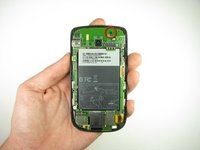
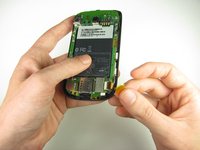
  9. HTC Maple 100 LCD Screen Replacement: adım 9, 2 resimden 1. HTC Maple 100 LCD Screen Replacement: adım 9, 2 resimden 2.
    • Peel off the yellow piece of tape from the phone.

    FixBot'a Sor

    Yorum Ekle

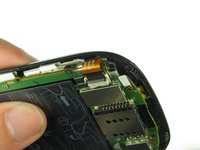
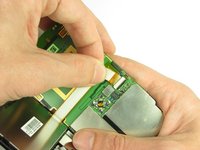
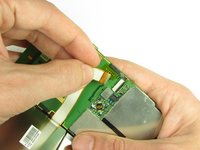
  10. HTC Maple 100 LCD Screen Replacement: adım 10, 3 resimden 1. HTC Maple 100 LCD Screen Replacement: adım 10, 3 resimden 2. HTC Maple 100 LCD Screen Replacement: adım 10, 3 resimden 3.
    • Flip up the retaining flap with your fingernail or a plastic opening tool.

    • Pull on the ribbon cable gently with your fingers.

    FixBot'a Sor

    Yorum Ekle

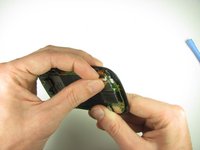
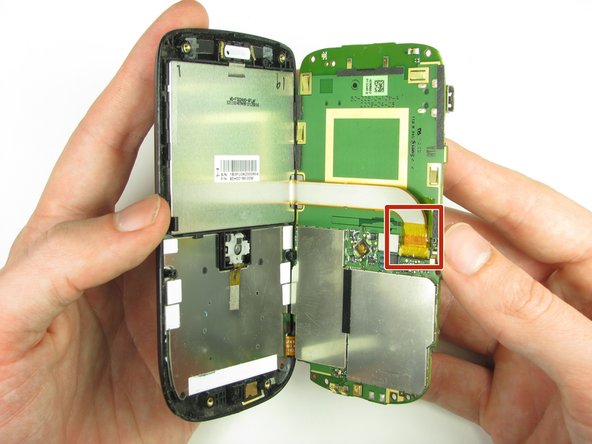
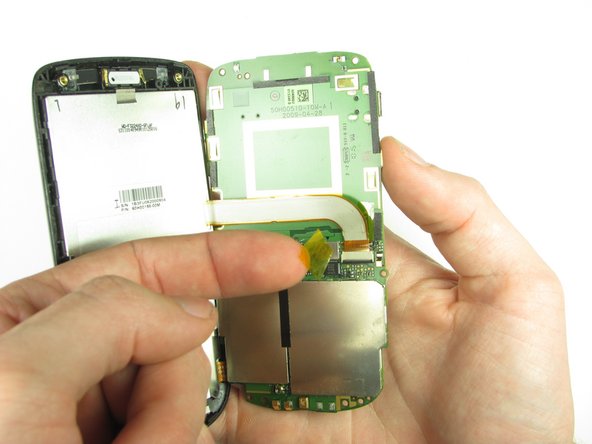
  11. HTC Maple 100 LCD Screen Replacement: adım 11, 2 resimden 1. HTC Maple 100 LCD Screen Replacement: adım 11, 2 resimden 2.
    • Split apart the motherboard and front panel.

    • Remove the other yellow piece of tape off of the end of the ribbon cable.

    FixBot'a Sor

    Yorum Ekle

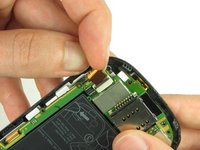
  12. HTC Maple 100 LCD Screen Replacement: adım 12, 2 resimden 1. HTC Maple 100 LCD Screen Replacement: adım 12, 2 resimden 2.
    • Gently pull on the ribbon cable to separate the motherboard.

    FixBot'a Sor

    Yorum Ekle

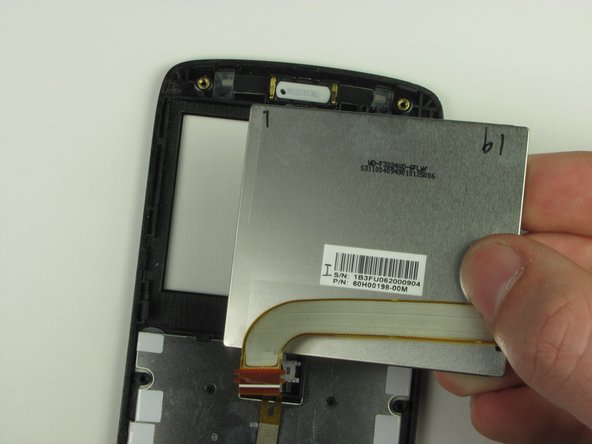
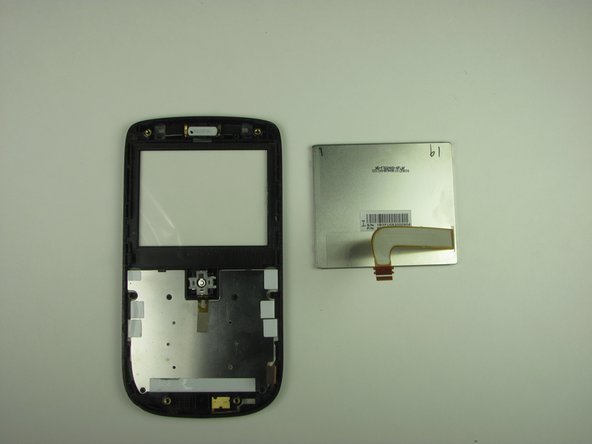
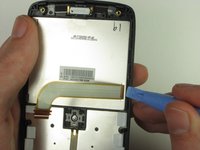
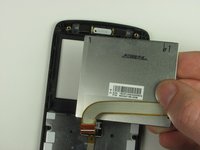
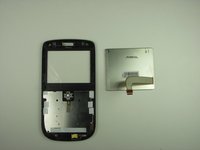
  13. HTC Maple 100 LCD Screen Replacement, LCD Screen: adım 13, 3 resimden 1. HTC Maple 100 LCD Screen Replacement, LCD Screen: adım 13, 3 resimden 2. HTC Maple 100 LCD Screen Replacement, LCD Screen: adım 13, 3 resimden 3.
    • Pry the LCD screen out by using the plastic opening tool or your fingers.

    FixBot'a Sor

    Yorum Ekle

Sonuç

To reassemble your device, follow these instructions in reverse order.

İptal et: Bu kılavuzu tamamlamadım.

Nick

Üyelik tarihi: 10/28/11

6 İtibar

3 adet Kılavuz yazıldı

Ekip

Cal Poly, Team 20-29, Maness Fall 2011 Cal Poly, Team 20-29, Maness Fall 2011 üyesi

CPSU-MANESS-F11S20G29

4 Üyeler

18 adet Kılavuz yazıldı

0Kılavuz Yorumları

Yorum Ekle

İstatistikleri Görüntüle:

Son 24 Saat: 0

Son 7 gün: 9

Son 30 gün: 45

Her zaman: 1,331