Ana içeriğe geç
Onarım Topluluğuna Katılın - Hesap Oluşturun

HTC One V Ear Speaker Replacement

Neye ihtiyacın var

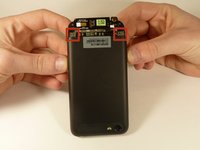
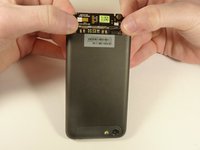
  1. HTC One V Ear Speaker Replacement, Disassembling HTC ONE V Bottom Assembly: adım 1, 3 resimden 1. HTC One V Ear Speaker Replacement, Disassembling HTC ONE V Bottom Assembly: adım 1, 3 resimden 2. HTC One V Ear Speaker Replacement, Disassembling HTC ONE V Bottom Assembly: adım 1, 3 resimden 3.
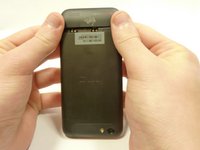
    • Power off your device.

    • Remove the bottom cover by sliding it off.

    FixBot'a Sor

    Yorum Ekle

  2. HTC One V Ear Speaker Replacement: adım 2, 1 resimden 1.
    • Remove the SIM card.

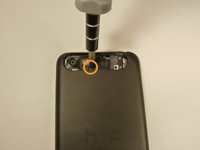
    • Remove the four screws securing the bottom casing.

    • Two 3.0 mm Phillips #0 screws in the top left and right corners.

    • Two 2.0 mm Phillips #0 screws in the bottom left and right corners.

    FixBot'a Sor

    Yorum Ekle

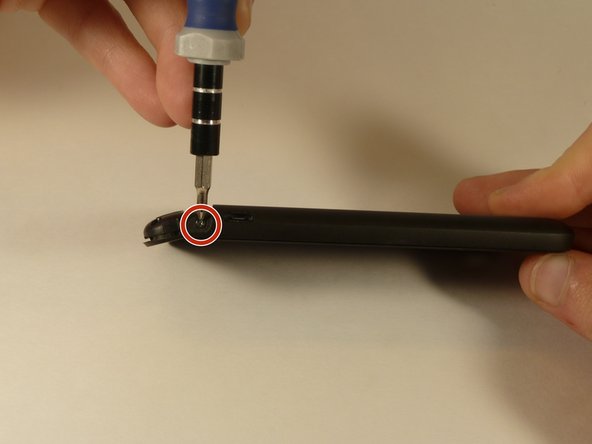
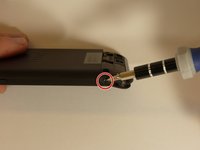
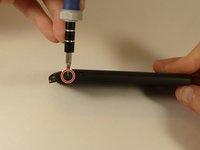
  3. HTC One V Ear Speaker Replacement: adım 3, 2 resimden 1. HTC One V Ear Speaker Replacement: adım 3, 2 resimden 2.
    • Remove the 2.0 mm Phillips #0 screws on either side of the phone.

    FixBot'a Sor

    Yorum Ekle

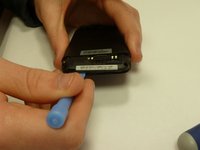
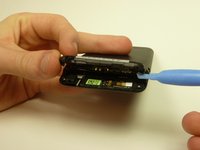
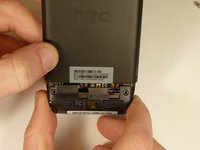
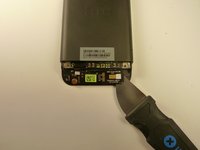
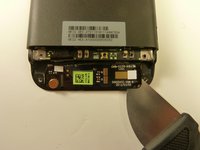
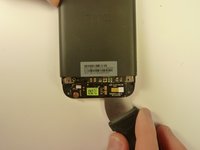
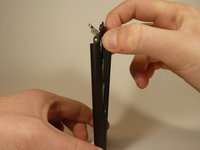
  4. HTC One V Ear Speaker Replacement: adım 4, 3 resimden 1. HTC One V Ear Speaker Replacement: adım 4, 3 resimden 2. HTC One V Ear Speaker Replacement: adım 4, 3 resimden 3.
    • Use a plastic opening tool to pry open the bottom casing.

    • Remove the bottom casing by pulling it towards you.

    FixBot'a Sor

    Yorum Ekle

  5. HTC One V Ear Speaker Replacement, Disassembling HTC One V Back Case: adım 5, 3 resimden 1. HTC One V Ear Speaker Replacement, Disassembling HTC One V Back Case: adım 5, 3 resimden 2. HTC One V Ear Speaker Replacement, Disassembling HTC One V Back Case: adım 5, 3 resimden 3.
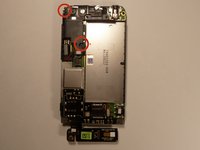
    • Use the plastic opening tool to pry open the rear camera panel.

    • Remove both screws that are securing the back case.

    • One 4.0 mm Phillips #0 screw.

    • One 3.0 mm Phillips #0 screw.

    FixBot'a Sor

    Yorum Ekle

  6. HTC One V Ear Speaker Replacement: adım 6, 3 resimden 1. HTC One V Ear Speaker Replacement: adım 6, 3 resimden 2. HTC One V Ear Speaker Replacement: adım 6, 3 resimden 3.
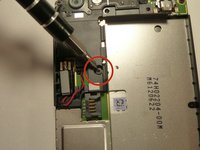
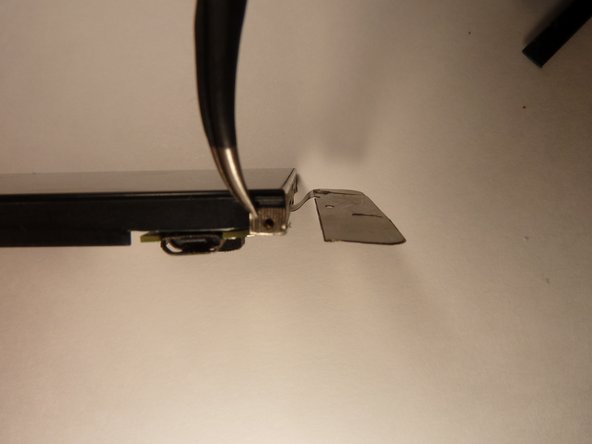
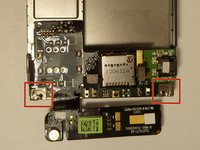
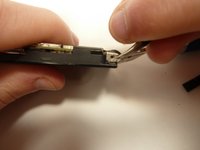
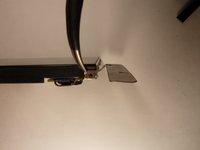
    • Use a Jimmy to pry up the OEM SIM and SD card reader contact.

    • Pry from right to left to avoid potential damages to the ribbon.

    FixBot'a Sor

    Yorum Ekle

  7. HTC One V Ear Speaker Replacement: adım 7, 3 resimden 1. HTC One V Ear Speaker Replacement: adım 7, 3 resimden 2. HTC One V Ear Speaker Replacement: adım 7, 3 resimden 3.
    • Using both thumbs, gently push on the two bottom rear corners of the motherboard.

    • Gently and slowly pull the screen out from the front of the phone, while feeding the OEM reader contact through the opening.

    FixBot'a Sor

    Yorum Ekle

  8. HTC One V Ear Speaker Replacement, Battery: adım 8, 1 resimden 1.
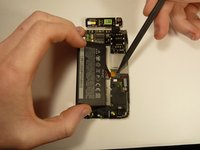
    • Pry up the battery with the flat end of the spudger.

    FixBot'a Sor

    Yorum Ekle

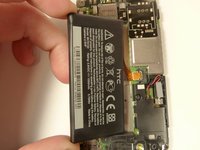
  9. HTC One V Ear Speaker Replacement: adım 9, 3 resimden 1. HTC One V Ear Speaker Replacement: adım 9, 3 resimden 2. HTC One V Ear Speaker Replacement: adım 9, 3 resimden 3.
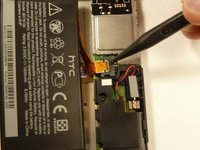
    • Gently lift up the battery away from the edge of its housing.

    • Use the point end of the spudger to push the connection out of its housing.

    FixBot'a Sor

    Yorum Ekle

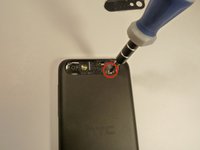
  10. HTC One V Ear Speaker Replacement, Camera Lens: adım 10, 3 resimden 1. HTC One V Ear Speaker Replacement, Camera Lens: adım 10, 3 resimden 2. HTC One V Ear Speaker Replacement, Camera Lens: adım 10, 3 resimden 3.
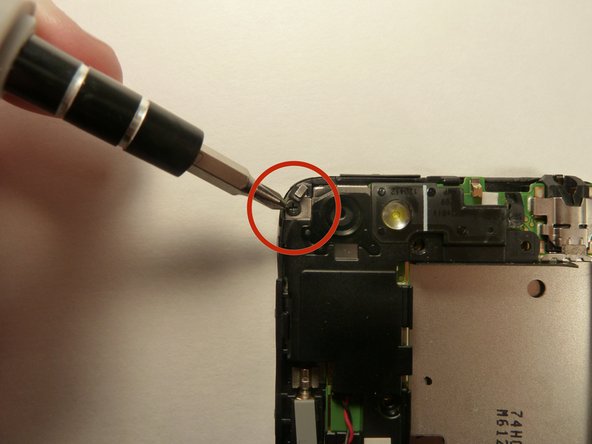
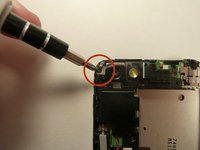
    • Remove the two 3.0 mm Phillips #0 screws, that are securing the camera lens.

    FixBot'a Sor

    Yorum Ekle

  11. HTC One V Ear Speaker Replacement: adım 11, 1 resimden 1.
    • Pry off the camera lens using a plastic opening tool.

    FixBot'a Sor

    Yorum Ekle

  12. HTC One V Ear Speaker Replacement, Vibrator: adım 12, 2 resimden 1. HTC One V Ear Speaker Replacement, Vibrator: adım 12, 2 resimden 2.
    Bu adımda kullanılan alet:
    Tweezers
    $4.99
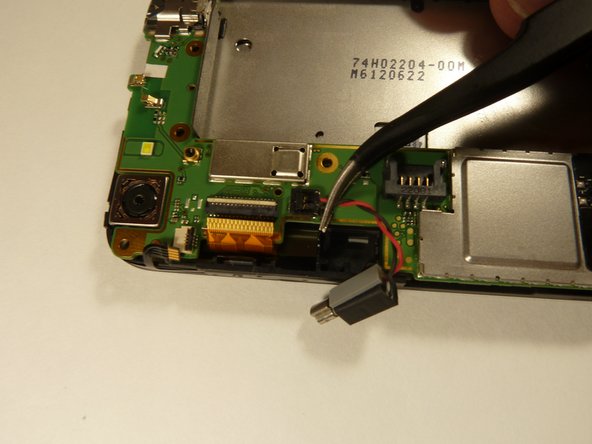
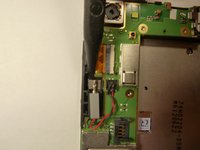
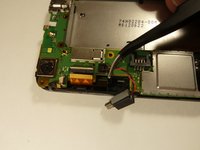
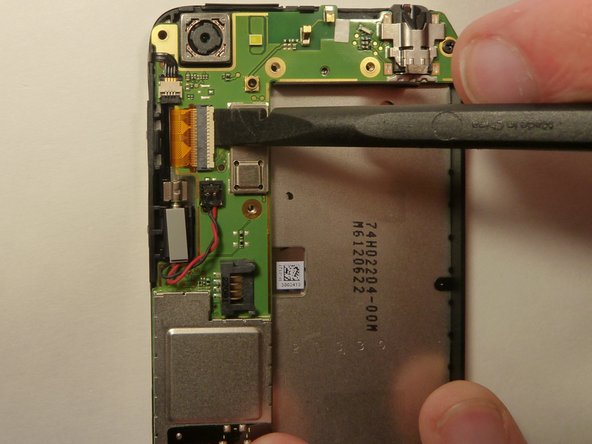
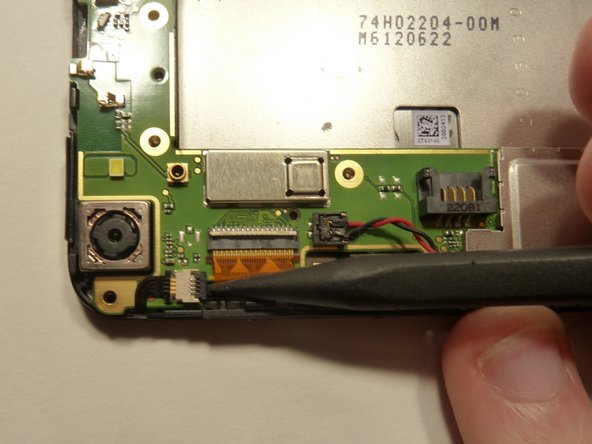
    • Pry the vibrator out of the housing with a spudger.

    • Using the tweezers, pull up on the connecting wires detaching the vibrator from the motherboard.

    FixBot'a Sor

    Yorum Ekle

  13. HTC One V Ear Speaker Replacement, Motherboard: adım 13, 3 resimden 1. HTC One V Ear Speaker Replacement, Motherboard: adım 13, 3 resimden 2. HTC One V Ear Speaker Replacement, Motherboard: adım 13, 3 resimden 3.
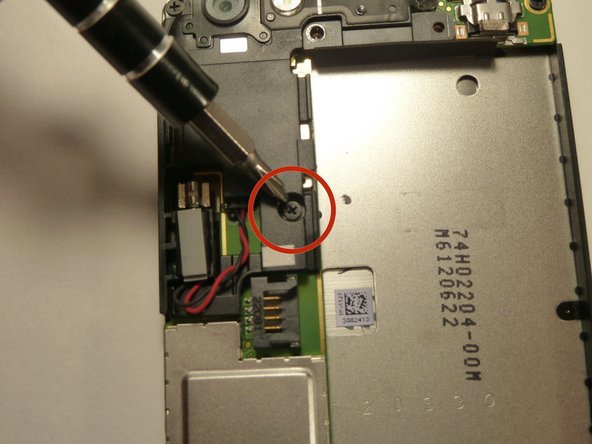
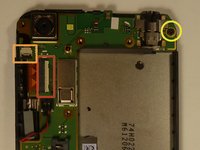
    • Using the spudger lift the tabs on the highlighted, red and orange, ribbon connectors. Gently pull out the ribbons from their connectors.

    • Remove the 3.0 mm Phillips #0 screw.

    FixBot'a Sor

    Yorum Ekle

  14. HTC One V Ear Speaker Replacement: adım 14, 3 resimden 1. HTC One V Ear Speaker Replacement: adım 14, 3 resimden 2. HTC One V Ear Speaker Replacement: adım 14, 3 resimden 3.
    Bu adımda kullanılan alet:
    Tweezers
    $4.99
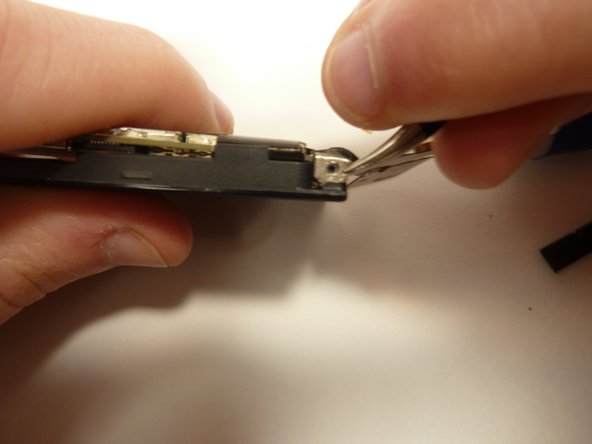
    • Using tweezers, pull back on the tape located on the bottom corners of the motherboard.

    FixBot'a Sor

    Yorum Ekle

  15. HTC One V Ear Speaker Replacement: adım 15, 2 resimden 1. HTC One V Ear Speaker Replacement: adım 15, 2 resimden 2.
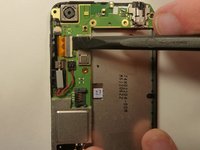
    • Use the spudger to push back the latch holding on the motherboard. While the latch is pushed back use the plastic opening tool to pry up the motherboard.

    FixBot'a Sor

    Yorum Ekle

  16. HTC One V Ear Speaker Replacement: adım 16, 1 resimden 1.
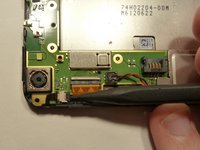
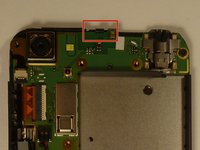
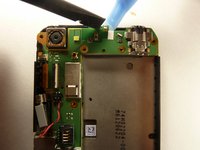
    • Place your phone on its side so that you can gently pull up on the motherboard to expose its last connector.

    • Using the flat end of the spudger, pop of the connector.

    FixBot'a Sor

    Yorum Ekle

  17. HTC One V Ear Speaker Replacement, Ear Speaker: adım 17, 1 resimden 1.
    Bu adımda kullanılan alet:
    Tweezers
    $4.99
    • Pull off the ear speaker using the tweezers.

    FixBot'a Sor

    Yorum Ekle

Sonuç

To reassemble your device, follow these instructions in reverse order.

İptal et: Bu kılavuzu tamamlamadım.

Michael Lucido

Üyelik tarihi: 01/20/15

852 İtibar

6 adet Kılavuz yazıldı

Ekip

USF Tampa, Team 1-3, Blackwell Winter 2015 USF Tampa, Team 1-3, Blackwell Winter 2015 üyesi

USFT-BLACKWELL-W15S1G3

4 Üyeler

24 adet Kılavuz yazıldı

0Kılavuz Yorumları

Yorum Ekle

İstatistikleri Görüntüle:

Son 24 Saat: 1

Son 7 gün: 3

Son 30 gün: 25

Her zaman: 695