Ana içeriğe geç
Onarım Topluluğuna Katılın - Hesap Oluşturun

HTC Rhyme Volume Button Replacement

Neye ihtiyacın var

    1. HTC Rhyme Volume Button  Replacement, Removing Back Cover: adım 1, 1 resimden 1.
      • Slide the bottom back cover off of the phone.

      FixBot'a Sor

      Yorum Ekle

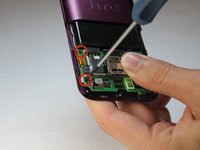
    2. HTC Rhyme Volume Button  Replacement: adım 2, 1 resimden 1.
      • Locate the four screws on the plastic cover and unscrew them.

      FixBot'a Sor

      Yorum Ekle

    3. HTC Rhyme Volume Button  Replacement: adım 3, 1 resimden 1.
      • Pry the sticker off from the sides.

      • You can use a metal spudger to do this.

      • Peel the sticker off with your hands.

      FixBot'a Sor

      Yorum Ekle

    4. HTC Rhyme Volume Button  Replacement, Remove the plastic cover: adım 4, 1 resimden 1.
      • Remove the plastic cover using your hands.

      FixBot'a Sor

      Yorum Ekle

    5. HTC Rhyme Volume Button  Replacement: adım 5, 1 resimden 1.
      • Remove the yellow ribbon.

      FixBot'a Sor

      Yorum Ekle

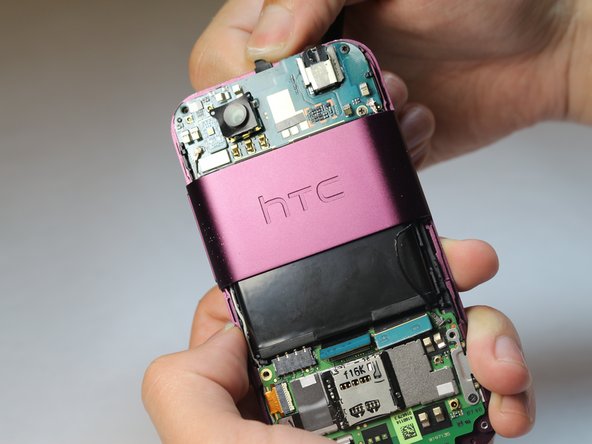
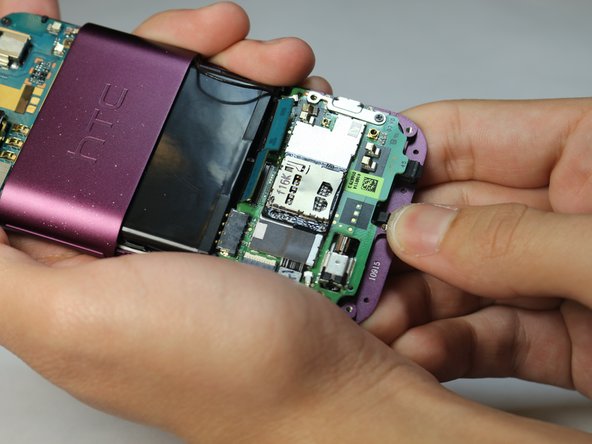
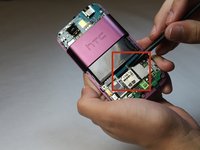
    6. HTC Rhyme Volume Button  Replacement: adım 6, 3 resimden 1. HTC Rhyme Volume Button  Replacement: adım 6, 3 resimden 2. HTC Rhyme Volume Button  Replacement: adım 6, 3 resimden 3.
      • Lift up the blue flaps underneath the battery.

      • Lift up the black flap at the top of the phone.

      • Lift up the black flap at the bottom of the phone.

      FixBot'a Sor

      Yorum Ekle

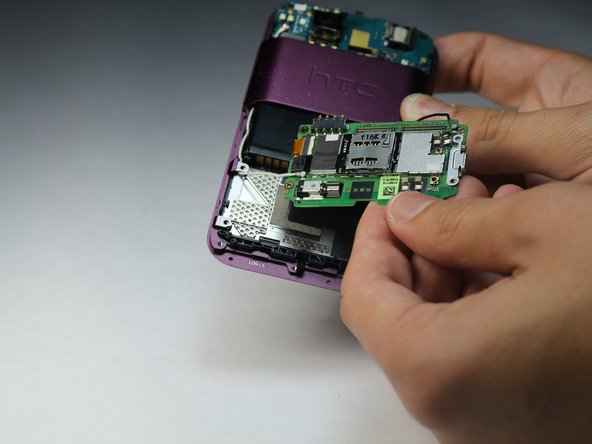
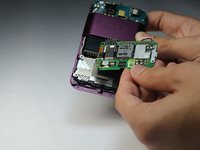
    7. HTC Rhyme Volume Button  Replacement, Remove the Motherboard: adım 7, 2 resimden 1. HTC Rhyme Volume Button  Replacement, Remove the Motherboard: adım 7, 2 resimden 2.
      • Remove all 4 screws.

      • Carefully remove the motherboard with your hands.

      FixBot'a Sor

      Yorum Ekle

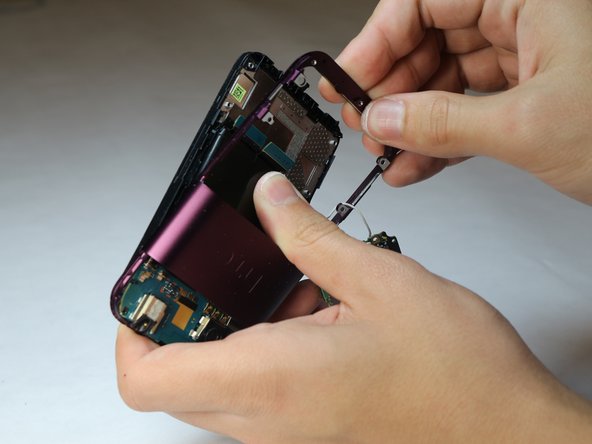
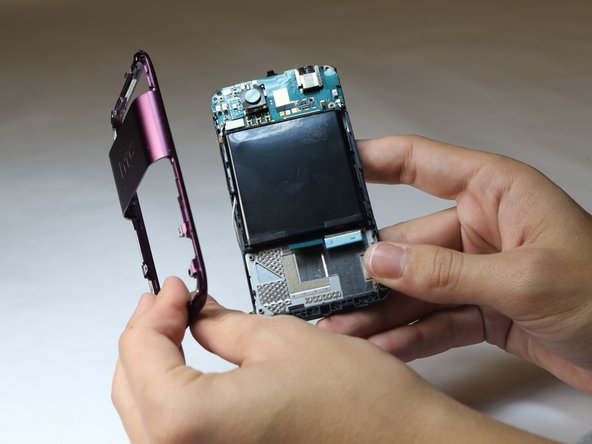
    8. HTC Rhyme Volume Button  Replacement, Removing the back plastic casing: adım 8, 3 resimden 1. HTC Rhyme Volume Button  Replacement, Removing the back plastic casing: adım 8, 3 resimden 2. HTC Rhyme Volume Button  Replacement, Removing the back plastic casing: adım 8, 3 resimden 3.
      • Pry the back plastic casing off with your hands.

      FixBot'a Sor

      Yorum Ekle

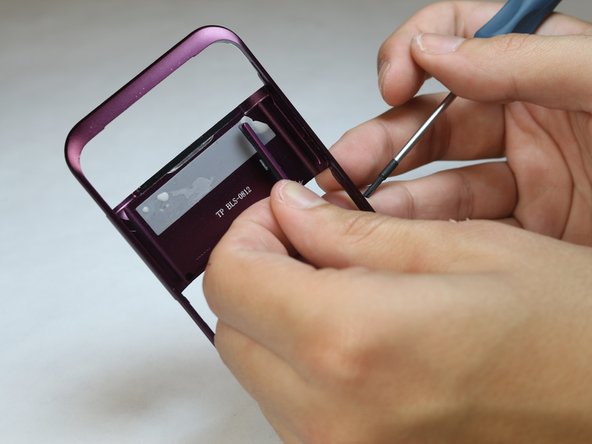
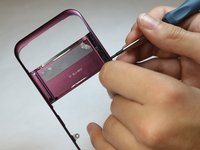
    9. HTC Rhyme Volume Button  Replacement: adım 9, 2 resimden 1. HTC Rhyme Volume Button  Replacement: adım 9, 2 resimden 2.
      • Use the tip of a screwdriver to push the button out of the panel.

      FixBot'a Sor

      Yorum Ekle

Sonuç

To reassemble your device, follow these instructions in reverse order.

İptal et: Bu kılavuzu tamamlamadım.

Frederick

Üyelik tarihi: 10/08/14

119 İtibar

1 Kılavuz yazıldı

Ekip

USF Tampa, Team 9-6, Leahy Fall 2014 USF Tampa, Team 9-6, Leahy Fall 2014 üyesi

USFT-LEAHY-F14S9G6

3 Üyeler

35 adet Kılavuz yazıldı

0Kılavuz Yorumları

Yorum Ekle

İstatistikleri Görüntüle:

Son 24 Saat: 1

Son 7 gün: 6

Son 30 gün: 27

Her zaman: 511