Ana içeriğe geç
Onarım Topluluğuna Katılın - Hesap Oluşturun

HTC Thunderbolt Speaker Replacement

Neye ihtiyacın var

    1. HTC Thunderbolt Speaker Replacement, Rear Panel: adım 1, 1 resimden 1.
      • Insert the plastic opening tool into the top of the Thunderbolt near the power button.

      • Gently pry up on the rear panel around the edges until it is loose.

      FixBot'a Sor

      Yorum Ekle

    2. HTC Thunderbolt Speaker Replacement: adım 2, 1 resimden 1.
      • Lift and remove the rear panel.

      FixBot'a Sor

      Yorum Ekle

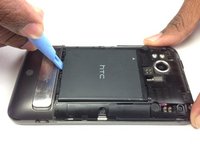
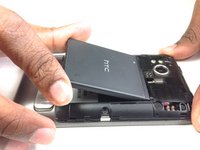
    1. HTC Thunderbolt Speaker Replacement, Battery: adım 3, 2 resimden 1. HTC Thunderbolt Speaker Replacement, Battery: adım 3, 2 resimden 2.
      • Using the plastic opening tool, lift up the battery from the bottom near the kickstand.

      • Remove the battery from the inner frame.

      FixBot'a Sor

      Yorum Ekle

    1. HTC Thunderbolt Speaker Replacement, Rear Frame: adım 4, 1 resimden 1.
      • Remove the six Phillips screws from the perimeter of the rear frame.

      • By removing the screw with the "void" sticker on it, your Thunderbolt will no longer be covered under warranty.

      FixBot'a Sor

      Yorum Ekle

    2. HTC Thunderbolt Speaker Replacement: adım 5, 2 resimden 1. HTC Thunderbolt Speaker Replacement: adım 5, 2 resimden 2.
      • Insert the plastic opening tool into the bottom of the phone underneath the soft keys.

      • Gently pry up on the plastic cover by sliding the plastic opening tool across the bottom of the phone.

      • Remove the plastic cover.

      • The plastic cover will have adhesive on it making it difficult to remove.

      FixBot'a Sor

      Yorum Ekle

    3. HTC Thunderbolt Speaker Replacement: adım 6, 1 resimden 1.
      • Remove the two Phillips screws where the plastic cover was.

      FixBot'a Sor

      Yorum Ekle

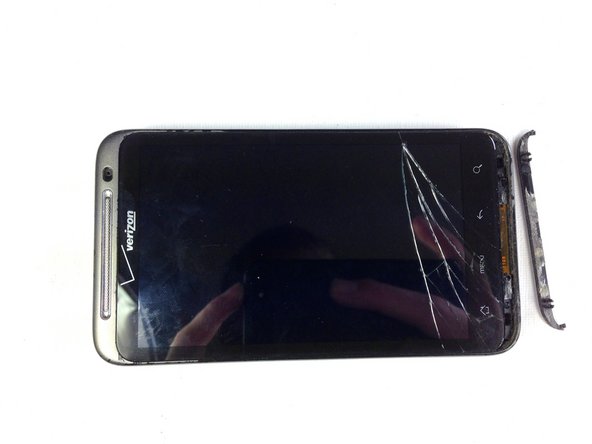
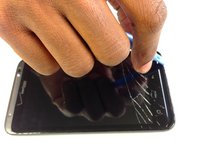
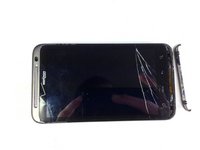
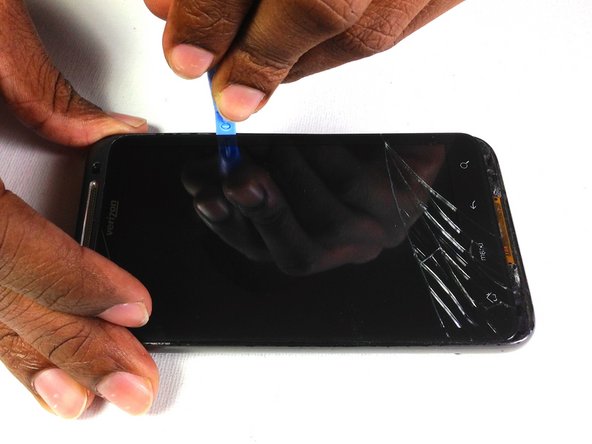
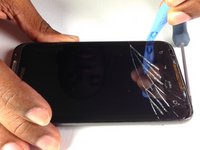
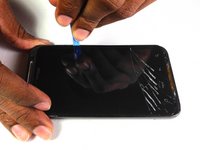
    4. HTC Thunderbolt Speaker Replacement: adım 7, 2 resimden 1. HTC Thunderbolt Speaker Replacement: adım 7, 2 resimden 2.
      • Insert the plastic opening tool in between the screen and the frame on the side of the phone.

      • Slowly slide the the plastic opening tool along the side of the phone until the screen begins to separate from the frame.

      • Do the same for the opposite side of the phone.

      FixBot'a Sor

      Yorum Ekle

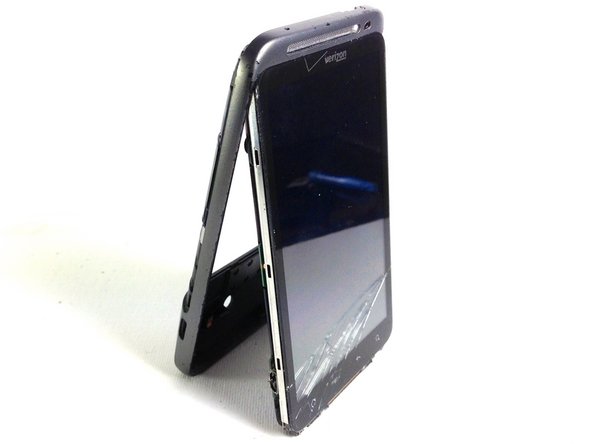
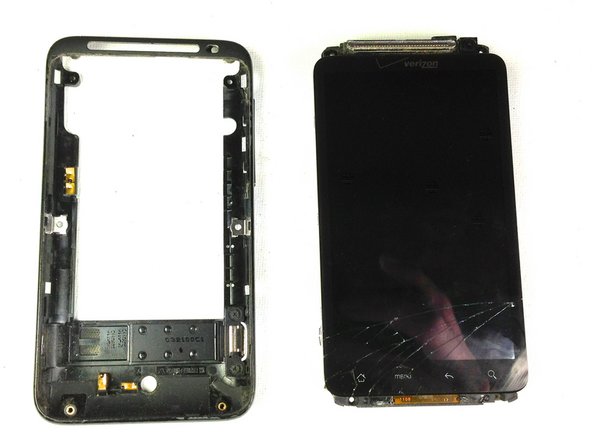
    5. HTC Thunderbolt Speaker Replacement: adım 8, 3 resimden 1. HTC Thunderbolt Speaker Replacement: adım 8, 3 resimden 2. HTC Thunderbolt Speaker Replacement: adım 8, 3 resimden 3.
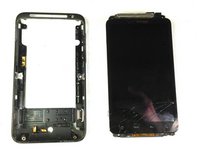
      • Carefully separate the screen and phone from the rear frame, starting from the bottom.

      • Gently pull down on the phone and screen to fully separate it from the rear frame.

      FixBot'a Sor

      Yorum Ekle

    1. HTC Thunderbolt Speaker Replacement, Rear Inner Frame: adım 9, 1 resimden 1.
      • Remove the two Phillips screws securing rear inner frame to device.

      FixBot'a Sor

      Yorum Ekle

    2. HTC Thunderbolt Speaker Replacement: adım 10, 1 resimden 1.
      • Insert the plastic opening tool between the rear inner frame and the motherboard and slowly work your way around the device.

      FixBot'a Sor

      Yorum Ekle

    3. HTC Thunderbolt Speaker Replacement: adım 11, 2 resimden 1. HTC Thunderbolt Speaker Replacement: adım 11, 2 resimden 2.
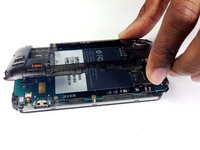
      • Remove the rear inner frame from the rest of the device.

      FixBot'a Sor

      Yorum Ekle

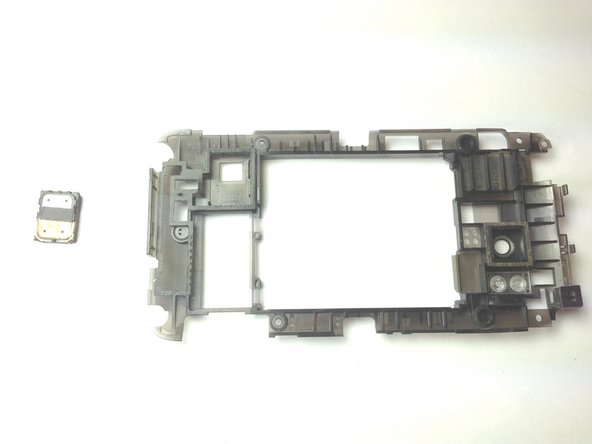
    1. HTC Thunderbolt Speaker Replacement, Speaker: adım 12, 1 resimden 1.
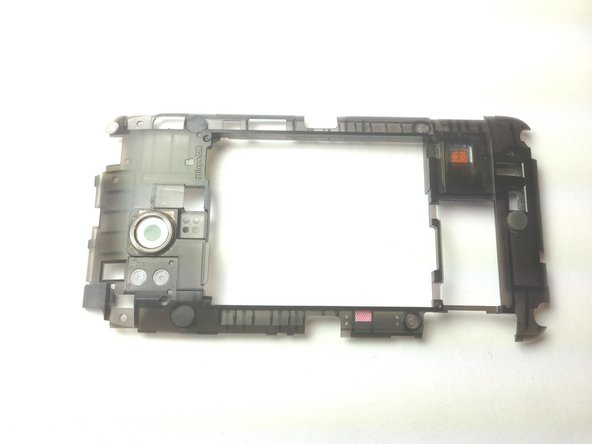
      • Flip over rear inner frame.

      FixBot'a Sor

      Yorum Ekle

    2. HTC Thunderbolt Speaker Replacement: adım 13, 2 resimden 1. HTC Thunderbolt Speaker Replacement: adım 13, 2 resimden 2.
      • Pry out speaker with plastic opening tools.

      • You have now removed the speaker.

      FixBot'a Sor

      Yorum Ekle

Sonuç

To reassemble your device, follow these instructions in reverse order.

İptal et: Bu kılavuzu tamamlamadım.

Brandon Younger

Üyelik tarihi: 01/17/13

212 İtibar

8 adet Kılavuz yazıldı

Ekip

Cal Poly, Team 19-45, Regan Winter 2013 Cal Poly, Team 19-45, Regan Winter 2013 üyesi

CPSU-REGAN-W13S19G45

4 Üyeler

132 adet Kılavuz yazıldı

0Kılavuz Yorumları

Yorum Ekle

İstatistikleri Görüntüle:

Son 24 Saat: 1

Son 7 gün: 6

Son 30 gün: 27

Her zaman: 984