Ana içeriğe geç
Onarım Topluluğuna Katılın - Hesap Oluşturun

HTC Wizard 200 Speakers Replacement

Neye ihtiyacın var

    1. HTC Wizard 200 Speakers Replacement, Battery: adım 1, 2 resimden 1. HTC Wizard 200 Speakers Replacement, Battery: adım 1, 2 resimden 2.
      • To expose the battery, remove the outer case with your fingernail.

      • Remove the battery by pulling the black tab.

      FixBot'a Sor

      Yorum Ekle

    1. HTC Wizard 200 Speakers Replacement, Back Panel: adım 2, 1 resimden 1.
      Bu adımda kullanılan alet:
      Spudger
      $3.99
      • Insert the flat end of the spudger into the two notches on the back of the camera cover and pry them up.

      FixBot'a Sor

      Yorum Ekle

    2. HTC Wizard 200 Speakers Replacement: adım 3, 2 resimden 1. HTC Wizard 200 Speakers Replacement: adım 3, 2 resimden 2.
      Bu adımda kullanılan alet:
      Spudger
      $3.99
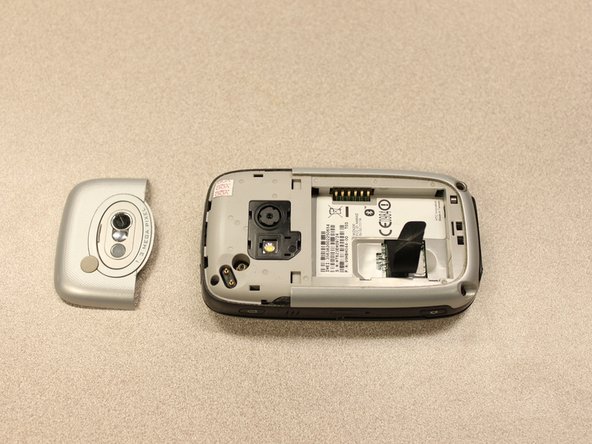
      • Work the spudger around the edges of the camera cover until it comes off.

      FixBot'a Sor

      Yorum Ekle

    3. HTC Wizard 200 Speakers Replacement: adım 4, 2 resimden 1. HTC Wizard 200 Speakers Replacement: adım 4, 2 resimden 2.
      Bu adımda kullanılan alet:
      T5 Torx Screwdriver
      $5.49
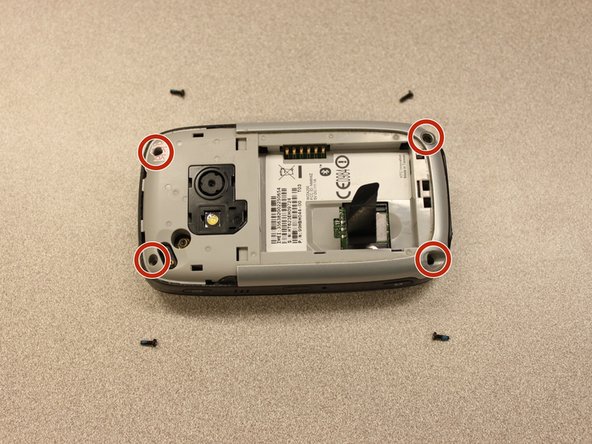
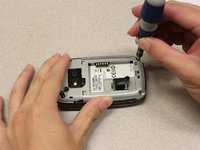
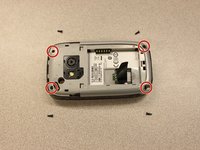
      • Remove the four 6 mm screws with the T5 Torx screwdriver.

      • One of the screws is under the "void" sticker.

      FixBot'a Sor

      Yorum Ekle

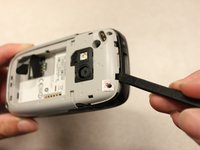
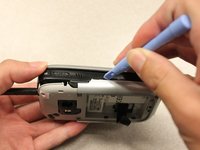
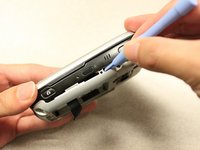
    4. HTC Wizard 200 Speakers Replacement: adım 5, 3 resimden 1. HTC Wizard 200 Speakers Replacement: adım 5, 3 resimden 2. HTC Wizard 200 Speakers Replacement: adım 5, 3 resimden 3.
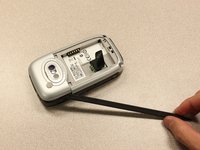
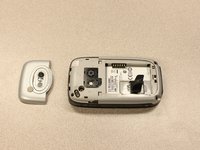
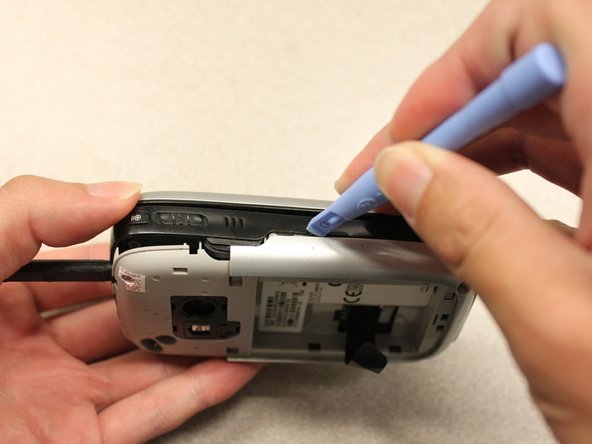
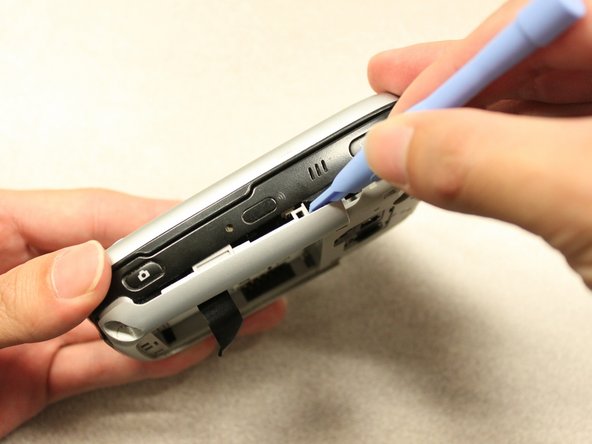
      • Insert the flat end of an iFixit opening tool between the side and inner covers to create a gap.

      • Work the tool around the edges until all the clips release.

      FixBot'a Sor

      Yorum Ekle

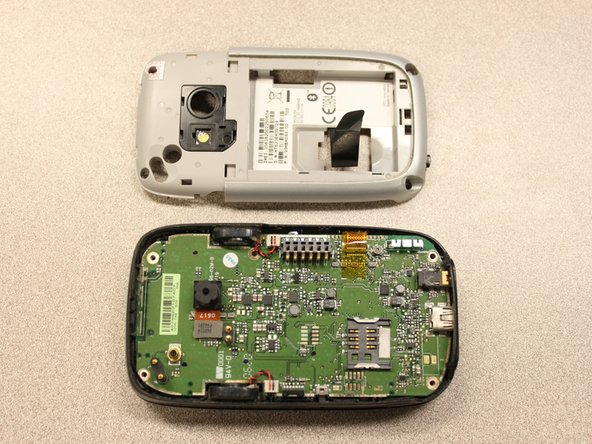
    5. HTC Wizard 200 Speakers Replacement: adım 6, 2 resimden 1. HTC Wizard 200 Speakers Replacement: adım 6, 2 resimden 2.
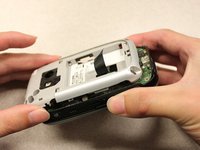
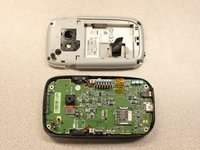
      • Once all the clips are open, remove the inner panel from the phone.

      FixBot'a Sor

      Yorum Ekle

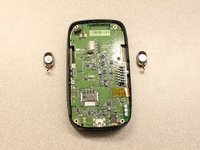
    1. HTC Wizard 200 Speakers Replacement, Speakers: adım 7, 2 resimden 1. HTC Wizard 200 Speakers Replacement, Speakers: adım 7, 2 resimden 2.
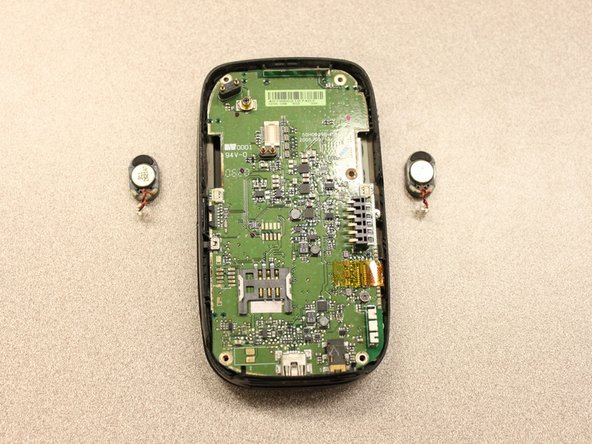
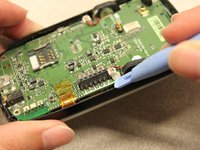
      • Device rotated 180 degrees.

      • Use the plastic opening tool to disconnect the speaker connections.

      FixBot'a Sor

      Yorum Ekle

Sonuç

To reassemble your device, follow these instructions in reverse order.

İptal et: Bu kılavuzu tamamlamadım.

Kyle Champ

Üyelik tarihi: 10/03/11

225 İtibar

12 adet Kılavuz yazıldı

Ekip

Cal Poly, Team 20-27, Maness Fall 2011 Cal Poly, Team 20-27, Maness Fall 2011 üyesi

CPSU-MANESS-F11S20G27

4 Üyeler

120 adet Kılavuz yazıldı

0Kılavuz Yorumları

Yorum Ekle

İstatistikleri Görüntüle:

Son 24 Saat: 3

Son 7 gün: 9

Son 30 gün: 32

Her zaman: 1,092