Ana içeriğe geç
Onarım Topluluğuna Katılın - Hesap Oluşturun

Hoover Power Path Pro Advanced Suction Motor Replacement

Neye ihtiyacın var

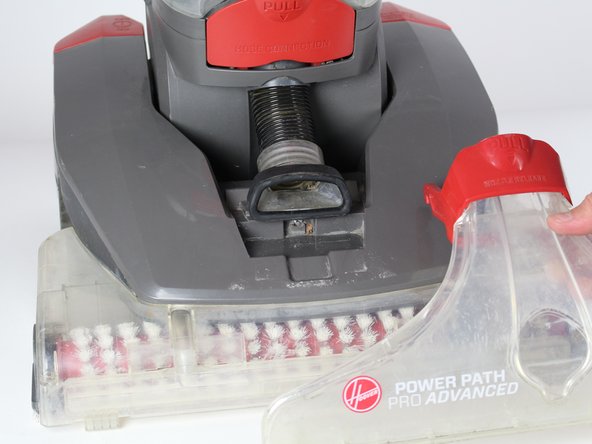
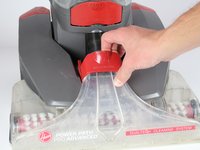
  1. Hoover Power Path Pro Advanced Suction Motor Replacement, Brush Roller: adım 1, 2 resimden 1. Hoover Power Path Pro Advanced Suction Motor Replacement, Brush Roller: adım 1, 2 resimden 2.
    • Unplug the vacuum cleaner from the wall outlet before starting. Make sure the water tanks are empty.

    • Lay the cleaner down horizontally with its wheels closest to the floor.

    FixBot'a Sor

    Yorum Ekle

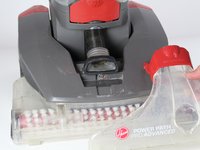
  2. Hoover Power Path Pro Advanced Suction Motor Replacement: adım 2, 2 resimden 1. Hoover Power Path Pro Advanced Suction Motor Replacement: adım 2, 2 resimden 2.
    • Hold the lower brush roll with both hands and pull outwards until it is detached.

    FixBot'a Sor

    Yorum Ekle

  3. Hoover Power Path Pro Advanced Suction Motor Replacement: adım 3, 1 resimden 1.
    • Unscrew the 6 marked screws using a Phillips #2 head screwdriver.

    • Remove the brush roller.

    FixBot'a Sor

    Yorum Ekle

  4. Hoover Power Path Pro Advanced Suction Motor Replacement, Belt: adım 4, 1 resimden 1.
    • Use a long #2 Philips head screwdriver to remove the 8 numbered screws on the bottom of the cleaner.

    FixBot'a Sor

    Yorum Ekle

  5. Hoover Power Path Pro Advanced Suction Motor Replacement: adım 5, 2 resimden 1. Hoover Power Path Pro Advanced Suction Motor Replacement: adım 5, 2 resimden 2.
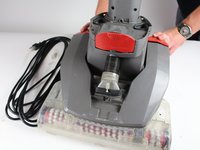
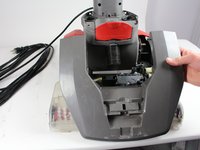
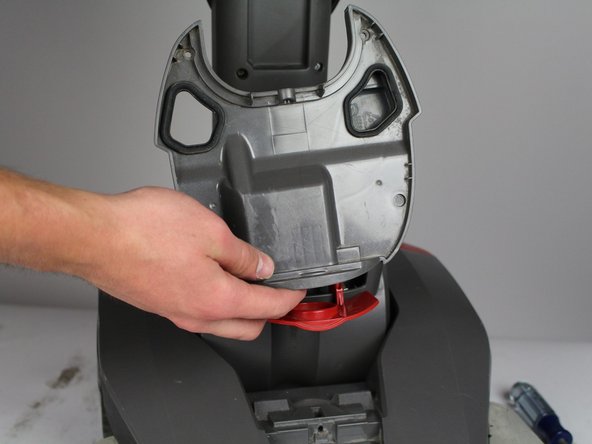
    • Pull the red handle shown to remove the front suction unit from the cleaner.

    FixBot'a Sor

    Yorum Ekle

  6. Hoover Power Path Pro Advanced Suction Motor Replacement: adım 6, 1 resimden 1.
    • Unscrew the Phillips #2 screw at the bottom of the hose.

    FixBot'a Sor

    Yorum Ekle

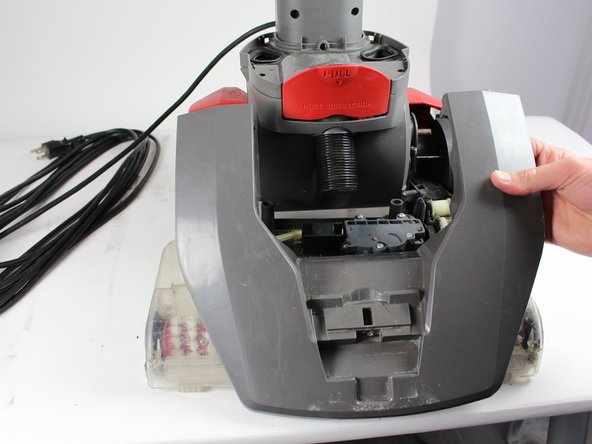
  7. Hoover Power Path Pro Advanced Suction Motor Replacement: adım 7, 2 resimden 1. Hoover Power Path Pro Advanced Suction Motor Replacement: adım 7, 2 resimden 2.
    • Push down on the handle release button. Pull and disconnect the edge of the top cover on the side of the handle release button.

    • Repeat the above step for the "On/Off" button.

    • When pulling the handle release button, make sure the top of the cleaner does not fall.

    FixBot'a Sor

    Yorum Ekle

  8. Hoover Power Path Pro Advanced Suction Motor Replacement: adım 8, 1 resimden 1.
    • Gently grab the belt and pry it off from the rollers.

    FixBot'a Sor

    Yorum Ekle

  9. Hoover Power Path Pro Advanced Suction Motor Replacement, Suction Motor: adım 9, 2 resimden 1. Hoover Power Path Pro Advanced Suction Motor Replacement, Suction Motor: adım 9, 2 resimden 2.
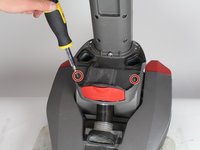
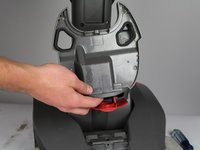
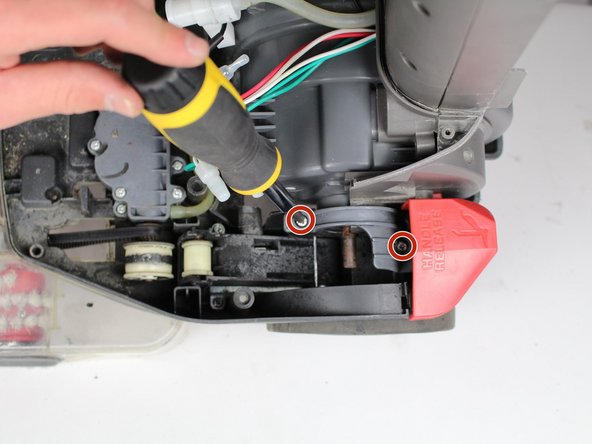
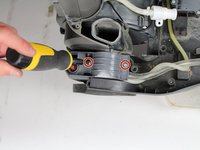
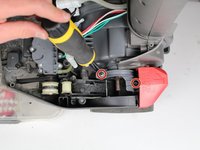
    • Unscrew two screws using Phillips #2 screwdriver.

    • Detach grey piece from vacuum.

    FixBot'a Sor

    Yorum Ekle

  10. Hoover Power Path Pro Advanced Suction Motor Replacement: adım 10, 2 resimden 1. Hoover Power Path Pro Advanced Suction Motor Replacement: adım 10, 2 resimden 2.
    • Unscrew four screws using a Phillips 2 screwdriver.

    FixBot'a Sor

    Yorum Ekle

  11. Hoover Power Path Pro Advanced Suction Motor Replacement: adım 11, 1 resimden 1.
    • Pull out of base of vacuum.

    FixBot'a Sor

    Yorum Ekle

  12. Hoover Power Path Pro Advanced Suction Motor Replacement: adım 12, 1 resimden 1.
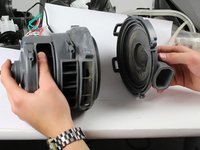
    • Flip vacuum over and unscrew three screws with a Phillips #2 screwdriver.

    FixBot'a Sor

    Yorum Ekle

  13. Hoover Power Path Pro Advanced Suction Motor Replacement: adım 13, 1 resimden 1.
    • Unscrew two screws with Phillips #2 screwdriver.

    FixBot'a Sor

    Yorum Ekle

  14. Hoover Power Path Pro Advanced Suction Motor Replacement: adım 14, 1 resimden 1.
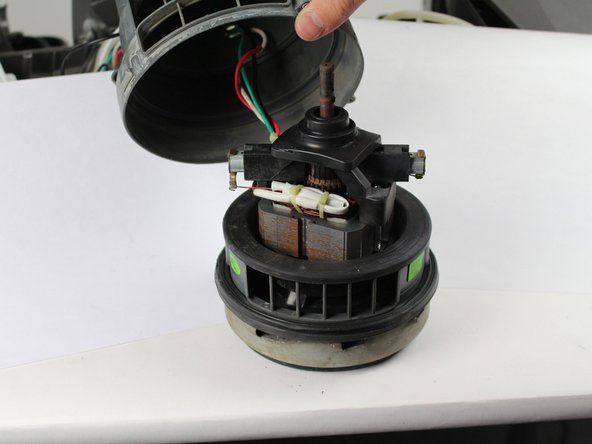
    • Detach motor and unscrew two screws with a Phillips #2 screwdriver.

    FixBot'a Sor

    Yorum Ekle

  15. Hoover Power Path Pro Advanced Suction Motor Replacement: adım 15, 2 resimden 1. Hoover Power Path Pro Advanced Suction Motor Replacement: adım 15, 2 resimden 2.
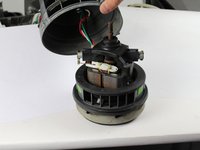
    • Pull the bottom section off.

    • Pull the cap off.

    FixBot'a Sor

    Yorum Ekle

Sonuç

To reassemble your device, follow these instructions in reverse order.

İptal et: Bu kılavuzu tamamlamadım.

4 farklı kişi bu kılavuzu tamamladı.

Ekip

Cal Poly, Team S16-G5, Banghart Winter 2018 Cal Poly, Team S16-G5, Banghart Winter 2018 üyesi

CPSU-BANGHART-W18S16G5

5 Üyeler

15 adet Kılavuz yazıldı

1Rehber Yorum

What to do if the motor is still good but the cooling fan on the top of the armature has broken off?

Billy H. Deal Jr - Yanıt Paylaş

Yorum Ekle

İstatistikleri Görüntüle:

Son 24 Saat: 0

Son 7 gün: 1

Son 30 gün: 26

Her zaman: 2,860