Giriş
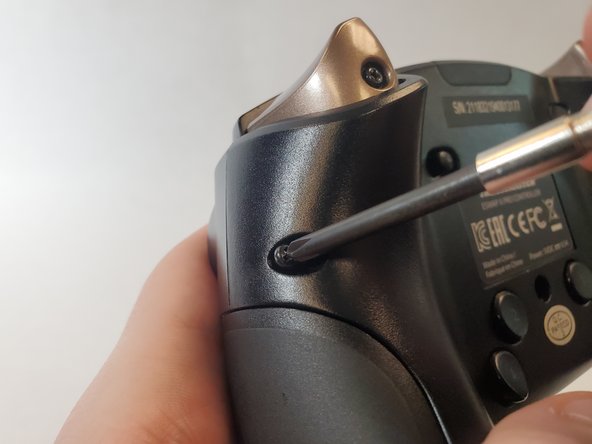
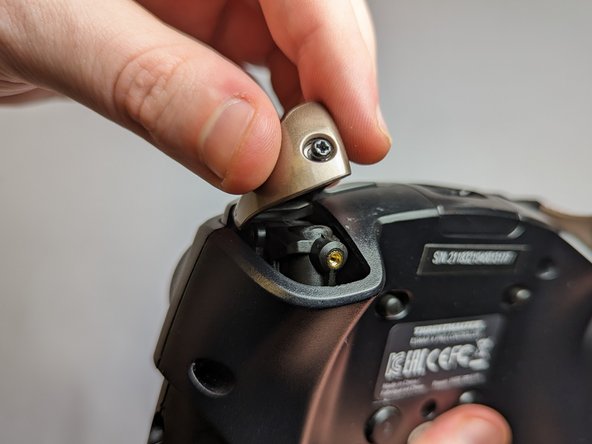
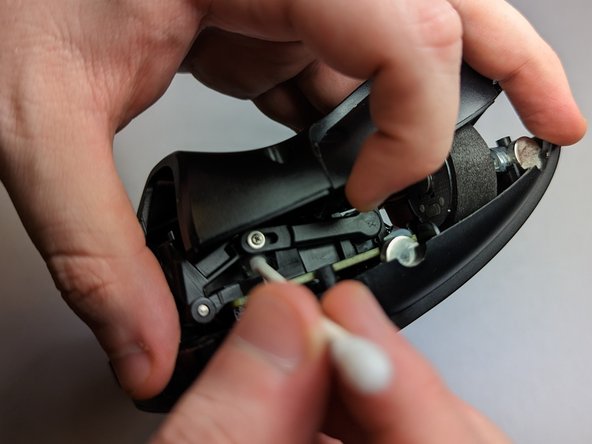
Use this guide to fix your faulty controller trigger on your Thrustmaster Eswap X Pro Controller. If your controller is experiencing faulty readings such as continued button readings after the button is released, it is most likely due to a layer of dust covering the switch. The switch refers to the limit switch that is pushed down every time the trigger button is pressed. A layer of dust causes a false reading of being pressed and therefore the switch continues firing.
Before using this guide, check with the controller software, ThrustmapperX, to see if your controller is producing false readings. Be absolutely sure the problem is with the trigger switch and not the mechanism itself.
Neye ihtiyacın var
-
-
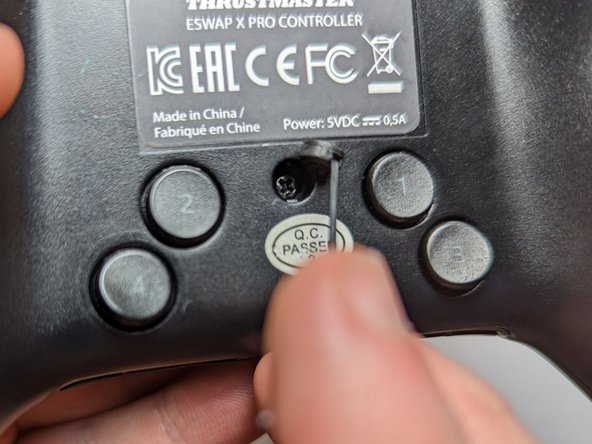
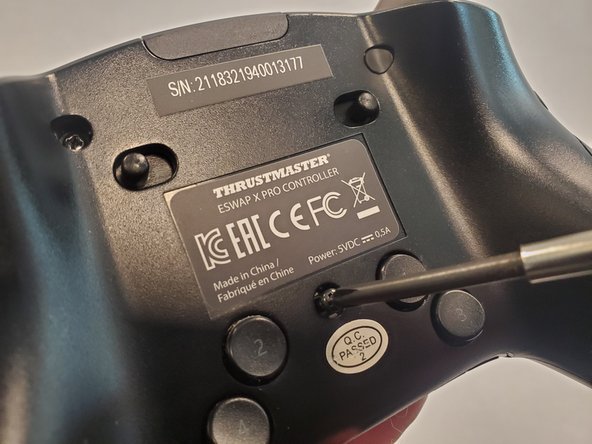
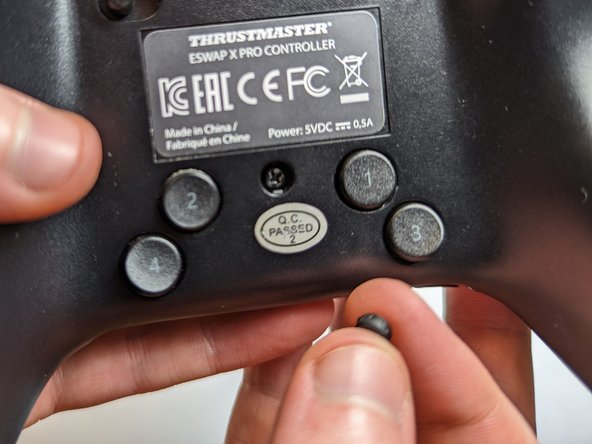
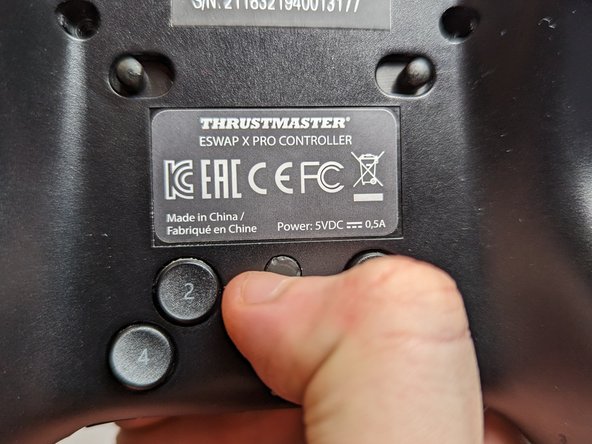
Flip the controller so the backside is facing up.
-
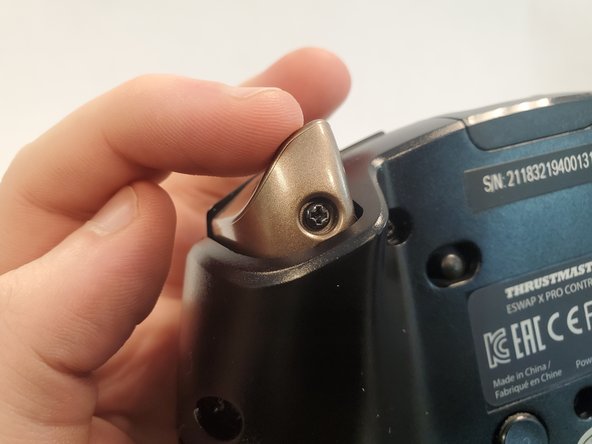
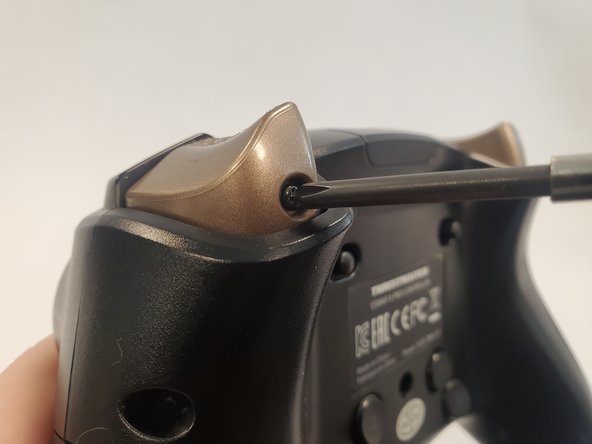
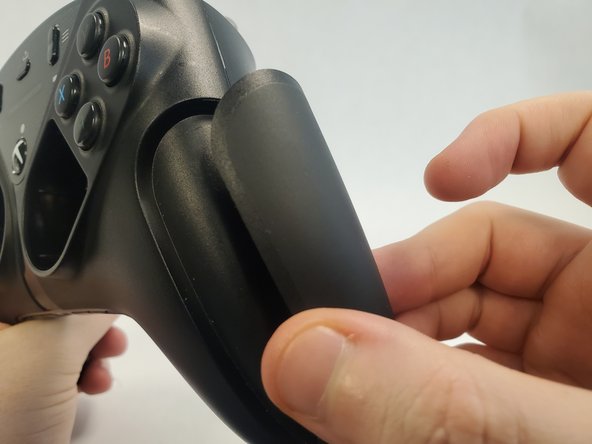
Flip both of the switches away from the center.
-
-



















To reassemble your device, follow these instructions in reverse order.
İptal et: Bu kılavuzu tamamlamadım.
3 farklı kişi bu kılavuzu tamamladı.


Ekip

UC Davis, Team 2-3, Morris Winter 2023 UC Davis, Team 2-3, Morris Winter 2023 üyesi
UCD-MORRIS-W23S2G3
2 Üyeler
1 Kılavuz yazıldı
3Kılavuz Yorumları
The problem is it keeps happening after doing all these steps. is there any way or parts to replace the trigger sensor completely? Possibly with a nice hall effect sensor?
You can remove the lever bar that goes from the screw to the sensor (the one you see on Step 7)
Spray a small amount of WD40 on the sensor and use a prong to rotate the part on its full range of motion several times, that will clean up the contact inside and it completely fixed the jitter on mine.
Alex L -
hi, i made an account here just to say this worked for me but on the thrustmaster eswap S pro controller, it's almost identical aside from the cover panels
