Ana içeriğe geç

How to Open Your Logitech G305

Neye ihtiyacın var

  1. How to Open Your Logitech G305, Turn off your mouse: adım 1, 2 resimden 1. How to Open Your Logitech G305, Turn off your mouse: adım 1, 2 resimden 2.
    • Slide your mouse's power switch to the left so it's in the OFF position.

    • A red indicator should be visible beneath the switch.

    • Throughout your repair, it may be helpful to lay your mouse on a soft cloth to stabilize it and prevent damage while you work.

  2. How to Open Your Logitech G305, Remove the mouse feet: adım 2, 2 resimden 1. How to Open Your Logitech G305, Remove the mouse feet: adım 2, 2 resimden 2.
    • The feet are secured to the bottom of the mouse with adhesive. In order to cleanly remove them, the adhesive needs to be thoroughly heated.

    • Heat an iOpener and lay it on the mouse feet for one minute to heat the adhesive.

    • Alternatively, you can use a hair dryer on the Low heat setting to soften the adhesive.

    • If you're using a hair dryer, only heat the feet a few seconds at a time or you may warp the plastic shell.

  3. How to Open Your Logitech G305: adım 3, 3 resimden 1. How to Open Your Logitech G305: adım 3, 3 resimden 2. How to Open Your Logitech G305: adım 3, 3 resimden 3.
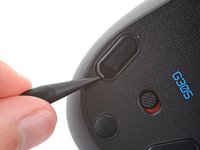
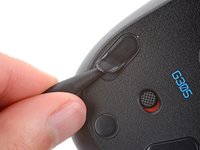
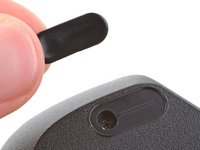
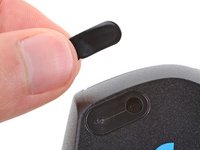
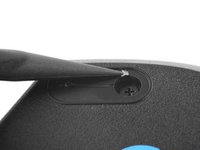
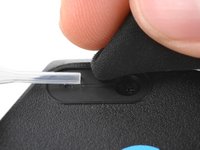
    • The feet have two layers—a rubberized one and an adhesive pad underneath.

    • If you're reusing the feet, be very careful not to separate the two layers or damage the feet.

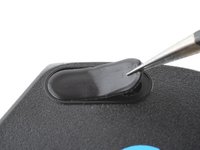
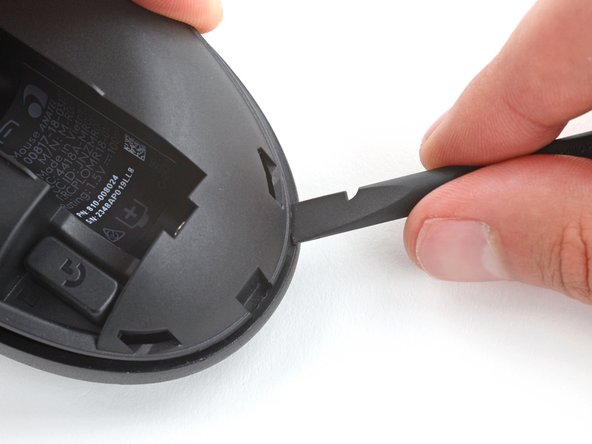
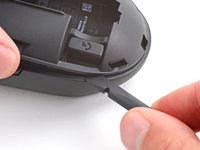
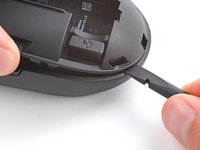
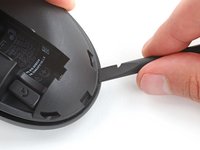
    • Carefully slide the point of a spudger under one of the feet, making sure it goes under both the foot and its adhesive pad.

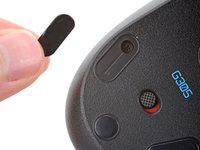
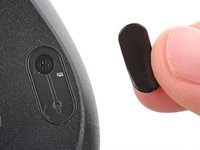
    • If you're just removing the feet to open the mouse, you don't need to remove the circular one below the power switch.

    • Gently slide the spudger farther under the foot and lift to remove it.

    • If the rubber layer separates from its adhesive pad, use the same process to remove the pad.

  4. How to Open Your Logitech G305: adım 4, 3 resimden 1. How to Open Your Logitech G305: adım 4, 3 resimden 2. How to Open Your Logitech G305: adım 4, 3 resimden 3.
    • Repeat the previous step to remove the remaining feet.

  5. How to Open Your Logitech G305, Reassembly information: adım 5, 3 resimden 1. How to Open Your Logitech G305, Reassembly information: adım 5, 3 resimden 2. How to Open Your Logitech G305, Reassembly information: adım 5, 3 resimden 3.
    • To install a new foot:

    • If any of the feet got damaged during removal or separated from their adhesive pads, replace them.

    • Use a spudger to carefully scrape up and remove any remaining adhesive bits.

    • If there's any adhesive residue left, use isopropyl alcohol and a microfiber cloth to remove it. Allow the surface to completely dry.

    • Remove the feet from their backing and firmly press them into place.

  6. How to Open Your Logitech G305, Remove the battery: adım 6, 3 resimden 1. How to Open Your Logitech G305, Remove the battery: adım 6, 3 resimden 2. How to Open Your Logitech G305, Remove the battery: adım 6, 3 resimden 3.
    • Press down on the top cover just above the Logitech logo and slide it back to remove it.

    • When reinstalling the cover, you should feel and hear a "click" as it slides into place.

  7. How to Open Your Logitech G305: adım 7, 3 resimden 1. How to Open Your Logitech G305: adım 7, 3 resimden 2. How to Open Your Logitech G305: adım 7, 3 resimden 3.
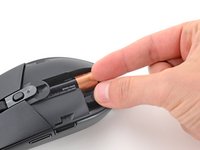
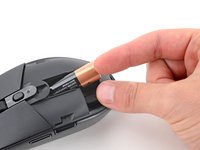
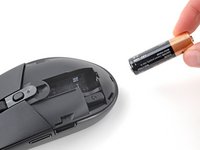
    • Lift the end of the AA battery near the back of the mouse and remove it.

    • To install a new battery, slide the negative (-) end into the recess so it's near the front of the mouse and push the battery into place.

  8. How to Open Your Logitech G305, Open your mouse: adım 8, 2 resimden 1. How to Open Your Logitech G305, Open your mouse: adım 8, 2 resimden 2.
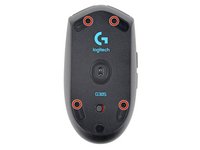
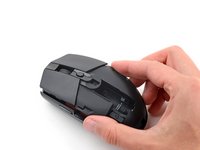
    • Use a Phillips screwdriver to remove the four 5.3 mm‑long screws securing the bottom shell.

  9. How to Open Your Logitech G305: adım 9, 2 resimden 1. How to Open Your Logitech G305: adım 9, 2 resimden 2.
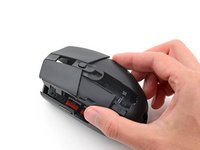
    • With one hand, firmly hold the bottom shell in place.

    • With your free hand, lift the front of the top shell to partially separate it.

    • Don't try to fully separate the top shell, as the back is still clipped in.

  10. How to Open Your Logitech G305: adım 10, 3 resimden 1. How to Open Your Logitech G305: adım 10, 3 resimden 2. How to Open Your Logitech G305: adım 10, 3 resimden 3.
    • With one hand, firmly grip the top shell.

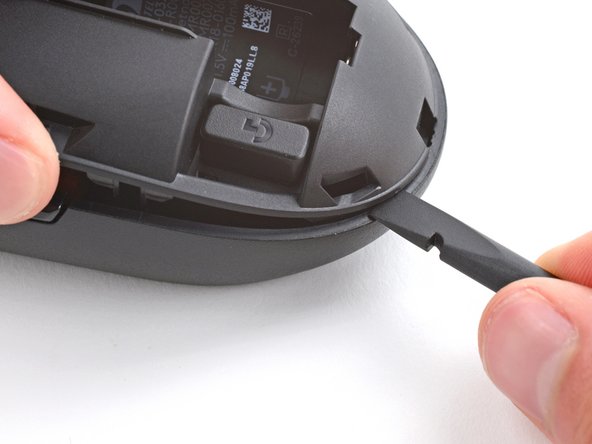
    • With your free hand, insert the flat end of a spudger between the top and bottom shells near the rear of the mouse.

    • Slide the spudger towards the rear of the mouse while pulling the top shell up and toward the front to separate the shells.

    • If the shells don't separate, repeat the process on the other side of the mouse.

  11. How to Open Your Logitech G305: adım 11, 3 resimden 1. How to Open Your Logitech G305: adım 11, 3 resimden 2. How to Open Your Logitech G305: adım 11, 3 resimden 3.
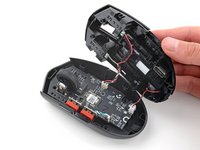
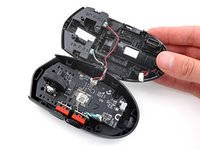
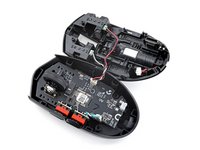
    • Don't try to fully remove the top shell yet, as two cables still connect it.

    • Lift the top shell up and flip it over the right edge of the mouse, being careful not to strain the cables.

    • The top shell should stay slightly propped up.

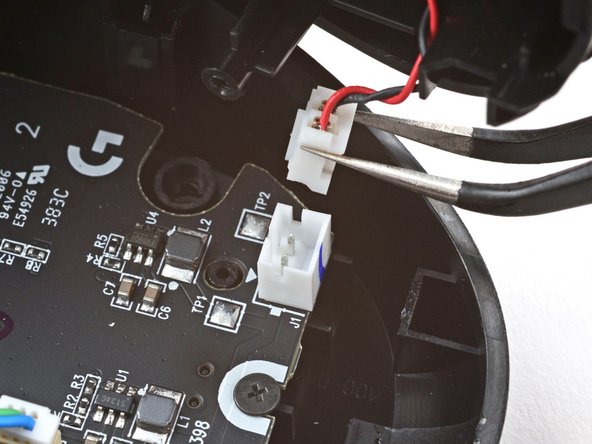
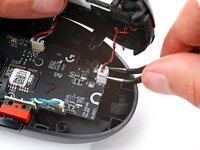
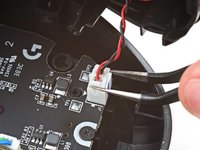
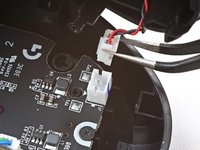
  12. How to Open Your Logitech G305: adım 12, 3 resimden 1. How to Open Your Logitech G305: adım 12, 3 resimden 2. How to Open Your Logitech G305: adım 12, 3 resimden 3.
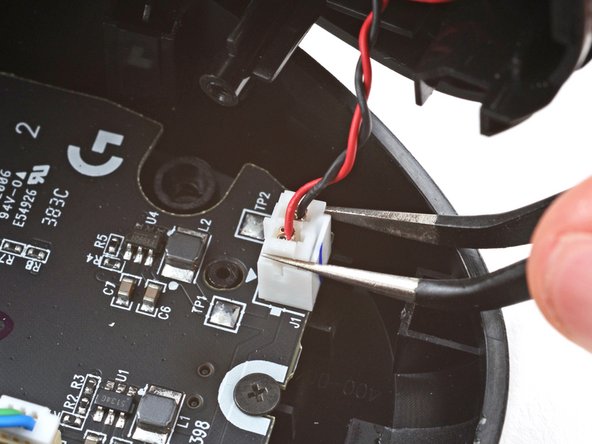
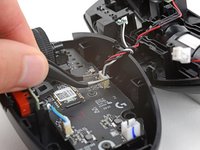
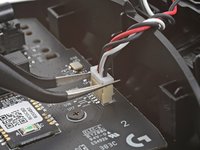
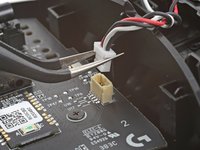
    • Use tweezers to firmly grip the short edges of the battery cable connector on the bottom right corner of the board.

    • Pull the connector straight up and out of its socket.

    • If you're having trouble, rock the connector side-to-side to help loosen it.

    • During reassembly, push down on the edges of the connector with the flat end of a spudger until it's fully seated in the socket.

  13. How to Open Your Logitech G305: adım 13, 2 resimden 1. How to Open Your Logitech G305: adım 13, 2 resimden 2.
    • Lay the top shell flat on your workspace to the right of the mouse.

  14. How to Open Your Logitech G305: adım 14, 3 resimden 1. How to Open Your Logitech G305: adım 14, 3 resimden 2. How to Open Your Logitech G305: adım 14, 3 resimden 3.
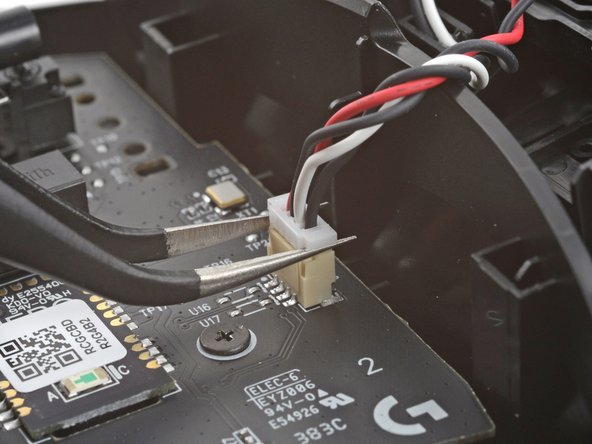
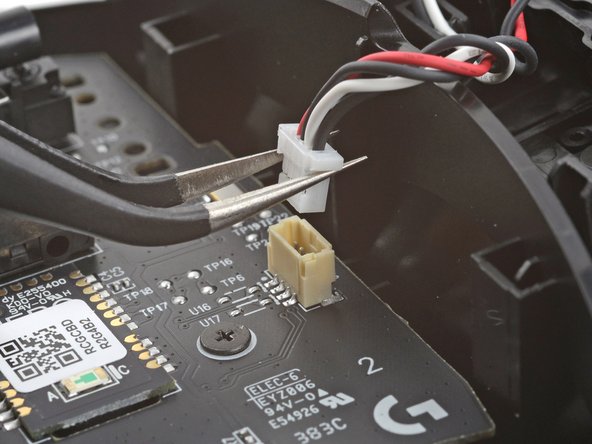
    • Use tweezers to firmly grip the short edges of the top buttons connector on the right edge of the board.

    • Pull the connector straight up and out of its socket.

    • If you're having trouble, rock the connector side-to-side to help loosen it.

    • During reassembly, push down on the short edges of the connector with the flat end of a spudger until it's fully seated in the socket.

  15. How to Open Your Logitech G305: adım 15, 1 resimden 1.
    • The top and bottom shells are now fully separated.

Sonuç

To reassemble your device, follow these instructions in reverse order.

Take your e-waste to an R2 or e-Stewards certified recycler.

Repair didn’t go as planned? Try some basic troubleshooting, or ask our Answers community for help.

4 farklı kişi bu kılavuzu tamamladı.

Spencer Day

Üyelik tarihi: 09/14/22

149.399 İtibar

995 adet Kılavuz yazıldı

Ekip

iFixit iFixit üyesi

Staff

123 Üyeler

23.612 adet Kılavuz yazıldı

2Kılavuz Yorumları

Muito bom, consegui consertar o problema do botão esquerdo e ficou novinho, fiz uma limpeza e Show .

HighTechGG - Yanıt
Hey, there is a little tab at the back of the mouse on step 10 that seems to be broken in this tutorial, it holds the top shell down and you have to push it backwards to release the top shell.⏎
I struggled a bit because of it, so if you are too don't force it or you might break it too, just push the tab backwards, thx!

Reds Pc - Yanıt

Yorum Ekle

İstatistikleri Görüntüle:

Son 24 Saat: 46

Son 7 gün: 320

Son 30 gün: 1,261

Her zaman: 10,800