Ana içeriğe geç

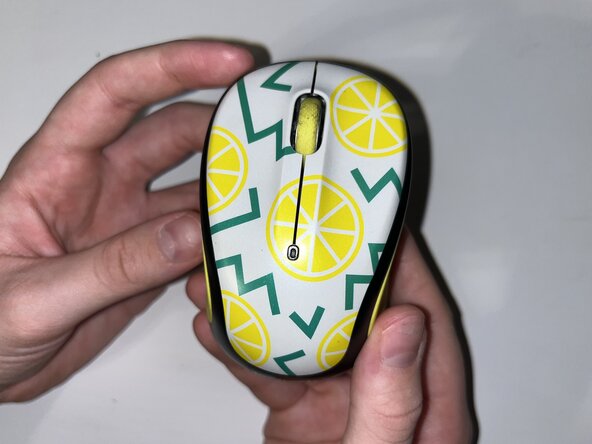
How to Replace a Logitech M325c Scroll Wheel

Neye ihtiyacın var
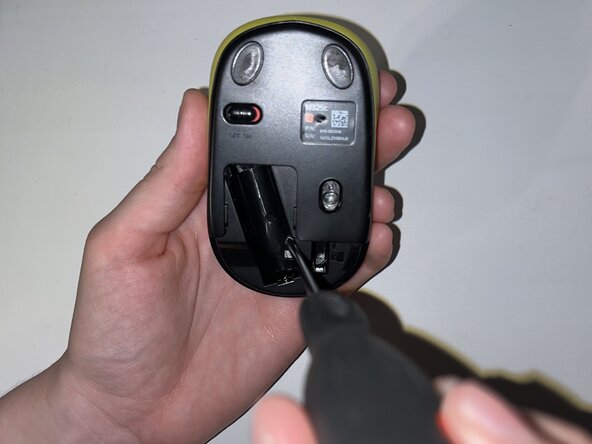
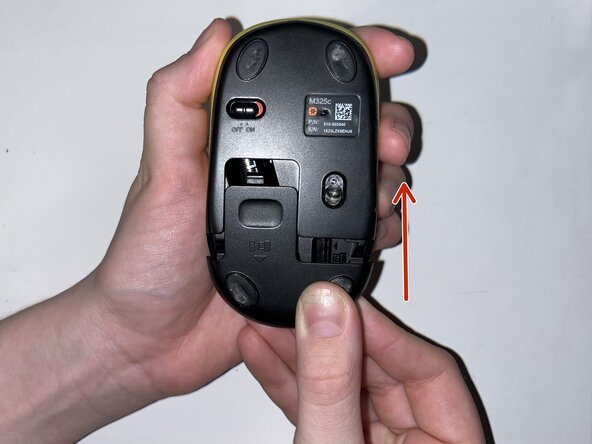
  1. How to Replace a Logitech M325c Scroll Wheel, Scroll Wheel: adım 1, 1 resimden 1.
    • Slide the mouse’s case open to reveal the battery compartment.

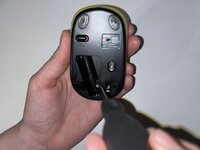
  2. How to Replace a Logitech M325c Scroll Wheel: adım 2, 3 resimden 1. How to Replace a Logitech M325c Scroll Wheel: adım 2, 3 resimden 2. How to Replace a Logitech M325c Scroll Wheel: adım 2, 3 resimden 3.
    • Remove the AA battery.

    • Peel off the sticker at the bottom of the compartment.

    • Remove the single Phillips screw.

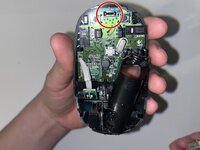
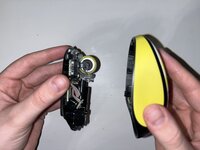
  3. How to Replace a Logitech M325c Scroll Wheel: adım 3, 3 resimden 1. How to Replace a Logitech M325c Scroll Wheel: adım 3, 3 resimden 2. How to Replace a Logitech M325c Scroll Wheel: adım 3, 3 resimden 3.
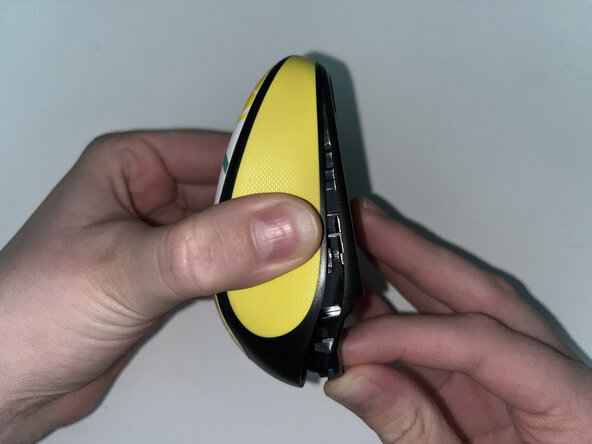
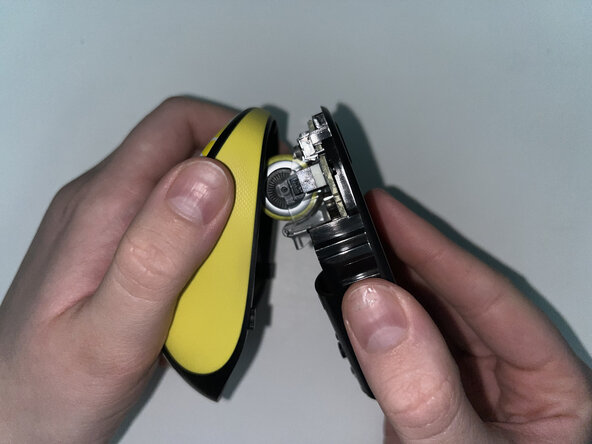
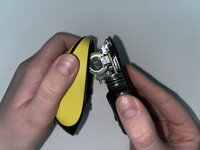
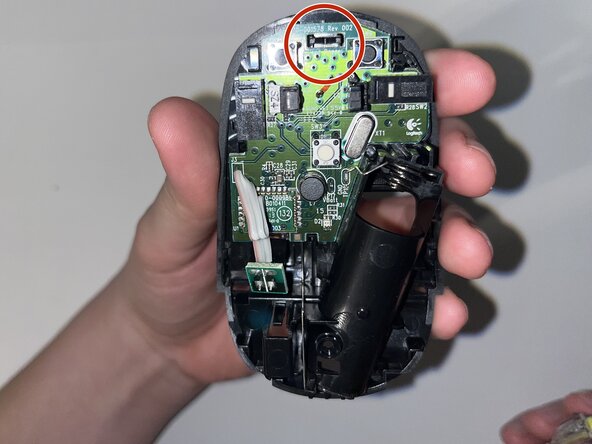
    • Pinch the lower case and carefully pull it to reveal the internal parts and scroll wheel.

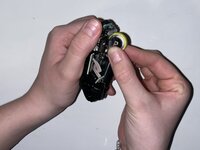
  4. How to Replace a Logitech M325c Scroll Wheel: adım 4, 3 resimden 1. How to Replace a Logitech M325c Scroll Wheel: adım 4, 3 resimden 2. How to Replace a Logitech M325c Scroll Wheel: adım 4, 3 resimden 3.
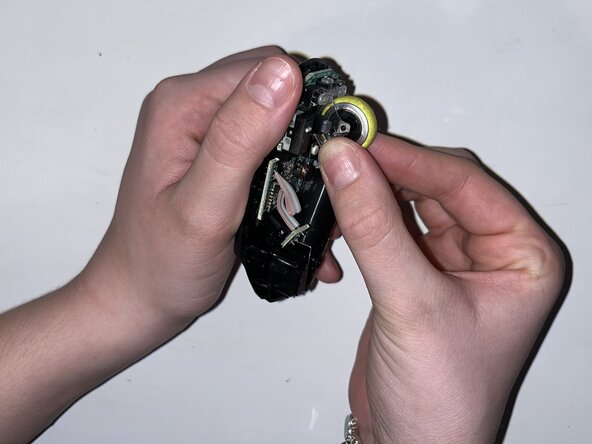
    • Carefully pop the scroll wheel out and replace it with the new wheel.

  5. How to Replace a Logitech M325c Scroll Wheel: adım 5, 2 resimden 1. How to Replace a Logitech M325c Scroll Wheel: adım 5, 2 resimden 2.
    • Reattach the bottom of the mouse and fasten the single Phillips screw in the battery compartment.

  6. How to Replace a Logitech M325c Scroll Wheel: adım 6, 3 resimden 1. How to Replace a Logitech M325c Scroll Wheel: adım 6, 3 resimden 2. How to Replace a Logitech M325c Scroll Wheel: adım 6, 3 resimden 3.
    • Replace the AA battery and reinstall the battery compartment cover.

Bitiş Çizgisi

nicolec9

Üyelik tarihi: 02/12/25

133 İtibar

1 Kılavuz yazıldı

Ekip

0Kılavuz Yorumları

Yorum Ekle

İstatistikleri Görüntüle:

Son 24 Saat: 0

Son 7 gün: 5

Son 30 gün: 12

Her zaman: 126