Giriş
Resetting your network settings can assist in resolving any sort of network connectivity issues. Clears settings related to mobile network, Bluetooth and WiFi connections
-
-
-
Click on the Settings app.
-
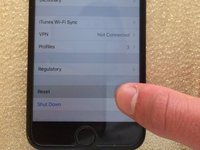
Do not 3D touch the screen. For illustration purposes only.
 FixBot'a Sor
-
-
-
-
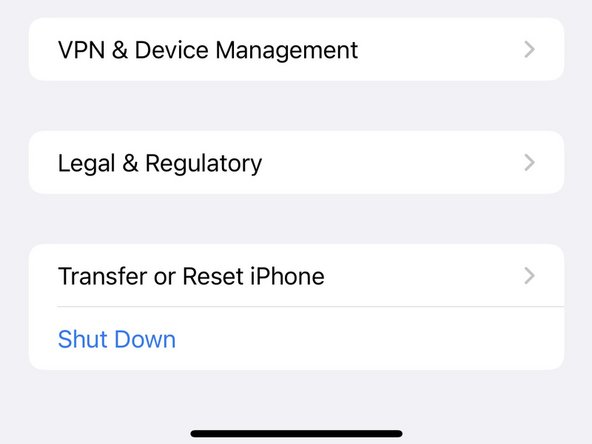
Scroll all the way to the bottom and tap on Reset.
-
Newer versions of iOS will have this setting listed as Transfer or Reset iPhone
-
-
-
Tap on Reset Network Settings.
-
On new versions of iOS, select the Reset option and then Reset Networks Settings.
-
-




İptal et: Bu kılavuzu tamamlamadım.
16 farklı kişi bu kılavuzu tamamladı.

1Rehber Yorum
i have tried it all but still i am facing huge network issue sometime it directly shows no network on the other hand my same network provider shows fulll range on other mobile
